


Smash & Fall Ragdoll:Kick Doll
Play on PC with BlueStacks – the Android Gaming Platform, trusted by 500M+ gamers.

Page Modified on: Jul 22, 2026
Main Smash & Fall Ragdoll:Kick Doll on PC
💥 Play with Realistic Ragdoll Physics
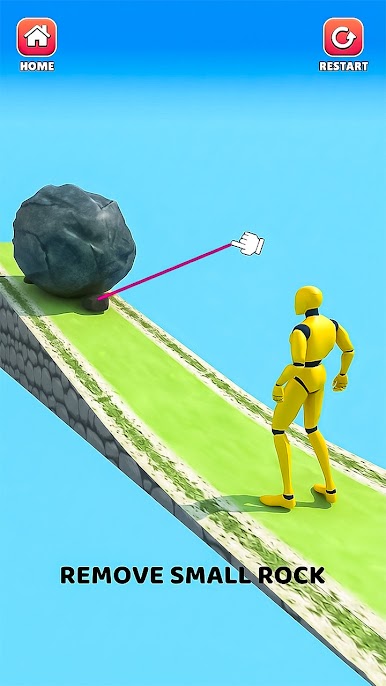
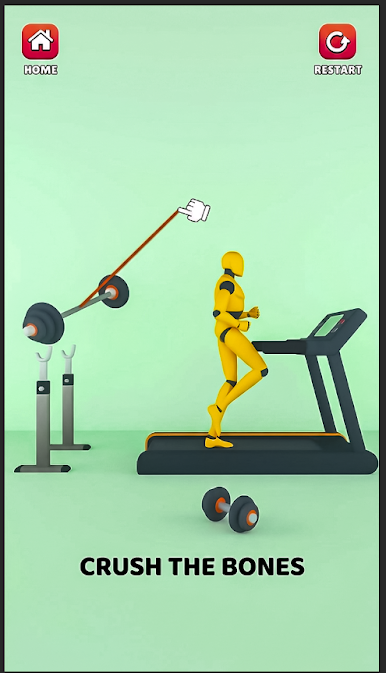
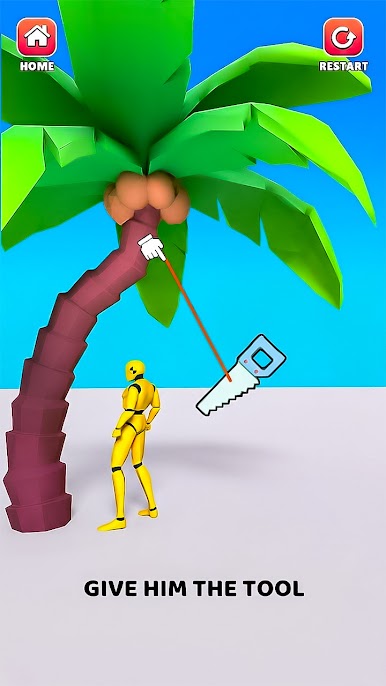
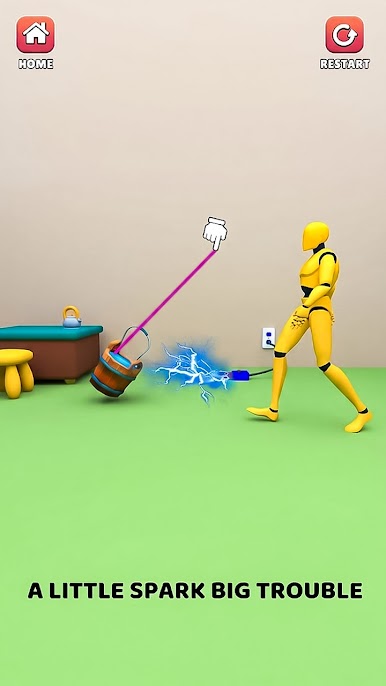
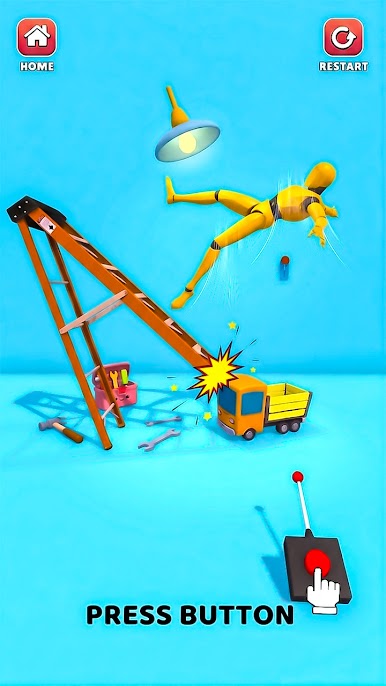
Control a flexible ragdoll character using a variety of tools, objects, and interactive elements. Push, throw, flip, and experiment with different actions to discover funny and unexpected physics-based moments. Every interaction feels smooth, dynamic, and entertaining.
🎮 Explore Creative Levels
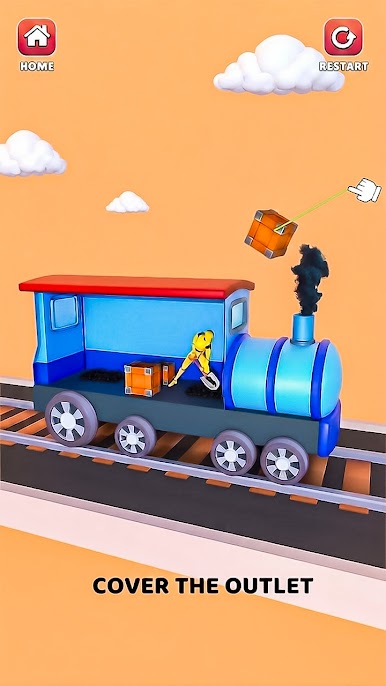
Discover a variety of unique levels filled with interactive environments and creative challenges. Each stage introduces fresh gameplay elements that encourage exploration, experimentation, and endless fun.
😄 Relaxing Casual Gameplay
Play at your own pace with simple controls and stress-free gameplay. Whether you have a few minutes or a longer gaming session, every level offers an enjoyable and entertaining experience.
🎯 Fun Anytime, Anywhere
Enjoy quick play sessions whenever you want. With smooth controls, engaging physics, and satisfying gameplay, Smash & Fall Ragdoll: Kick Doll is perfect for relaxing and having fun.
✨ Features
• Realistic ragdoll physics
• Interactive tools and objects
• Multiple unique levels
• Smooth and responsive controls
• Fun physics-based gameplay
• Entertaining sound effects
• Easy to play for all ages
If you enjoy ragdoll simulator games, physics-based challenges, and casual gameplay, Smash & Fall Ragdoll: Kick Doll offers plenty of fun, creative interactions, and enjoyable moments.

Play Smash & Fall Ragdoll:Kick Doll on PC. It’s easy to get started.
-
Download and install BlueStacks on your PC
-
Complete Google sign-in to access the Play Store, or do it later
-
Look for Smash & Fall Ragdoll:Kick Doll in the search bar at the top right corner
-
Click to install Smash & Fall Ragdoll:Kick Doll from the search results
-
Complete Google sign-in (if you skipped step 2) to install Smash & Fall Ragdoll:Kick Doll
-
Click the Smash & Fall Ragdoll:Kick Doll icon on the home screen to start playing

