


Uni - Craft your world
Play on PC with BlueStacks – the Android Gaming Platform, trusted by 500M+ gamers.

Page Modified on: Feb 9, 2026
Main Uni - Craft your world on PC
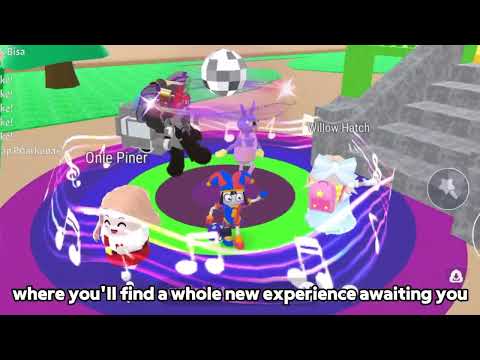
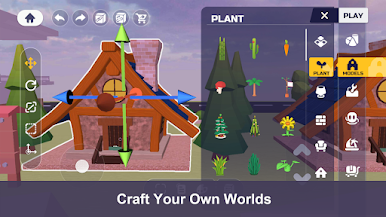
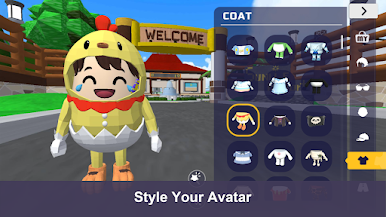
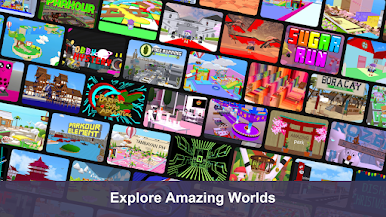
UNI invites you to be the creator of your own world, using the simple tools to create an exciting world and to create a wonderful world. From the places you like to go, to the places you want to go, and places that only exist in your imagination, you can create them at UNI, anytime, anywhere, wherever you want!
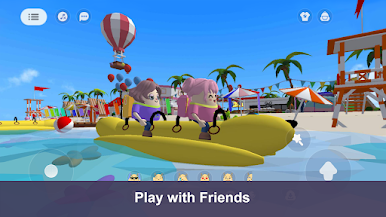
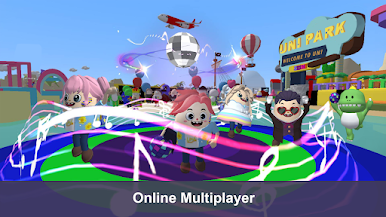
You can also invite your friends to play in various game worlds. Run obstacles in a mysterious world, trampoline in the garden, dance on the dance floor, sleep on clouds, do whatever you want!
If you encounter problems or have any suggestions or complaints, please contact us: cici000521@gmail.com
Play Uni - Craft your world on PC. It’s easy to get started.
-
Download and install BlueStacks on your PC
-
Complete Google sign-in to access the Play Store, or do it later
-
Look for Uni - Craft your world in the search bar at the top right corner
-
Click to install Uni - Craft your world from the search results
-
Complete Google sign-in (if you skipped step 2) to install Uni - Craft your world
-
Click the Uni - Craft your world icon on the home screen to start playing

