


Word Match: Connections Game
Play on PC with BlueStacks – the Android Gaming Platform, trusted by 500M+ gamers.

Page Modified on: Jul 30, 2025
Play Word Match: Association Puzzle on PC or Mac
Word Match: Association Puzzle is a Word game developed by Unico Studio. BlueStacks app player is the best platform to play this Android game on your PC or Mac for an immersive gaming experience.
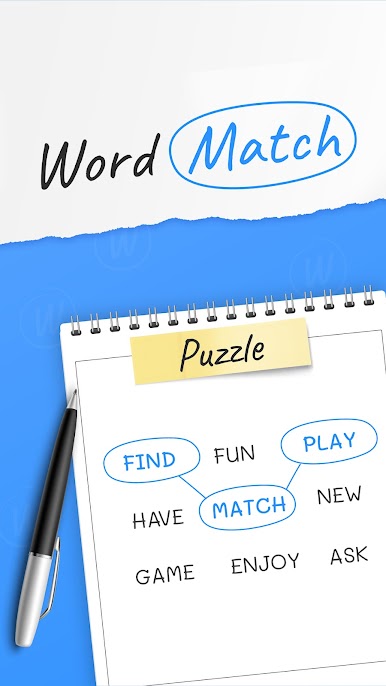
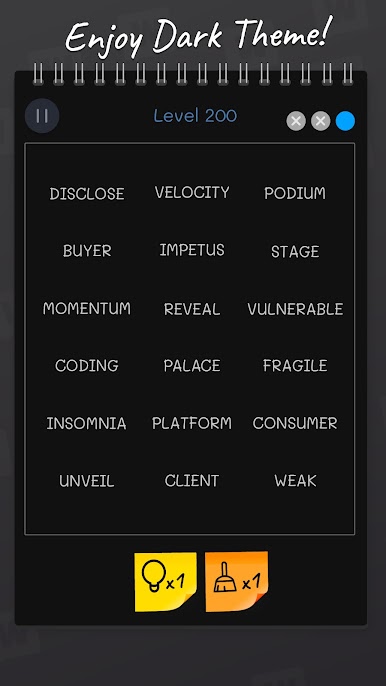
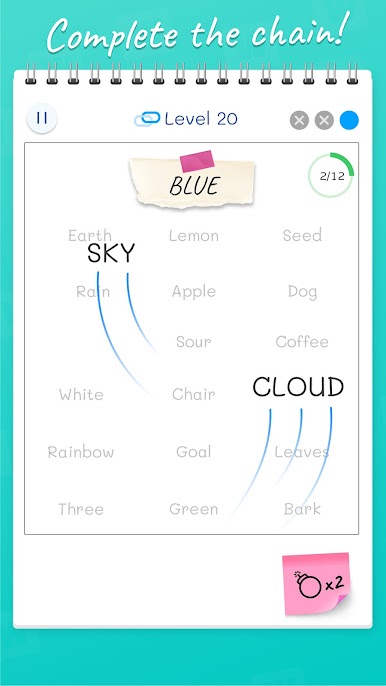
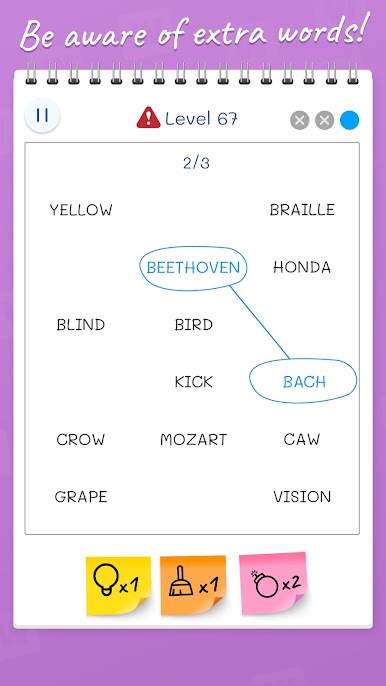
Step into the world of linguistic connections with Word Match: Association Puzzle! If you’ve ever enjoyed the excitement of word association games with your friends, you’ll be thrilled to know that this experience is now available at your fingertips. Get ready to embark on a journey of word challenges, camaraderie, and brain-bending fun, all through your mobile device.
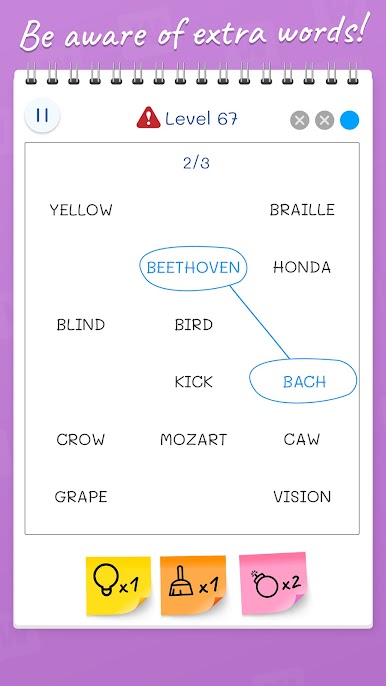
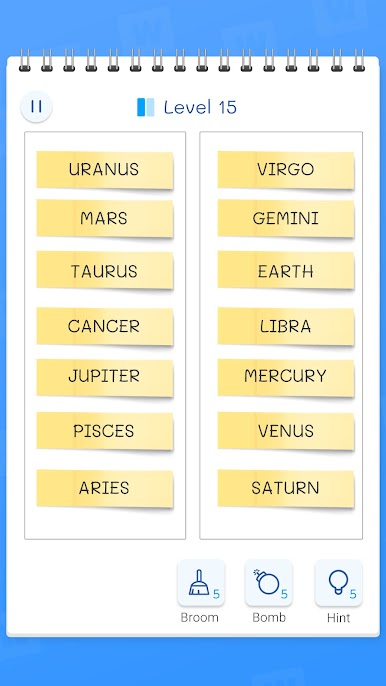
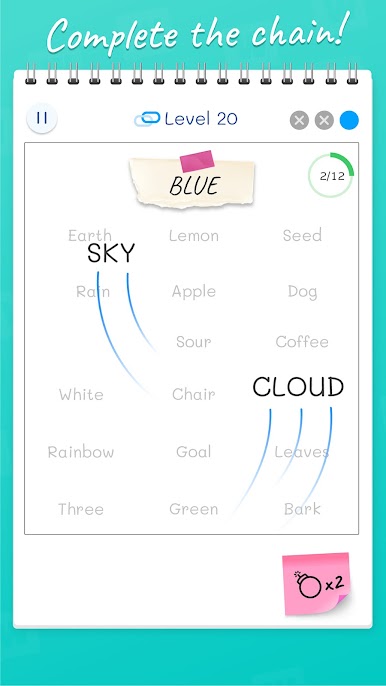
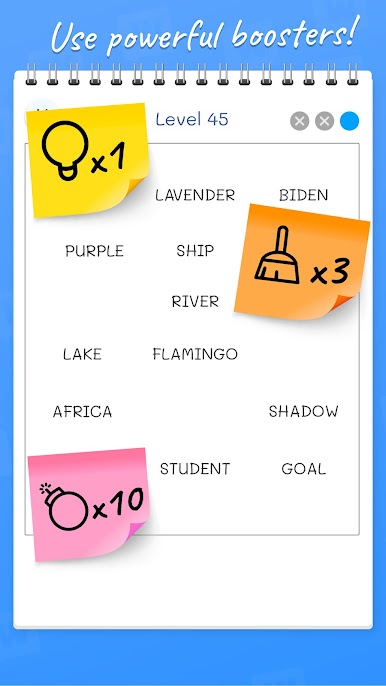
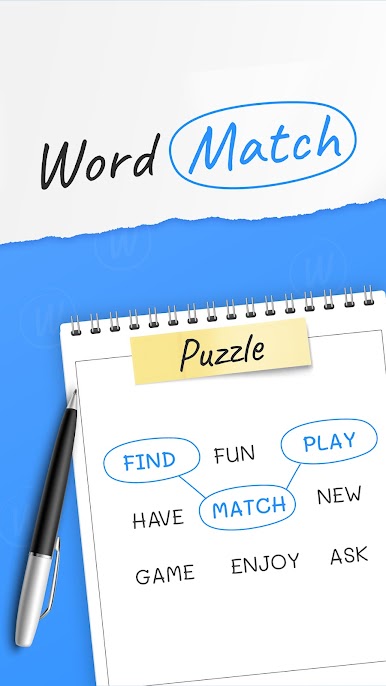
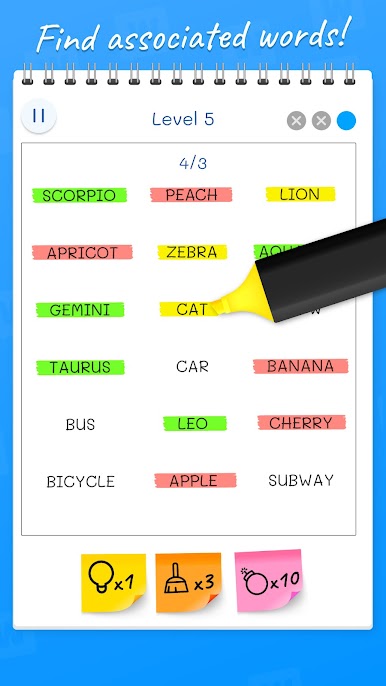
Word Match: Association Puzzle offers a refreshing take on word games, inviting you to immerse yourself in the quest for associated words. As you progress through the game’s levels, you’ll find yourself engrossed in a captivating search for connections among words from a diverse selection. The game’s simplicity makes it easy for anyone to pick up and play, but the real excitement lies in the challenge of mastering it.
While Word Match: Association Puzzle is undoubtedly entertaining, it’s also an opportunity to expand your language skills. As you explore the meanings and nuances of numerous words, you’ll find yourself forging mental pathways that connect seemingly unrelated terms. This immersive experience not only enhances your vocabulary but also challenges your cognitive abilities in delightful ways.
Picture the joy of discovering unexpected links between words, the sense of accomplishment as you progress, and the camaraderie that comes from sharing the experience with friends and family. Word Match: Association Puzzle transforms word association games into an interactive adventure that you can carry in your pocket.
So, if you’re ready to embark on a journey of linguistic exploration and mental agility, dive into Word Match: Association Puzzle. Uncover the connections, challenge your friends, and experience the thrill of word associations like never before. Enjoy this game with BlueStacks today!

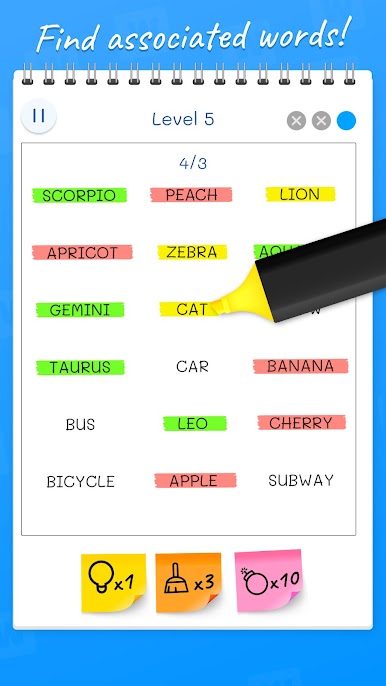
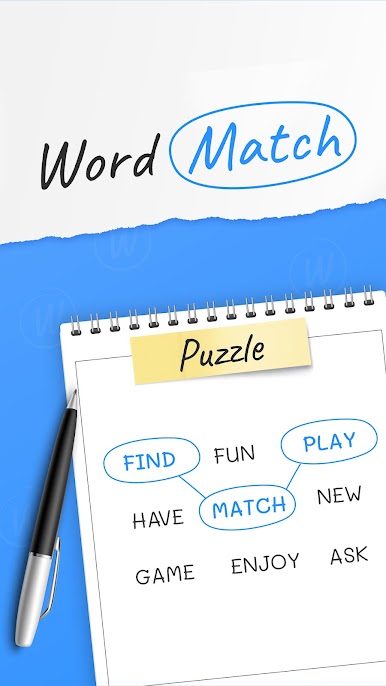
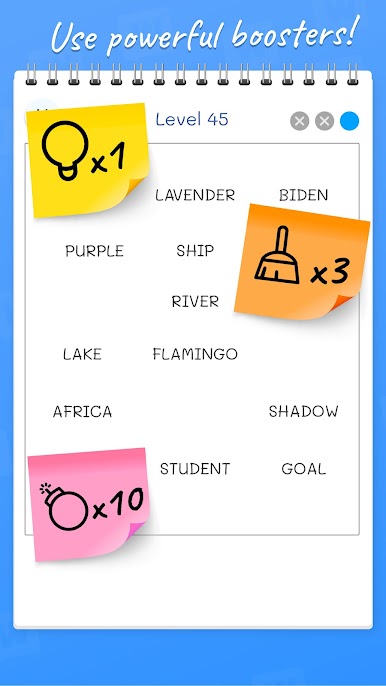
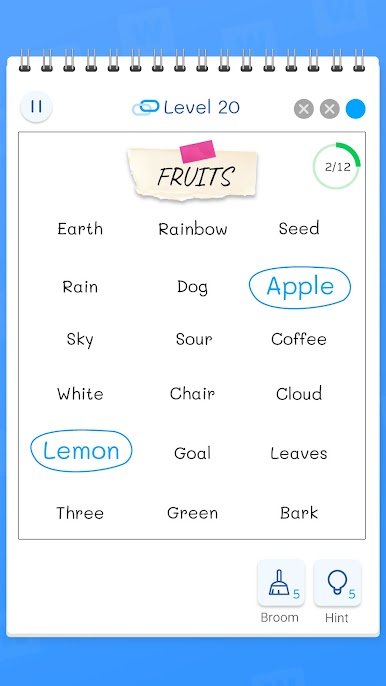
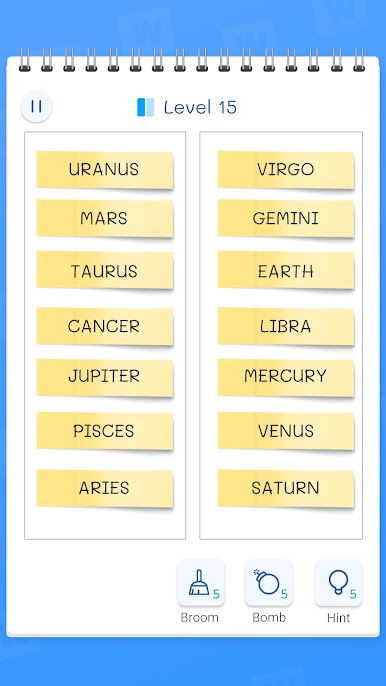
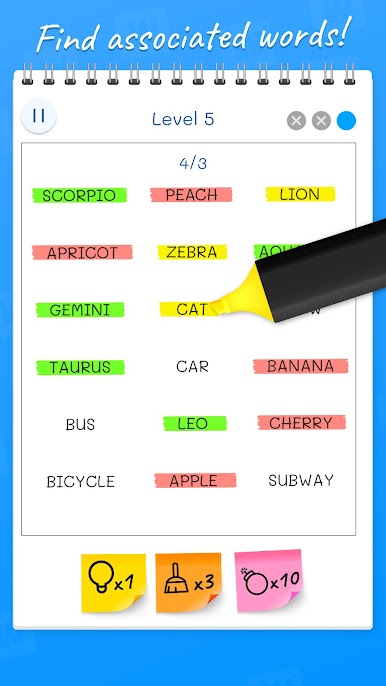
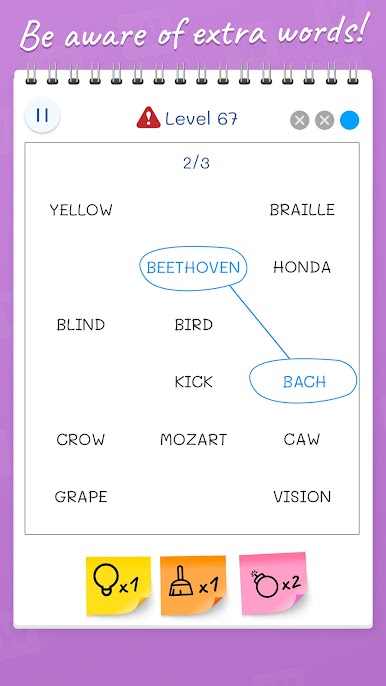
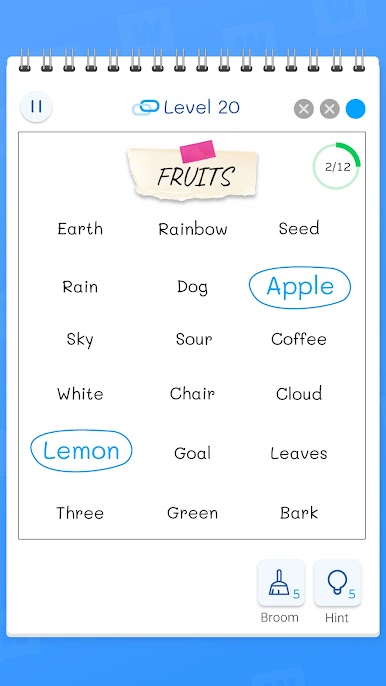
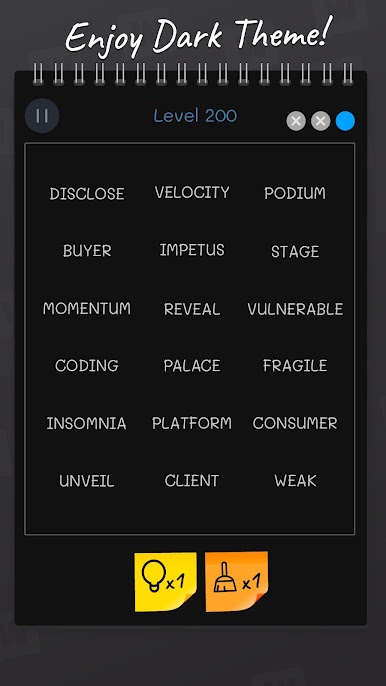
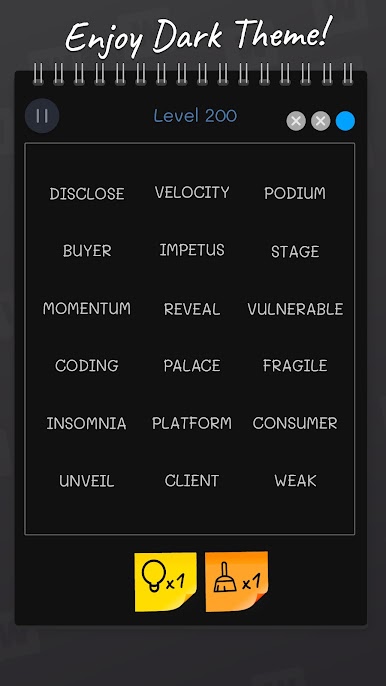
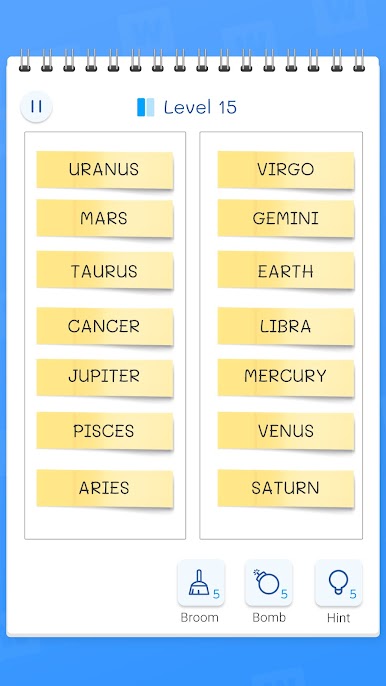
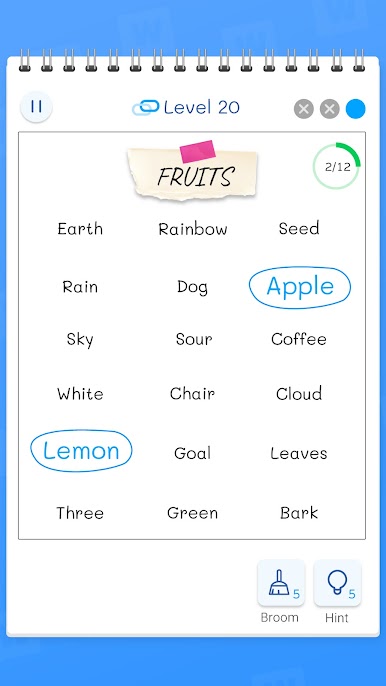
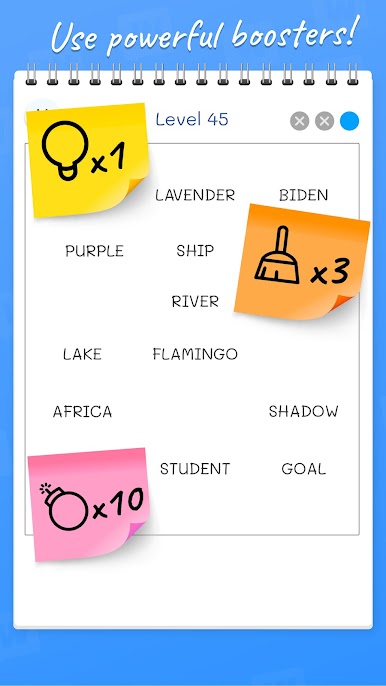
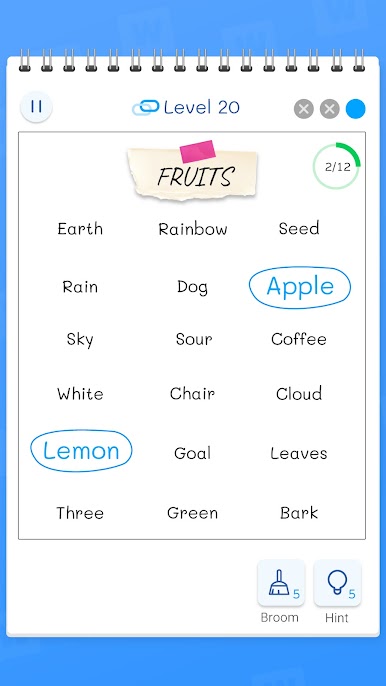
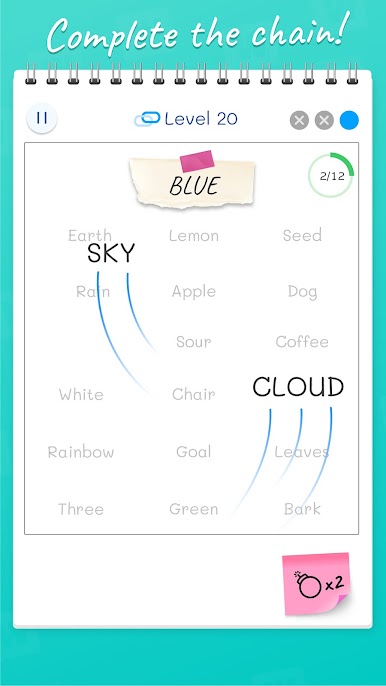
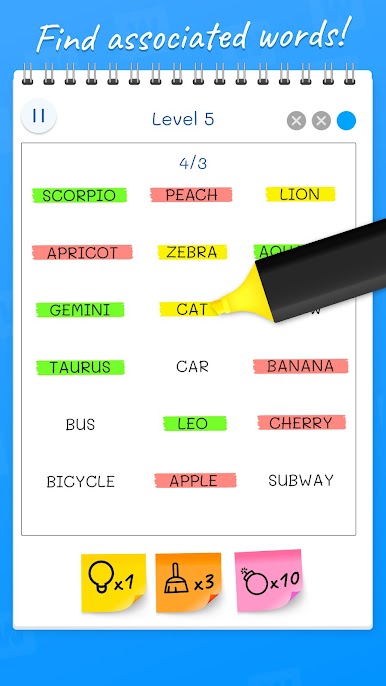
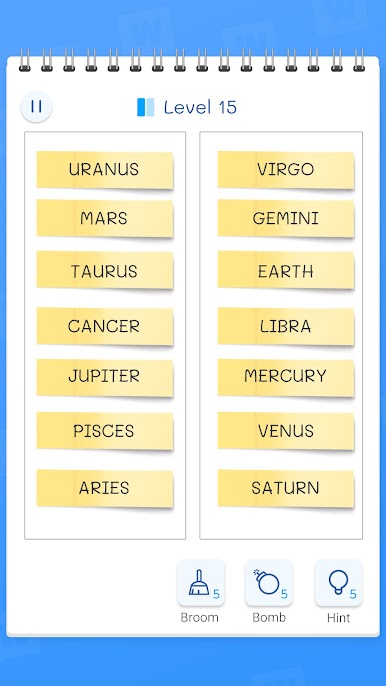
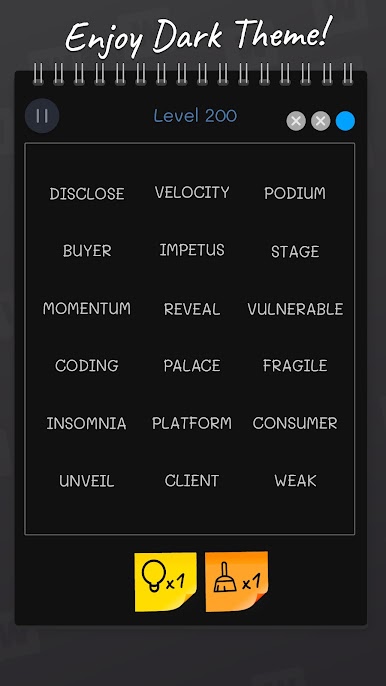
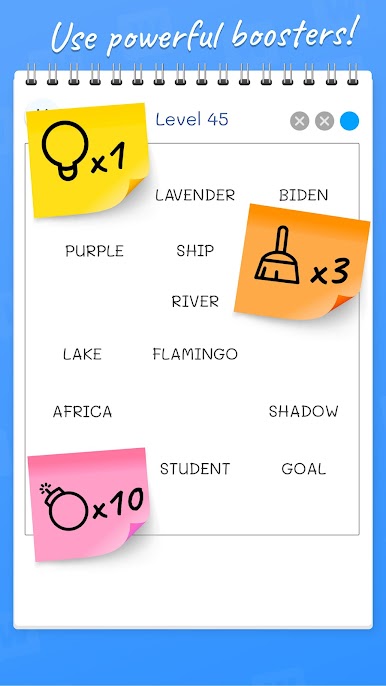
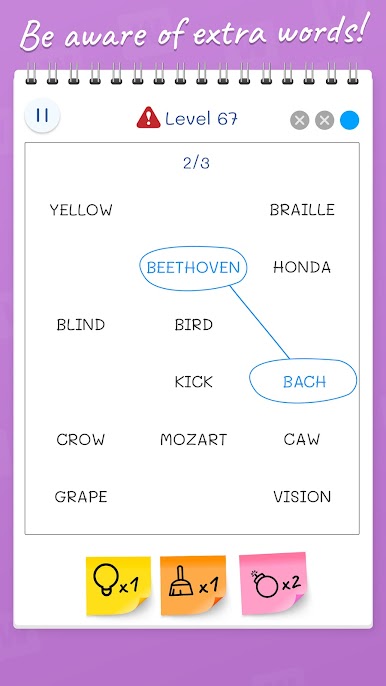
Play Word Match: Connections Game on PC. It’s easy to get started.
-
Download and install BlueStacks on your PC
-
Complete Google sign-in to access the Play Store, or do it later
-
Look for Word Match: Connections Game in the search bar at the top right corner
-
Click to install Word Match: Connections Game from the search results
-
Complete Google sign-in (if you skipped step 2) to install Word Match: Connections Game
-
Click the Word Match: Connections Game icon on the home screen to start playing

