


Pirates Brawl
Play on PC with BlueStacks – the Android Gaming Platform, trusted by 500M+ gamers.

Page Modified on: Feb 18, 2026
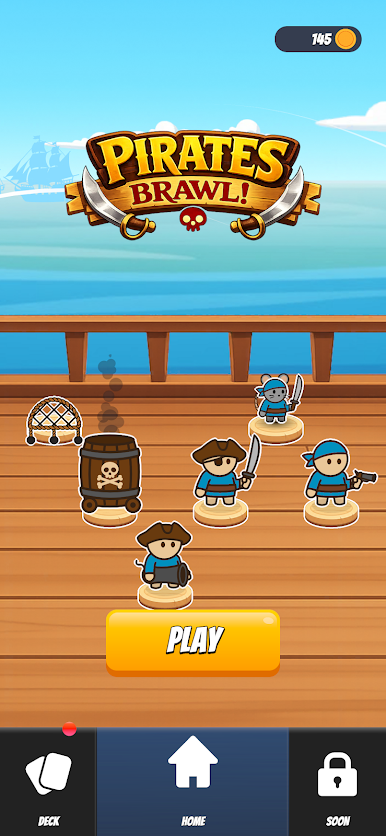
Play Pirates Brawl on PC
WHY YOU'LL LOVE IT:
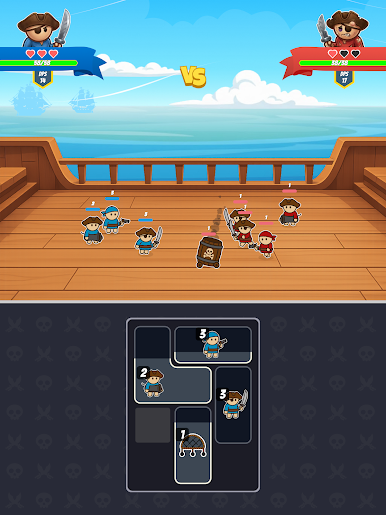
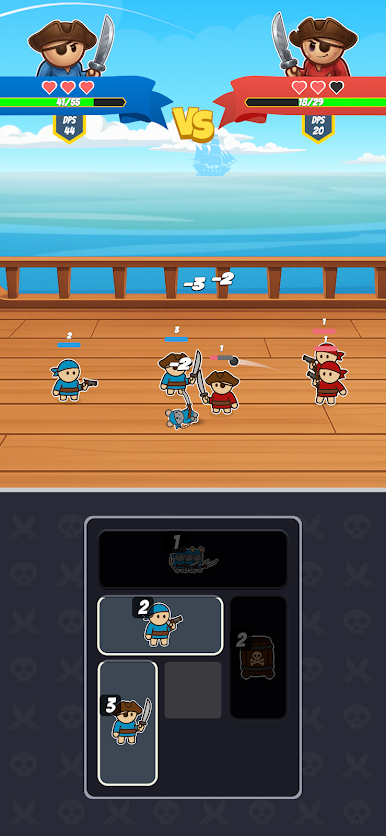
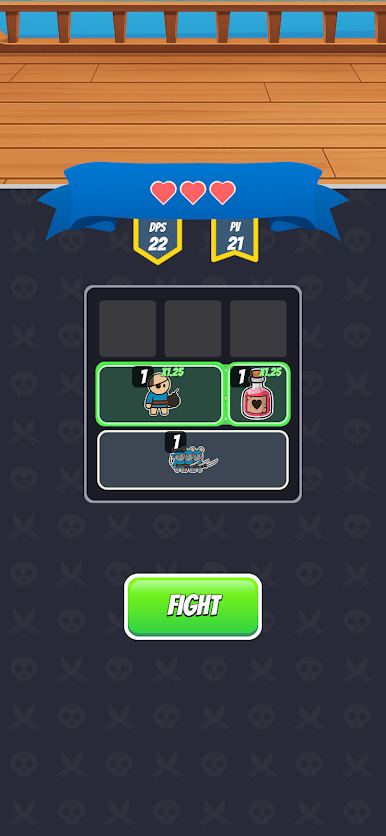
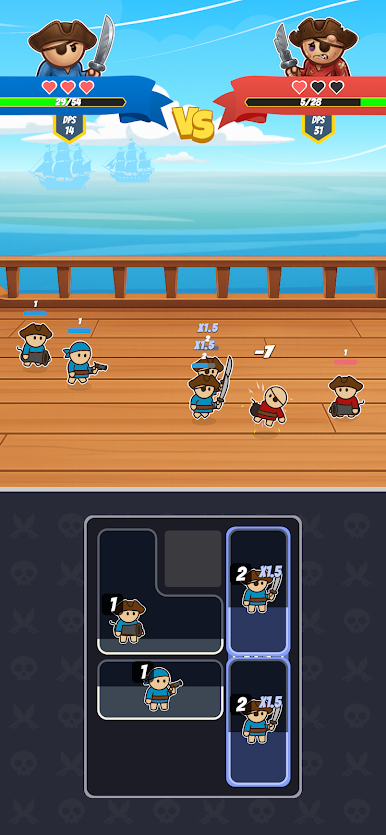
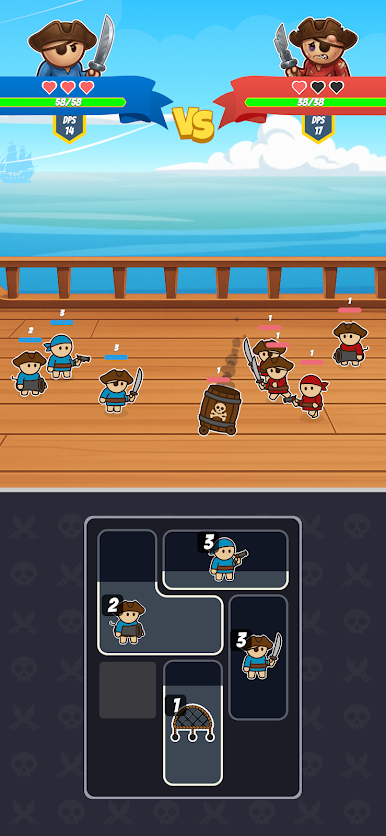
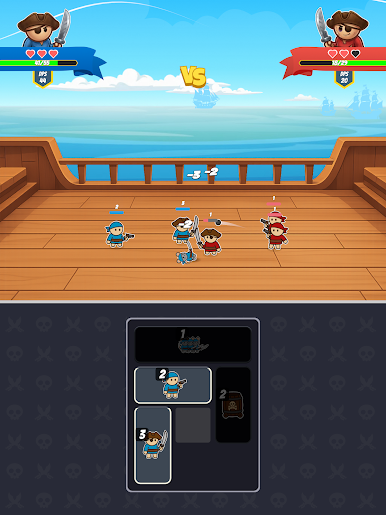
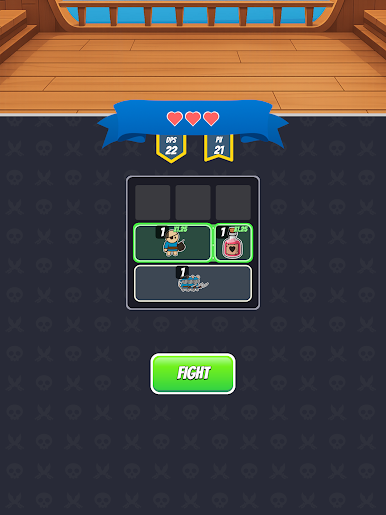
MASTER YOUR INVENTORY: Drag and drop your troops into a limited grid. Will you make room for that game-changing spell?
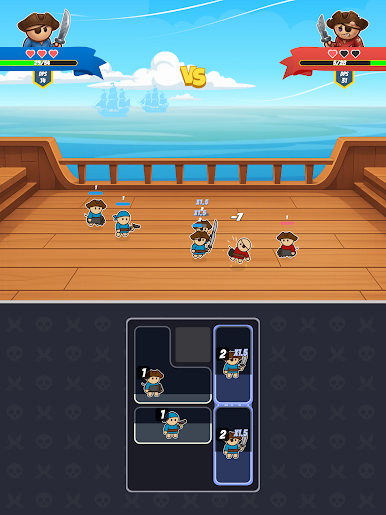
EPIC AUTO-BATTLES: Once your bag is packed, watch your pirates unleash chaos. Strategic placement equals tactical victory.
EVOLVE & FUSE: Level up your characters and unlock special abilities to skyrocket your DPS.
FAST-PACED CHALLENGES: Quick, intense sessions perfect for gaming on the go.
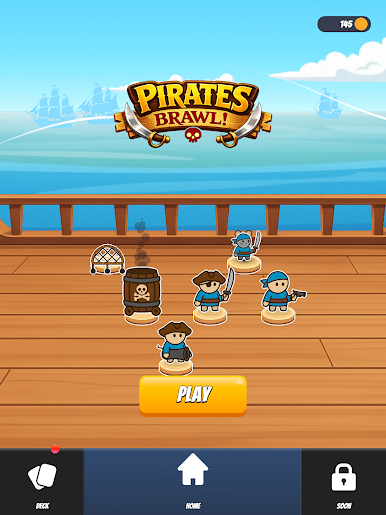
CAN YOU MASTER THE CHAOS? The deck is on fire, the enemies are swarming... It’s time to bring order to the brawl!
Play Pirates Brawl on PC. It’s easy to get started.
-
Download and install BlueStacks on your PC
-
Complete Google sign-in to access the Play Store, or do it later
-
Look for Pirates Brawl in the search bar at the top right corner
-
Click to install Pirates Brawl from the search results
-
Complete Google sign-in (if you skipped step 2) to install Pirates Brawl
-
Click the Pirates Brawl icon on the home screen to start playing

