

My Perfect Thug Life
Play on PC with BlueStacks – the Android Gaming Platform, trusted by 500M+ gamers.

Page Modified on: Mar 12, 2026
Play My Perfect Thug Life on PC or Mac
Explore a whole new adventure with My Perfect Thug Life, a Arcade game created by Key Jump. Experience great gameplay with BlueStacks, the most popular gaming platform to play Android games on your PC or Mac.
About the Game
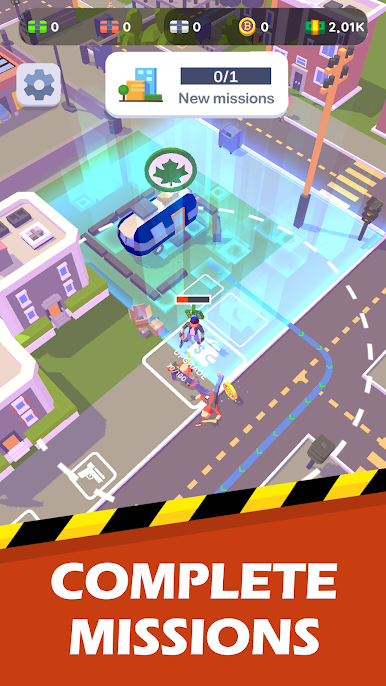
My Perfect Thug Life is an Arcade take on the idle crime-builder fantasy from Key Jump. You start small, hustle smart, and turn shady side gigs into a stacked empire across a bustling city. It’s equal parts strategy and swagger: make money, gain respect, and keep rivals and the law off your back while you climb.
Want to rob a bank today and buy a nightclub tomorrow? Go for it. Prefer to sit back and watch your properties churn out cash while you plan the next big move? That works too. You can even hop onto BlueStacks if you’d rather play on a bigger screen.
Game Features
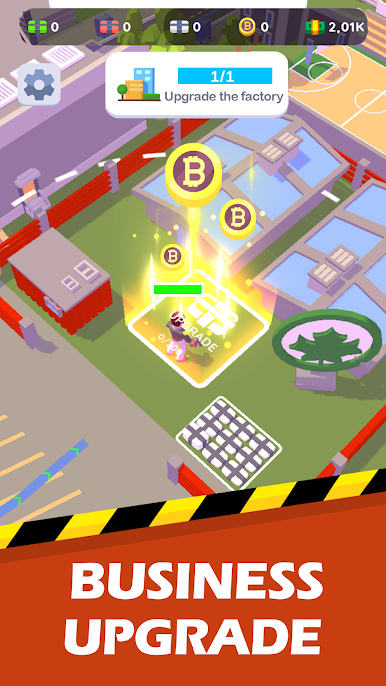
- Build a criminal empire: Buy apartments, nightclubs, and restaurants, then upgrade them to boost steady income and influence across the map.
- Plan bold heists: Choose targets, organize the crew, and time your moves to pull off robberies that actually matter to your growth.
- Grow your crew: Recruit and strengthen gang members, specialize their roles, and turn a scrappy squad into a force that controls the streets.
- Outsmart rivals: Compete with other gangs for territory, defend what’s yours, and grab new turf when the moment’s right.
- Watch the heat: Your actions draw attention—balance profits with caution to avoid crackdowns from the authorities.
- Idle earnings that add up: Step away and your operations keep working, letting you return to a bigger bankroll and more options.
- Skills and strategy: Level up abilities, manage resources carefully, and decide when to reinvest, expand, or lay low.
- Quick-hit Arcade feel: Snappy sessions and straightforward controls make it easy to jump in, make progress, and get out with a win.
Start your journey now. Download the game on BlueStacks, invite your friends, and march on a new adventure.
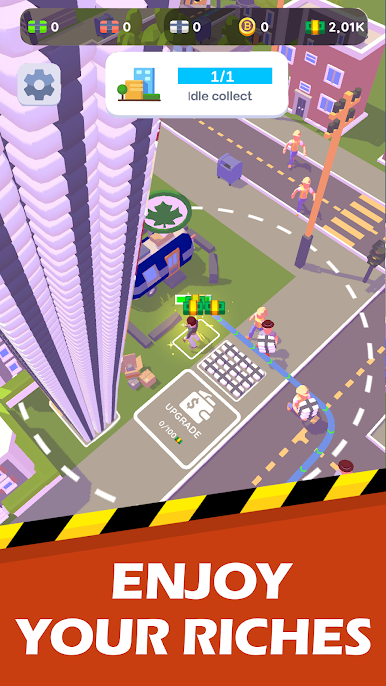
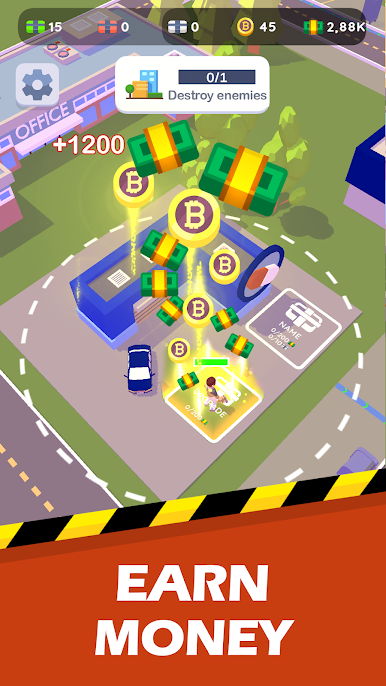
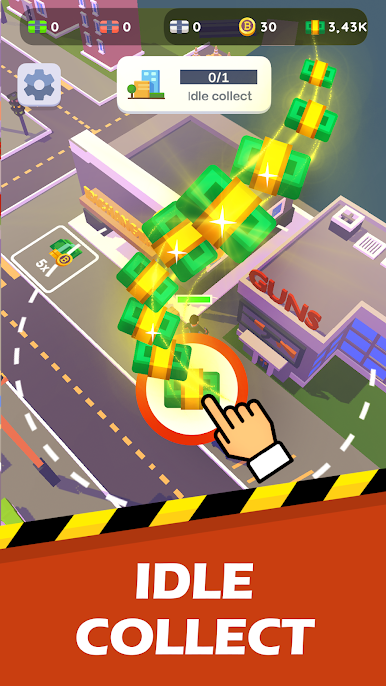
Play My Perfect Thug Life on PC. It’s easy to get started.
-
Download and install BlueStacks on your PC
-
Complete Google sign-in to access the Play Store, or do it later
-
Look for My Perfect Thug Life in the search bar at the top right corner
-
Click to install My Perfect Thug Life from the search results
-
Complete Google sign-in (if you skipped step 2) to install My Perfect Thug Life
-
Click the My Perfect Thug Life icon on the home screen to start playing

