


Friends Rummy
Play on PC with BlueStacks – the Android Gaming Platform, trusted by 500M+ gamers.

Page Modified on: Jun 26, 2026
Play Friends Rummy on PC
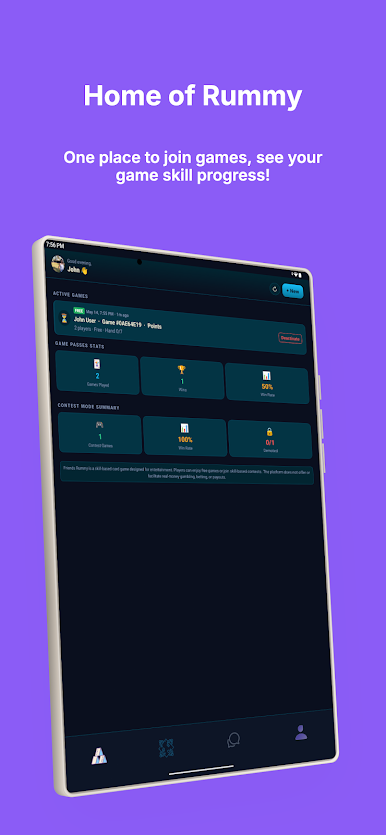
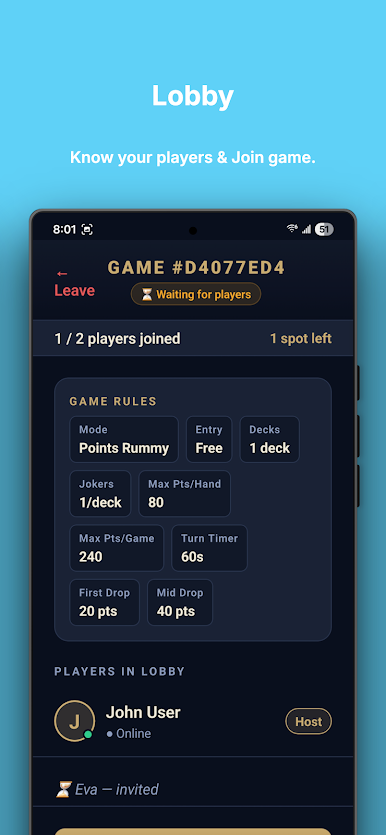
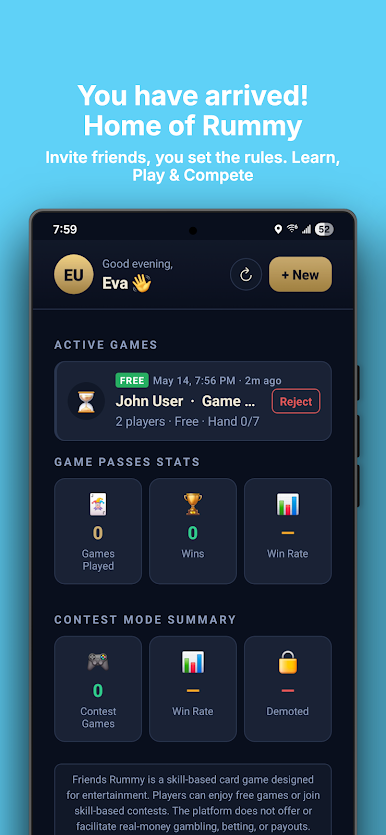
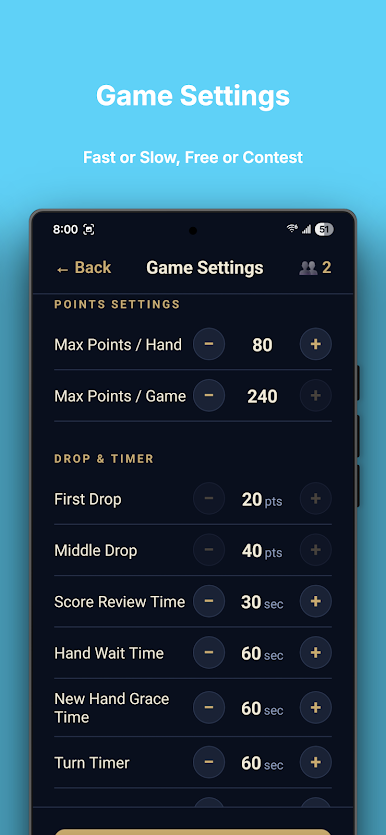
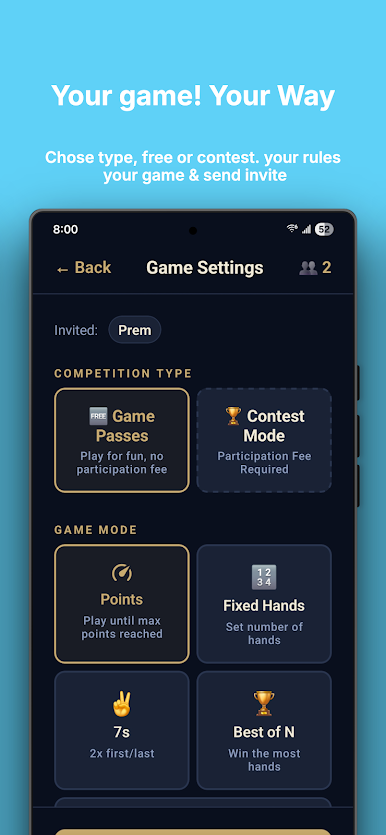
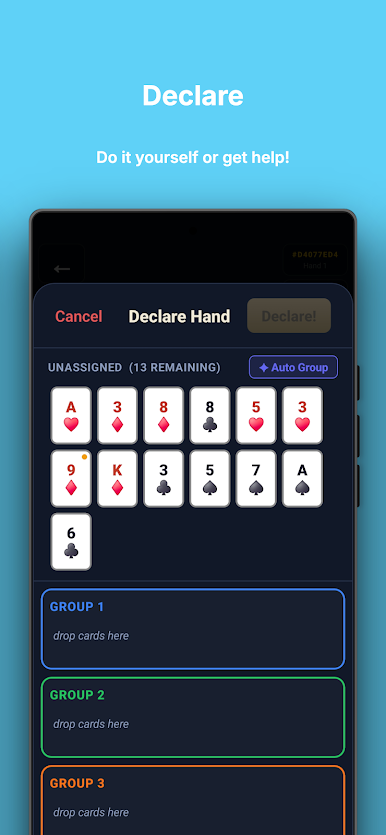
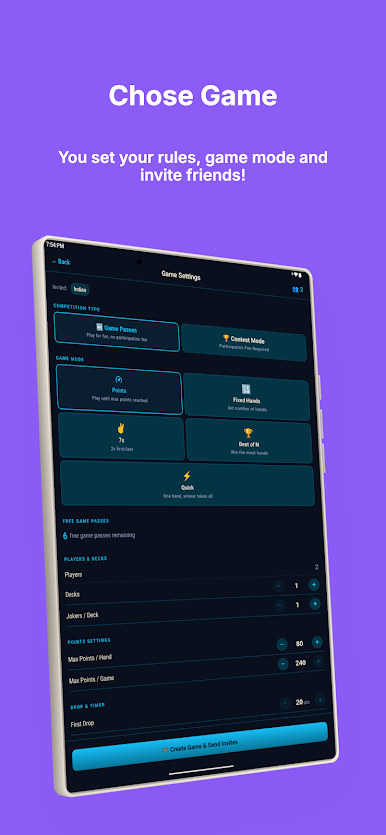
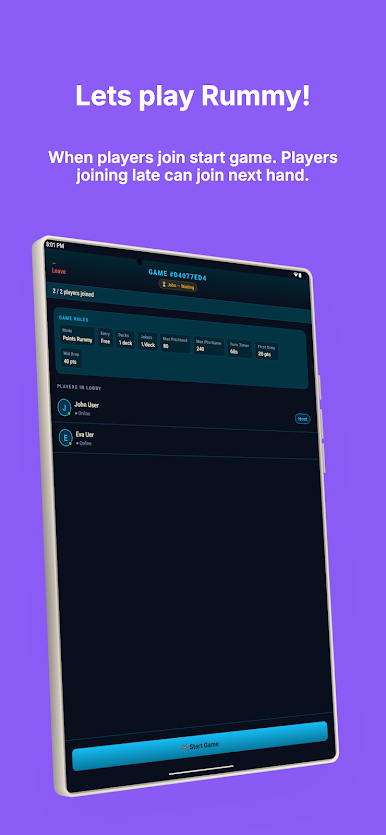
Friends Rummy lets you create private games, invite people you know, and enjoy classic rummy without random opponents or real-money payouts. Whether you're playing with family, coworkers, or friends across the world, the focus is on strategy, social interaction, and friendly competition.
Why Friends Rummy?
• Play with Friends – Create private tables and invite people you know.
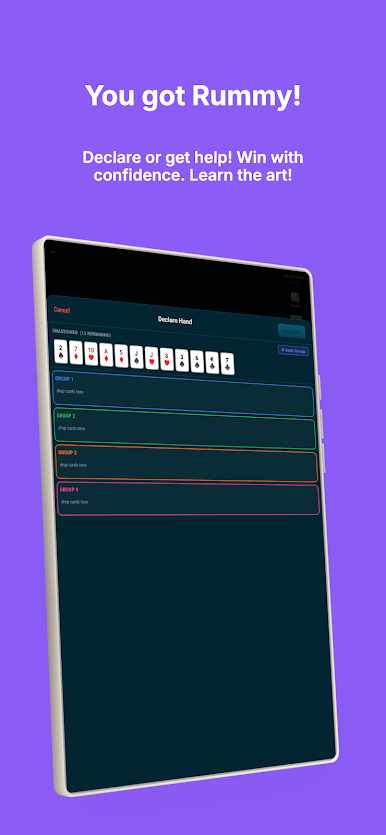
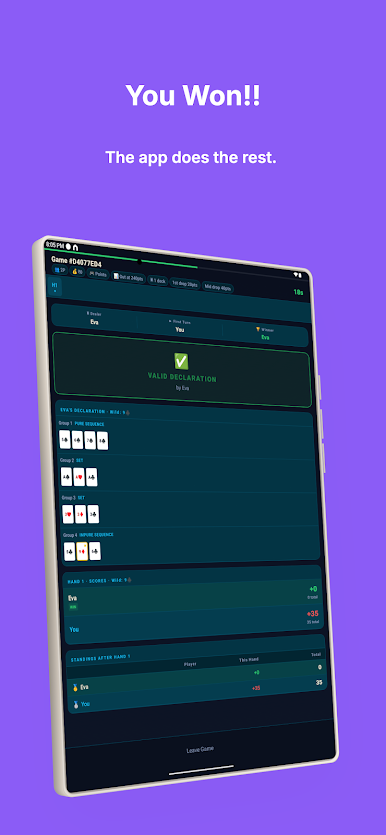
• Skill-Based Gameplay – Every game rewards strategy, planning, and smart decisions.
• Private Matches – You control who joins your games.
• Improve Your Skills – Track your progress and become a better player.
• Simple & Social – Enjoy classic rummy with an easy-to-use experience.
Perfect for:
• Family game nights
• Friends living in different cities or countries
• Office tournaments
• Casual and competitive players
No Gambling. No Cash Winnings.
Friends Rummy is designed for entertainment and skill-based play. The app may charge a platform fee for certain games, but it does not provide real-money prizes, cash withdrawals, or gambling features.
Download Friends Rummy today and enjoy private rummy games with the people you know.
Enjoy the excitement of Indian Rummy in a fun and engaging multiplayer rummy experience designed for friends and family. Create private rummy tables, play with friends, and enjoy a classic card game that rewards skill, strategy, and smart decision-making.
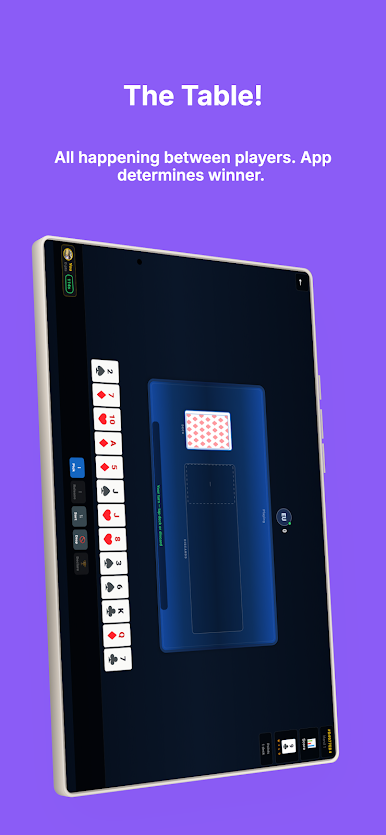
Friends Rummy is a skill-based card game where you can host private matches, invite people you know, and enjoy online rummy with friends in a safe, social environment. Whether you're looking for a relaxing family card game or a competitive match with friends, every game is built around friendly competition and strategic gameplay.
Challenge your family and friends to private games anytime, anywhere. Experience the fun of Indian Rummy without random opponents, and enjoy a truly social multiplayer rummy experience focused on connection, skill, and entertainment—not gambling or cash prizes.
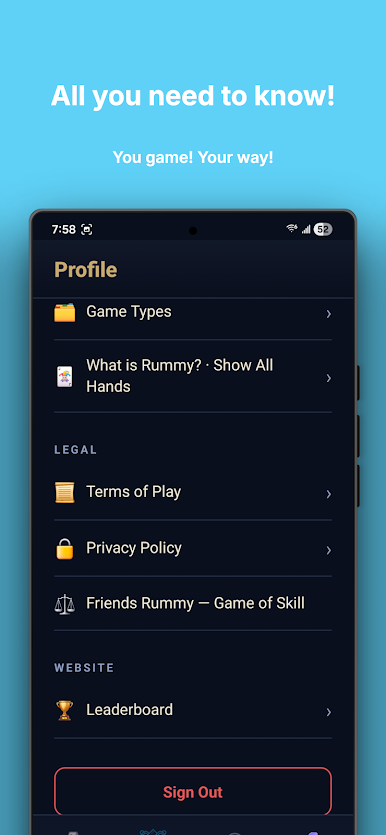
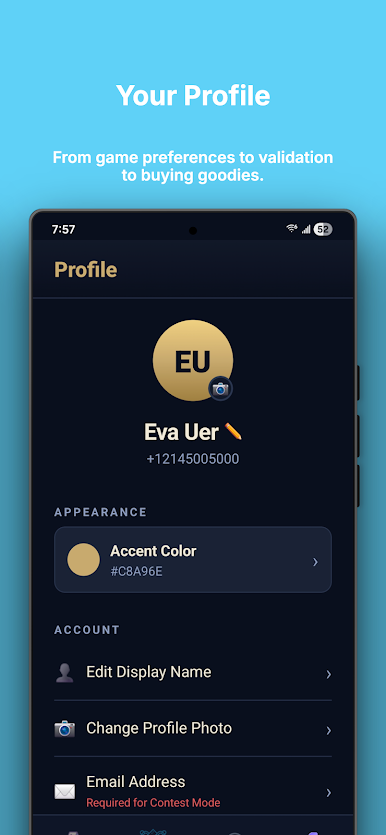
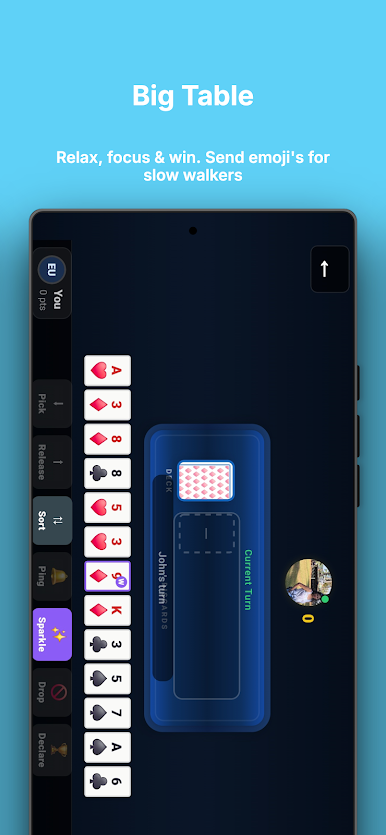
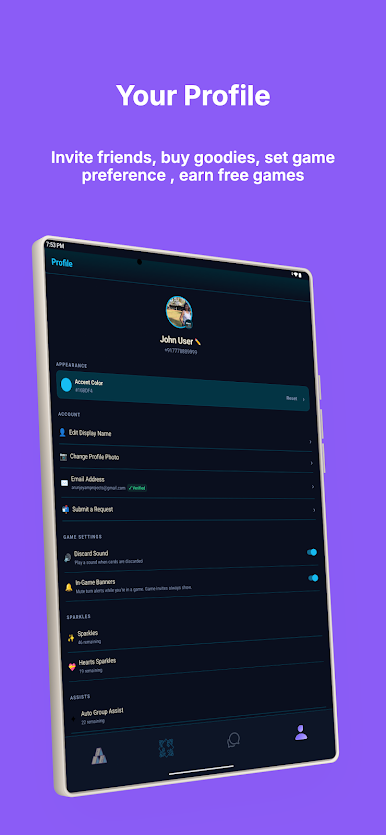
Play Friends Rummy on PC. It’s easy to get started.
-
Download and install BlueStacks on your PC
-
Complete Google sign-in to access the Play Store, or do it later
-
Look for Friends Rummy in the search bar at the top right corner
-
Click to install Friends Rummy from the search results
-
Complete Google sign-in (if you skipped step 2) to install Friends Rummy
-
Click the Friends Rummy icon on the home screen to start playing

