


All Dubs
Play on PC with BlueStacks – the Android Gaming Platform, trusted by 500M+ gamers.

Page Modified on: Oct 19, 2026
Play All Dubs on PC
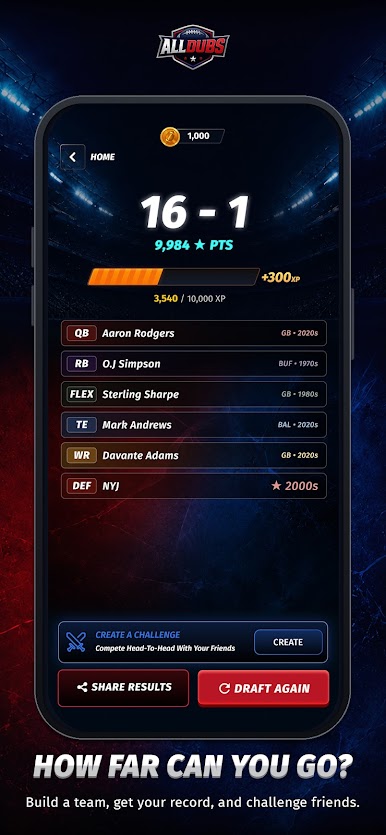
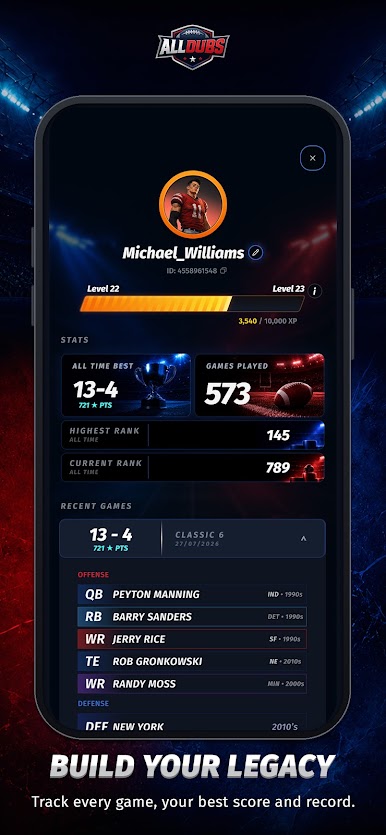
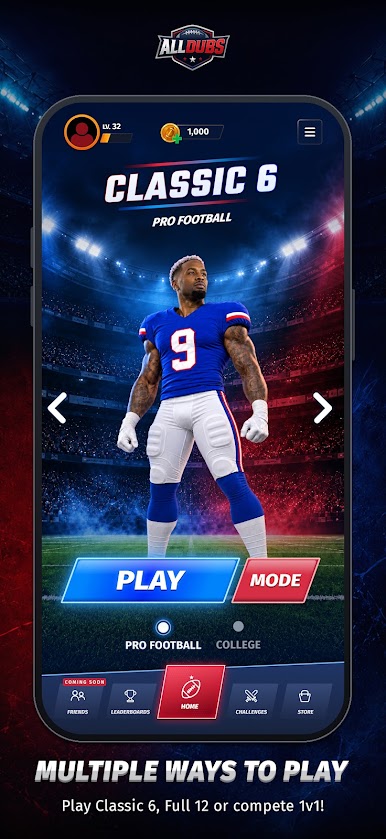
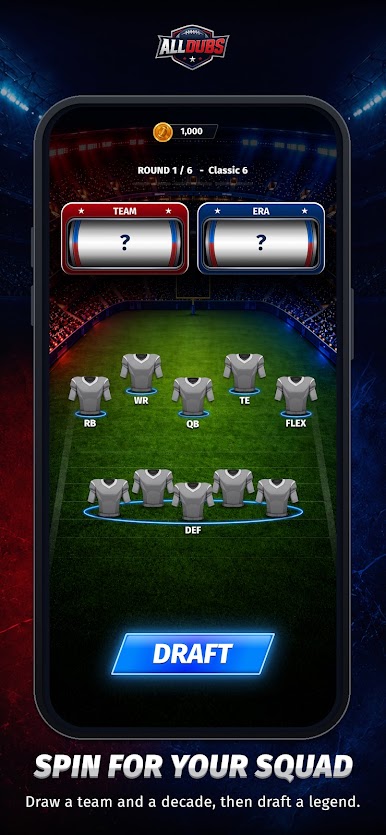
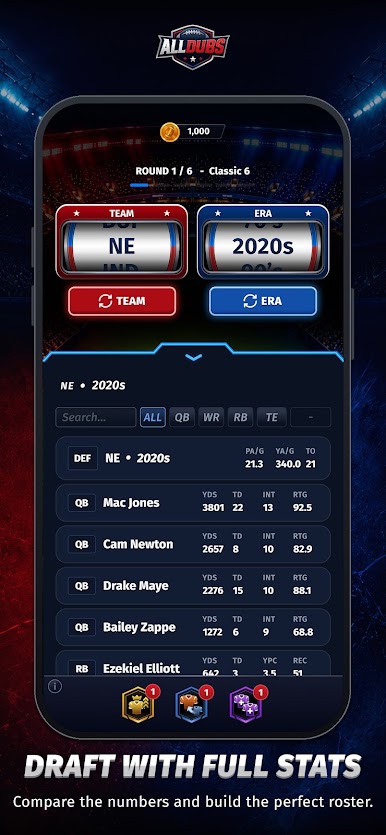
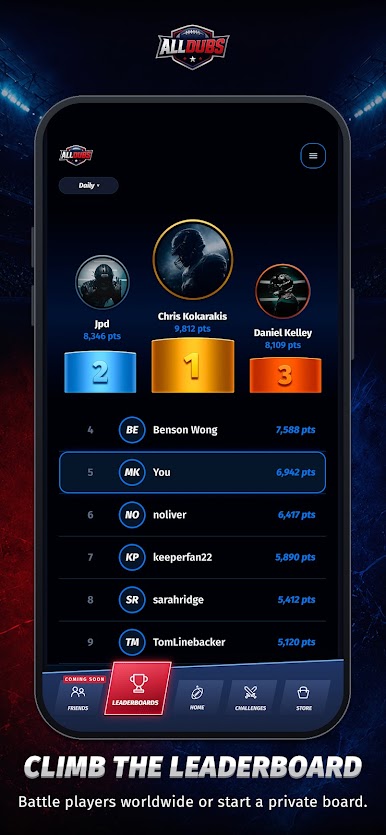
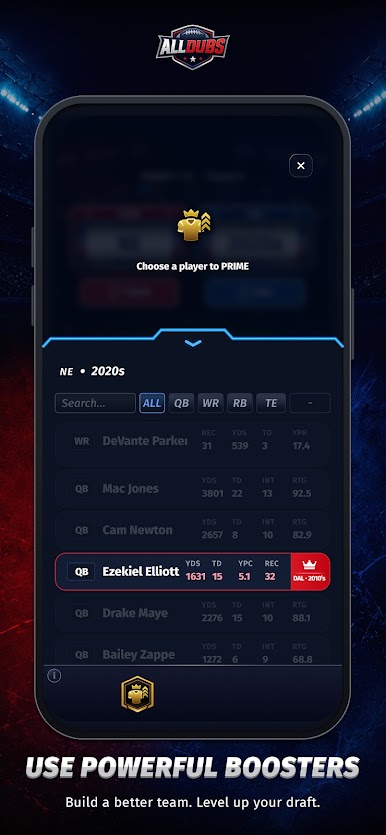
ALL DUBS is the football roster-building game where every pick matters. Spin for a random team and era, draft the best player available, build your ultimate offense and defense, and see if your squad has what it takes to complete a perfect season.
Choose superstars, compare eras, test your football knowledge, and chase the ultimate goal: ALL DUBS.
🔥 Build your dream squad
🎰 Spin teams and eras
⚔️ Build your offense and defense
📊 Simulate your season record
🏆 Chase the perfect season
👀 Share your results with friends
Whether you’re a casual fan, football history nerd, fantasy football addict, or just love debating all-time teams, ALL DUBS is built for you.
Draft smart. Trust your instincts. Build greatness.
Can you go ALL DUBS?

Play All Dubs on PC. It’s easy to get started.
-
Download and install BlueStacks on your PC
-
Complete Google sign-in to access the Play Store, or do it later
-
Look for All Dubs in the search bar at the top right corner
-
Click to install All Dubs from the search results
-
Complete Google sign-in (if you skipped step 2) to install All Dubs
-
Click the All Dubs icon on the home screen to start playing

