

Goddess Card Clash
Play on PC with BlueStacks – the Android Gaming Platform, trusted by 500M+ gamers.

Page Modified on: Aug 6, 2026
Play Goddess Card Clash on PC or Mac
Step into the World of Goddess Card Clash, a thrilling Card game from the house of YAFA GARAGE DOOR LLC. Play this Android game on BlueStacks App Player and experience immersive gaming on PC or Mac.
About the Game
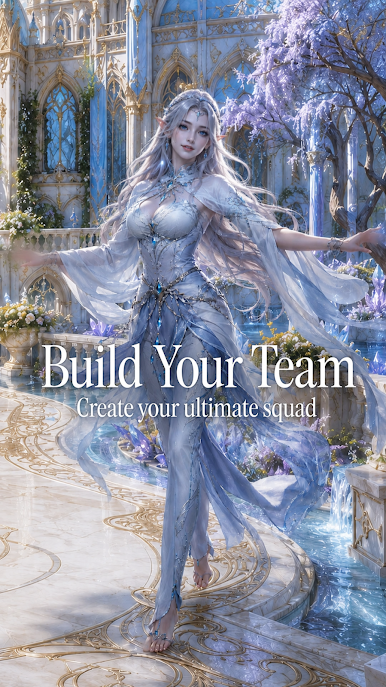
Goddess Card Clash is a relaxed Card battler where you collect mythic heroines, build smart lineups, and jump into quick skirmishes that don’t overstay their welcome. It’s all about opening packs, finding standout characters, and piecing together combos that feel great when they click. Prefer playing on a bigger display? It runs smoothly on BlueStacks without changing the pick‑up‑and‑play vibe.
Game Features
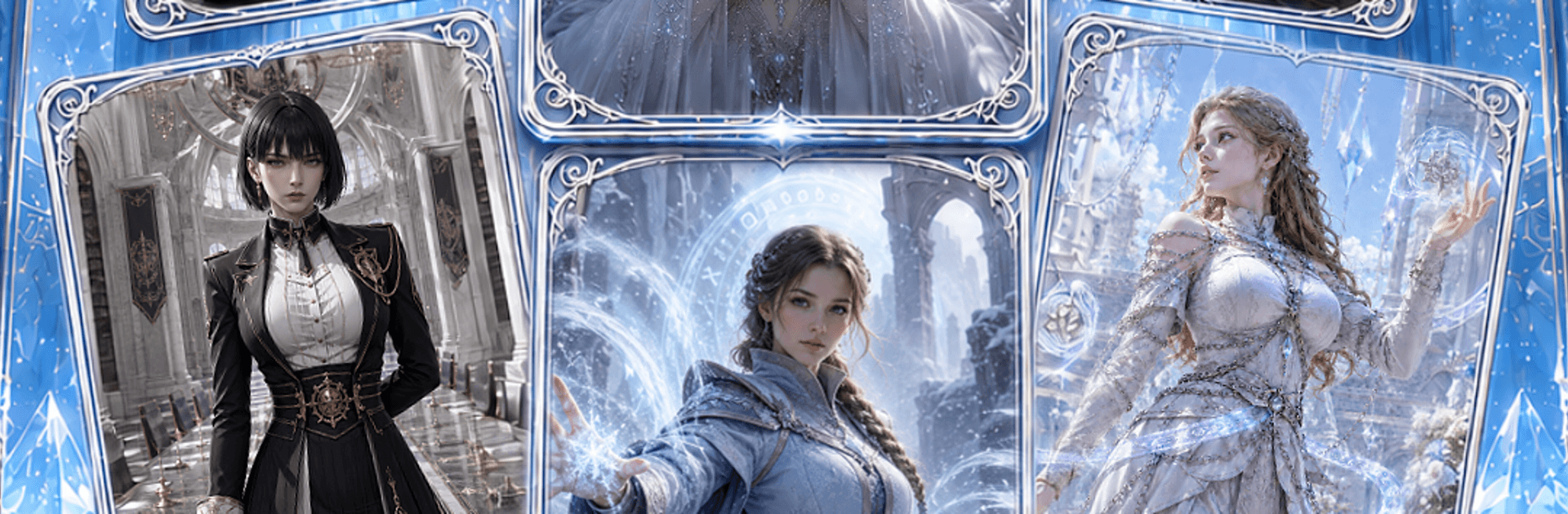
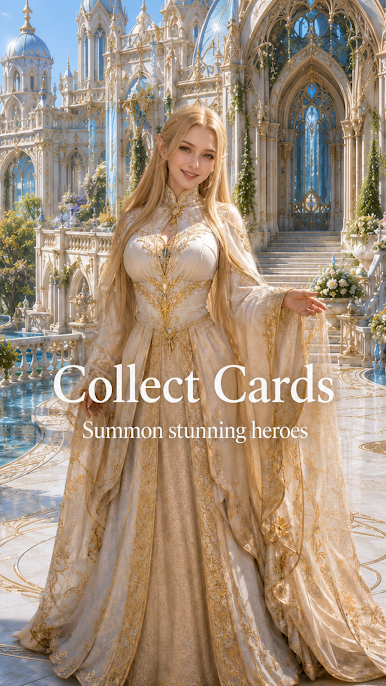
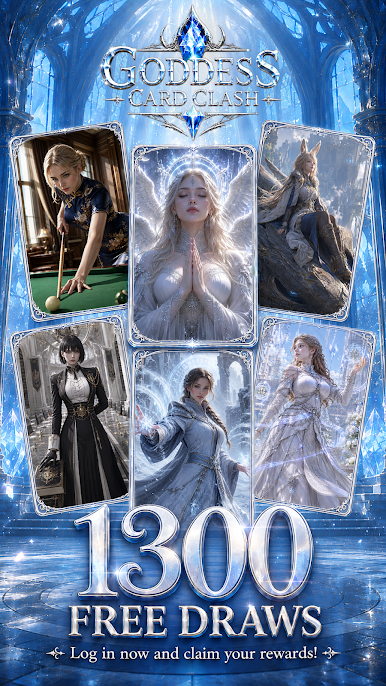
- Collectible Goddess Decks: Fill your collection with elegantly illustrated goddess cards, each with its own vibe and personality.
- Quick, Snappy Battles: Matches are short and approachable, so you can play a round or two whenever you’ve got a minute.
- Summon and Discover: Crack open packs, hunt for rare pulls, and enjoy that little rush when a coveted card finally shows up.
- Build Your Lineup: Arrange your squad to highlight synergies and create satisfying, straightforward combos that make a real difference.
- Upgrade with Purpose: Strengthen your favorites to keep your go-to lineup relevant, then tweak it as new cards enter the mix.
- Light Strategy, Low Stress: The rules are easy to grasp, with just enough planning to keep things interesting without feeling heavy.
- Stylish Fantasy Aesthetic: A polished fantasy look ties everything together, making each summon and clash feel a bit more magical.
- Casual-Friendly Progress: Play at your own pace—collect, experiment, and gradually refine your deck as you unlock new options.
Ready to top the leaderboard? We bet you do. Let precise controls and sharp visuals optimized on BlueStacks lead you to victory.

Play Goddess Card Clash on PC. It’s easy to get started.
-
Download and install BlueStacks on your PC
-
Complete Google sign-in to access the Play Store, or do it later
-
Look for Goddess Card Clash in the search bar at the top right corner
-
Click to install Goddess Card Clash from the search results
-
Complete Google sign-in (if you skipped step 2) to install Goddess Card Clash
-
Click the Goddess Card Clash icon on the home screen to start playing

