


THE FEEL BOOK
Play on PC with BlueStacks – the Android Gaming Platform, trusted by 500M+ gamers.

Page Modified on: Feb 12, 2026
Play THE FEEL BOOK on PC
THE FEEL BOOK accomplishes this by bringing the greatest musicians on the planet to you. Set aside your robotic recreations and subpar tracks and come play with the greats today!
- Improvise over a (super)human rhythm section
- Improve your feel and creativity along with a top tier drummer’s ride cymbal.
- Play along with (or even isolate and study) a perfectly crafted bass line.
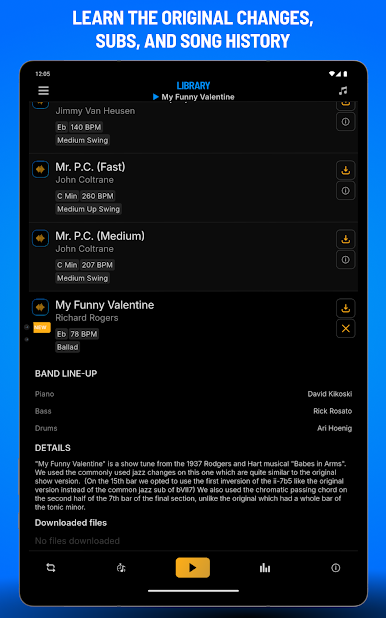
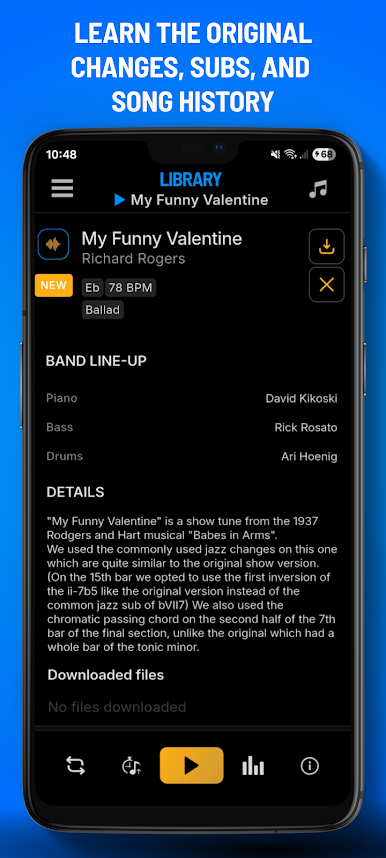
- Work over a pianist’s sophisticated harmony based on historical research of the ideal chord changes for each tune.
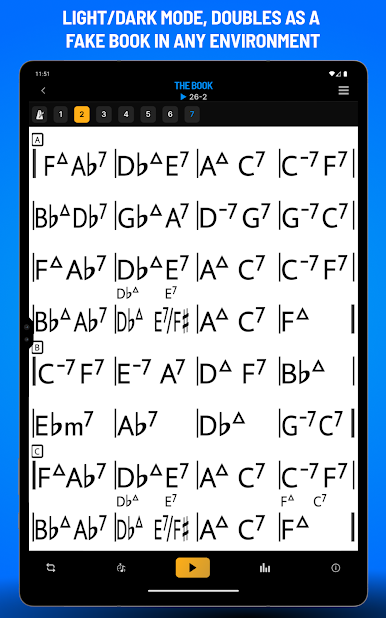
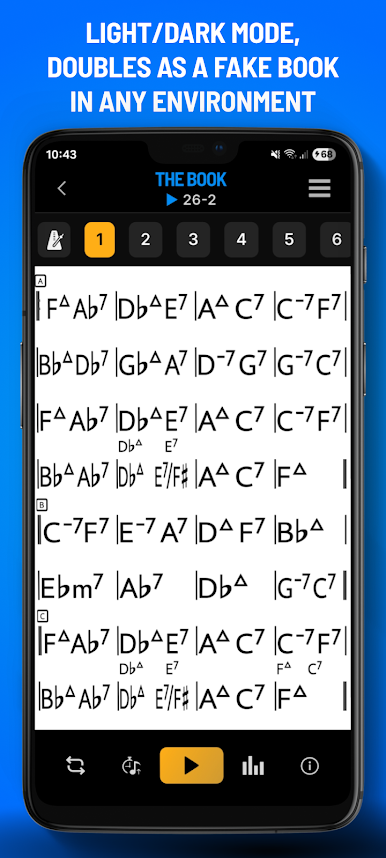
- Carry an expanding library of transposable lead sheets put together by the pros on your smartphone, tablet or laptop
The Feel Book transports you to New York and allows you to play with the best from the modern jazz scene while integrating advanced technical features like never before.
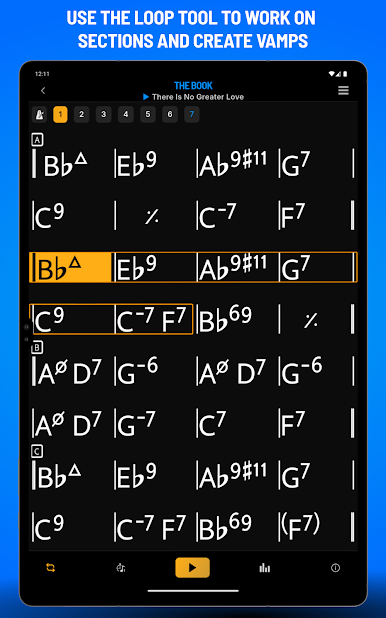
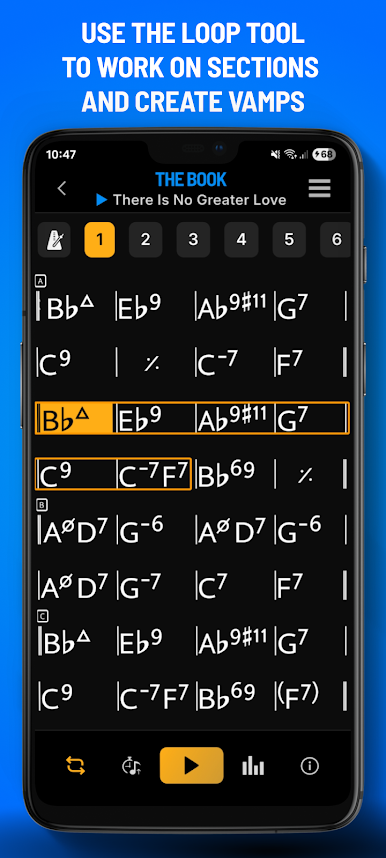
-Advanced Looping capabilities
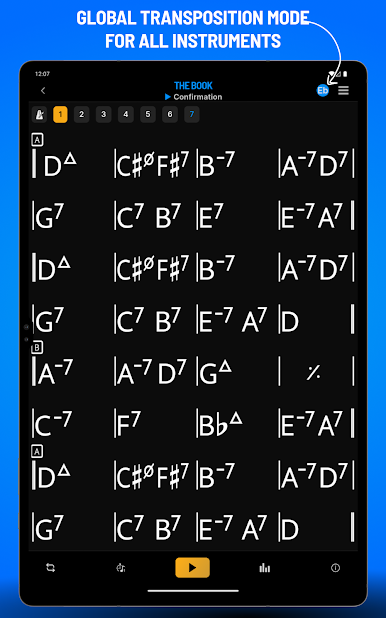
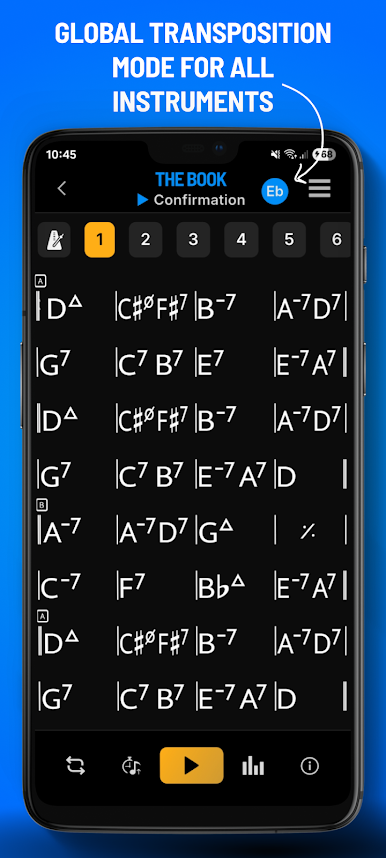
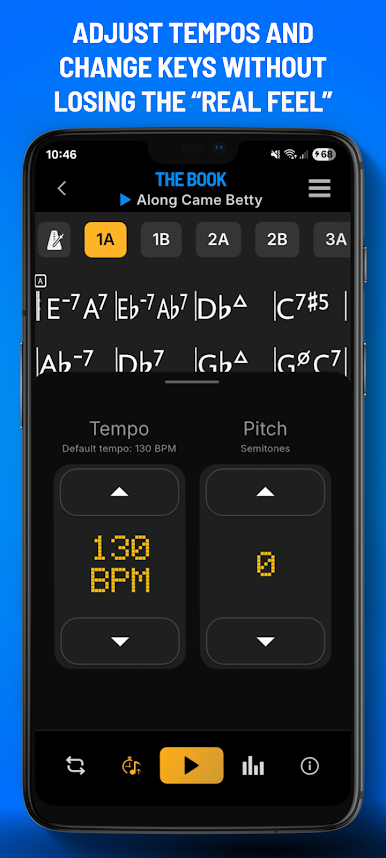
-Transposition to practice in multiple keys
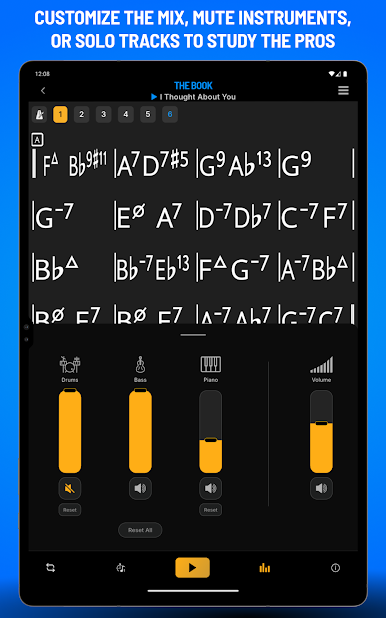
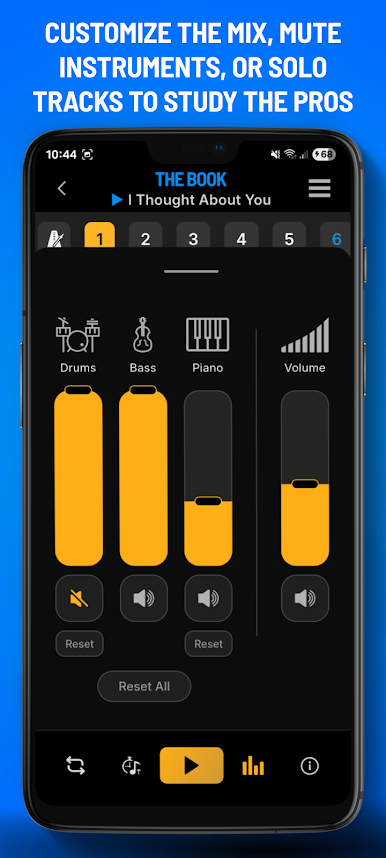
-3 channel mixer to experiment with levels or mute instruments (great for drummers and bassists!)
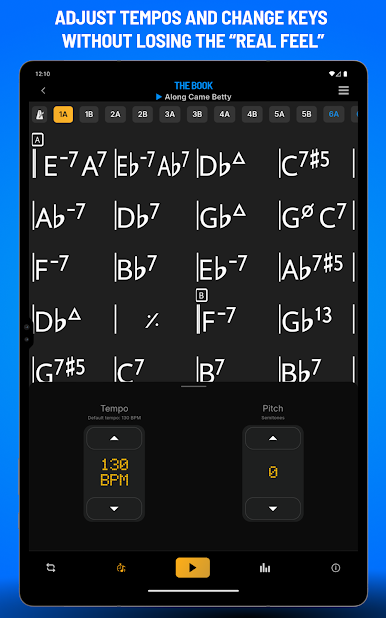
-Variable tempo, to practice slower or test your limits
-Global transposition of lead sheets for Bb and Eb instruments
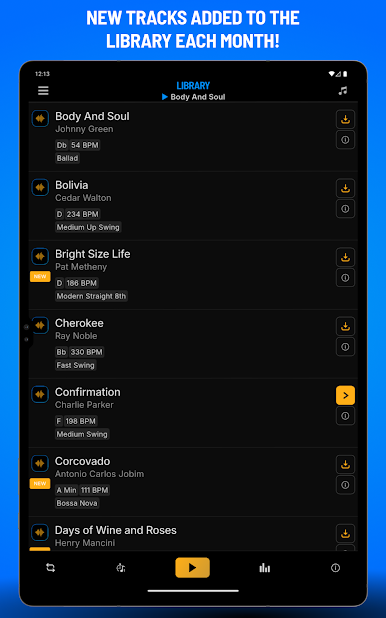
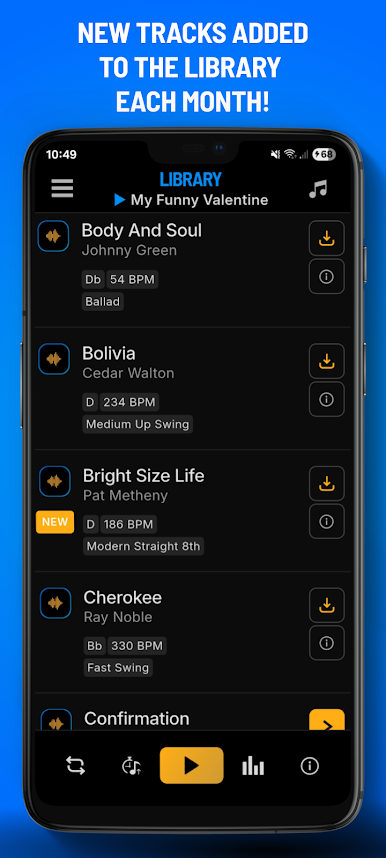
Members will have access to the full library (adding at least 10 new tracks each month in a constantly expanding list!) featuring a wide range of styles played by the modern elite (players that have backed everyone from Michael Brecker to Roy Hargrove to Astrid Gilberto!)
Players like Willie Jones III, Glenn Zaleski, Danton Boller, Ari Hoenig, Dave Kikoski, Colin Stranahan, Victor Gould, Joe Dyson, Matt Brewer, Rick Rosato, Kiyoshi Kitagawa, Duduka Fonseca, Helio Alves, and Gili Lopes AND MORE to come each month!
THE FEEL BOOK - elevating the groove and swing of today’s musician to a new level.


Play THE FEEL BOOK on PC. It’s easy to get started.
-
Download and install BlueStacks on your PC
-
Complete Google sign-in to access the Play Store, or do it later
-
Look for THE FEEL BOOK in the search bar at the top right corner
-
Click to install THE FEEL BOOK from the search results
-
Complete Google sign-in (if you skipped step 2) to install THE FEEL BOOK
-
Click the THE FEEL BOOK icon on the home screen to start playing

