


Spanish English Translator
Play on PC with BlueStacks – the Android Gaming Platform, trusted by 500M+ gamers.

Page Modified on: Jun 15, 2025
Play Spanish English Translator on PC
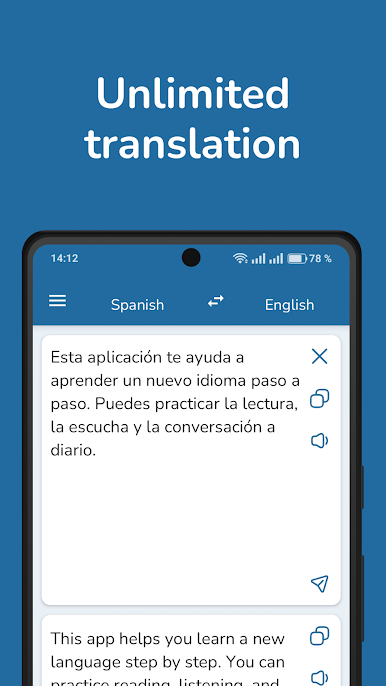
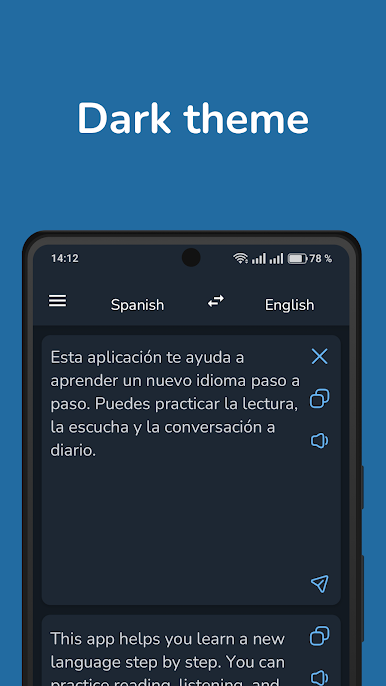
Translate between Spanish and English instantly with a fast, accurate, and secure translator app. Ideal for students, travelers, language learners, and professionals. Now with support for dark mode for comfortable use in low light.
Key features:
- Fast and accurate translations between Spanish and English
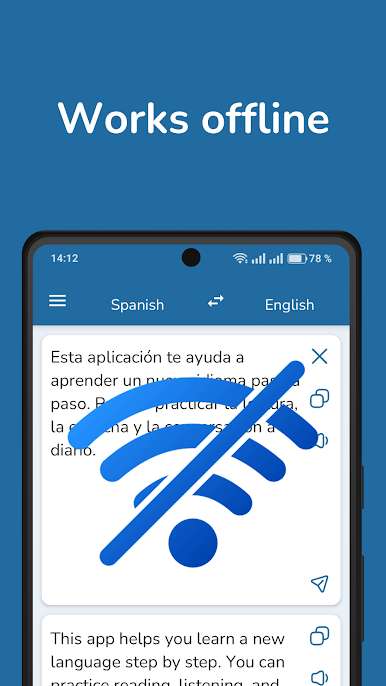
- Offline translation mode – no internet required
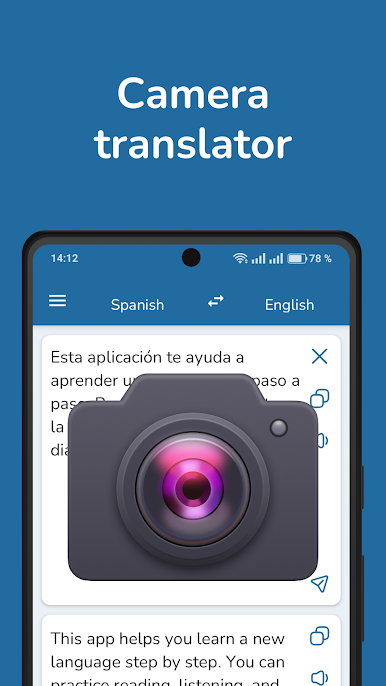
- Translate text from photos and images (OCR)
- Speech recognition
- Voice input and pronunciation for natural conversations
- Dark mode for reduced eye strain at night
- Clean and simple interface for easy use
- Private and secure – no translation history is saved
- English-Spanish dictionary
This app uses advanced AI to understand the context and nuances of both Spanish and English, helping you translate full sentences, documents, or casual speech with ease.
Whether you're learning English or Spanish, traveling abroad, or working internationally, this translator app is your essential language tool.
Download now and communicate freely with one of the fastest and reliable Spanish-English translators on Android.
Play Spanish English Translator on PC. It’s easy to get started.
-
Download and install BlueStacks on your PC
-
Complete Google sign-in to access the Play Store, or do it later
-
Look for Spanish English Translator in the search bar at the top right corner
-
Click to install Spanish English Translator from the search results
-
Complete Google sign-in (if you skipped step 2) to install Spanish English Translator
-
Click the Spanish English Translator icon on the home screen to start playing

