


Sonic 3 Air
Play on PC with BlueStacks – the Android Gaming Platform, trusted by 500M+ gamers.

Page Modified on: Nov 6, 2026
Play Sonic 3 Air on PC
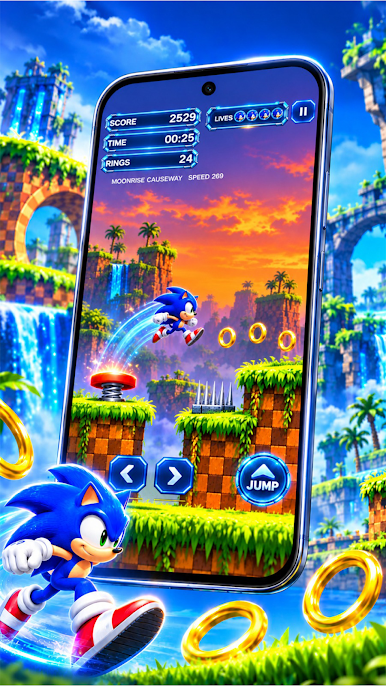
Experience the excitement of retro platform gaming as you navigate different stages, discover secret areas, and test your skills in challenging adventures.
Key Features of Sonic 3 Air
• Classic Platform Gameplay: Enjoy running, jumping, and exploring exciting side-scrolling levels.
• Fast-Paced Action: Move through colorful stages while avoiding enemies and obstacles.
• Collect Rings: Gather rings as you progress through different levels.
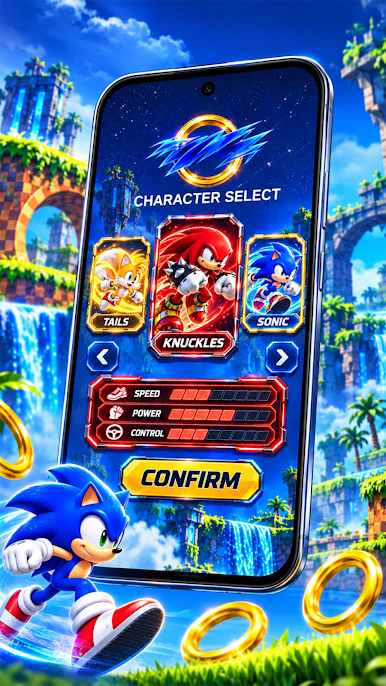
• Multiple Characters: Experience classic adventures featuring Sonic, Tails, and Knuckles.
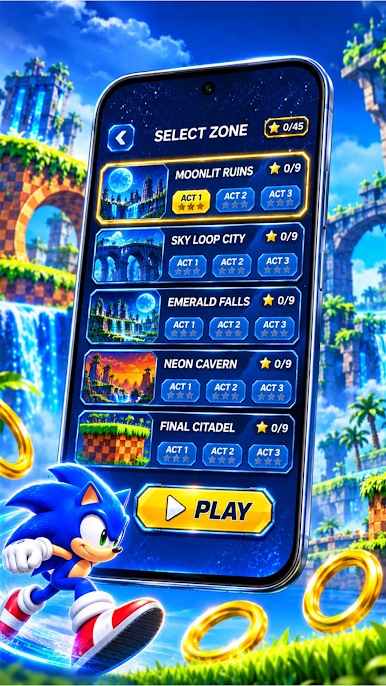
• Challenging Levels: Explore unique zones filled with platforms, hidden paths, and exciting challenges.
• Retro Pixel Graphics: Enjoy colorful environments inspired by classic platform games.
Explore Exciting Platform Adventures
Sonic 3 Air combines fast movement, platform challenges, and exploration. Travel through different environments, collect rings, defeat enemies, and discover hidden routes as you progress.
Classic Sonic Gameplay
Enjoy the familiar platforming experience of Sonic 3 A.I.R. (Angel Island Revisited), featuring iconic characters, classic stages, and engaging retro gameplay.
sonic3air.org+1
Start Your Adventure
Get ready to run, jump, explore, and experience classic platform action with Sonic 3 Air!
Disclaimer
Sonic 3 A.I.R. is a fan-made project based on Sonic 3 & Knuckles. Sonic and related characters are trademarks of SEGA. This description does not imply official affiliation with or endorsement by SEGA or Sonic Team. Sonic 3 A.I.R. requires compatible original game data
Play Sonic 3 Air on PC. It’s easy to get started.
-
Download and install BlueStacks on your PC
-
Complete Google sign-in to access the Play Store, or do it later
-
Look for Sonic 3 Air in the search bar at the top right corner
-
Click to install Sonic 3 Air from the search results
-
Complete Google sign-in (if you skipped step 2) to install Sonic 3 Air
-
Click the Sonic 3 Air icon on the home screen to start playing

