


LOKTV: Your Screen, Your Time
Play on PC with BlueStacks – the Android Gaming Platform, trusted by 500M+ gamers.

Page Modified on: Sep 3, 2026
Main LOKTV: Your Screen, Your Time on PC
🎬 EXPLORE MOVIES AND TV SHOWS
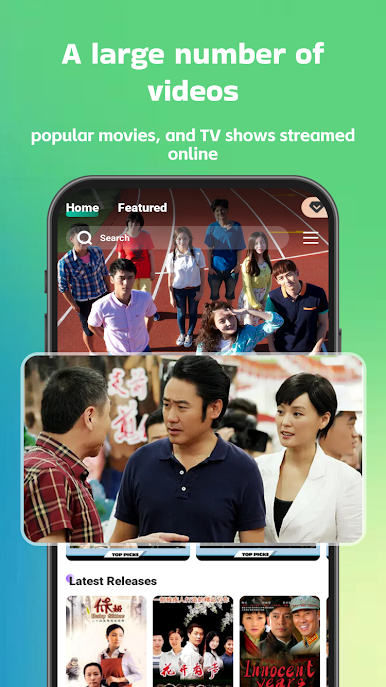
Discover movies and series in one place. Browse available content and move easily between films and episodes whenever you are ready to watch.
🔍 SEARCH WITH EASE
Find movies and TV shows quickly by searching for the titles you want to watch.
❤️ SAVE YOUR FAVORITES
Add interesting movies and series to Favorites and keep them within easy reach for later.
🕘 REVISIT YOUR WATCH HISTORY
Look back at recently watched titles without having to search for them again.
💬 WATCH WITH SUBTITLES
Turn on available subtitles to follow dialogue and enjoy a more flexible viewing experience.
🌐 CHOOSE YOUR LANGUAGE
Use supported language options to make browsing and watching more comfortable.
⬇️ DOWNLOAD FOR OFFLINE VIEWING
Download supported movies and episodes to your device and watch them later when internet access is limited or unavailable.
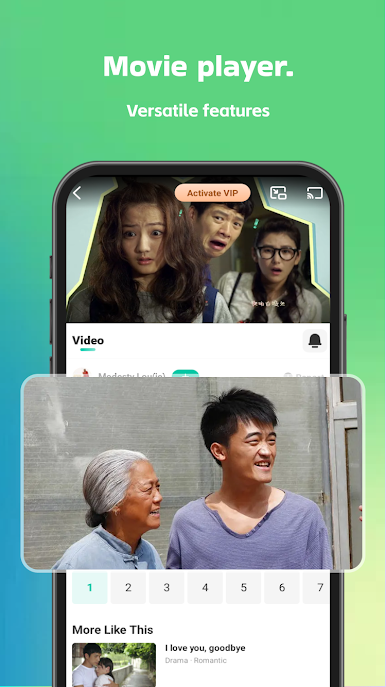
📺 CAST TO A BIGGER SCREEN
Cast supported content to a compatible TV and enjoy movies and episodes on a larger display.
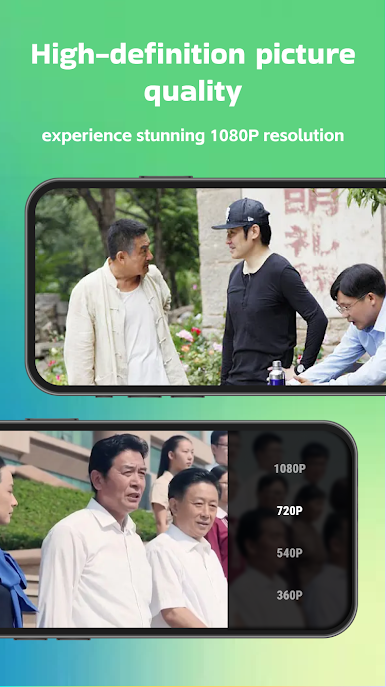
⚙️ SELECT YOUR VIDEO QUALITY
Choose from available video quality options based on your connection, device, and viewing preference.
✨ FEATURES AT A GLANCE
• Movies and TV shows in one app
• Quick title search
• Favorites and watch history
• Subtitle and language options
• Offline downloads for supported content
• Casting to compatible TVs
• Adjustable video quality
• A clean, easy-to-use viewing experience
Download the app and explore a selection of movies and TV shows. Some titles are available to watch at no cost, while others may require payment. Content, languages, subtitles, downloads, casting, and video quality options may vary by title, device, and region.
Find something to watch, save it for later, or download supported content for your next trip.

Play LOKTV: Your Screen, Your Time on PC. It’s easy to get started.
-
Download and install BlueStacks on your PC
-
Complete Google sign-in to access the Play Store, or do it later
-
Look for LOKTV: Your Screen, Your Time in the search bar at the top right corner
-
Click to install LOKTV: Your Screen, Your Time from the search results
-
Complete Google sign-in (if you skipped step 2) to install LOKTV: Your Screen, Your Time
-
Click the LOKTV: Your Screen, Your Time icon on the home screen to start playing

