


LivU - Make friends
Play on PC with BlueStacks – the Android Gaming Platform, trusted by 500M+ gamers.

Page Modified on: Aug 25, 2026
Main LivU - Make friends on PC
Discover Our Features
▶ Instant Live Video Chat
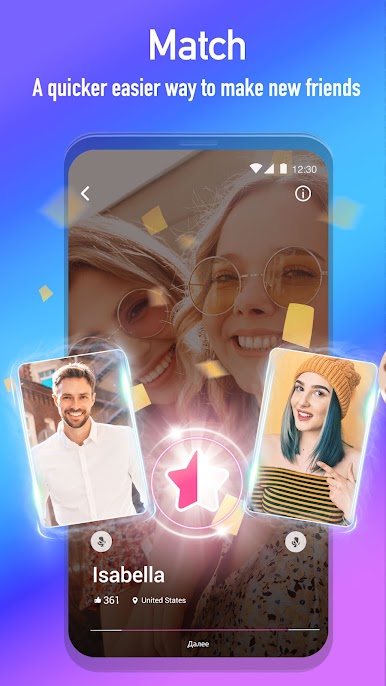
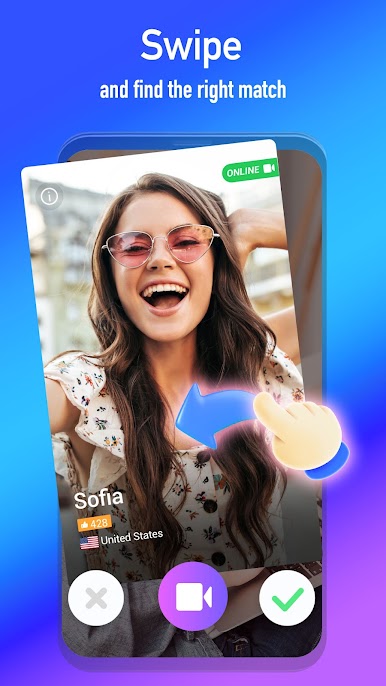
- You can customize your preferences by choosing the region and who you want to meet with, tap the screen and chat with someone within a few seconds.
- You can add users you meet as friends to direct message them or call them via direct Video Call, whenever you want
▶ Direct Video Calls
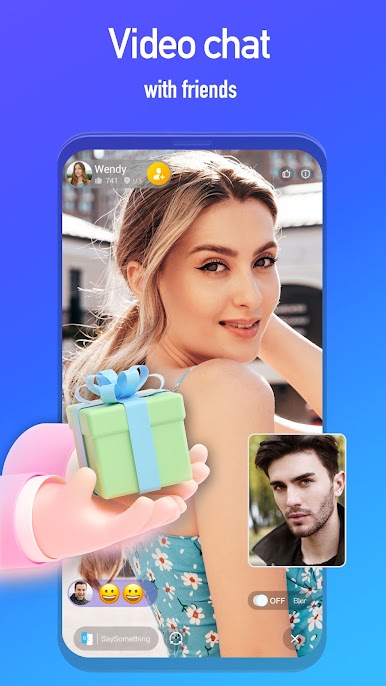
- You can call your friends or other users who are online directly to have Direct Video Calls.
- You can send each other gifts or try one of our amazing filters to have fun together
▶ Real Time Translation
- Don't worry if you don't speak the language of your friend. We will translate your chat in real time so you can have an amazing live chat and easily make friends from all over the world
▶ Video Filters & Effects
- Our advanced video filters & cute stickers will help you to make the video chats even more fun
▶ Unlimited Text Chat
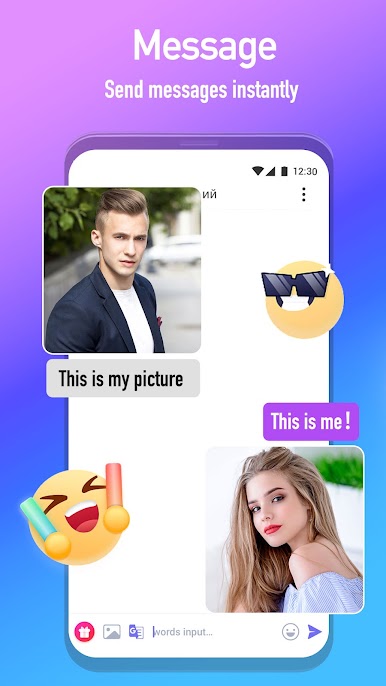
- Add users you meet on LivU as friends and message them without any limit, keep the conversation going when you can't connect via Video Calls
Privacy Protection & Safety
Our users' experience and privacy are our top priority. LivU offers various high quality safety features to maintain a safe and fun environment for everyone.
All video chats start with a blurring filter for your safety.
Direct video chat gives you more privacy and no other user can access your video and voice chat history.
Please help us keep our community safe by following our community guidelines. If you see someone behaving inappropriately, please report them to us using our reporting features and we will take necessary actions.
We always recommend you visit our safety centre here: http://safety.livu.me/
LivU provides a variety of optional in-app purchases for premium features that give you more control over who you can meet.
Your opinion is very valuable to us. Please let us know how we could improve LivU even more!
Want to learn more about us? Or never want to miss a promotion? Maybe just need help with you account? Find us:
LivU Website: https://www.livu.me/
LivU Facebook: https://www.facebook.com/LivUApp/
LivU Instagram: https://www.instagram.com/livuapp/
LivU Twitter: https://twitter.com/LivU_Videochat

Play LivU - Make friends on PC. It’s easy to get started.
-
Download and install BlueStacks on your PC
-
Complete Google sign-in to access the Play Store, or do it later
-
Look for LivU - Make friends in the search bar at the top right corner
-
Click to install LivU - Make friends from the search results
-
Complete Google sign-in (if you skipped step 2) to install LivU - Make friends
-
Click the LivU - Make friends icon on the home screen to start playing

