


Vidio: Sports, Movies, Series
Play on PC with BlueStacks – the Android Gaming Platform, trusted by 500M+ gamers.

Page Modified on: Sep 28, 2026
Main Vidio: Sports, Movies, Series on PC
The most complete watching app is only on Vidio! Watch live sports, original series, movies, Korean dramas, anime, and TV channels in
one place. Stream your favorite entertainment anytime, anywhere.
• Live sports and top leagues including football, combat sports, and motorsports.
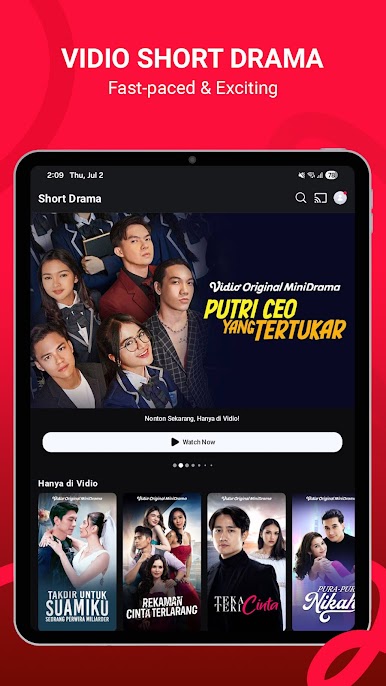
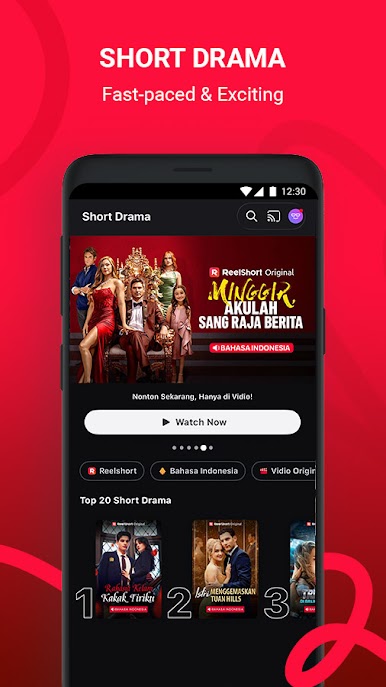
• Exclusive original series across romance, drama, action, and more.
• Popular Korean dramas & trending Asian shows.
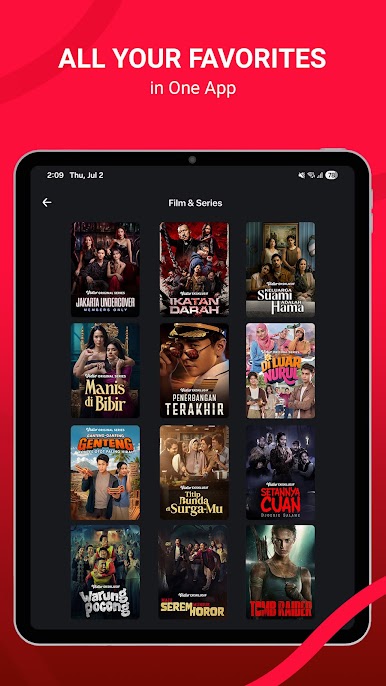
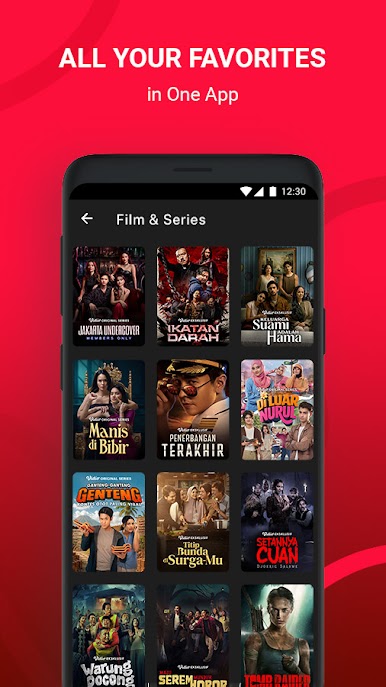
• Top movies & international drama series.
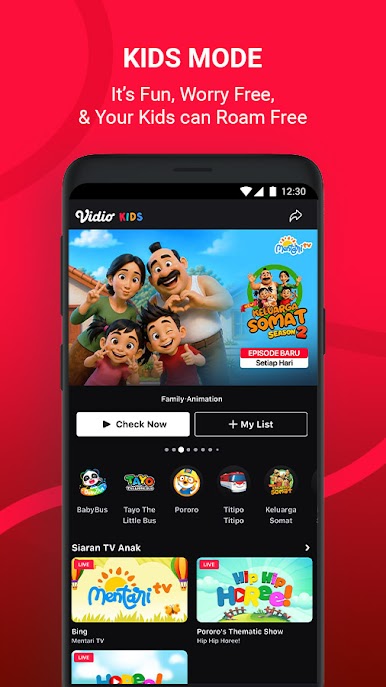
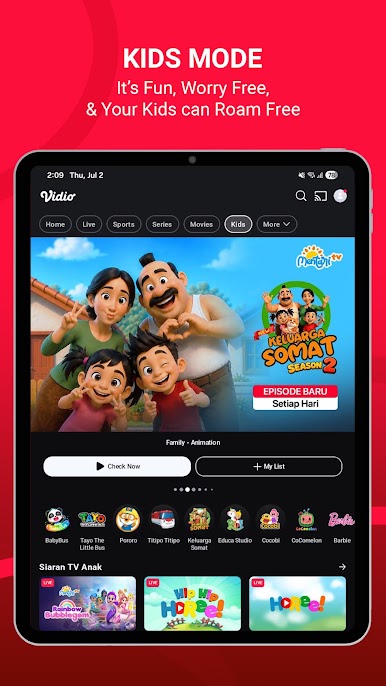
• Kids’ favorite movies & animated series for family entertainment.
• New & Popular anime titles.
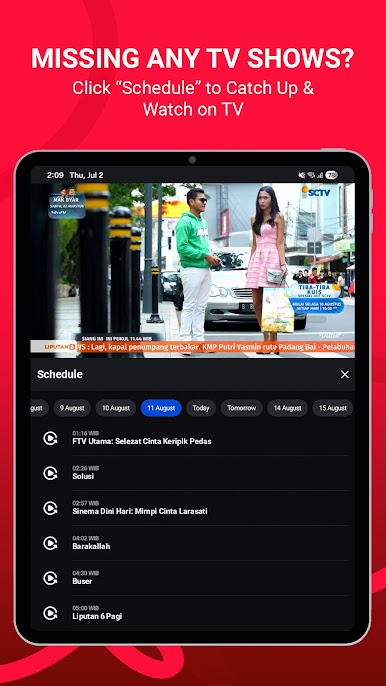
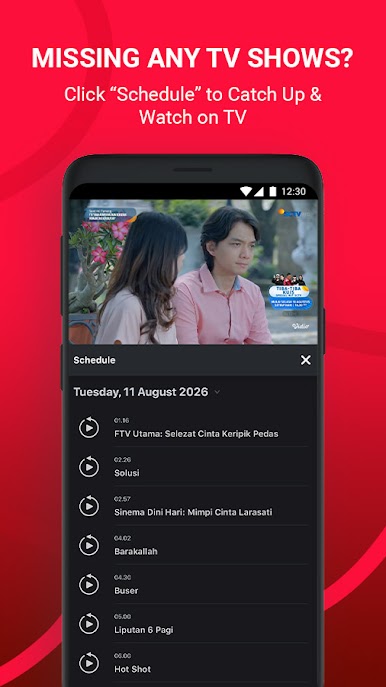
• Live national & international TV channels.
• Top sports channels for live matches and sports coverage.
• Thai dramas, Japanese dramas & much more.
Enjoy seamless HD streaming, subtitles in various languages, and a smooth viewing experience
stream anytime and anywhere with Vidio!







Play Vidio: Sports, Movies, Series on PC. It’s easy to get started.
-
Download and install BlueStacks on your PC
-
Complete Google sign-in to access the Play Store, or do it later
-
Look for Vidio: Sports, Movies, Series in the search bar at the top right corner
-
Click to install Vidio: Sports, Movies, Series from the search results
-
Complete Google sign-in (if you skipped step 2) to install Vidio: Sports, Movies, Series
-
Click the Vidio: Sports, Movies, Series icon on the home screen to start playing

