


Vidius-Stunning Frames
Play on PC with BlueStacks – the Android Gaming Platform, trusted by 500M+ gamers.

Page Modified on: Sep 23, 2026
Overview
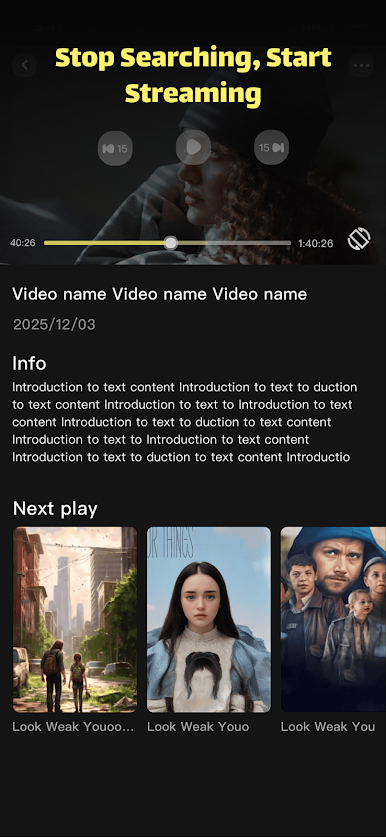
When online streaming takes over the scene, Vidius specifically delves into the texture and feel of local video sounds, treasuring every private visual and auditory memory for you.
Easily control high-definition, 4K image quality, smooth playback without static, with every frame detailed and lifelike. Fast forward, fast back precise card points, double-speed adjustment switches at will, viewing rhythm defined by you, so you don‘t miss any highlight moment.
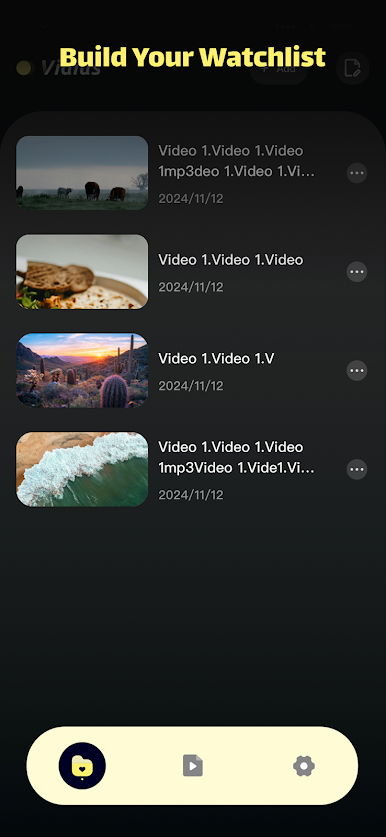
Intelligent classification, organizing is so simple
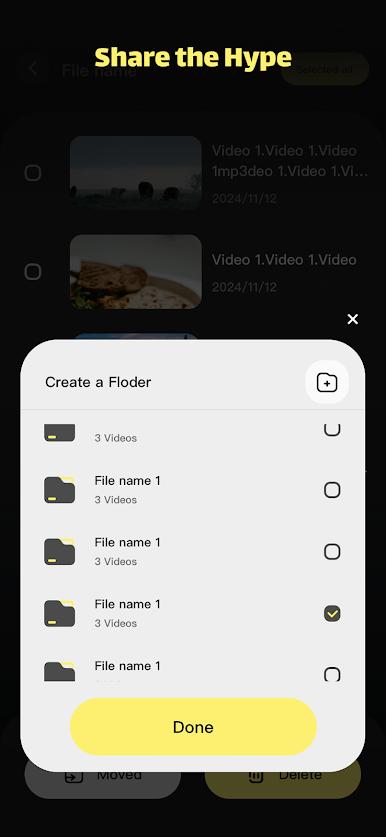
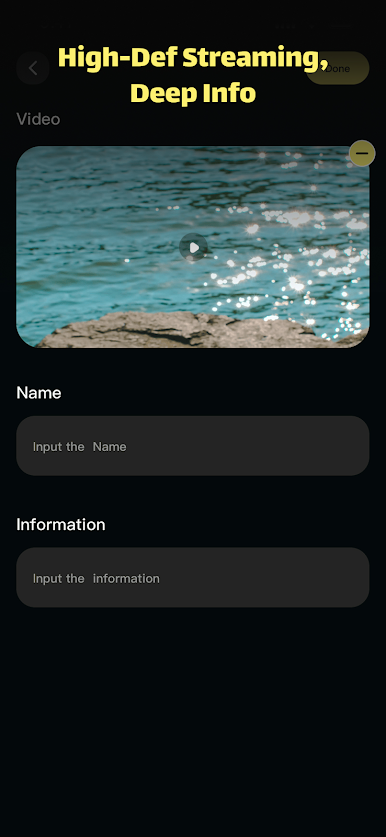
Imported videos are automatically placed in a dedicated video library, so they‘re clearly categorized at a glance. Support for easy actions such as renaming and deleting, so you can get rid of messy video files and easily build your personal video and audio collection.
Choose Vidius to make every playback of your local videos enjoyable!




Play Vidius-Stunning Frames on PC. It’s easy to get started.
-
Download and install BlueStacks on your PC
-
Complete Google sign-in to access the Play Store, or do it later
-
Look for Vidius-Stunning Frames in the search bar at the top right corner
-
Click to install Vidius-Stunning Frames from the search results
-
Complete Google sign-in (if you skipped step 2) to install Vidius-Stunning Frames
-
Click the Vidius-Stunning Frames icon on the home screen to start playing

