

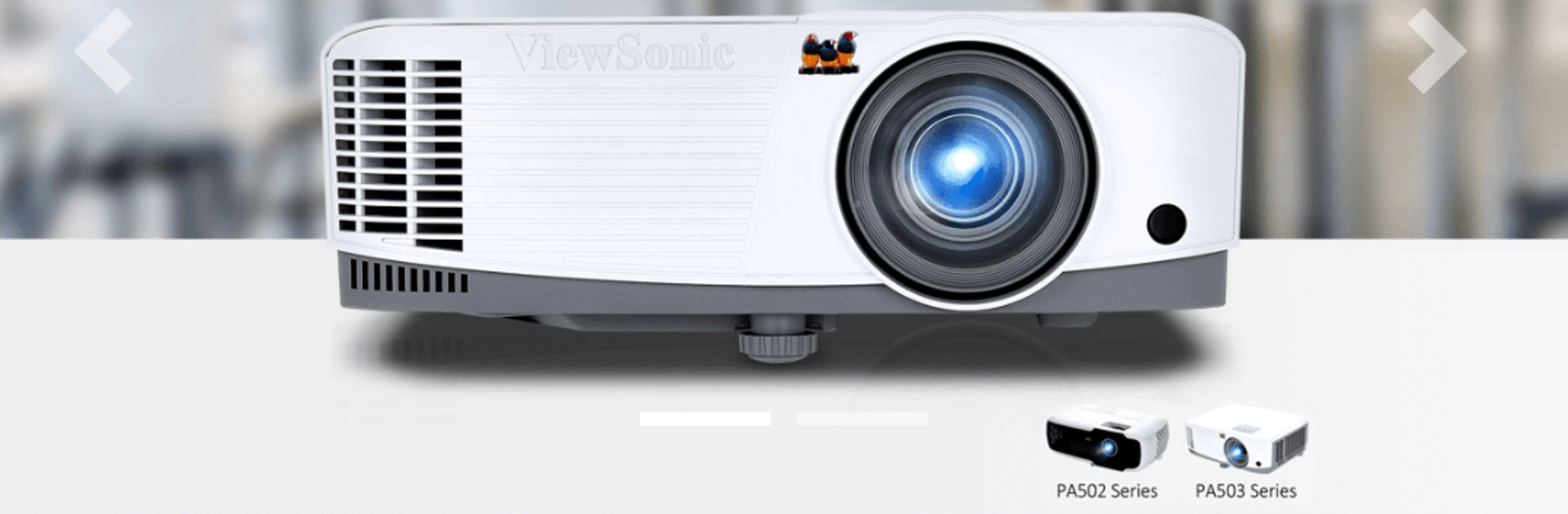
ViewSonic Projector
Play on PC with BlueStacks – the Android Gaming Platform, trusted by 500M+ gamers.

Page Modified on: Aug 12, 2024
Run ViewSonic Projector on PC or Mac
What’s better than using ViewSonic Projector by ViewSonic Corporation? Well, try it on a big screen, on your PC or Mac, with BlueStacks to see the difference.
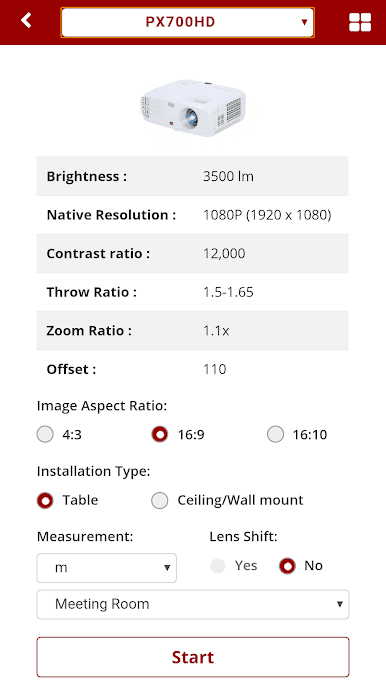
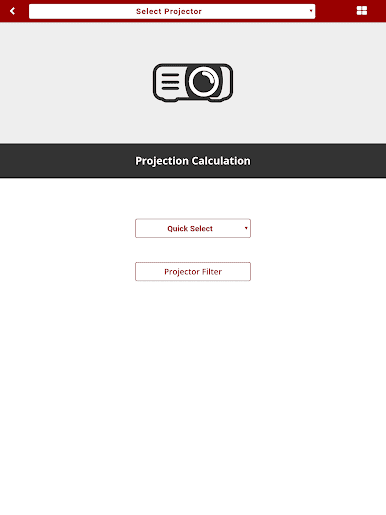
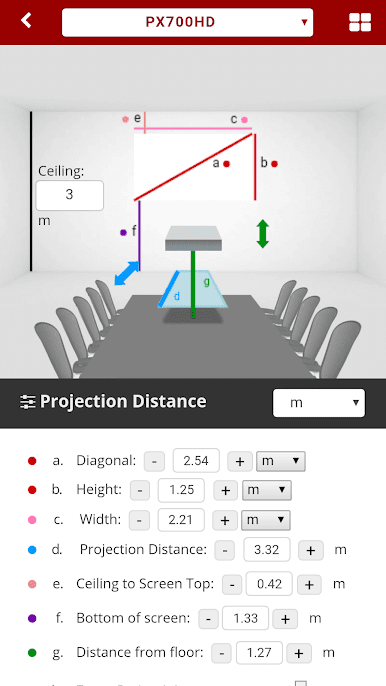
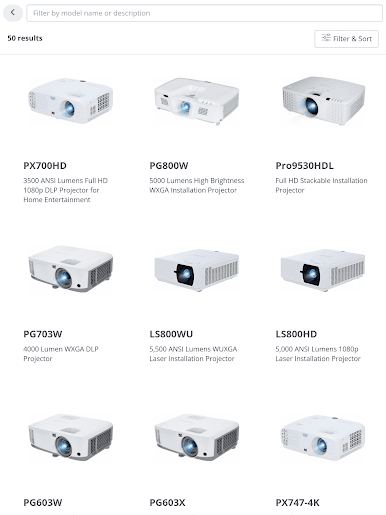
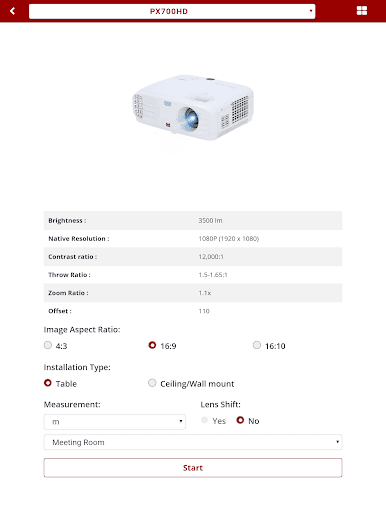
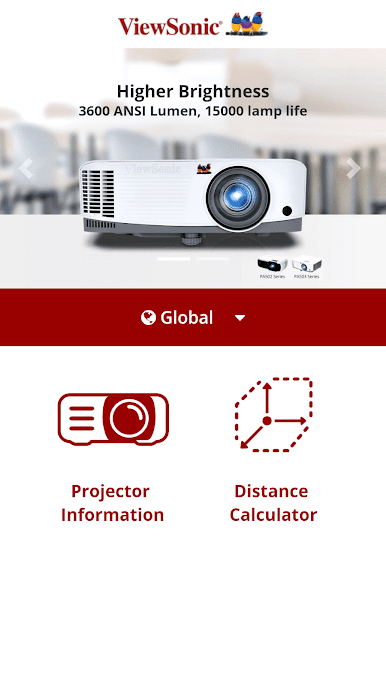
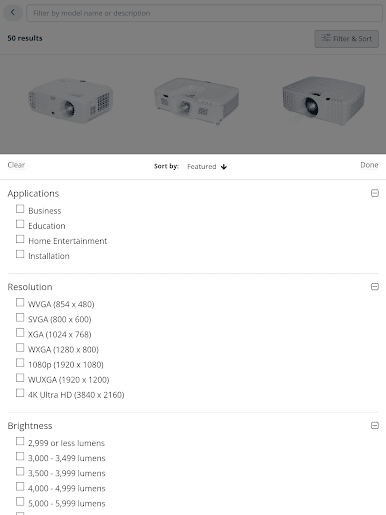
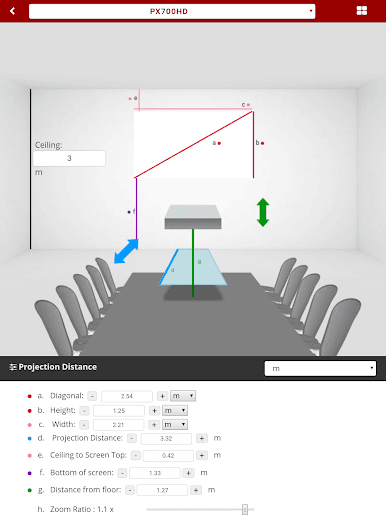
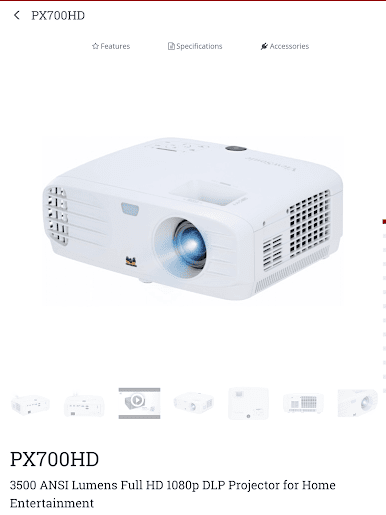
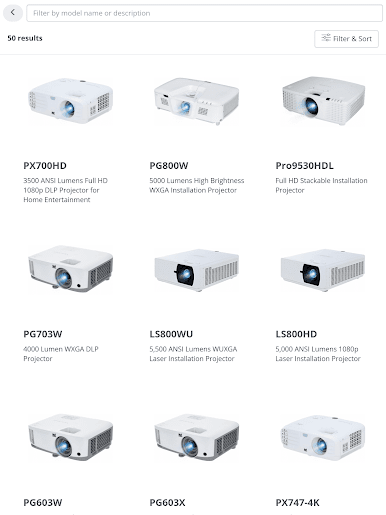
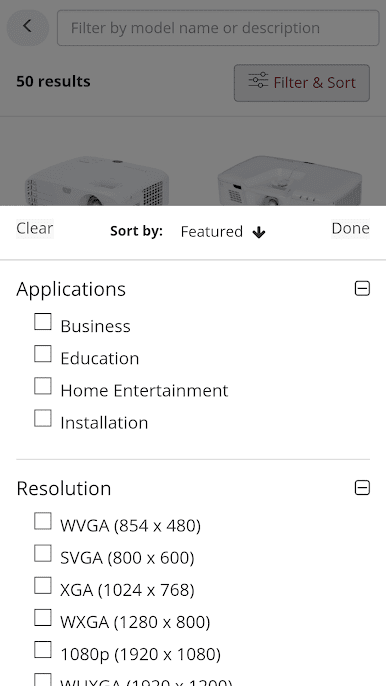
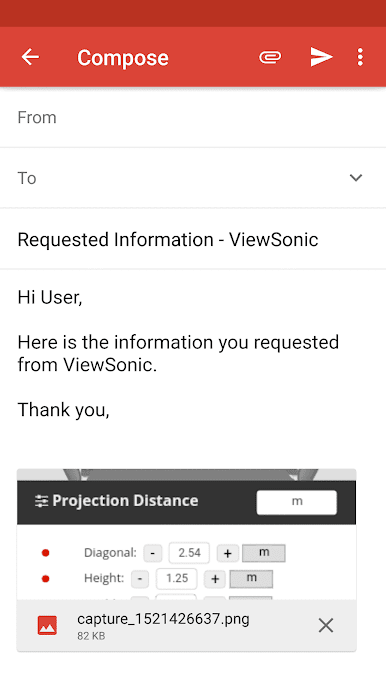
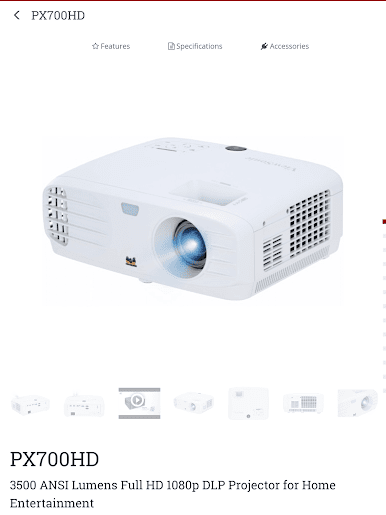
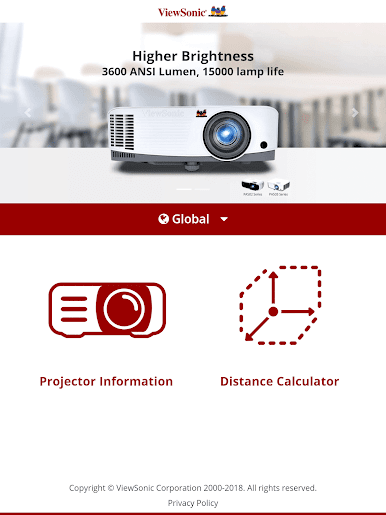
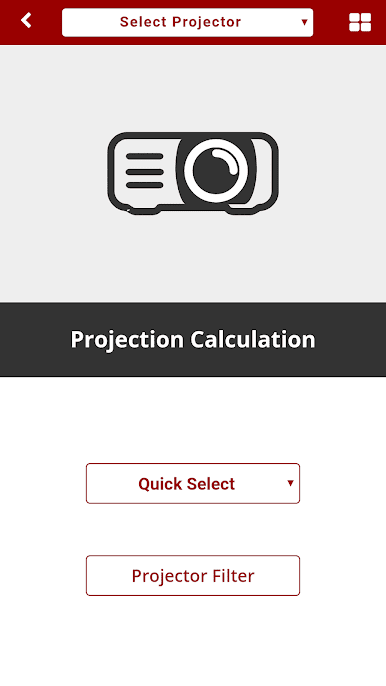
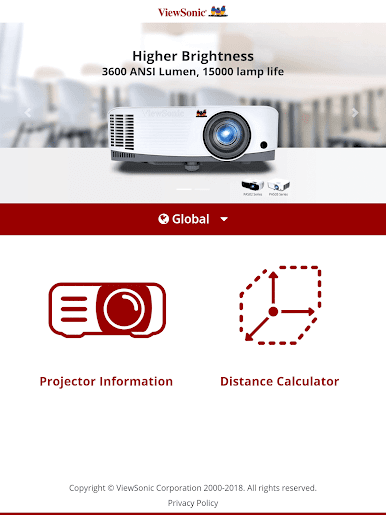
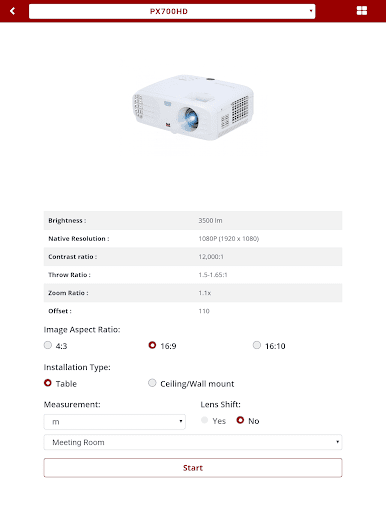
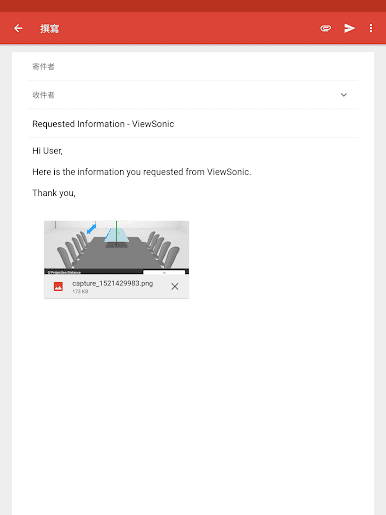
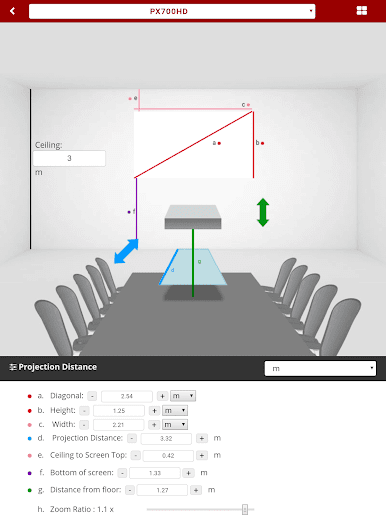
ViewSonic Projector feels like a straightforward cheat sheet mixed with a calculator for anyone dealing with projectors. It pulls together the basics and the more advanced stuff in one place, so users are not guessing how far a projector needs to sit or what screen size makes sense. The app asks for a few numbers, like room height, screen size, and aspect ratio, then shows a clean little room mockup with the measurements laid out. Distances update as the numbers change, and there is a simple drag control to nudge the projector closer or farther until it lines up. It is aimed at meeting rooms, classrooms, and larger halls, so it suits installers and distributors, but regular users can understand it without reading a manual.
On BlueStacks, it is easy to punch in values with a keyboard and use the mouse to slide the placement, which makes the tiny measurement details less of a squint. The visual simulation is the standout, since it makes abstract specs feel concrete, and it helps avoid the usual trial and error with throw distance. It is not a fancy remote or a media app, just a planning tool that answers the “how far and how big” question in a few seconds, and it does that job without clutter or fluff.
BlueStacks gives you the much-needed freedom to experience your favorite apps on a bigger screen. Get it now.
Play ViewSonic Projector on PC. It’s easy to get started.
-
Download and install BlueStacks on your PC
-
Complete Google sign-in to access the Play Store, or do it later
-
Look for ViewSonic Projector in the search bar at the top right corner
-
Click to install ViewSonic Projector from the search results
-
Complete Google sign-in (if you skipped step 2) to install ViewSonic Projector
-
Click the ViewSonic Projector icon on the home screen to start playing

