


Voice Changer - Funny Recorder
Play on PC with BlueStacks – the Android Gaming Platform, trusted by 500M+ gamers.

Page Modified on: Sep 18, 2025
Play Voice Changer - Funny Recorder on PC
Make your friends laughter with hilarious voice changer transformations!
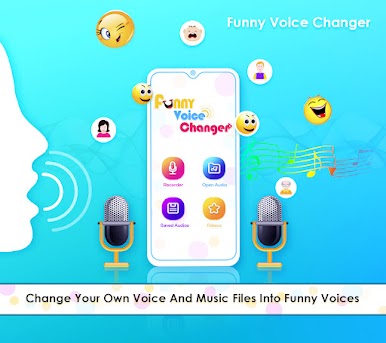
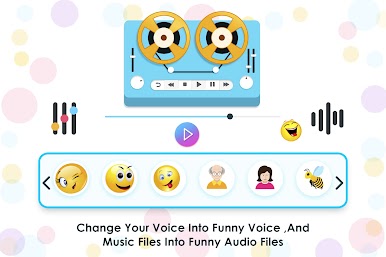
This feature-packed app is your one-stop shop for side-splitting voice effects and audio editing fun. Experience the Funny Voice Changer - a free app that transforms your voice into various effects and sounds! With its voice avatars and ambient effects, effortlessly switch up your voice for free. Modify voice recordings, audio files, or even videos for extra amusement and easy social sharing. It's your go-to for the best free voice alterations!
Here's what makes us the ultimate voice prankster tool:
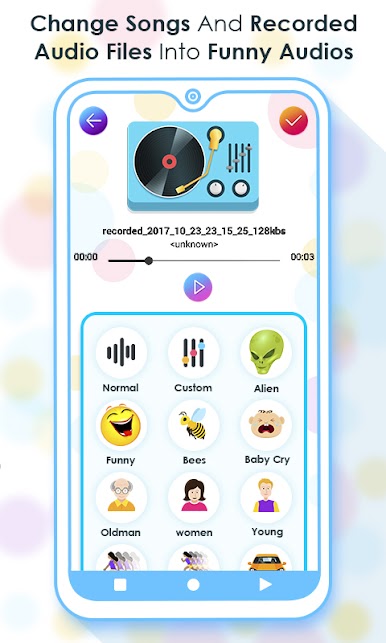
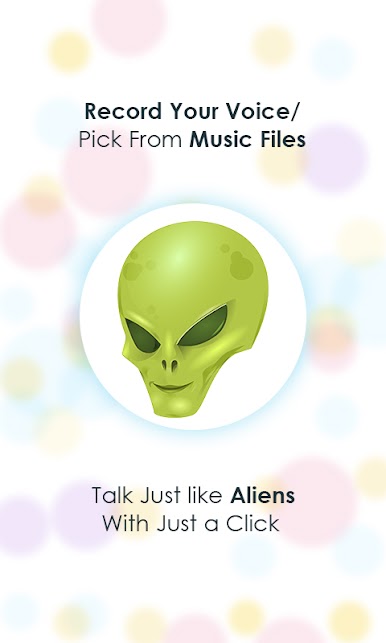
• Epic Funny Voice Effects: Transform your voice from young to old, male to female, or anything in between! ️
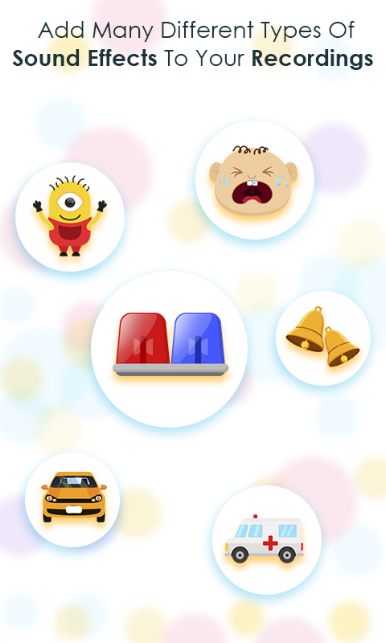
• Sound FX Extravaganza: Add hilarious sound effects like transformers, ambulances, rain, and more! ️
• Customizable Speed: Fast-forward or slow down your voice for extra comedic effect.
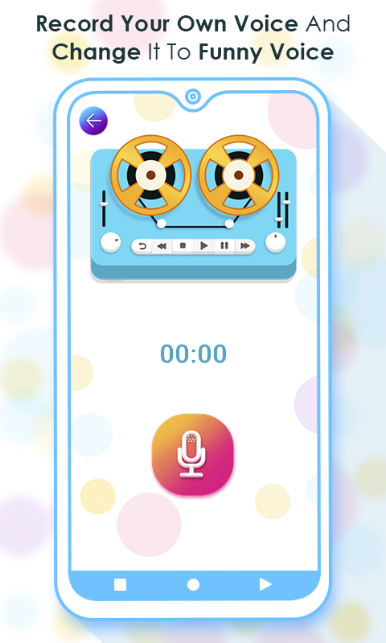
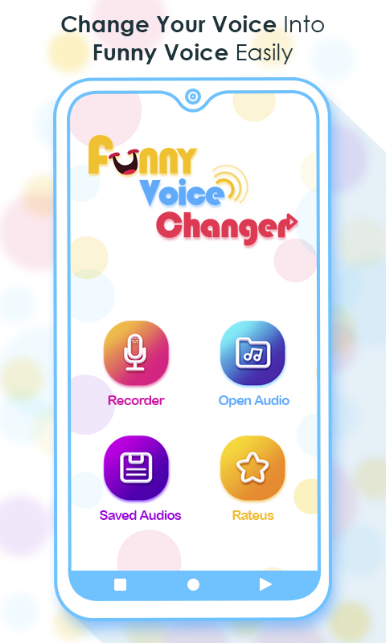
• Voice Recording & Editing: Record your voice, apply effects, and create laugh-out-loud masterpieces!
• Share the Laughs: Easily share your voice creations with friends on social media.
This app is perfect for:
• Pranking your friends and family
• Creating custom ringtones and notification sounds
• Adding a comedic touch to videos and presentations
• Having endless hours of voice translator acting fun!
How to Use the app?
📢 Capture audio for a good time or select tunes from your folders.
📢 Choose your preferred audio effect for your sound.
📢 Tap the "Finish" button for instant playback of your Voice editor.
📢 Record your voice special effects let you instantly chsange sounds effects.
📢 Have fun with speed changer (custom effect with Tempo and pitch).
📢 Share sound files with your friends via social networks.
📢 Record and change your voice directly. Save the recording file with high-quality sound.
📢 Set as ringtone, alarm, notification...
This app is super user-friendly! Simply record your voice, choose your effect, and get ready to giggle. We're constantly adding new features, so leave us a review and let us know what makes you laugh!


Play Voice Changer - Funny Recorder on PC. It’s easy to get started.
-
Download and install BlueStacks on your PC
-
Complete Google sign-in to access the Play Store, or do it later
-
Look for Voice Changer - Funny Recorder in the search bar at the top right corner
-
Click to install Voice Changer - Funny Recorder from the search results
-
Complete Google sign-in (if you skipped step 2) to install Voice Changer - Funny Recorder
-
Click the Voice Changer - Funny Recorder icon on the home screen to start playing

