


BOPLIVE | Voice Chat · Social
Play on PC with BlueStacks – the Android Gaming Platform, trusted by 500M+ gamers.

Page Modified on: Apr 25, 2026
Main BOPLIVE | Voice Chat · Social on PC
Tired of cold texting? Want to hear a real voice, get real responses, and feel genuinely accompanied?
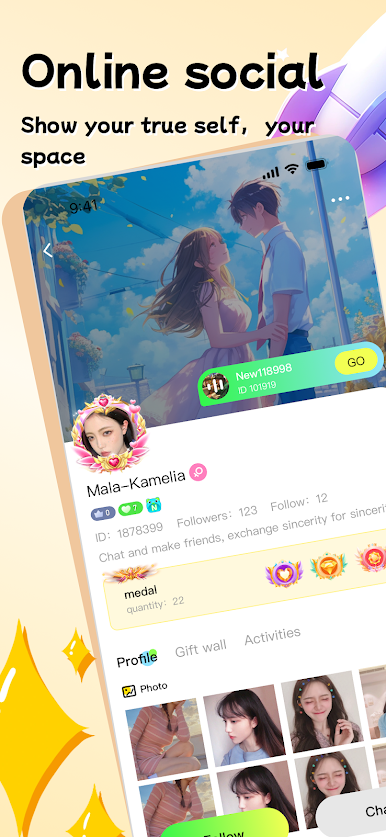
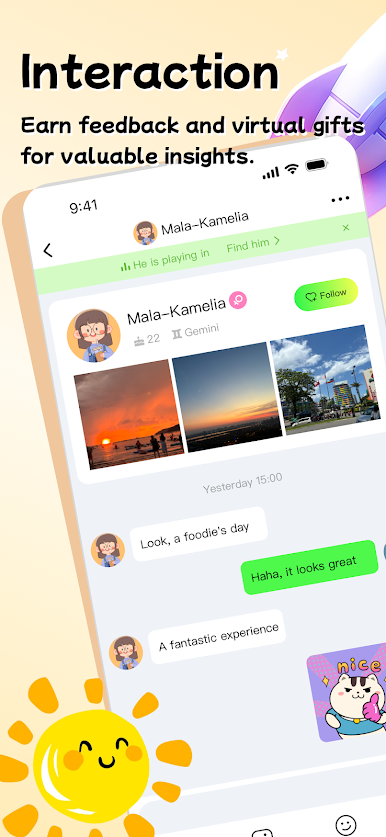
BOPLIVE is a real-time voice social app that helps you connect with the right people through sound — instantly and naturally.
Why choose BOPLIVE?
1. Instant Voice Matching
Match with real users in one tap and start talking right away. Let your voice bring you closer.
2. Heartbeat Matching & Relationship System
From strangers to CPs, besties, bros, or soulmates — build exclusive relationships with the people who matter to you.
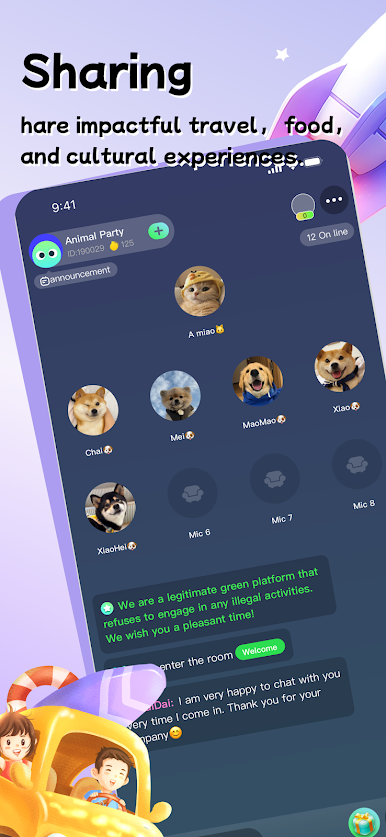
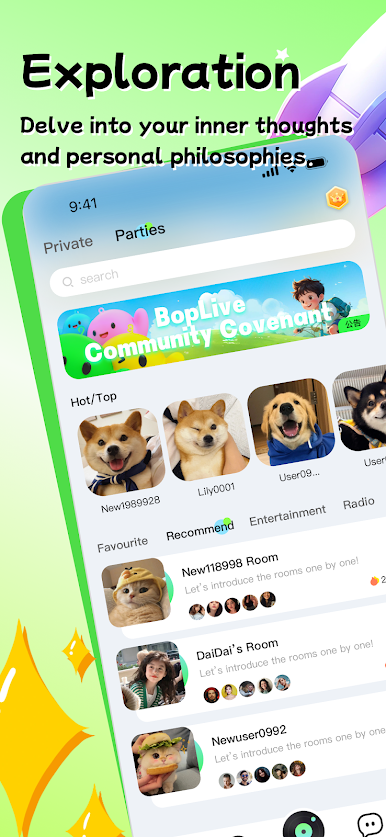
3. 24/7 Voice Parties
Non-stop voice rooms around the clock. There’s always someone to chat with, relax with, or simply keep you company.
4. Music, Socializing, Roleplay & Mini Games
Listen to music, meet new friends, chat with charming voices, enjoy roleplay, and play fun mini games — all based on your interests.
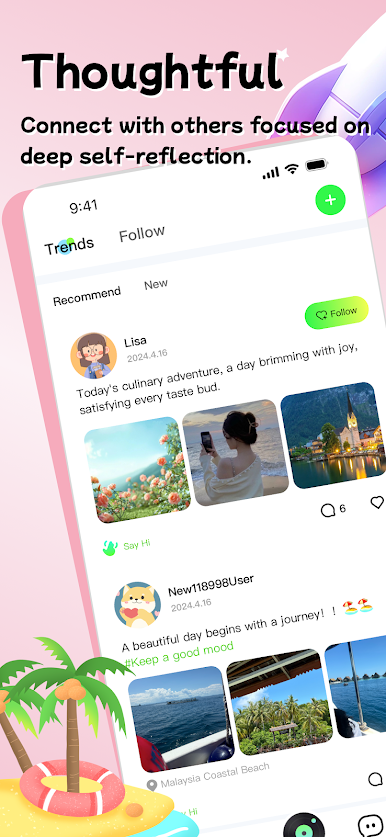
5. Moments Feed
Real users share real stories. Discover people with warmth, personality, and life behind their voices.
6. More Than Chatting — It’s Companionship
On BOPLIVE, you can:
• Have someone to talk to late at night
• Join voice rooms when you feel bored
• Socialize naturally, without awkward conversations
• Build real connections through voice
Whether you want to chat, make friends, or find emotional companionship, BOPLIVE is here for you.
Download BOPLIVE now
Start your voice social journey and let sound become the bridge that connects hearts.


Play BOPLIVE | Voice Chat · Social on PC. It’s easy to get started.
-
Download and install BlueStacks on your PC
-
Complete Google sign-in to access the Play Store, or do it later
-
Look for BOPLIVE | Voice Chat · Social in the search bar at the top right corner
-
Click to install BOPLIVE | Voice Chat · Social from the search results
-
Complete Google sign-in (if you skipped step 2) to install BOPLIVE | Voice Chat · Social
-
Click the BOPLIVE | Voice Chat · Social icon on the home screen to start playing

