


Crazy Pigeon
Play on PC with BlueStacks – the Android Gaming Platform, trusted by 500M+ gamers.

Page Modified on: Jan 14, 2026
Main Crazy Pigeon on PC
Why you’ll love Crazy Pigeon:
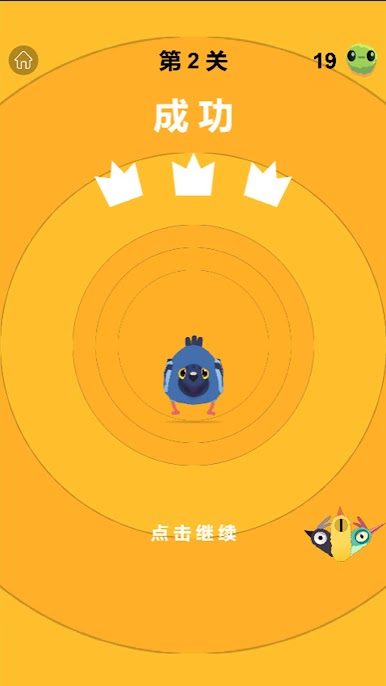
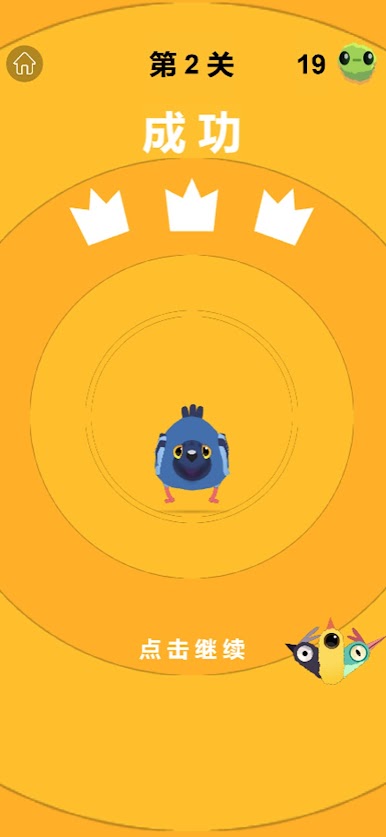
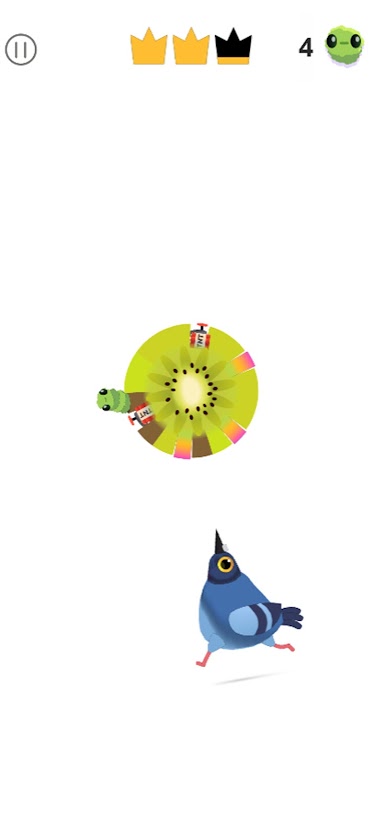
Meme-Worthy Vibes: Featuring the funniest bird animations that are taking the internet by storm in 2026.
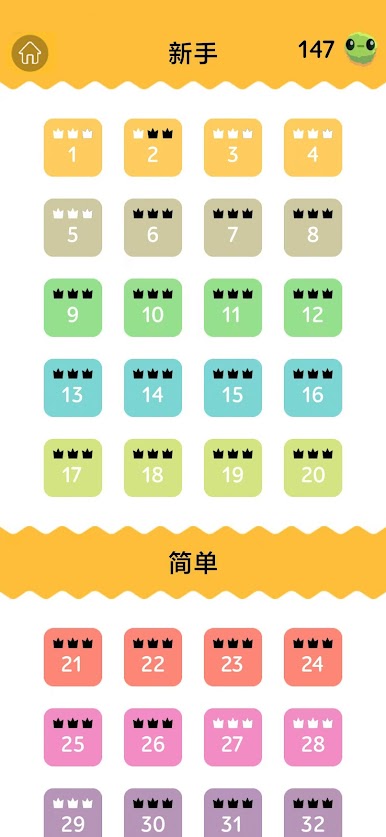
Satisfying Gameplay: Perfect ASMR sound effects and catchy beats. It’s the ultimate satisfying game for your breaks.
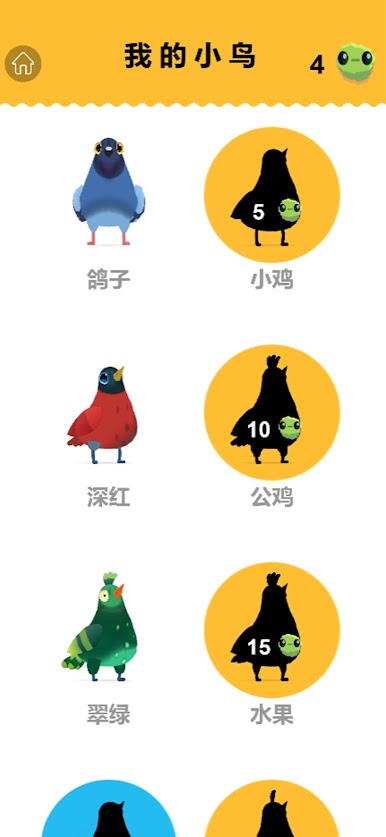
Collect ‘Em All: Unlock dozens of weird and wonderful bird skins. Can you find the legendary "Shiny Pigeon"?
Viral Challenges: Join the global pigeon dance challenge and climb the leaderboards!
Whether you need a quick time killer or a deep relaxing experience, Crazy Pigeon is your go-to mobile game. Stop scrolling and start popping!
Play Crazy Pigeon on PC. It’s easy to get started.
-
Download and install BlueStacks on your PC
-
Complete Google sign-in to access the Play Store, or do it later
-
Look for Crazy Pigeon in the search bar at the top right corner
-
Click to install Crazy Pigeon from the search results
-
Complete Google sign-in (if you skipped step 2) to install Crazy Pigeon
-
Click the Crazy Pigeon icon on the home screen to start playing

