

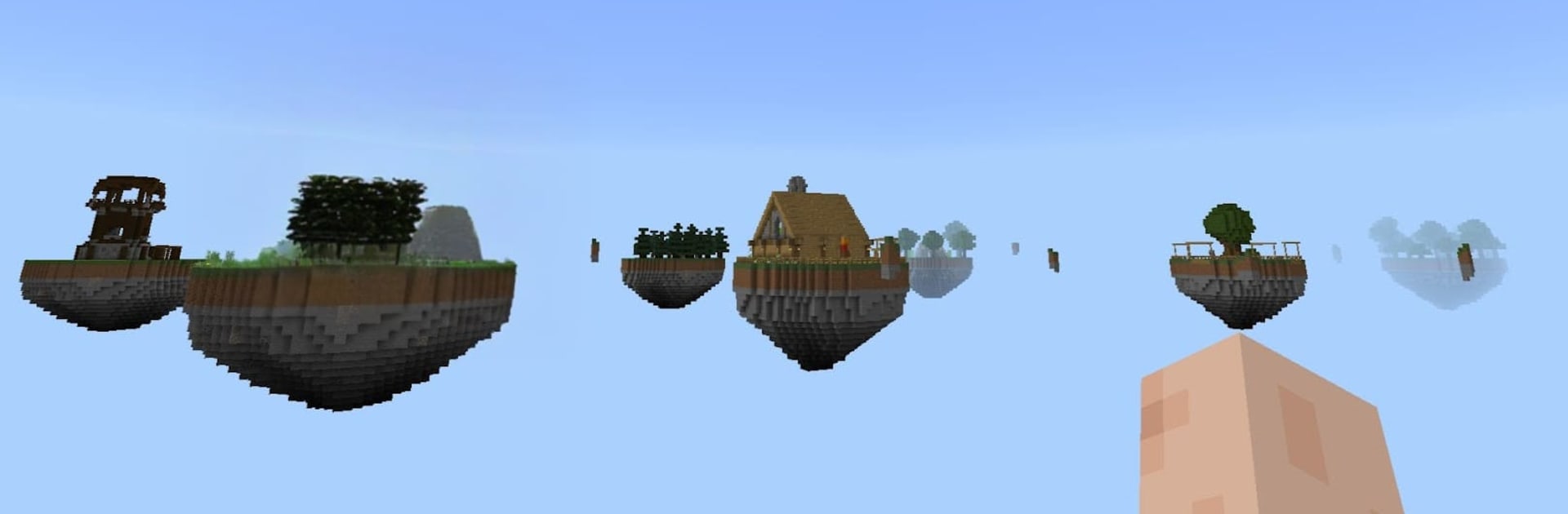
Craftsman One Block
Play on PC with BlueStacks – the Android Gaming Platform, trusted by 500M+ gamers.

Page Modified on: Mar 6, 2026
Play Craftsman One Block on PC or Mac
Join millions to experience Craftsman One Block, an exciting Adventure game from Voxelabs LLC. With BlueStacks App Player, you are always a step ahead of your opponent, ready to outplay them with faster gameplay and better control with the mouse and keyboard on your PC or Mac.
About the Game
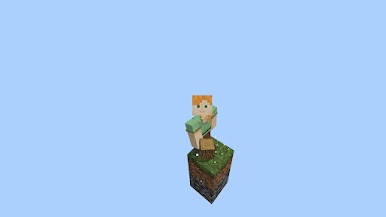
What can you build when you’re standing on a single, lonely block in the sky? Craftsman One Block turns that tiny start into a full-on Adventure—chip at the block that keeps coming back, scoop up whatever appears, and slowly shape a floating world one piece at a time. Made by Voxelabs LLC, it plays great on mobile and also feels right at home on a PC with BlueStacks.
Game Features
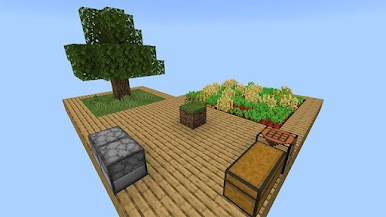
- Single-block beginnings: Start on just one block suspended over the void. Break it, watch it respawn, and collect an ever-changing mix of materials, surprises, and the occasional scare.
- Craft to stay alive: Turn scraps into tools, weapons, and a roof over your head. Keep hunger in check and be ready when monsters show up after dark.
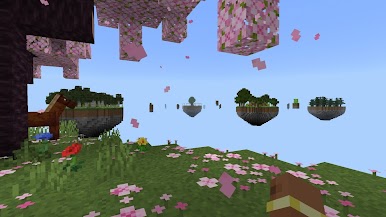
- Build the sky you imagine: Prefer architecture over danger? Switch to Creative and design sprawling islands, soaring bridges, or a sky city with all the details you want.
- Surprise blocks, big swings: Some special blocks can drop animals, rare loot, or a nasty curveball. It’s high risk, high reward—and never boring.
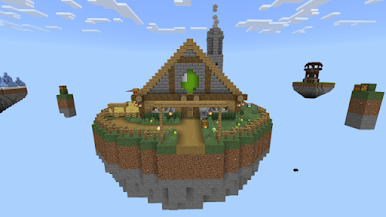
- Biomes that evolve: As your one-block world grows, new biomes and themes roll in, bringing fresh resources, creatures, and building ideas.
- Play at your pace: Chase survival challenges or chill out and tinker. Short sessions work fine, but it’s easy to lose track of time when your island starts to feel like home.
Ready to top the leaderboard? We bet you do. Let precise controls and sharp visuals optimized on BlueStacks lead you to victory.
Play Craftsman One Block on PC. It’s easy to get started.
-
Download and install BlueStacks on your PC
-
Complete Google sign-in to access the Play Store, or do it later
-
Look for Craftsman One Block in the search bar at the top right corner
-
Click to install Craftsman One Block from the search results
-
Complete Google sign-in (if you skipped step 2) to install Craftsman One Block
-
Click the Craftsman One Block icon on the home screen to start playing

