

Real City Car Driving 3D
Play on PC with BlueStacks – the Android Gaming Platform, trusted by 500M+ gamers.

Page Modified on: Mar 26, 2026
Play Real City Car Driving 3D on PC or Mac
Join millions to experience Real City Car Driving 3D, an exciting Racing game from VITAMIN SEA TRAVEL CO., LTD. With BlueStacks App Player, you are always a step ahead of your opponent, ready to outplay them with faster gameplay and better control with the mouse and keyboard on your PC or Mac.
About the Game
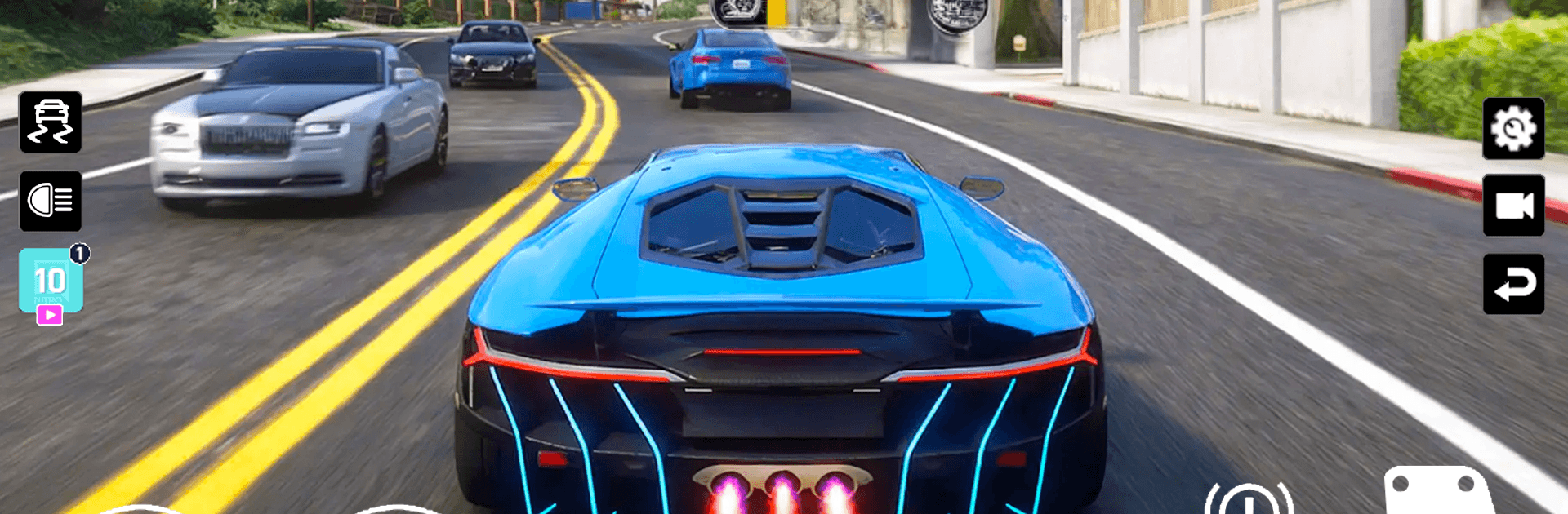
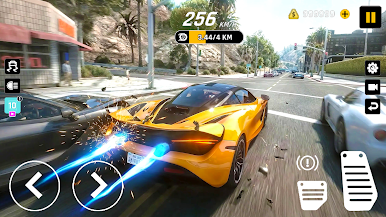
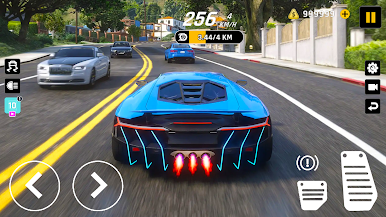
Real City Car Driving 3D is a Racing sandbox from VITAMIN SEA TRAVEL CO., LTD built for people who love the simple joy of driving fast, sliding through corners, and exploring a busy city at their own pace. It’s part chill cruise, part white‑knuckle drift session, with handling that actually feels connected to the road. Prefer a bigger screen and precise inputs? Playing on BlueStacks makes the experience feel extra smooth.
Game Features
- Open-city sandbox: Roam a lively urban map with highways, tight alleys, and long straights that beg for speed runs and stylish slides.
- Drift-first handling: Learn the car’s weight, feel the grip break loose, and catch clean angles thanks to responsive physics that reward skill.
- Cruise or challenge: Kick back with relaxed free driving or push yourself with focused drifting sections and demanding routes.
- Highways to hairpins: Swap between sweeping expressways, downtown grids, and twisty corners built for snappy transitions.
- Tactile driving feel: Acceleration, braking, and tire bite come through clearly, so every turn-in and throttle feathering matters.
- Car upgrades and style: Tune performance parts and tweak looks to match how you like to drive—aggressive, precise, or somewhere in between.
- Smooth controls: Quick steering response and clean feedback help you hold lines, chain drifts, and correct mistakes without fighting the car.
- Made for replay: Short sessions or long cruises both work—there’s always another corner to link or a faster line to master.
Make your gaming sessions memorable with precise controls that give you an edge in close combats and visuals that pop up, bringing every character to life.
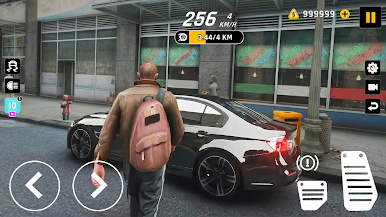
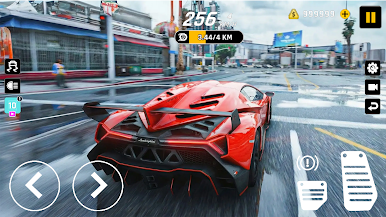
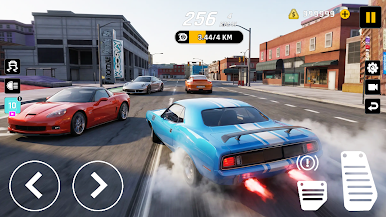
Play Real City Car Driving 3D on PC. It’s easy to get started.
-
Download and install BlueStacks on your PC
-
Complete Google sign-in to access the Play Store, or do it later
-
Look for Real City Car Driving 3D in the search bar at the top right corner
-
Click to install Real City Car Driving 3D from the search results
-
Complete Google sign-in (if you skipped step 2) to install Real City Car Driving 3D
-
Click the Real City Car Driving 3D icon on the home screen to start playing

