


Vungo Slots: Mega Jackpot
Play on PC with BlueStacks – the Android Gaming Platform, trusted by 500M+ gamers.

Page Modified on: Sep 18, 2026
Play Vungo Slots: Mega Jackpot on PC
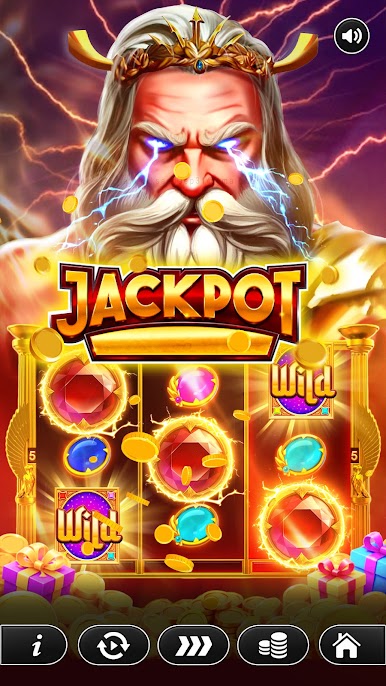
The game combines a simple interface with themed reel elements and an easy-to-follow round system.
Gameplay
Each round begins with a spin. After the reels stop, the resulting symbols are displayed on the game screen. Players can then start another round and explore a new arrangement of symbols.
Features
Virtual Reel System
Interact with the reel controls and start spins directly from the main game screen.
⚠️ ATTENTION:
This game is intended for an adult audience (18+) for amusement purposes only. This game does not target minors and does not offer real-money gambling or any opportunity to win real money or prizes. Practice or success at social casino gaming does not imply future success at real-money gambling.
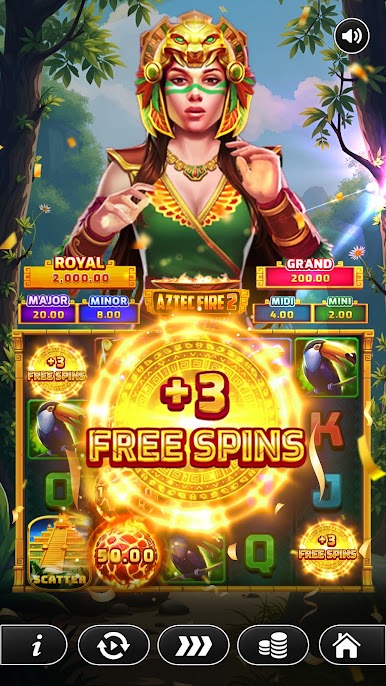
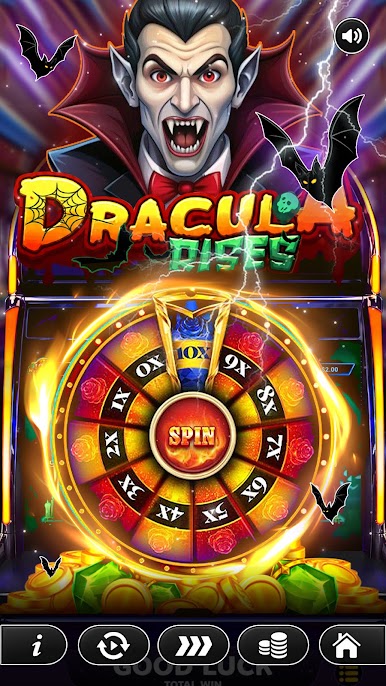
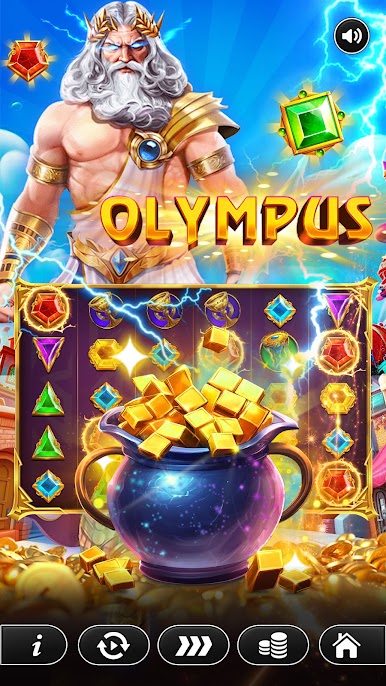
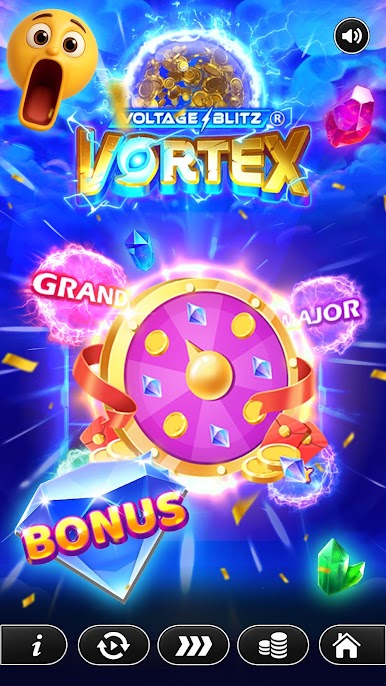
Play Vungo Slots: Mega Jackpot on PC. It’s easy to get started.
-
Download and install BlueStacks on your PC
-
Complete Google sign-in to access the Play Store, or do it later
-
Look for Vungo Slots: Mega Jackpot in the search bar at the top right corner
-
Click to install Vungo Slots: Mega Jackpot from the search results
-
Complete Google sign-in (if you skipped step 2) to install Vungo Slots: Mega Jackpot
-
Click the Vungo Slots: Mega Jackpot icon on the home screen to start playing

