

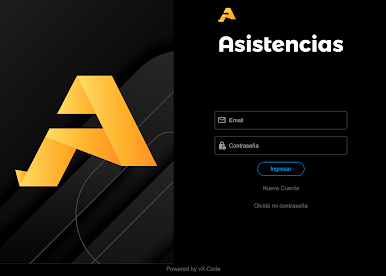
Asistencias
Play on PC with BlueStacks – the Android Gaming Platform, trusted by 500M+ gamers.

Page Modified on: Feb 12, 2026
Run Asistencias on PC or Mac
Multitask effortlessly on your PC or Mac as you try out Asistencias, a Productivity app by VX-Code on BlueStacks.
About the App
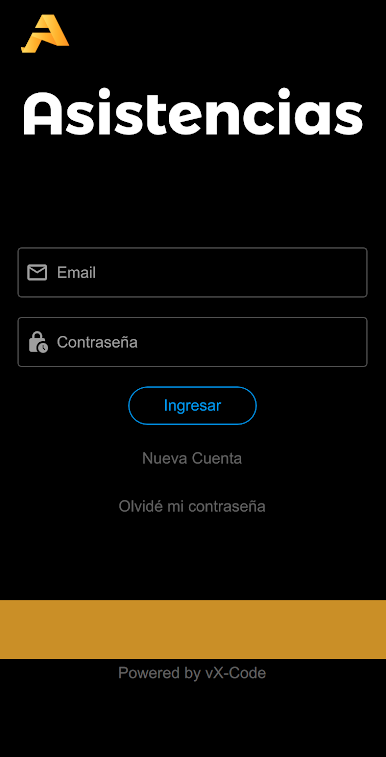
Keeping track of classroom attendance can be a bit of a headache, but Asistencias by VX-Code makes things way easier. It’s designed for teachers or anyone managing student groups, giving you simple and smart tools to handle attendance, notes, birthdays, and more—right from your phone. Whether you’re in the middle of class or reviewing things at home, expect a productivity boost and a much smoother routine.
App Features
-
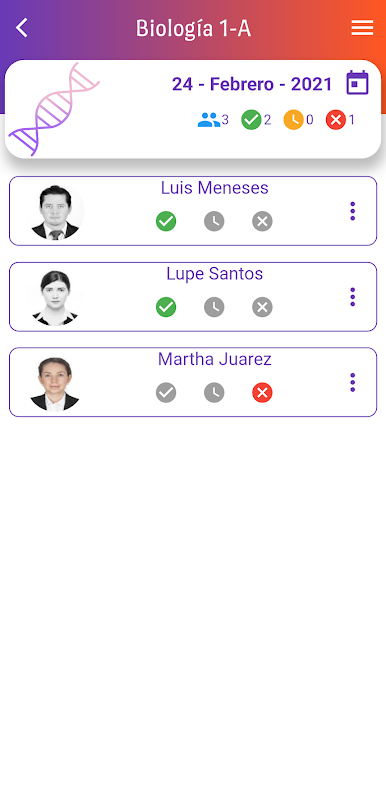
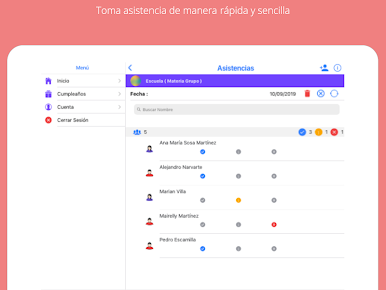
Easy Attendance Tracking
Mark who’s present, late, or absent with just a few taps. No more shuffling through paper lists or complicated spreadsheets. -
Personalized Notes
Add quick notes for each student’s attendance record, like reasons for being late or any special circumstances. It’s a handy way to remember details. -
Cloud-Based Backup
Every attendance record gets saved directly in the cloud. If you need to switch devices for any reason, just log in and all your data’s right there—no stress. -
Multiple Devices, Same Account
Need to take attendance from more than one device? No problem. All records sync instantly in the cloud, so everyone’s always up to date. -
Quick Student Import
Save time by importing student lists from other subjects you’ve already set up inside the app. That means less re-typing, more teaching. -
Birthday Reminders
The app gives you a heads-up for student birthdays, so you never miss a chance to celebrate (or bring cupcakes to class). -
Handy Search Tool
Looking for a specific student while taking attendance? Just type their name into the search bar and find them in a snap. -
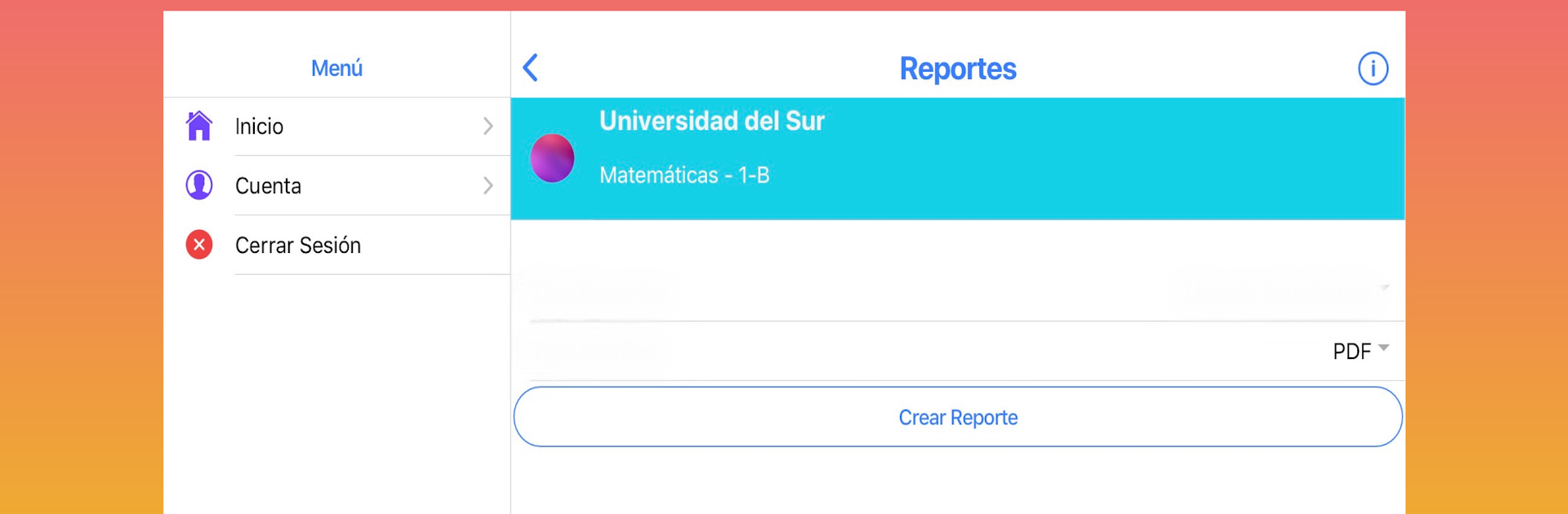
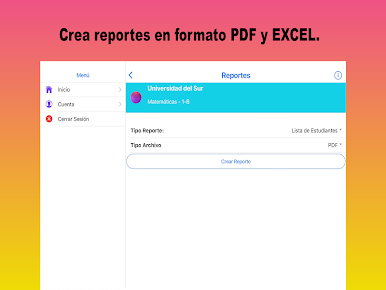
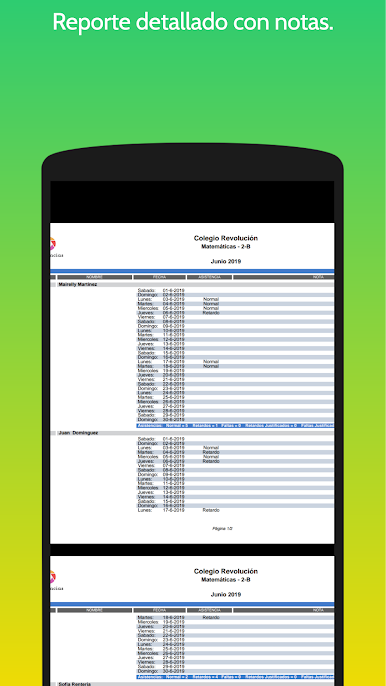
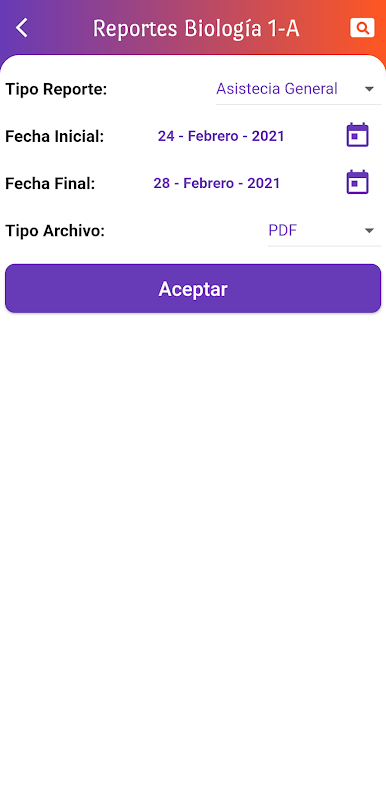
Detailed Reports
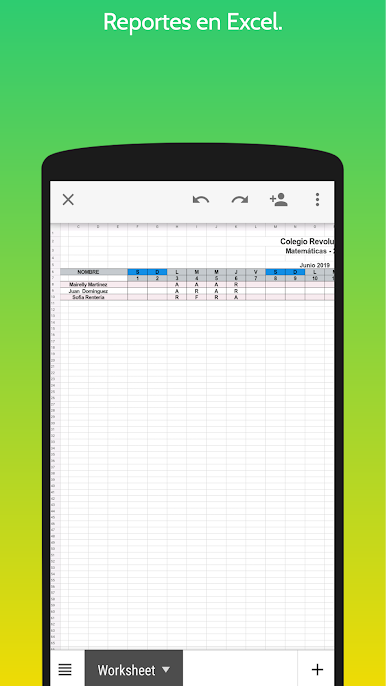
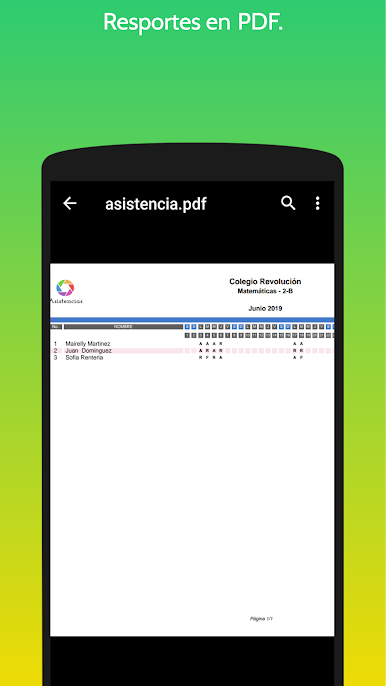
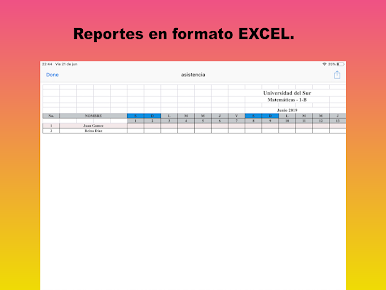
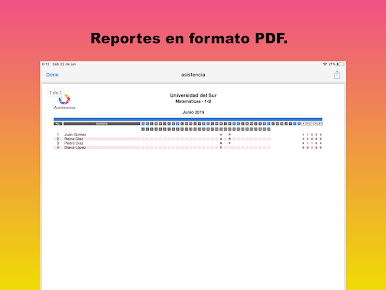
Generate professional-looking reports in both PDF and Excel formats—track general attendance, detailed logs with your notes, absences, and much more. -
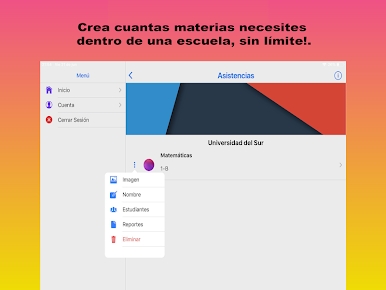
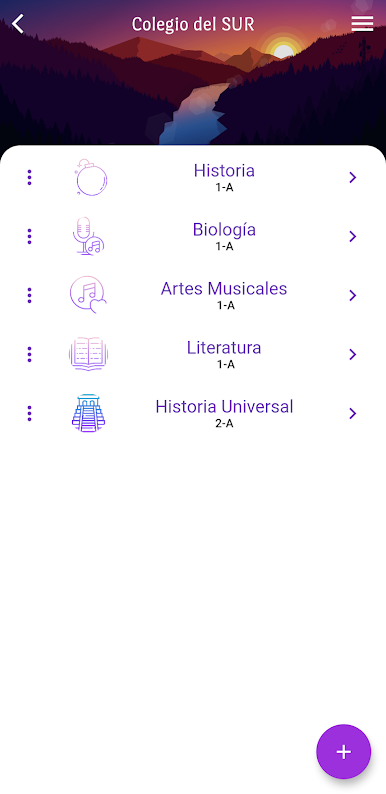
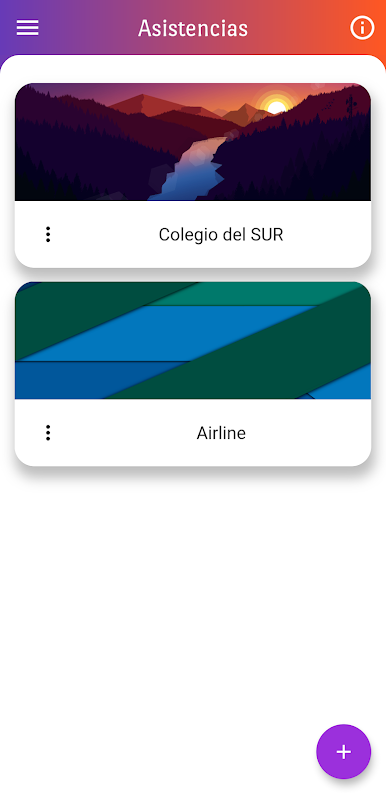
Organized by School and Subject
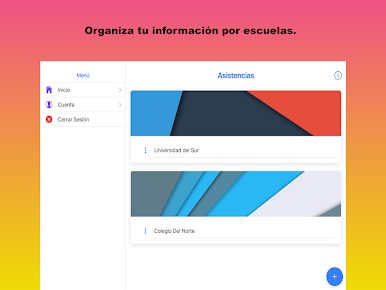
All your information is tidily sorted by school, class, and student group, making it easy to find what you need—nothing’s ever out of place.
If you prefer using your PC, you can even run Asistencias through BlueStacks for extra convenience.
BlueStacks gives you the much-needed freedom to experience your favorite apps on a bigger screen. Get it now.
Play Asistencias on PC. It’s easy to get started.
-
Download and install BlueStacks on your PC
-
Complete Google sign-in to access the Play Store, or do it later
-
Look for Asistencias in the search bar at the top right corner
-
Click to install Asistencias from the search results
-
Complete Google sign-in (if you skipped step 2) to install Asistencias
-
Click the Asistencias icon on the home screen to start playing

