


Vyke: Second Phone/2nd Line
Play on PC with BlueStacks – the Android Gaming Platform, trusted by 500M+ gamers.

Page Modified on: Oct 31, 2025
Run Vyke: Second Phone/2nd Line on PC or Mac
Upgrade your experience. Try Vyke: Second Phone/2nd Line, the fantastic Communication app from Vyke Telecoms Ltd, from the comfort of your laptop, PC, or Mac, only on BlueStacks.
About the App
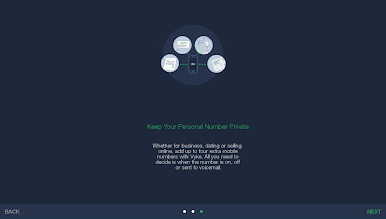
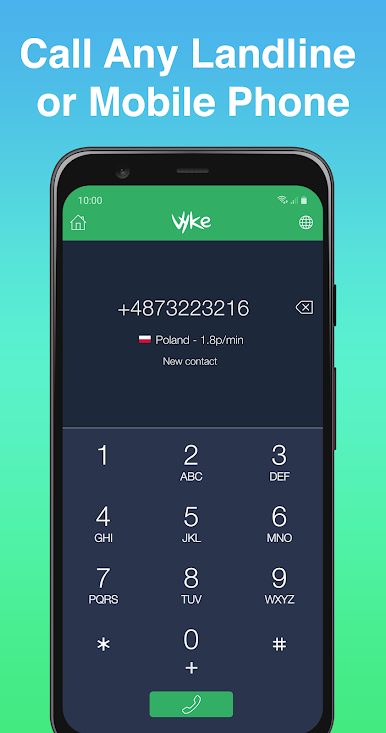
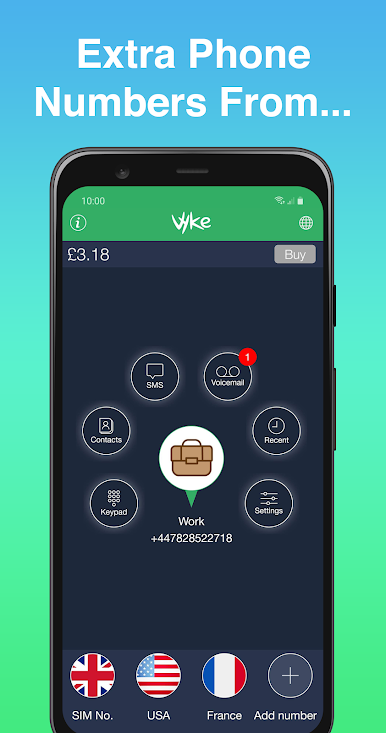
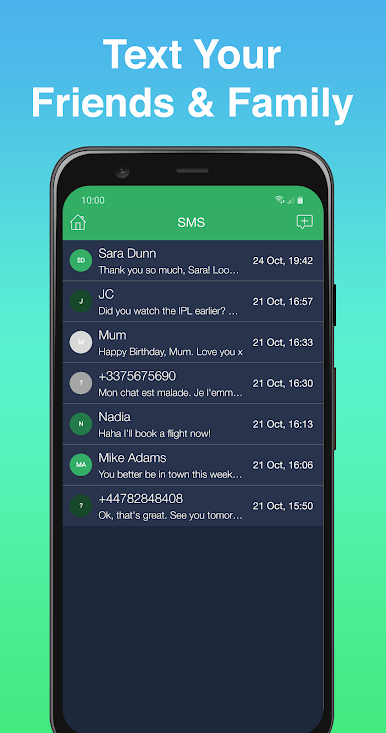
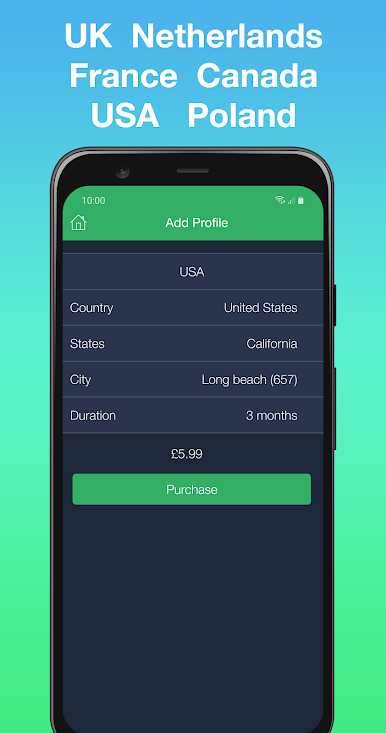
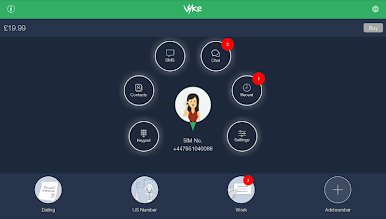
Vyke: Second Phone/2nd Line by Vyke Telecoms Ltd is your all-in-one solution for maintaining privacy and managing communications. Whether you’re dating, traveling internationally, or running a business, Vyke lets you keep your personal number private by providing up to 4 additional phone numbers. Expect seamless communication with free calls and chats to other Vyke users, plus low-cost calls and SMS to everyone else.
App Features
Privacy Protection:
– Safeguard your personal number while dating or selling online.
International Convenience:
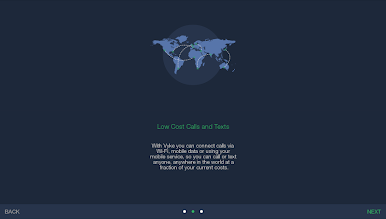
– Avoid roaming fees and enjoy international calling by connecting to Wi-Fi.
Business Flexibility:
– Port your number to Vyke and handle business communications without needing an extra device.
Enhanced Communication:
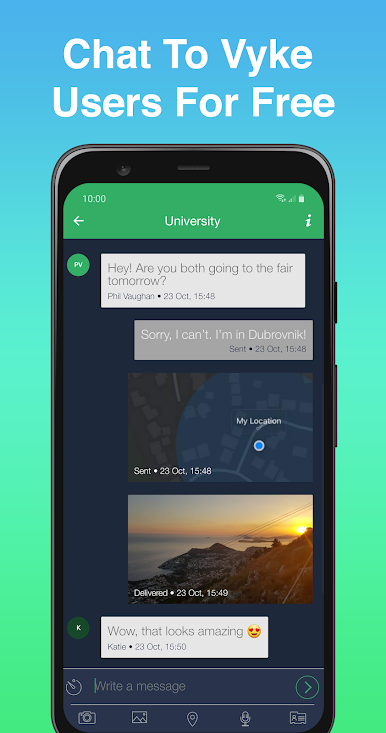
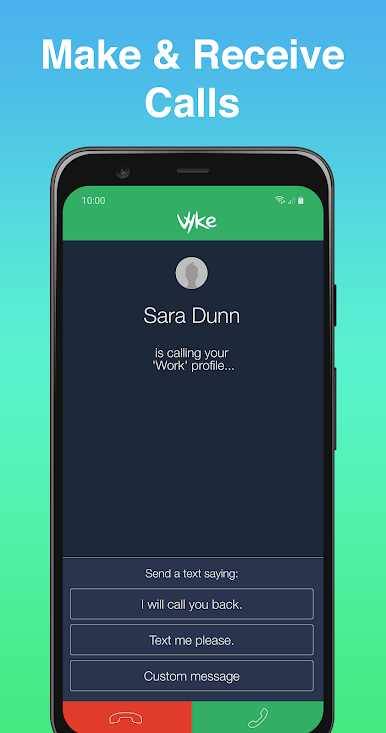
– Call or message other Vyke users for free, and make crystal-clear voice calls globally at low rates.
Customizable Experience:
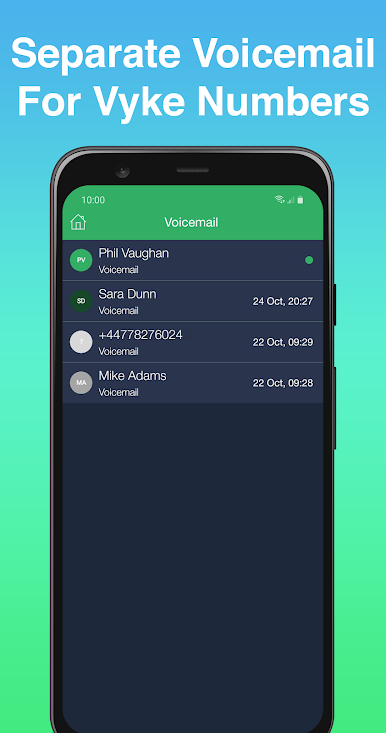
– Easily manage when each number is on, off, or sent to voicemail, giving you full control over your mobile identity.
Seamless Device Integration:
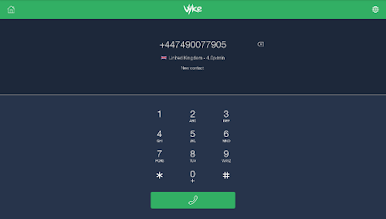
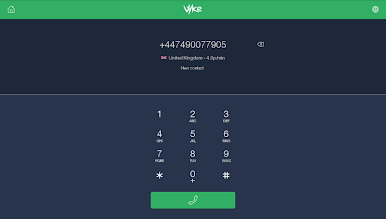
– Turn tablets into fully functioning phones and maintain an international presence with local calling capabilities.
Use Vyke effortlessly on your PC or Mac with BlueStacks for added flexibility.
BlueStacks gives you the much-needed freedom to experience your favorite apps on a bigger screen. Get it now.





Play Vyke: Second Phone/2nd Line on PC. It’s easy to get started.
-
Download and install BlueStacks on your PC
-
Complete Google sign-in to access the Play Store, or do it later
-
Look for Vyke: Second Phone/2nd Line in the search bar at the top right corner
-
Click to install Vyke: Second Phone/2nd Line from the search results
-
Complete Google sign-in (if you skipped step 2) to install Vyke: Second Phone/2nd Line
-
Click the Vyke: Second Phone/2nd Line icon on the home screen to start playing

