


Verizon Care Smart
Play on PC with BlueStacks – the Android Gaming Platform, trusted by 500M+ gamers.

Page Modified on: Jan 30, 2026
Play Verizon Care Smart on PC
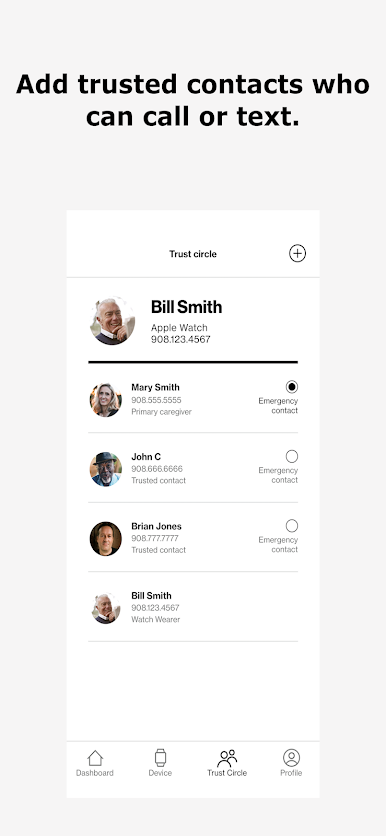
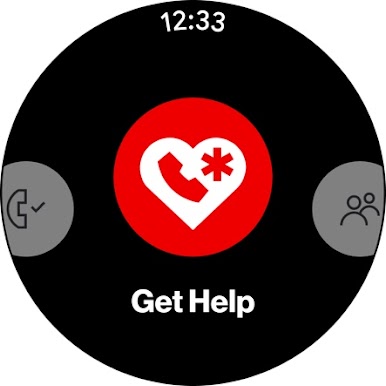
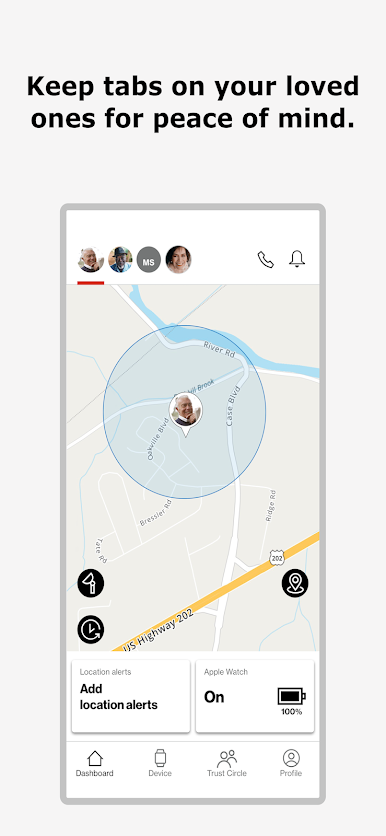
(In contrast, the Verizon Care Smart Watch is also compatible with the Care Smart app, but that watch does not support the Get Help services. However, it does allow the watch user’s Trust Circle contacts to communicate with and locate the watch by using the Care Smart app.)
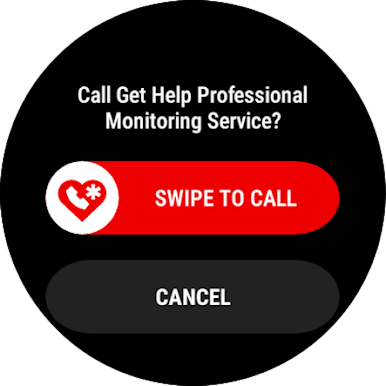
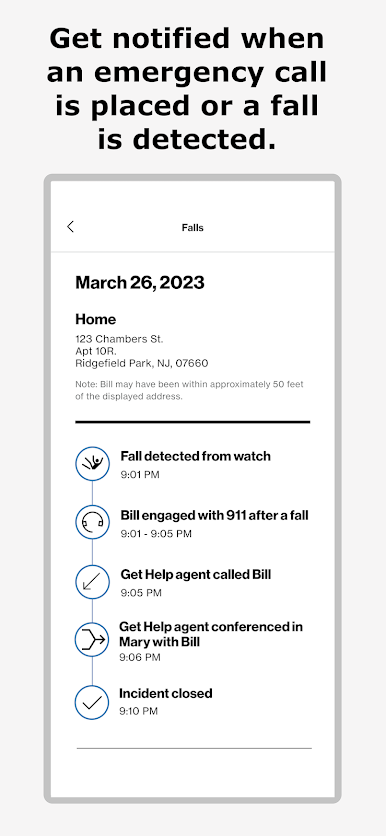
Care Smart Get Help - Professional Monitoring for eligible models of Samsung Galaxy Watch (Wear OS) and Google Pixel Watch (Wear OS) and Apple Watch is now available as part of the Verizon MyPlan SmartWatch Data and Safety Perk. Learn more here: https://www.verizon.com/solutions-and-services/add-ons/safety/smartwatch-data-safety-perk/
*Care Smart is available for these Wear OS devices: Google Pixel Watch and Samsung Galaxy Watch4 and later. Care Smart is also available for Apple Watch 4 and later.

Play Verizon Care Smart on PC. It’s easy to get started.
-
Download and install BlueStacks on your PC
-
Complete Google sign-in to access the Play Store, or do it later
-
Look for Verizon Care Smart in the search bar at the top right corner
-
Click to install Verizon Care Smart from the search results
-
Complete Google sign-in (if you skipped step 2) to install Verizon Care Smart
-
Click the Verizon Care Smart icon on the home screen to start playing

