


Lockscreen English Word Alarm
Play on PC with BlueStacks – the Android Gaming Platform, trusted by 500M+ gamers.

Page Modified on: Feb 8, 2026
Run Lockscreen English Word Alarm on PC or Mac
Why limit yourself to your small screen on the phone? Run Lockscreen English Word Alarm, an app by Wafour Edu, best experienced on your PC or Mac with BlueStacks, the world’s #1 Android emulator.
About the App
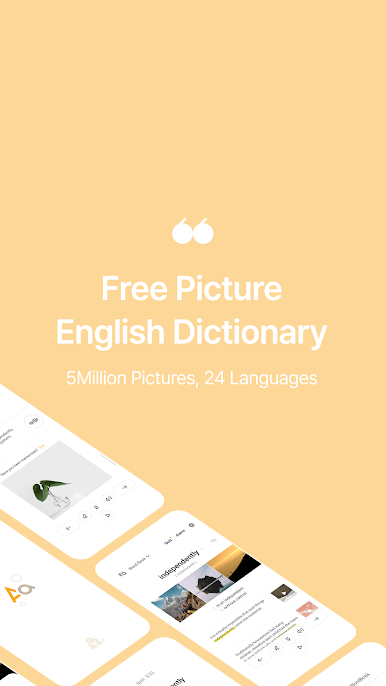
Learning new English words doesn’t have to be a chore, and Lockscreen English Word Alarm turns your daily phone routine into effortless study time. With this app from Wafour Edu, you get a fresh way to remember vocabulary—by seeing words and their meanings every time you unlock your phone. Whether you’re just starting out or already brushing up your skills, it’s designed to fit right into your day, no heavy textbooks or boring drills required.
App Features
-
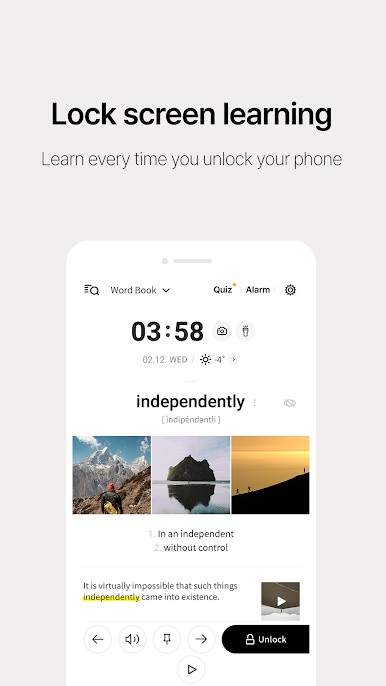
Learn as You Unlock
Each time you wake up your screen, you’ll see a new English word with its meaning, making practice automatic and steady—no extra reminders needed. -
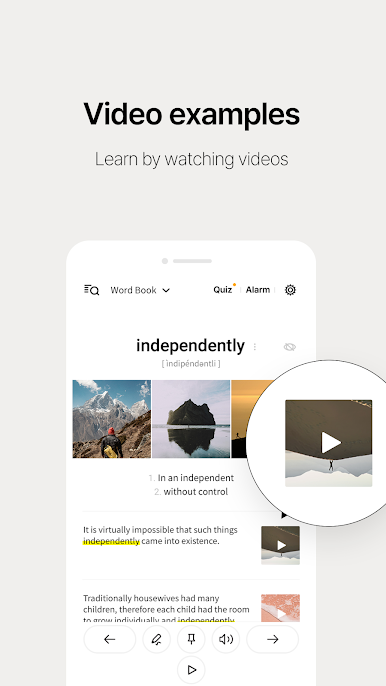
Visual Vocabulary Boost
By using images alongside words, the app taps into both sides of your brain, making it easier to grasp and recall vocabulary—kind of like being in an English-speaking country, without the plane ticket. -
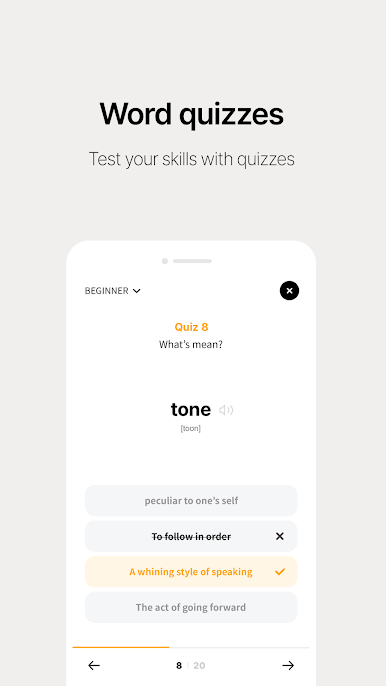
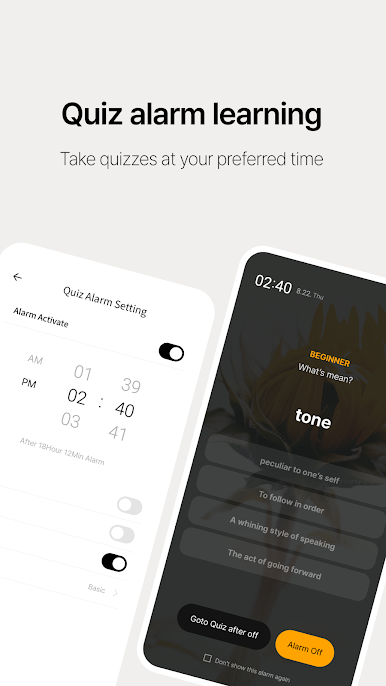
Quiz Alarms
You choose when the app gives you a nudge to review. It’ll pop up quiz reminders at your preferred times, with word lists adjusted to your comfort level. -
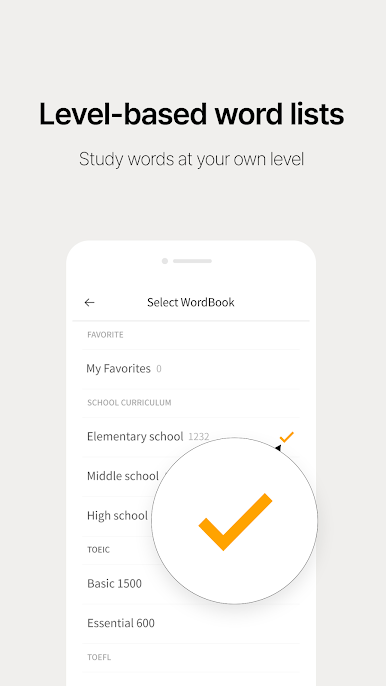
Words Sorted by Level
Jump in wherever you feel comfortable. Pick from beginner, intermediate, or advanced vocabulary, so you’re always practicing words that suit your needs. -
Real-Life Example Sentences
All sample sentences come from native speakers, so you’ll get a feel for how each word pops up in day-to-day conversation. -
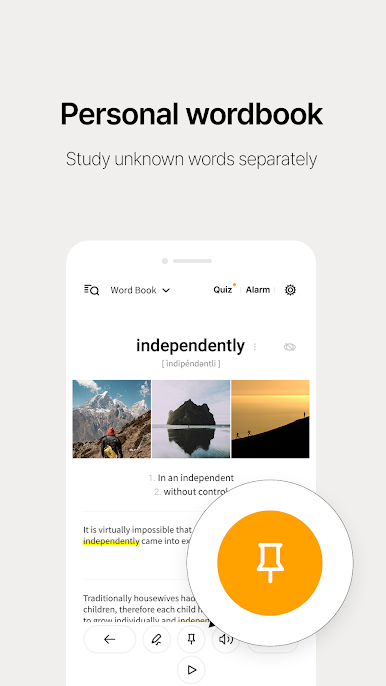
Personalized Lists
Find some words trickier than others? Bookmark and revisit them in your own custom list, making targeted review totally painless. -
Smart Word Hiding
Once you’ve nailed a word, you can hide it from your daily rotation so you’re not seeing the same vocab over and over again. -
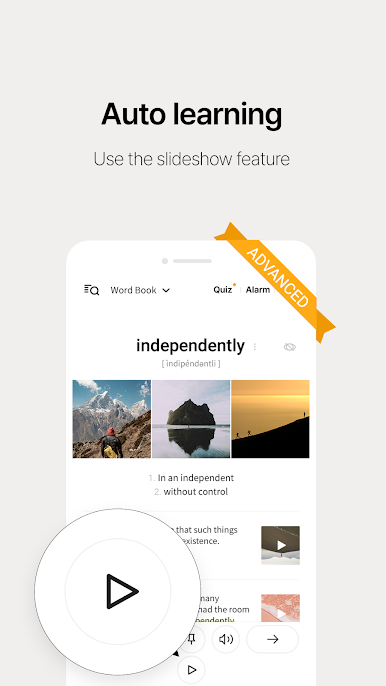
Automatic Slideshow Learning
Hands busy? No problem—the slideshow feature cycles through words on its own, great for passive review while you do other things. -
Weather Convenience
Get a quick glance at the weather based on your current location right from the lock screen—just a handy little extra. -
Easy Audio Setup
If you’d like to hear how words are pronounced, the app supports text-to-speech (with tips for setting up Google TTS if you need it).
Curious to see how Lockscreen English Word Alarm functions on a bigger screen? Try it out using BlueStacks for a new perspective on your vocab sessions.
Ready to experience Lockscreen English Word Alarm on a bigger screen, in all its glory? Download BlueStacks now.

Play Lockscreen English Word Alarm on PC. It’s easy to get started.
-
Download and install BlueStacks on your PC
-
Complete Google sign-in to access the Play Store, or do it later
-
Look for Lockscreen English Word Alarm in the search bar at the top right corner
-
Click to install Lockscreen English Word Alarm from the search results
-
Complete Google sign-in (if you skipped step 2) to install Lockscreen English Word Alarm
-
Click the Lockscreen English Word Alarm icon on the home screen to start playing

