


Stickify
Play on PC with BlueStacks – the Android Gaming Platform, trusted by 500M+ gamers.

Page Modified on: Apr 10, 2025
Run Stickify: Top Stickers for WhatsApp on PC or Mac
Let BlueStacks turn your PC, Mac, or laptop into the perfect home for Stickify: Top Stickers for WhatsApp, a fun Tools app from Stickify.
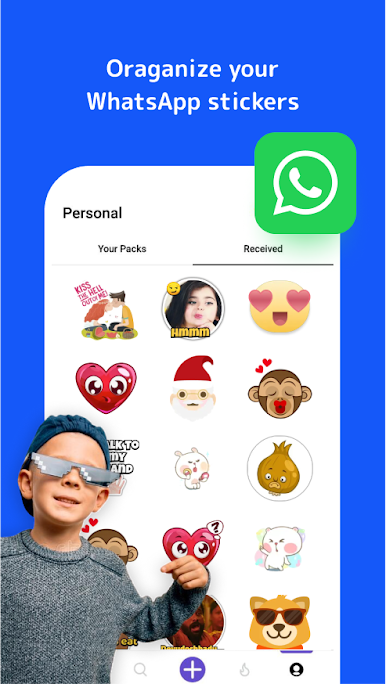
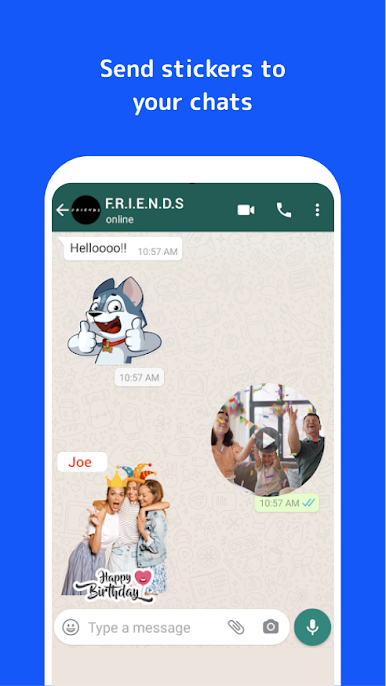
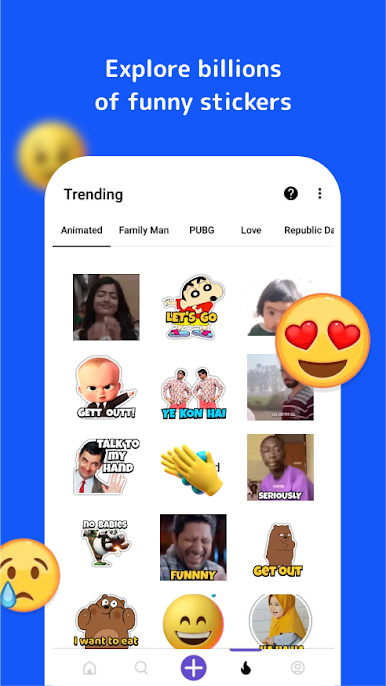
Stickify is all about making WhatsApp chats more fun with stickers, and it’s surprisingly smooth to use on PC with BlueStacks. Once the app opens up, there’s just so many stickers to scroll through — way more than you’d expect. Everything’s sorted out neatly, or you can just type in whatever you’re looking for and something usually pops up. Grabbing sticker packs is simple too. Just tap on a pack, see a preview, then add it straight to WhatsApp. Next time you’re chatting, that new pack just shows up and it’s ready to use.
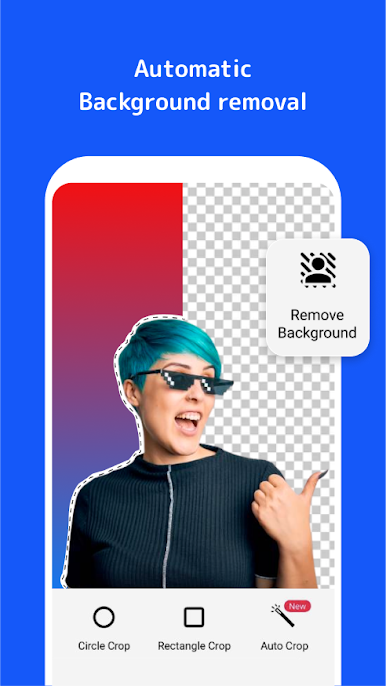
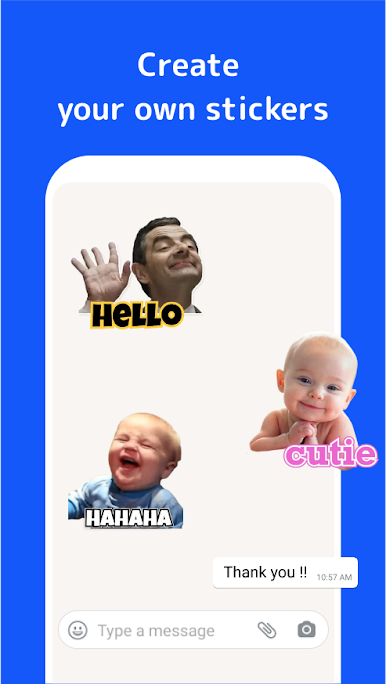
The sticker maker is a nice bonus if someone wants to try making their own. Just pick a photo, crop it, decorate with emojis or text, and build a sticker pack for sharing or saving. There’s no confusing steps — it just lets you do what you want, whether you’re throwing together memes with friends or personalizing messages. New sticker packs pop up all the time, which keeps things fresh. For anyone who uses a lot of stickers in chats or likes showing off custom stuff, Stickify has a lot going on without making things complicated. Having it open in a bigger window on a computer makes browsing for stickers even more convenient, especially when paired up with WhatsApp Web.
Big screen. Bigger performance. Use BlueStacks on your PC or Mac to run your favorite apps.

Play Stickify on PC. It’s easy to get started.
-
Download and install BlueStacks on your PC
-
Complete Google sign-in to access the Play Store, or do it later
-
Look for Stickify in the search bar at the top right corner
-
Click to install Stickify from the search results
-
Complete Google sign-in (if you skipped step 2) to install Stickify
-
Click the Stickify icon on the home screen to start playing

