


Weed Crusher
Play on PC with BlueStacks – the Android Gaming Platform, trusted by 500M+ gamers.

Page Modified on: Dec 13, 2025
Overview
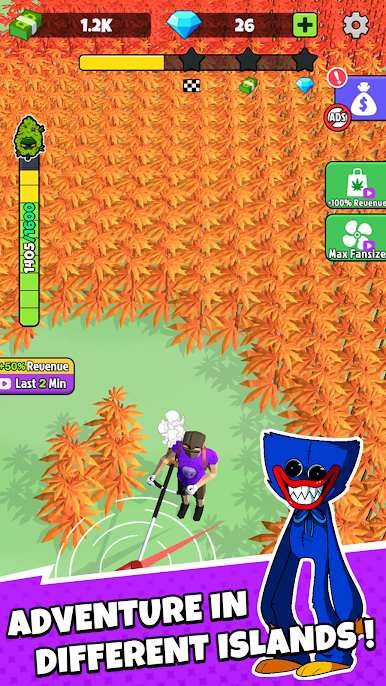
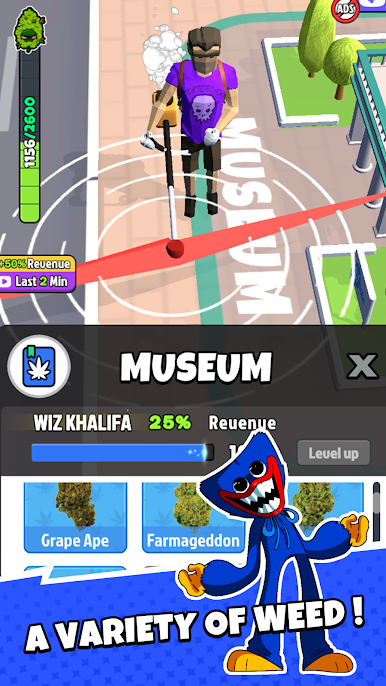
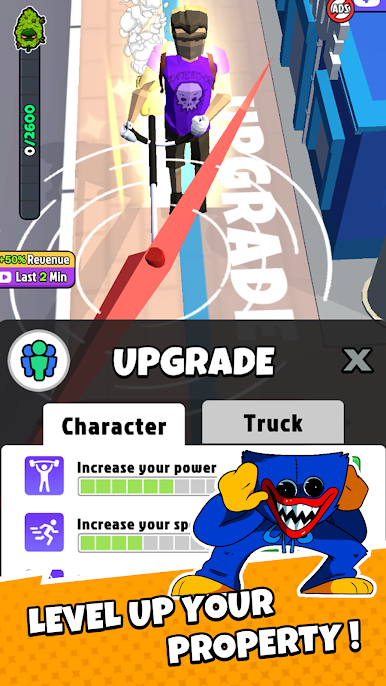
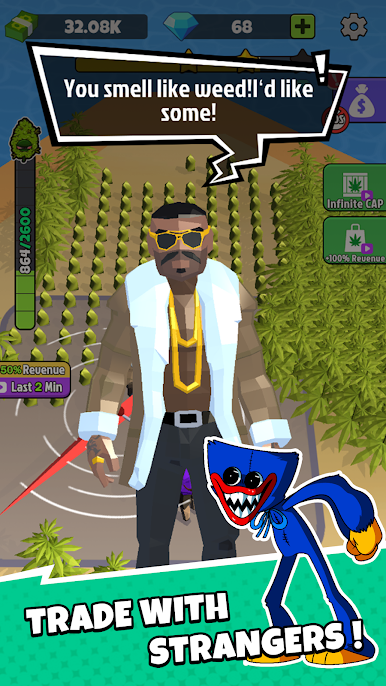
You can harvest different strains of Marijuana in this game, by cutting marijuana and selling marijuana in regular channels, letting marijuana contribute to the world's medical industry. If you want to increase the efficiency of harvesting cannabis, you can upgrade your property and tools. And soon you will become very rich.
Game Play & Features:
- Simple and funny cutting game
- Impressive 3D graphics
- Various Marijuana
- Easy to play with only one finger
Download and have fun in this game!

Play Weed Crusher on PC. It’s easy to get started.
-
Download and install BlueStacks on your PC
-
Complete Google sign-in to access the Play Store, or do it later
-
Look for Weed Crusher in the search bar at the top right corner
-
Click to install Weed Crusher from the search results
-
Complete Google sign-in (if you skipped step 2) to install Weed Crusher
-
Click the Weed Crusher icon on the home screen to start playing

