

Grab Crazy
Play on PC with BlueStacks – the Android Gaming Platform, trusted by 500M+ gamers.

Page Modified on: Jan 6, 2026
Play Grab Crazy on PC or Mac
Bring your A-game to Grab Crazy, the Casual game sensation from WEEGOON. Give your gameplay the much-needed boost with precise game controls, high FPS graphics, and top-tier features on your PC or Mac with BlueStacks.
About the Game
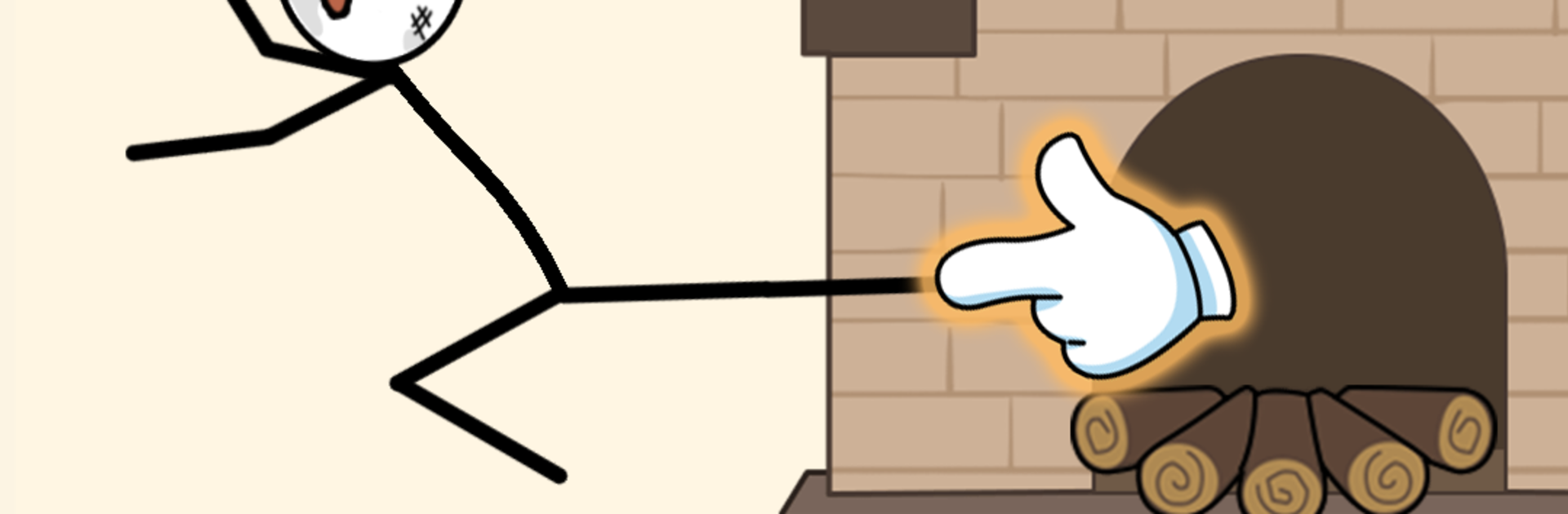
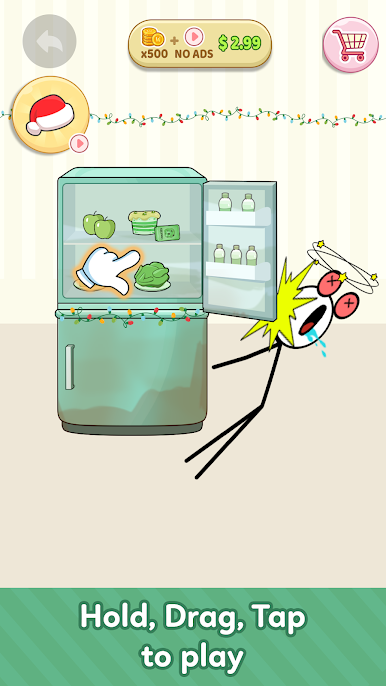
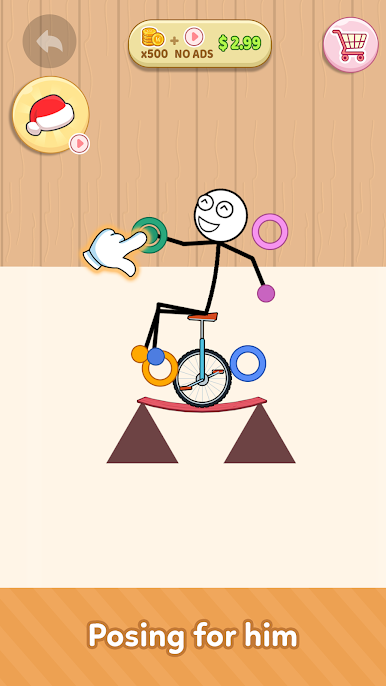
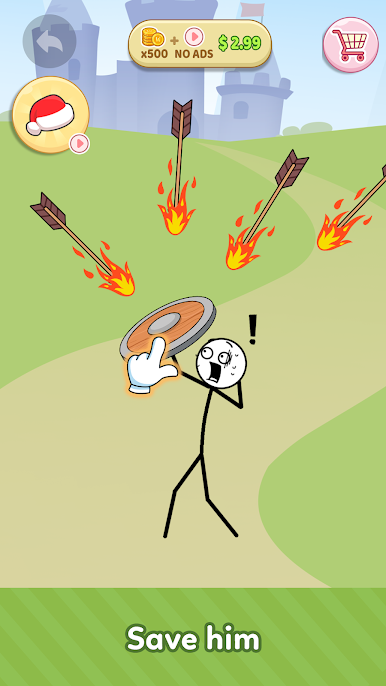
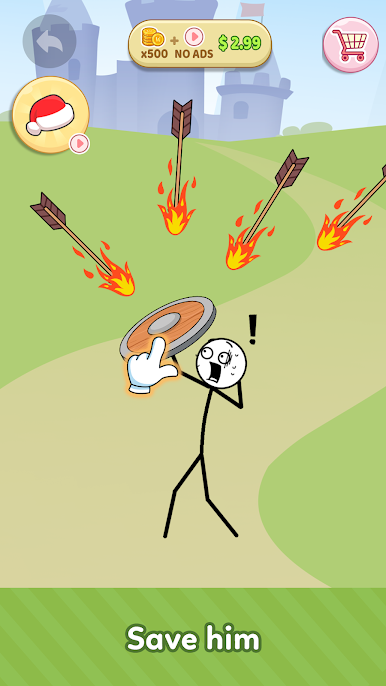
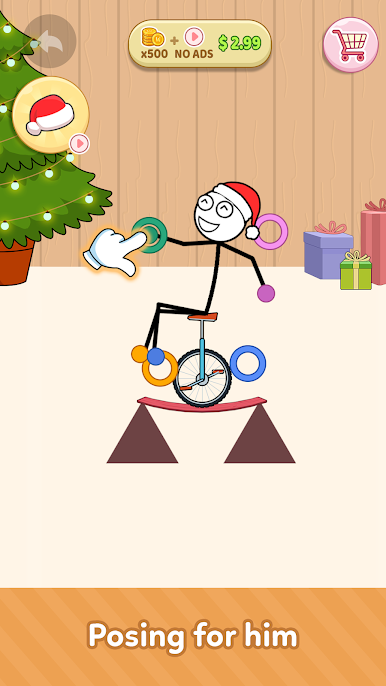
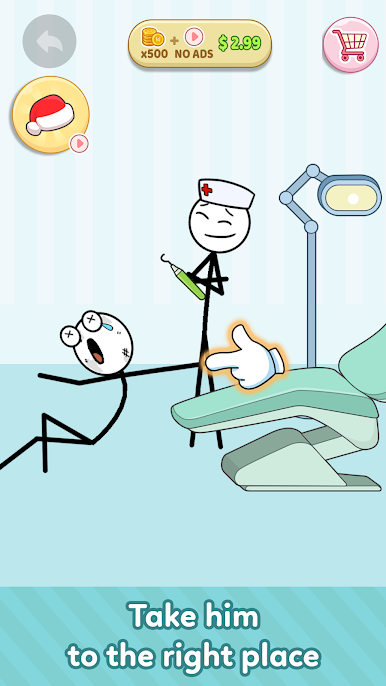
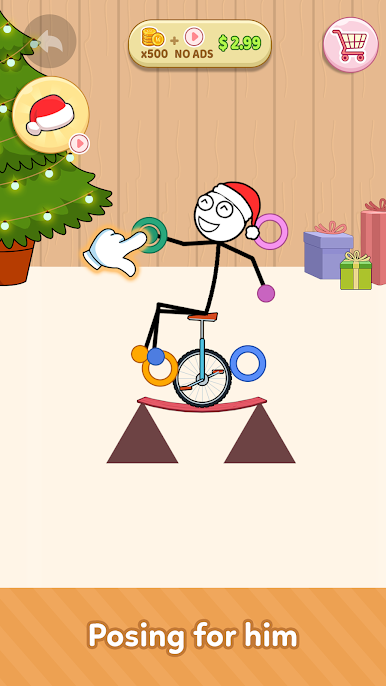
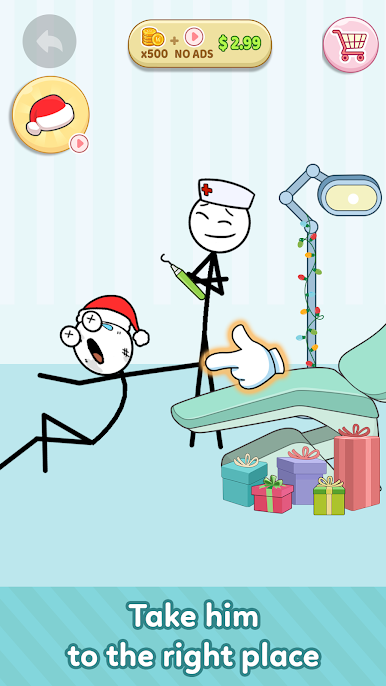
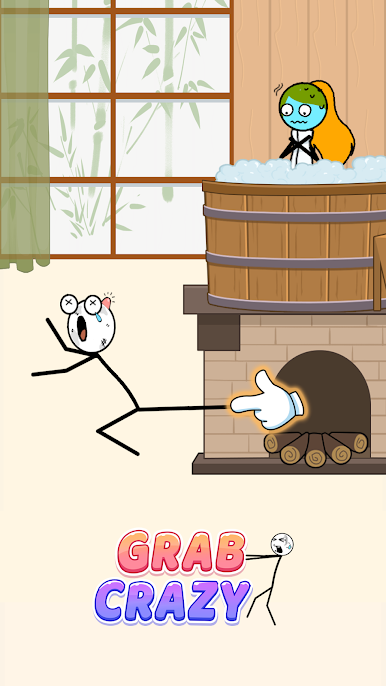
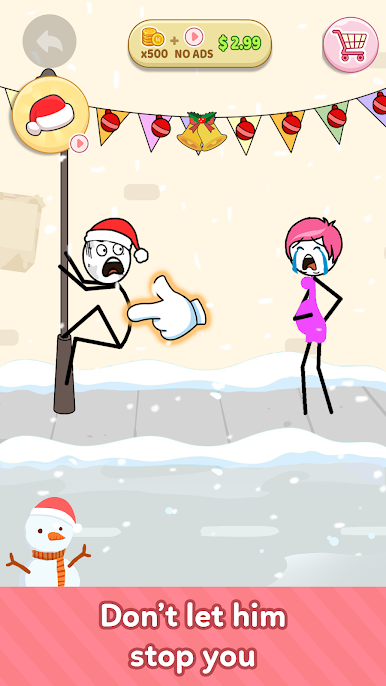
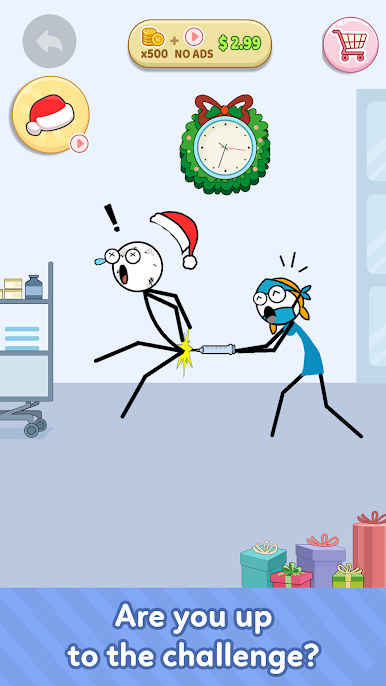
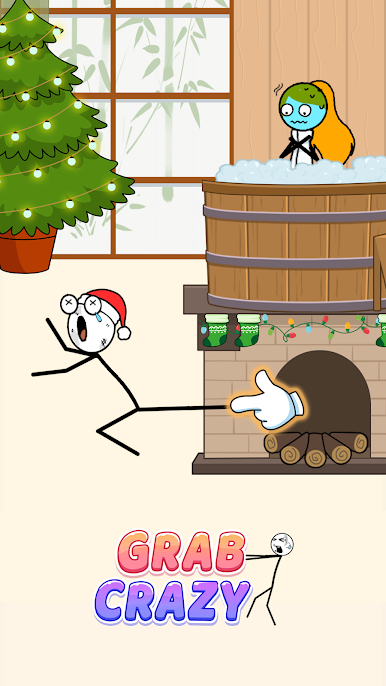
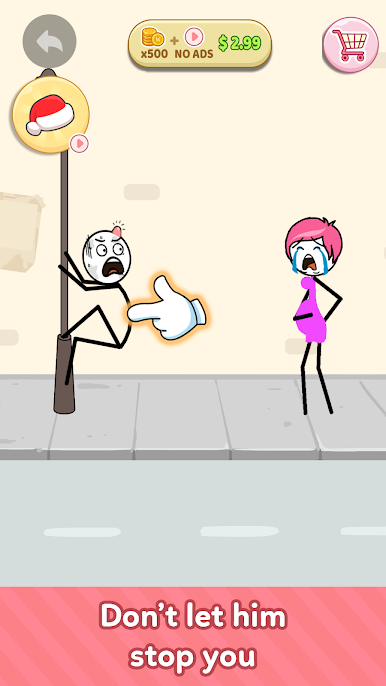
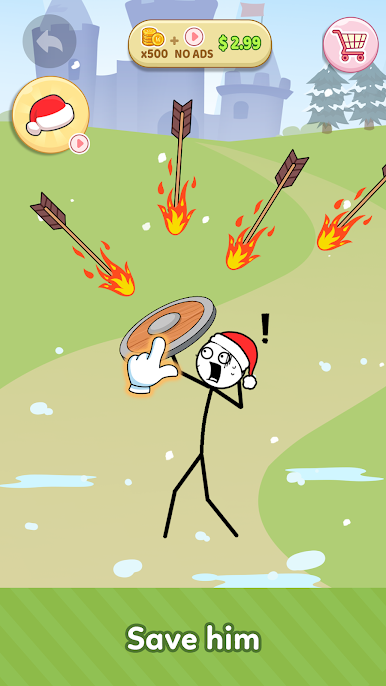
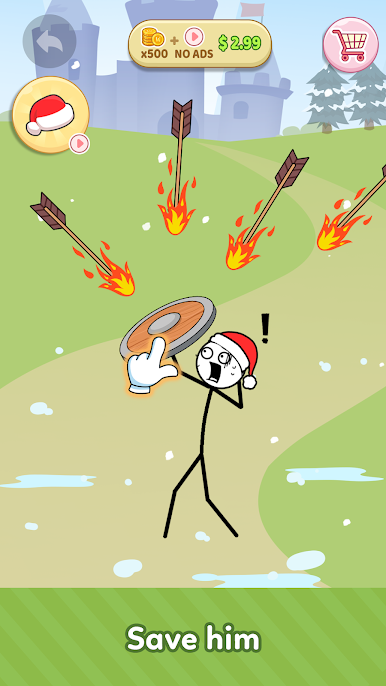
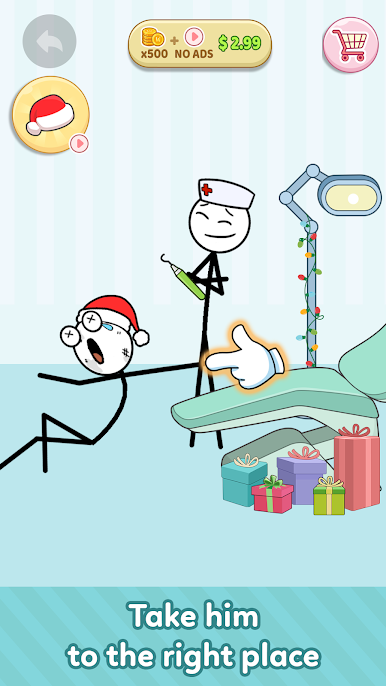
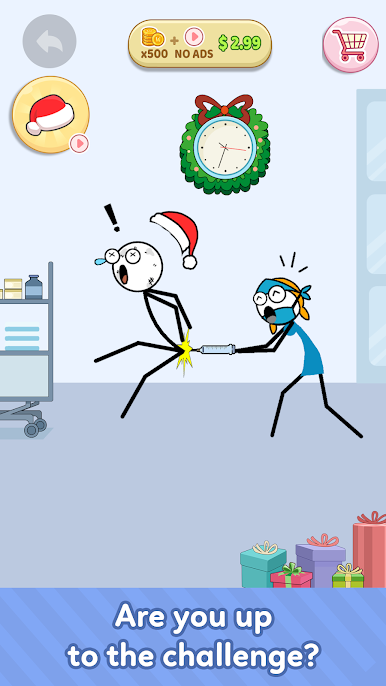
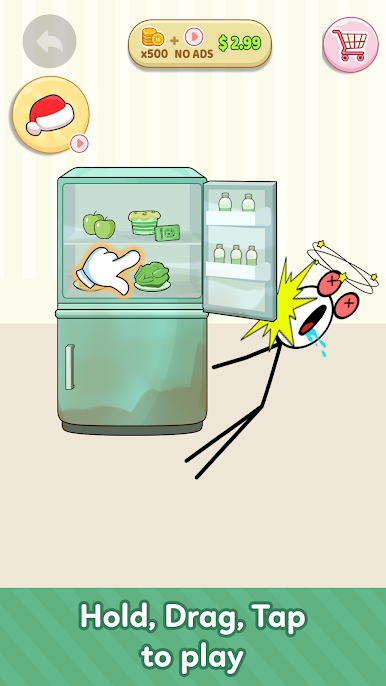
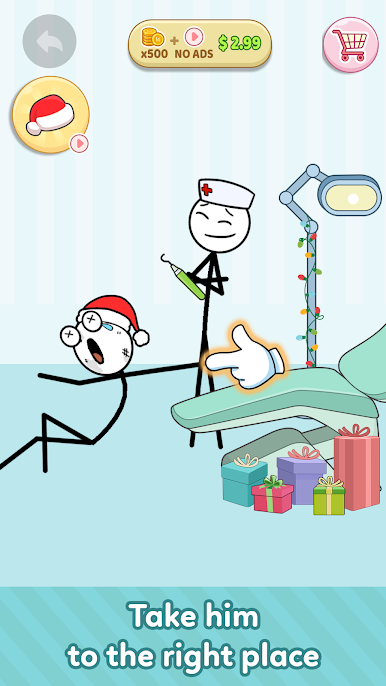
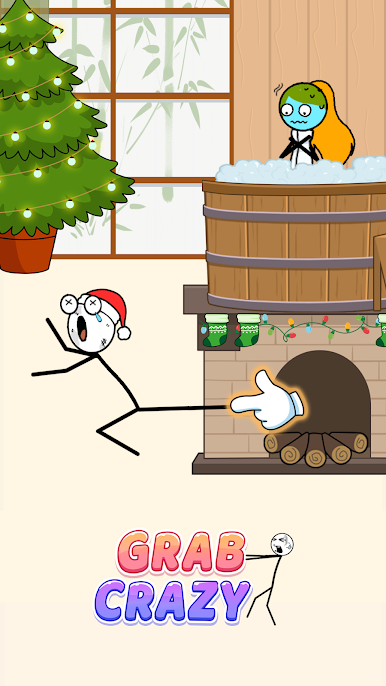
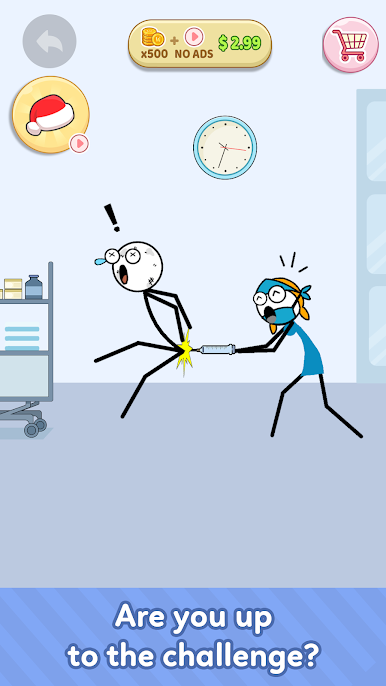
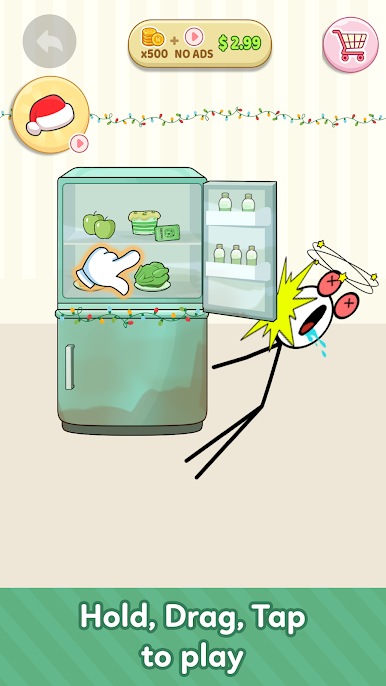
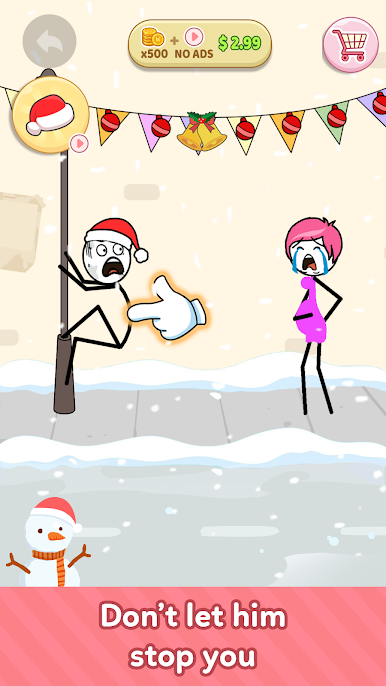
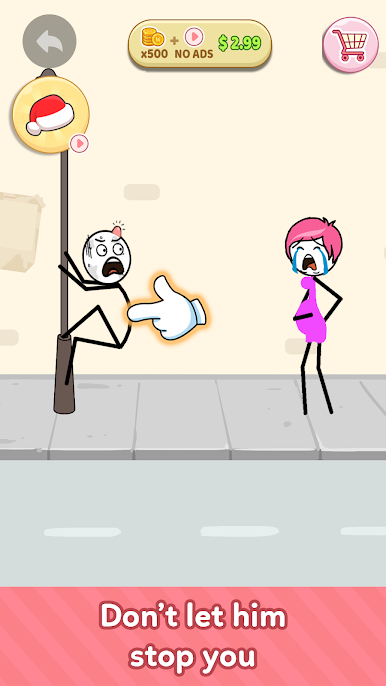
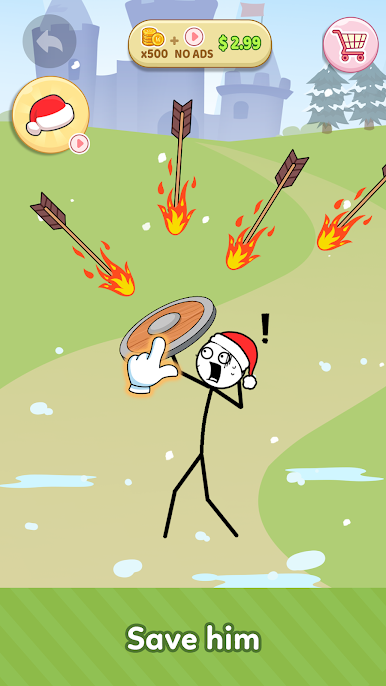
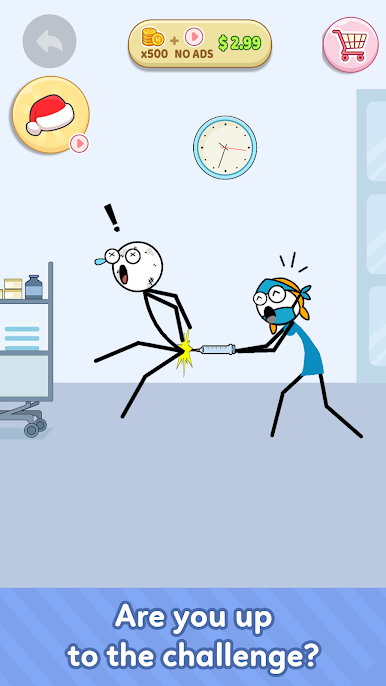
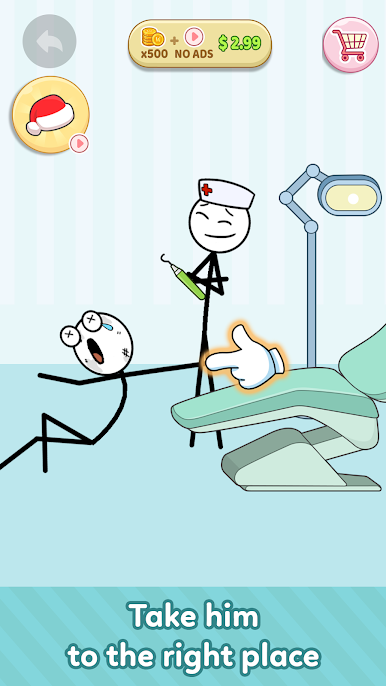
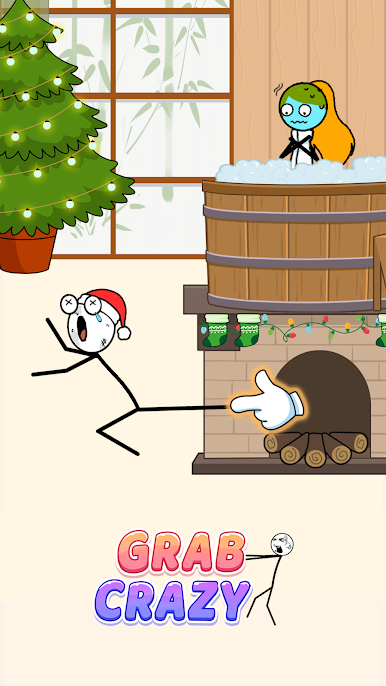
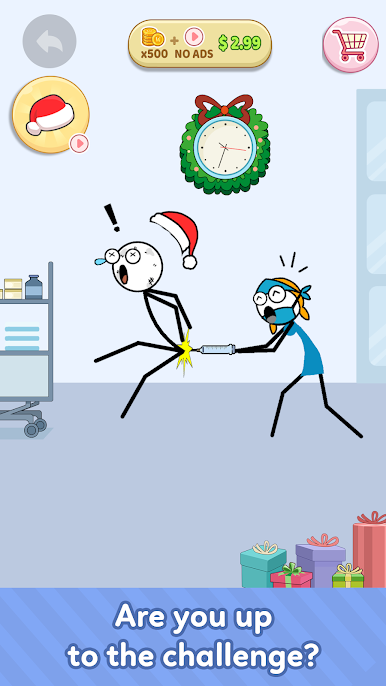
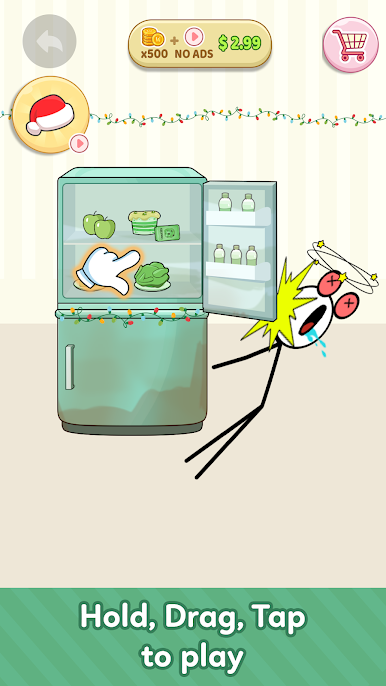
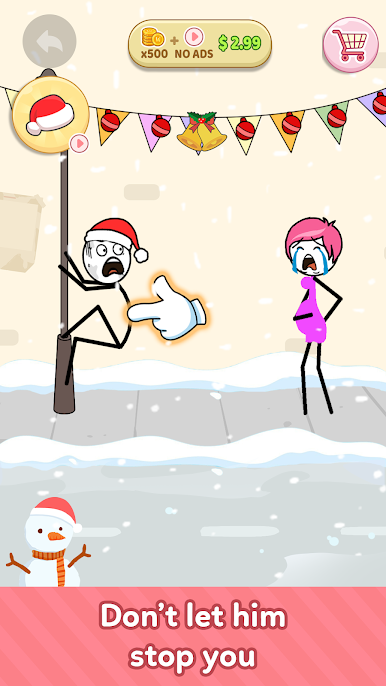
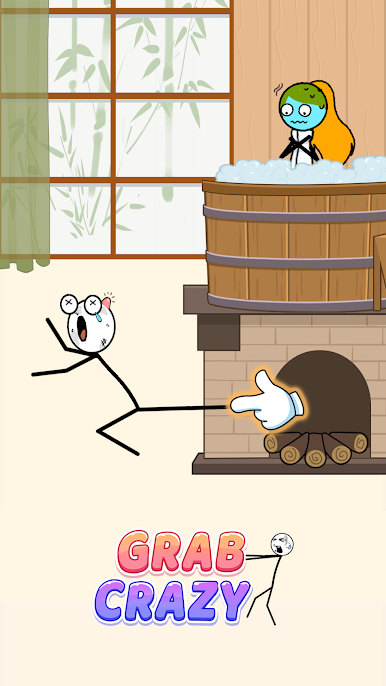
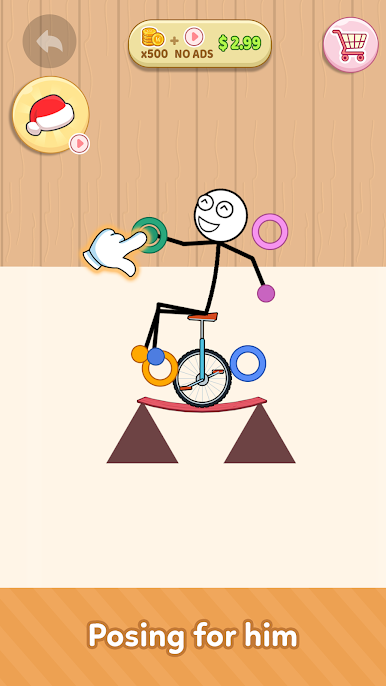
Grab Crazy is a quirky puzzle game where things don’t always go as planned—which is half the fun! Imagine a stretchy character with arms that seem to go on forever, clinging to ledges, swinging past traps, and generally causing mayhem as you try to navigate each stage. From slapstick tumbles to satisfying wins, every level throws something new your way, keeping you guessing right up to the last grab.
Game Features
- Wild Physics-Based Puzzles
-
Every level’s a challenge with its own strange twist. You’ll need to figure out when to grab, when to let go, and hope for the best as your stickman stretches in all directions.
-
Unpredictable Humor
-
Don’t be surprised if your carefully planned move ends in a hilarious flop. The game delights in turning the ordinary into the outrageously funny.
-
Simple, Satisfying Controls
-
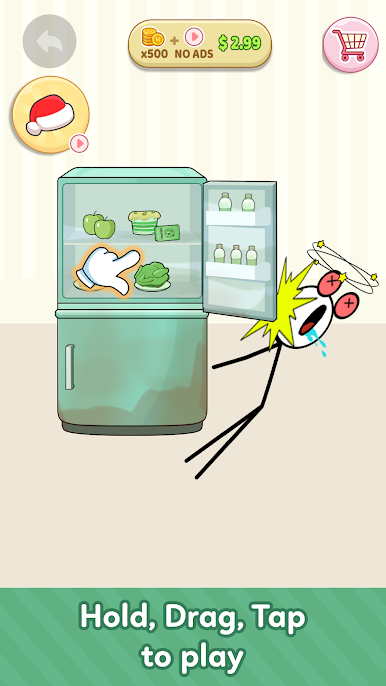
Just drag, grab, and swing! The controls are easy to pick up, whether you’ve got a spare minute or you’re settling in for a longer session.
-
Quick Games or Long Marathons
-
Whether you’re waiting in line or glued to your screen, you can play a level or two or get lost for hours.
-
Totally Unfiltered Mayhem
- From oddball traps to silly stickman fails, the chaos is all part of the charm.
You’ll find that Grab Crazy plays especially smoothly on BlueStacks, where all the wild grabbing and swinging feels right at home.
Start your journey now. Download the game on BlueStacks, invite your friends, and march on a new adventure.
Play Grab Crazy on PC. It’s easy to get started.
-
Download and install BlueStacks on your PC
-
Complete Google sign-in to access the Play Store, or do it later
-
Look for Grab Crazy in the search bar at the top right corner
-
Click to install Grab Crazy from the search results
-
Complete Google sign-in (if you skipped step 2) to install Grab Crazy
-
Click the Grab Crazy icon on the home screen to start playing

