


Grab Crazy
Play on PC with BlueStacks – the Android Gaming Platform, trusted by 500M+ gamers.

Page Modified on: Sep 7, 2026
Main Grab Crazy on PC
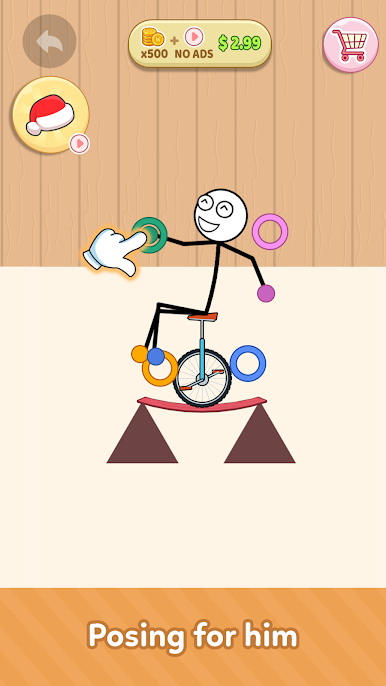
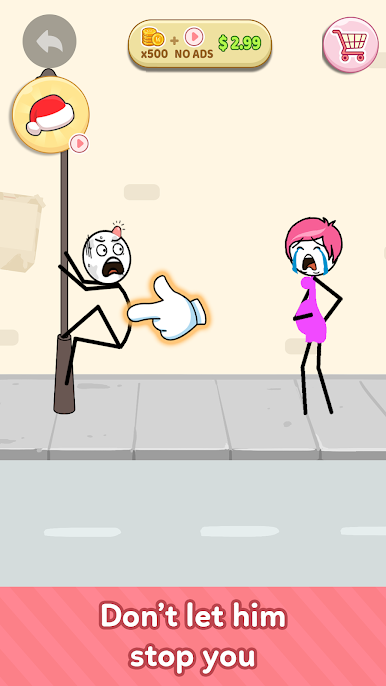
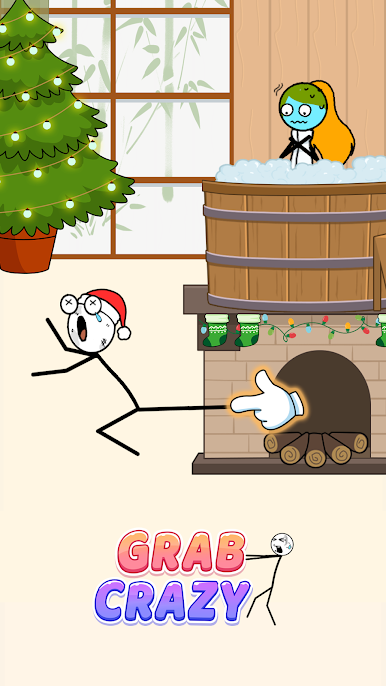
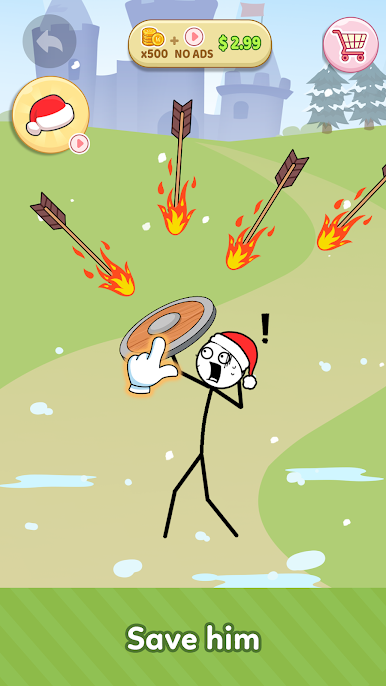
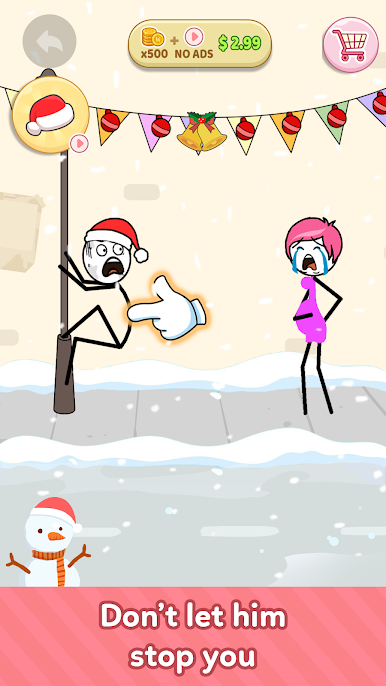
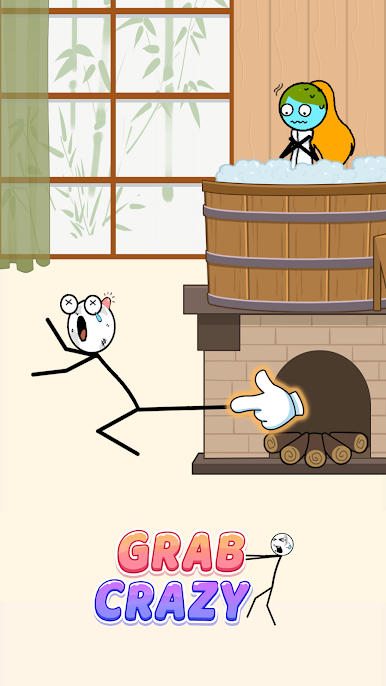
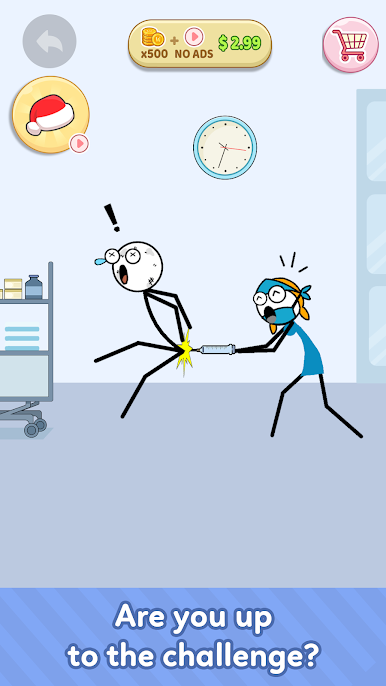
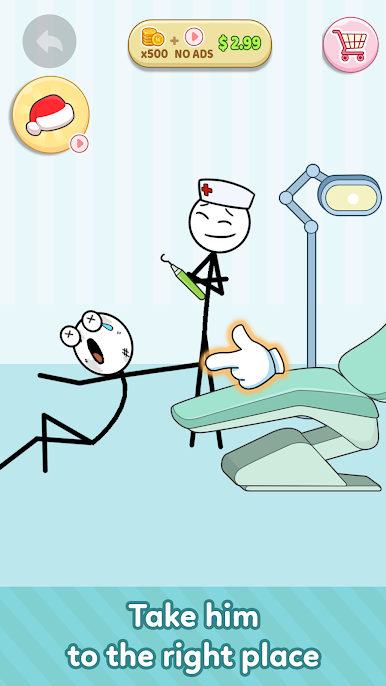
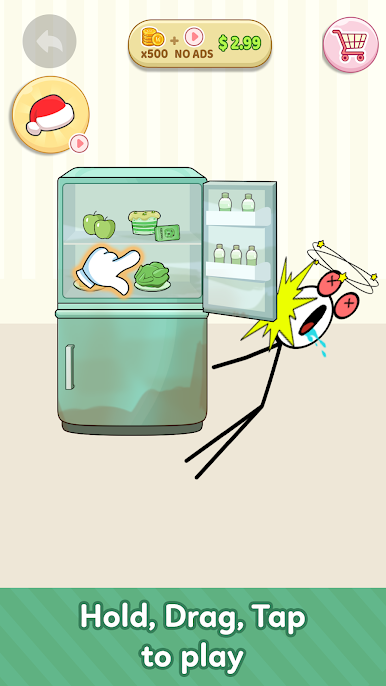
Welcome to Grab Crazy, the addictive hypercasual physics puzzle game where every level is a hilarious test of timing, creativity, and precision. Stretch your arms, grab anything within reach, swing across obstacles, and outsmart tricky traps to reach the finish!
Easy to play but surprisingly challenging, Grab Crazy combines satisfying physics with clever puzzle design. Every stage introduces new mechanics, interactive objects, and unexpected obstacles that keep every level fresh and exciting.
🖐️ Master the Grab Mechanics
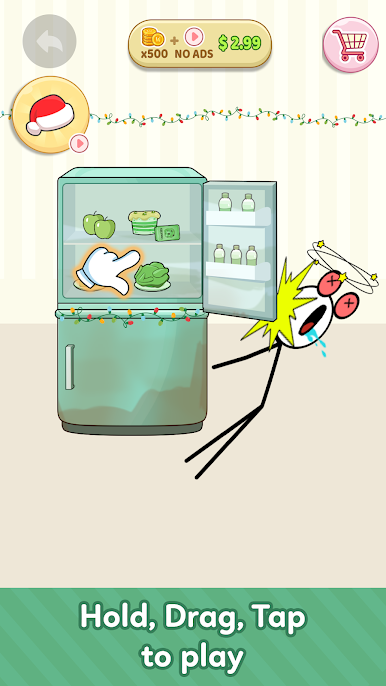
Simply drag to stretch your arms and grab nearby objects. Swing over gaps, activate mechanisms, move platforms, and discover creative solutions to escape each puzzle.
Every grab matters. One smart move can solve the level, while one mistake might send your stickman flying!
🧩 Hundreds of Creative Physics Puzzles
Challenge yourself with unique handcrafted levels featuring:
Moving platforms
Rotating obstacles
Dangerous traps
Interactive objects
Clever environmental puzzles
Increasingly difficult challenges
No two puzzles feel the same!
✨ Why You'll Love Grab Crazy
🤚 Unique grab-and-swing gameplay
🧩 Creative physics puzzles with satisfying solutions
🎯 Hundreds of handcrafted levels
⚙️ Interactive environments full of surprises
😂 Funny ragdoll moments and unexpected fails
🧠 Brain-teasing challenges that reward clever thinking
🎨 Bright, colorful graphics with smooth animations
☝️ Easy one-finger controls
📶 Play offline anytime, anywhere
🎮 Perfect for Casual Puzzle Fans
Whether you enjoy physics games, logic puzzles, stickman adventures, or quick hypercasual challenges, Grab Crazy delivers fast, satisfying gameplay that's easy to pick up and hard to put down.
Stretch farther. Grab smarter. Solve faster.
Download Grab Crazy now and see if you can conquer every crazy puzzle!

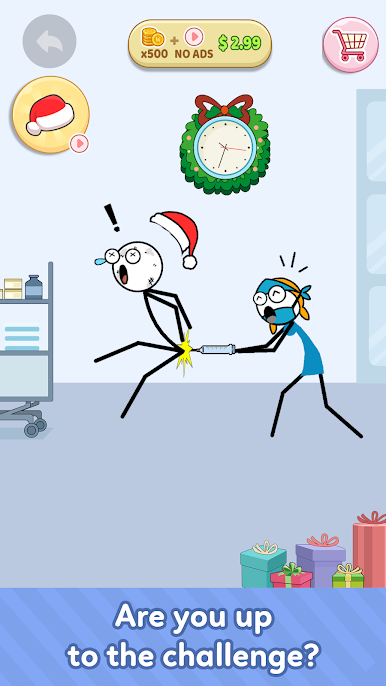
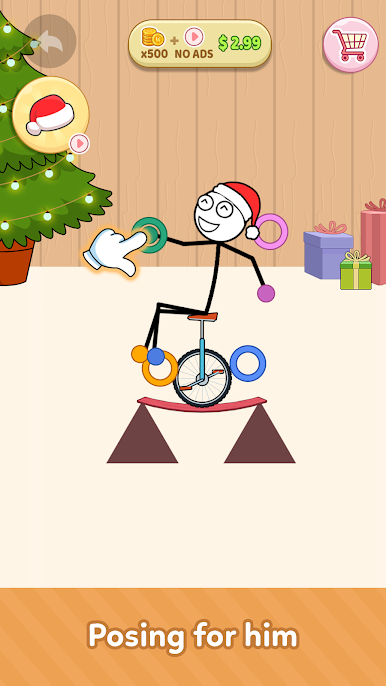
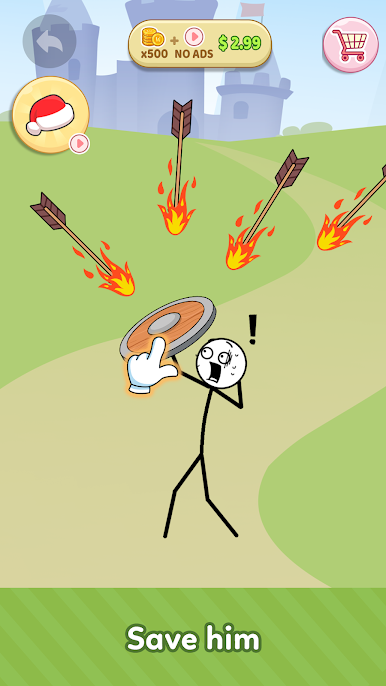
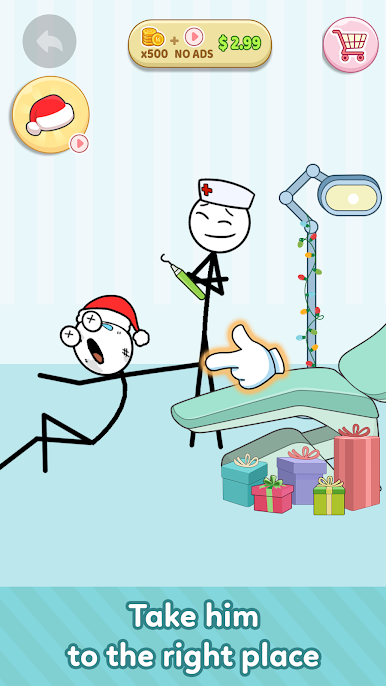
Play Grab Crazy on PC. It’s easy to get started.
-
Download and install BlueStacks on your PC
-
Complete Google sign-in to access the Play Store, or do it later
-
Look for Grab Crazy in the search bar at the top right corner
-
Click to install Grab Crazy from the search results
-
Complete Google sign-in (if you skipped step 2) to install Grab Crazy
-
Click the Grab Crazy icon on the home screen to start playing

