


20倍界王神拳
Play on PC with BlueStacks – the Android Gaming Platform, trusted by 500M+ gamers.

Page Modified on: Sep 13, 2022
Overview
【Elite Warrior Fantasy Battle】
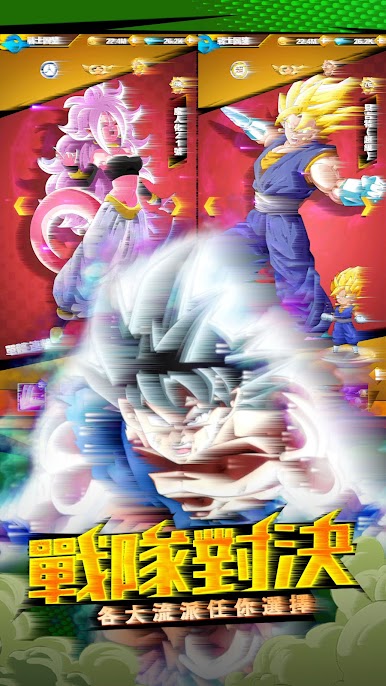
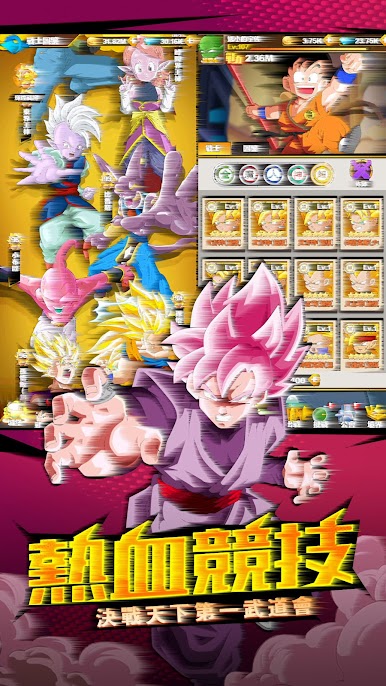
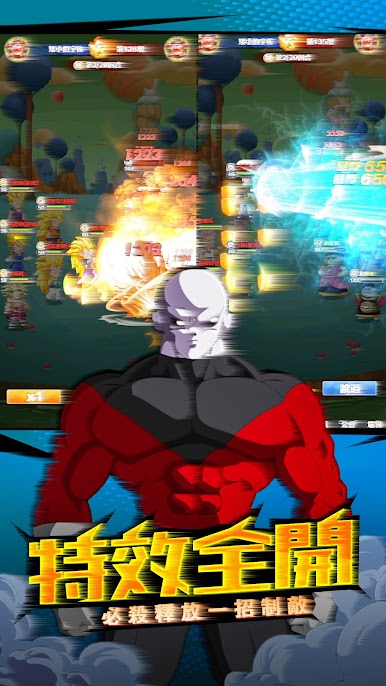
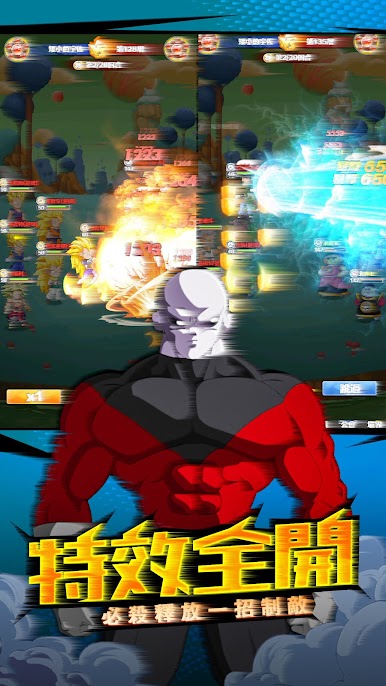
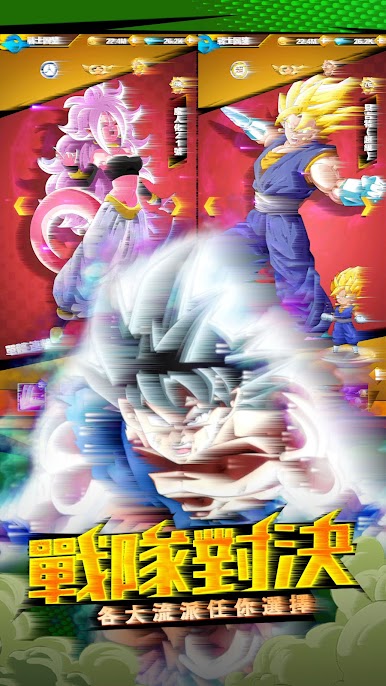
Many classic childhood characters are waiting for you to unlock, experience refreshing and intense super-combustion battles with Z warriors, GT warriors, super warriors and other characters, so that you can experience a new experience of real warrior battles with your friends.
【Experience the world of Seven Star Beads for yourself】
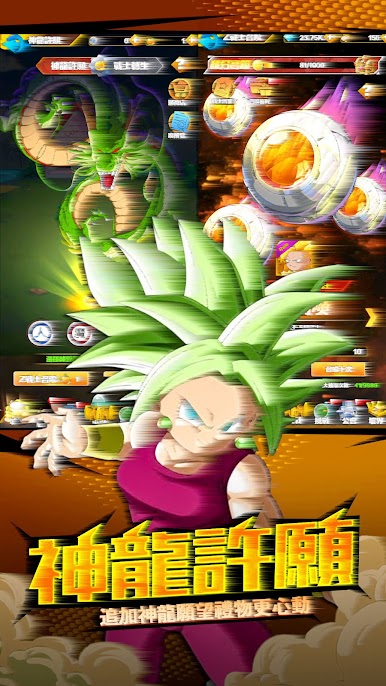
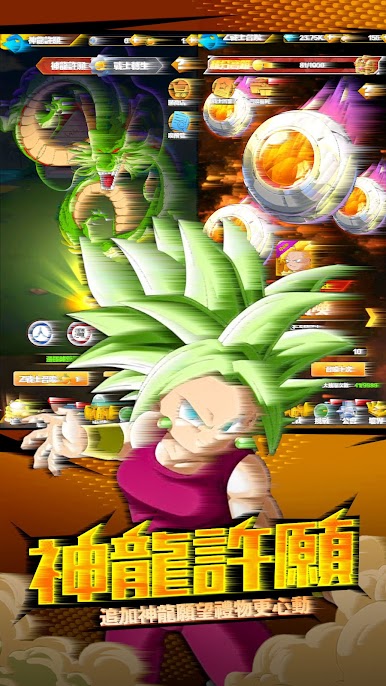
All the scenes in my memory will reproduce the Carlin Tower, the Shenlong Palace, the "Formidable Enemy Arrives" where a powerful enemy appears, and innovative gameplay with elements such as "Martial Arts Club", "Super Sailing Transformation", "Summoning Dragon" and other elements.
There are also "Battle of the Peak" and "Unlimited Showdown" for advanced players!
Challenge all kinds of adventures, feel the charm of various classic characters and original stories, and enjoy "20 Times Kaiwang Shenquan"!



Play 20倍界王神拳 on PC. It’s easy to get started.
-
Download and install BlueStacks on your PC
-
Complete Google sign-in to access the Play Store, or do it later
-
Look for 20倍界王神拳 in the search bar at the top right corner
-
Click to install 20倍界王神拳 from the search results
-
Complete Google sign-in (if you skipped step 2) to install 20倍界王神拳
-
Click the 20倍界王神拳 icon on the home screen to start playing

