


WePlay - Party Game & Chat
Play on PC with BlueStacks – the Android Gaming Platform, trusted by 500M+ gamers.

Page Modified on: Mar 30, 2026
Main WePlay - Party Game & Chat on PC
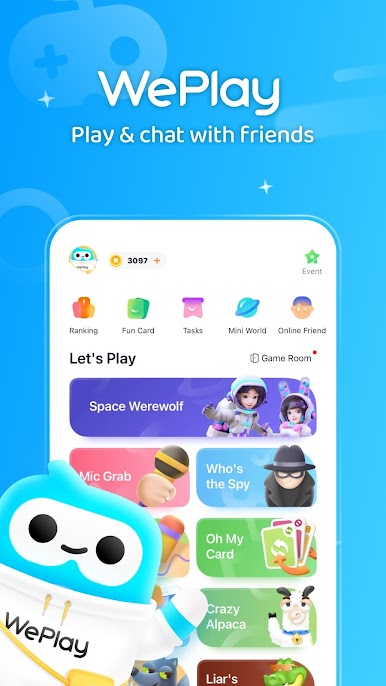
WePlay is a Party Game app that young people love to play. It offers the most popular casual party games and voice interaction. You will have more fun while playing games!
[Online Party Game Bar]
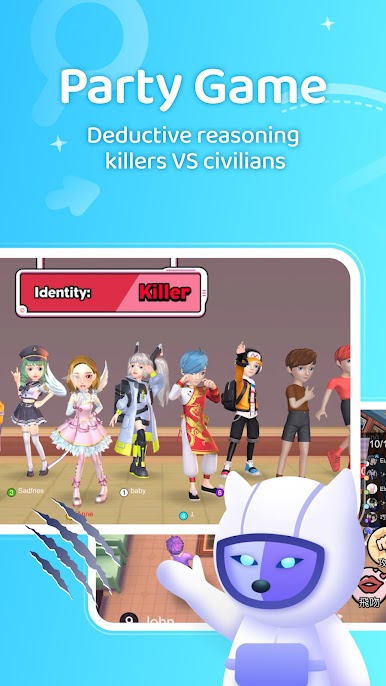
WeParty: The most popular social deduction game where civilians pit their wits against killers
Mic Grab: New mode for Mic Grab, more hot songs, more fun! If you love singing, then you should not miss it!
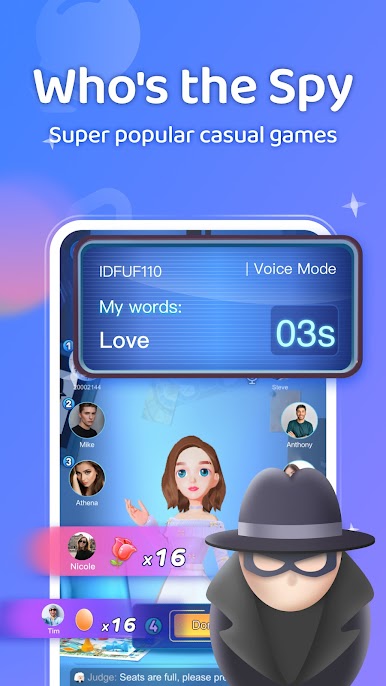
Who's the Spy: A classic game in variety shows. Come and battle against your friends!
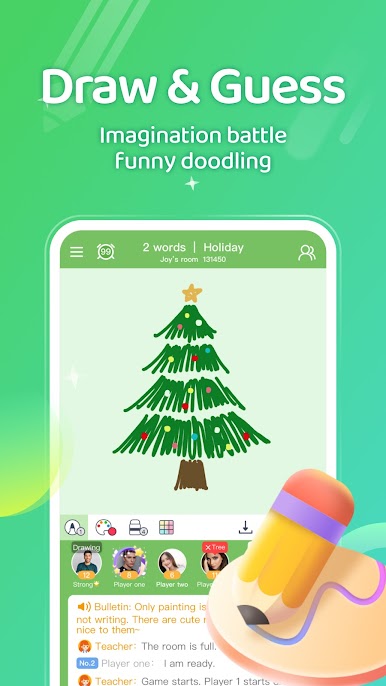
Draw & Guess: it not only tests your creativity but also the teamwork and drawing skills!
[New Interactive Features]
3D Avatar & Cloth Changing: Create the 3D avatar , face pinching, model clothes, show your self-avatar!


Play WePlay - Party Game & Chat on PC. It’s easy to get started.
-
Download and install BlueStacks on your PC
-
Complete Google sign-in to access the Play Store, or do it later
-
Look for WePlay - Party Game & Chat in the search bar at the top right corner
-
Click to install WePlay - Party Game & Chat from the search results
-
Complete Google sign-in (if you skipped step 2) to install WePlay - Party Game & Chat
-
Click the WePlay - Party Game & Chat icon on the home screen to start playing

