


What The Dog Doin': Shield Dog
Play on PC with BlueStacks – the Android Gaming Platform, trusted by 500M+ gamers.

Page Modified on: Jul 10, 2026
Play What The Dog Doin': Shield Dog on PC or Mac
What The Dog Doin’: Shield Dog brings the Adventure genre to life, and throws up exciting challenges for gamers. Developed by Tara Westover, this Android game is best experienced on BlueStacks, the World’s #1 app player for PC and Mac users.
About the Game
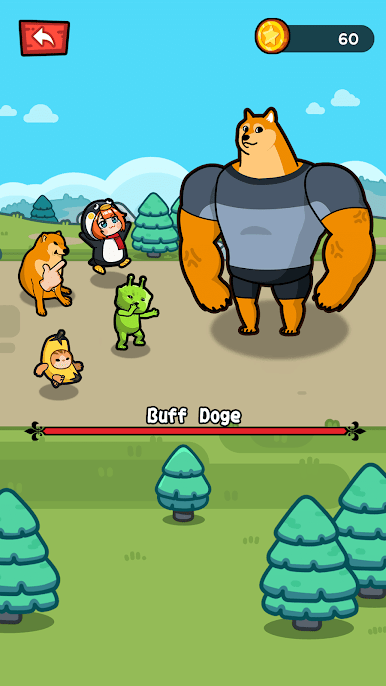
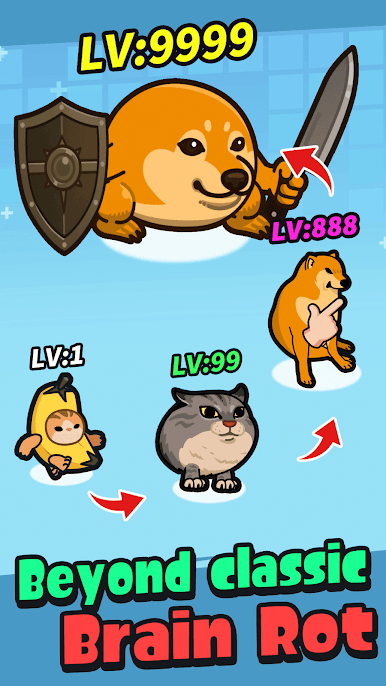
What The Dog Doin’: Shield Dog is a laid-back, goofy Adventure where you grow a squad of shield-wielding pups and let them scrap while you kick back. Merge matching dogs to evolve new heavy-hitters, place them on the field, and watch the mayhem unfold as coins roll in. It’s simple, laugh-friendly, and surprisingly hard to put down—especially if you appreciate internet-flavored humor. Prefer a big screen? It plays smoothly on PC with BlueStacks.
Game Features
- Easy Merge Mechanics: Drag two matching shield dogs together to create a stronger pup. No manuals, no fuss—just satisfying upgrades.
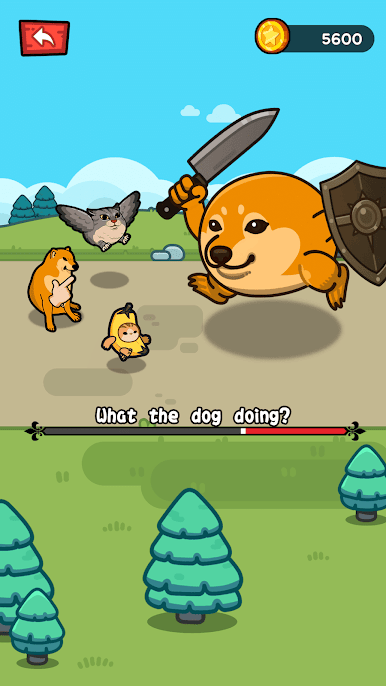
- Hands-Off Battles: Your team keeps fighting on its own, even while you’re away. Pop back in to collect your haul and push the next round.
- Build Your Shield Squad: Buy basic dogs with coins, fuse them up the chain, then drop your lineup onto the battlefield for maximum chaos.
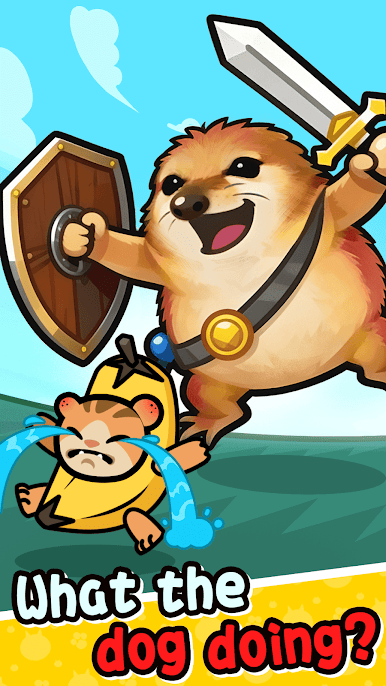
- Quirky, Original Dogs: A roster packed with meme-tinged personalities and offbeat designs. Fresh faces show up regularly, so there’s always something new to unlock.
- Fair Progression: Play at your own pace without pay-to-win pressure. Everything opens up by, you know, actually playing.
- Satisfying Idle Loop: Great for short sessions—commutes, coffee breaks, whatever. A few merges later, you’ll have a tougher team and bigger rewards.
- Smooth on PC with BlueStacks: Organizing your kennel and managing merges feels extra snappy with a mouse and keyboard, while the action stays crisp.
Ready to top the leaderboard? We bet you do. Let precise controls and sharp visuals optimized on BlueStacks lead you to victory.
Play What The Dog Doin': Shield Dog on PC. It’s easy to get started.
-
Download and install BlueStacks on your PC
-
Complete Google sign-in to access the Play Store, or do it later
-
Look for What The Dog Doin': Shield Dog in the search bar at the top right corner
-
Click to install What The Dog Doin': Shield Dog from the search results
-
Complete Google sign-in (if you skipped step 2) to install What The Dog Doin': Shield Dog
-
Click the What The Dog Doin': Shield Dog icon on the home screen to start playing

