


ResQRush
Play on PC with BlueStacks – the Android Gaming Platform, trusted by 500M+ gamers.

Page Modified on: Jan 20, 2026
Play ResQRush on PC
Game Features
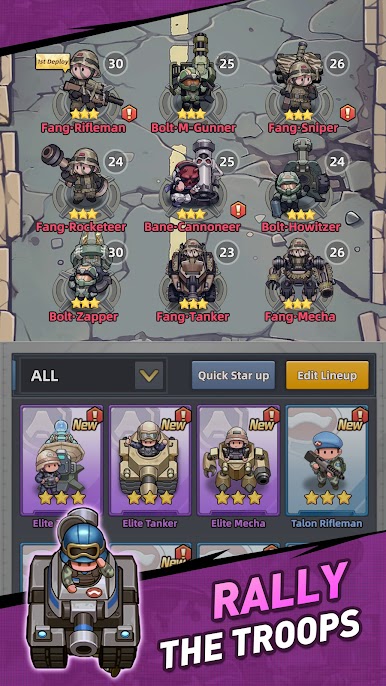
• Assemble Your Squad
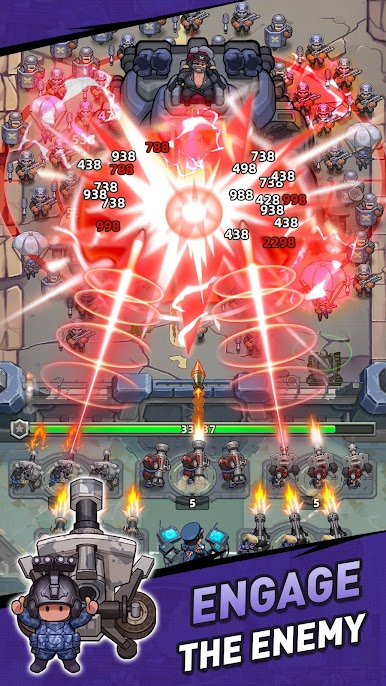
Draft your snipers, gunners, tanks, and mechas, then tear through enemy waves!
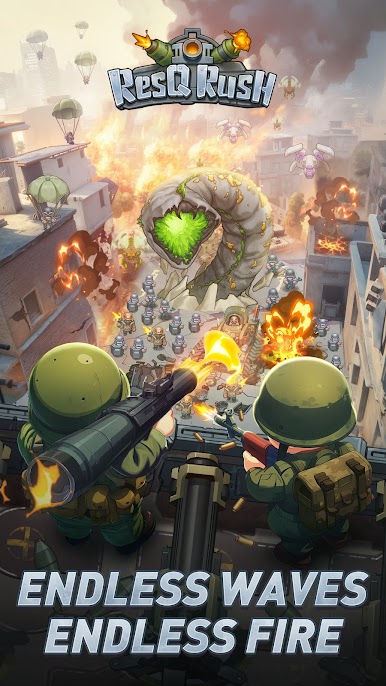
• Unleash Bullet Fury
Fire up your troopers and watch the enemies crumble!
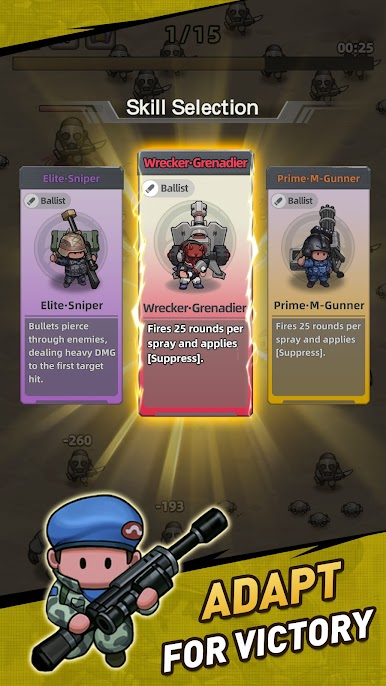
• Roguelike Skill Drafts
Pick skills as you go, stack bonuses, and build crazy combos. No run is ever the same!
• Legendary Commanders
Commanders come with unique passives and ultimates. Outsmart and outgun every enemy!
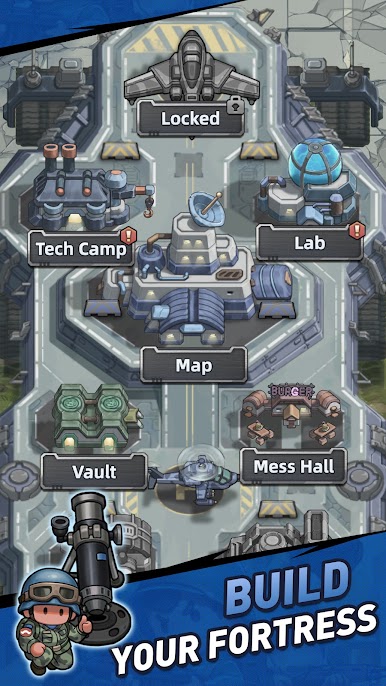
• Customize Your Base
Decorate and dominate with Tactical Skins. Your base, your rules!
• Stronger Together
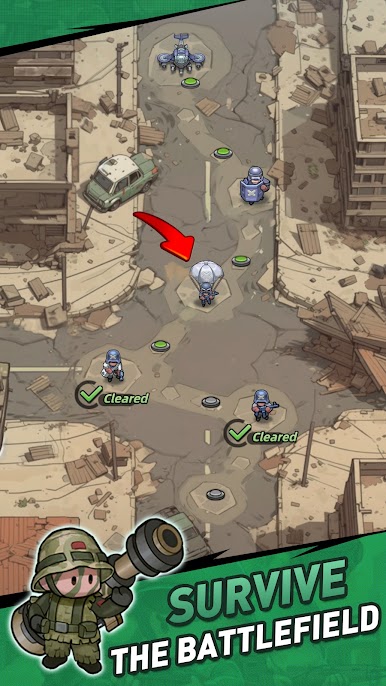
Join a clan, raid bosses, and reclaim your territory.
Facebook@ResQRush
Play ResQRush on PC. It’s easy to get started.
-
Download and install BlueStacks on your PC
-
Complete Google sign-in to access the Play Store, or do it later
-
Look for ResQRush in the search bar at the top right corner
-
Click to install ResQRush from the search results
-
Complete Google sign-in (if you skipped step 2) to install ResQRush
-
Click the ResQRush icon on the home screen to start playing

