

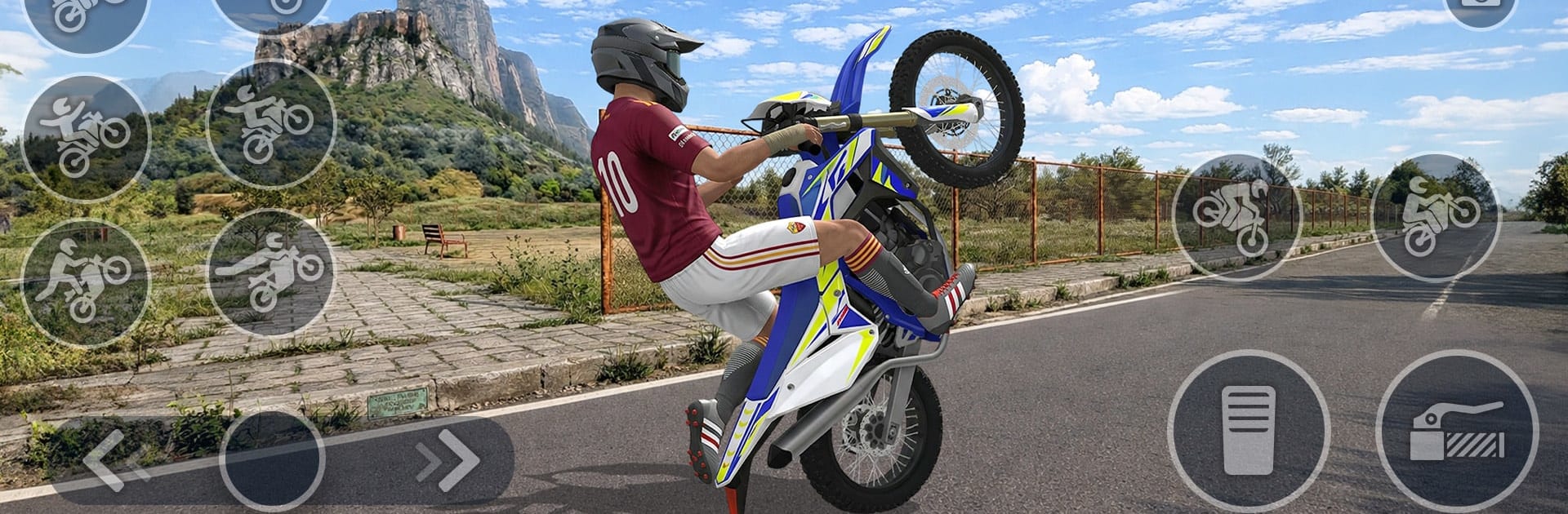
Wheelie Bike Challenge 3D
Play on PC with BlueStacks – the Android Gaming Platform, trusted by 500M+ gamers.

Page Modified on: Jul 7, 2026
Play Wheelie Bike Challenge 3D on PC or Mac
Step into the World of Wheelie Bike Challenge 3D, a thrilling Racing game from the house of Wayfu Game Studio. Play this Android game on BlueStacks App Player and experience immersive gaming on PC or Mac.
About the Game
Wheelie Bike Challenge 3D is a lean, skill-first Racing game where the whole thrill comes from keeping that front wheel in the air. It’s you, your balance, and a surprisingly tense road ahead. Nudge the bike, manage your tilt, and see how long you can hold the line without tipping over. Quick restarts keep the pace snappy, and every run dares you to ride just a little farther. Made by Wayfu Game Studio, it’s simple to learn, strangely addictive, and all about control.
Game Features
- Real-feel physics: Tiny movements matter. Every tilt, bob, and correction changes how your bike behaves, so staying steady actually feels earned.
- Pick-up-and-ride controls: Easy to start, tough to truly master. You’ll get the hang of it fast, then spend sessions shaving off mistakes.
- Bikes with personality: Unlock different rides, each with its own handling quirks and style, and find the one that clicks with your rhythm.
- Endless road challenge: No checkpoints or flashy gimmicks—just see how far you can keep that wheel up before gravity wins.
- Clean 3D look: Smooth visuals and a clutter-free view keep your focus where it should be—on balance and timing.
- Score built on skill: Distance, consistency, and calm hands are what push your best run higher. The more composed you are, the better your numbers.
- Rhythm of control: If timing-focused games are your thing, you’ll enjoy the steady pulse of throttle, tilt, correct, repeat.
- Plays nicely on BlueStacks: Prefer a bigger screen on your PC? It runs great there too, without getting in the way of the pure wheelie feel.
Ready to top the leaderboard? We bet you do. Let precise controls and sharp visuals optimized on BlueStacks lead you to victory.
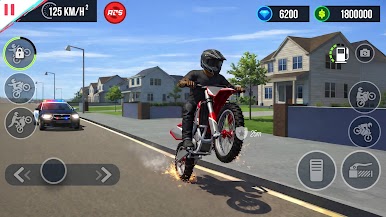
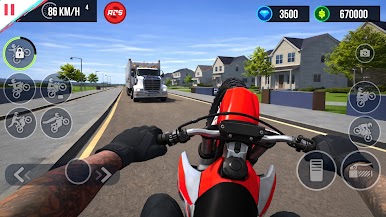
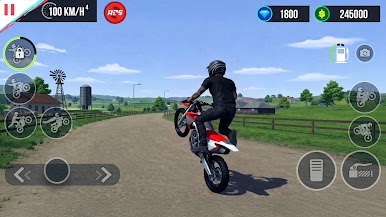
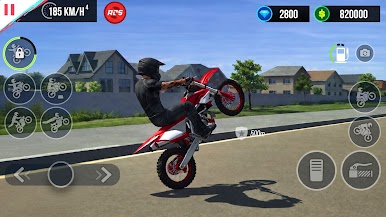
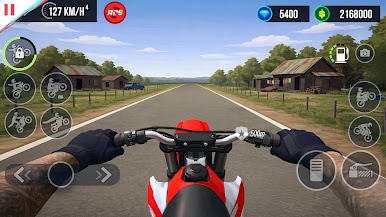
Play Wheelie Bike Challenge 3D on PC. It’s easy to get started.
-
Download and install BlueStacks on your PC
-
Complete Google sign-in to access the Play Store, or do it later
-
Look for Wheelie Bike Challenge 3D in the search bar at the top right corner
-
Click to install Wheelie Bike Challenge 3D from the search results
-
Complete Google sign-in (if you skipped step 2) to install Wheelie Bike Challenge 3D
-
Click the Wheelie Bike Challenge 3D icon on the home screen to start playing

