


Space Defence
Play on PC with BlueStacks – the Android Gaming Platform, trusted by 500M+ gamers.

Page Modified on: Sep 3, 2021
Play Space Defence on PC or Mac
Join millions to experience Space Defence, an exciting Casual game from Sudhakar Kanakaraj. With BlueStacks App Player, you are always a step ahead of your opponent, ready to outplay them with faster gameplay and better control with the mouse and keyboard on your PC or Mac.
About the Game
Space Defence by Sudhakar Kanakaraj is a blast from the past, bringing classic arcade vibes right to your screen. If you’ve ever played those old-school spaceship shooter games, this one will feel both familiar and brand new. Hop into your spacecraft and get ready for some casual but intense action as you dodge and blast your way through an endless wave of enemies.
Game Features
-
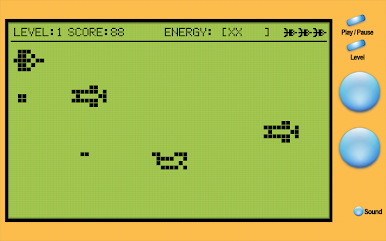
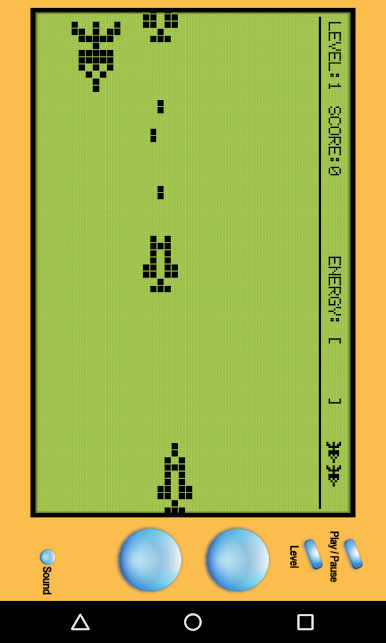
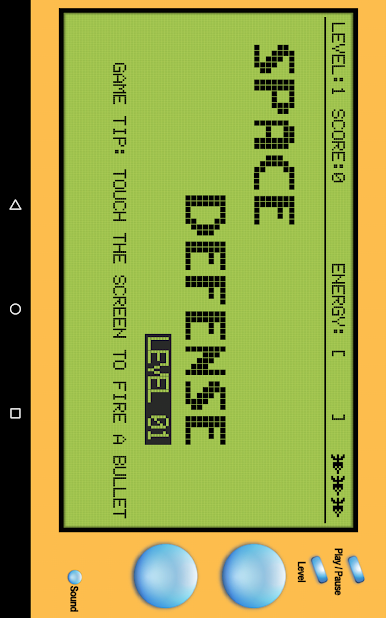
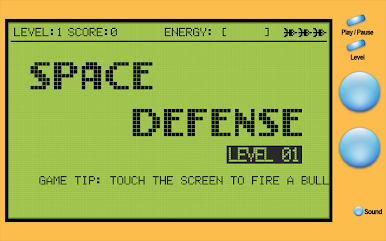
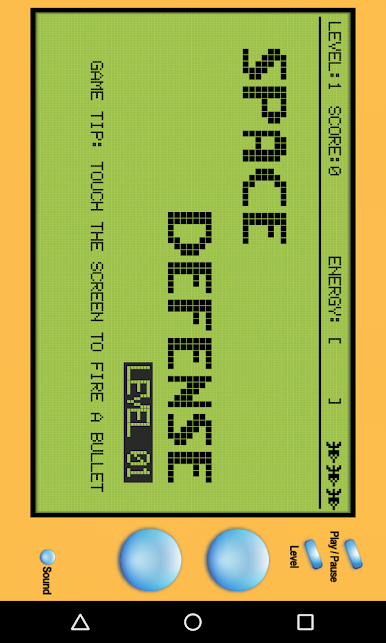
Retro Arcade Feel
Experience a game that really captures those ‘90s Nokia vibes, but with a fresh twist for today’s players. The pixelated charm and simple controls might give you a hit of nostalgia. -
Five Handcrafted Levels
There’s just enough variety here to keep things interesting as you move through five different challenges. Each stage throws new obstacles and enemies your way, so you’ll need to stay sharp. -
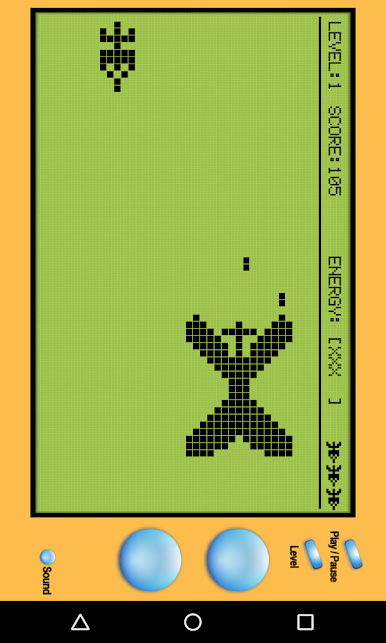
Face the Giant Villain
Make it through all those tricky levels, and you’ll take on the big boss—a proper old-school villain that puts your shooting skills to the test. -
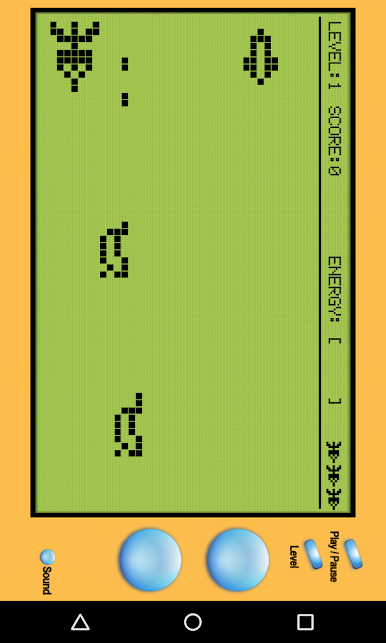
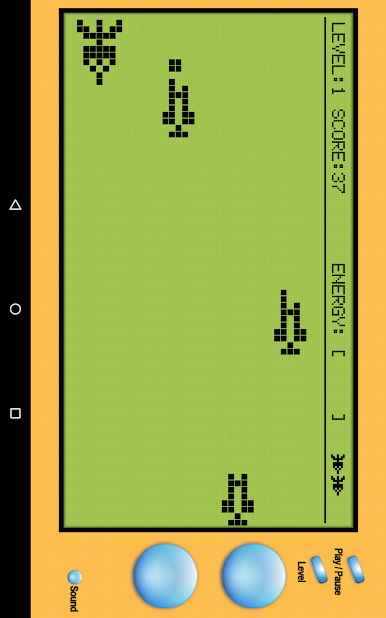
Tons of Enemy Missiles
We’re talking over 20 types of enemy projectiles flying your way. Dodge, weave, and shoot your way through an onslaught of unique threats in deep space. -
Works Smooth on BlueStacks
Want smoother controls and crisp visuals? The game feels especially nice on BlueStacks, perfect if you love that classic casual gaming vibe but want a bit more comfort.
Space Defence is all about quick pick-up-and-play sessions with a hint of nostalgia and solid action, whether you’re killing time or aiming for a new high score.
Get ready for a buttery smooth, high-performance gaming action only on BlueStacks.

Play Space Defence on PC. It’s easy to get started.
-
Download and install BlueStacks on your PC
-
Complete Google sign-in to access the Play Store, or do it later
-
Look for Space Defence in the search bar at the top right corner
-
Click to install Space Defence from the search results
-
Complete Google sign-in (if you skipped step 2) to install Space Defence
-
Click the Space Defence icon on the home screen to start playing

