

Save The Queen
Play on PC with BlueStacks – the Android Gaming Platform, trusted by 500M+ gamers.

Page Modified on: Sep 24, 2026
Play Save The Queen on PC or Mac
Bring your A-game to Save The Queen, the Casual game sensation from Wildfire Interactive. Give your gameplay the much-needed boost with precise game controls, high FPS graphics, and top-tier features on your PC or Mac with BlueStacks.
About the Game
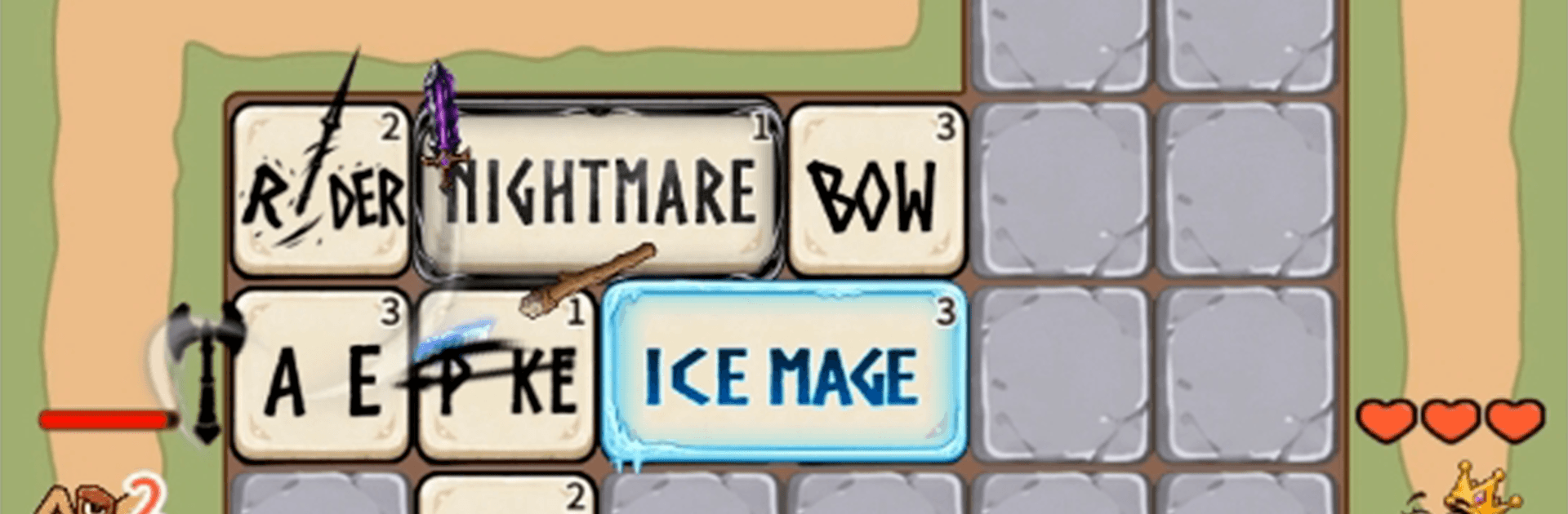
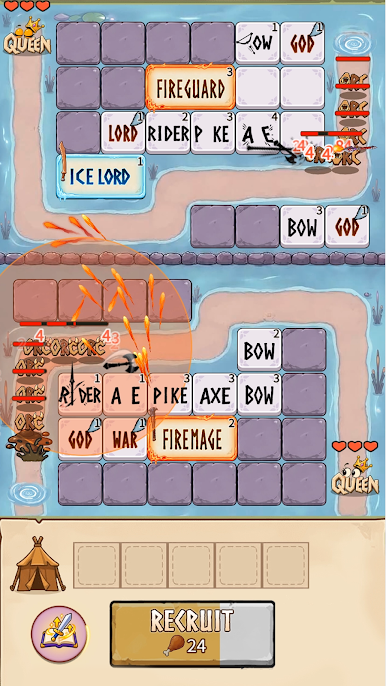
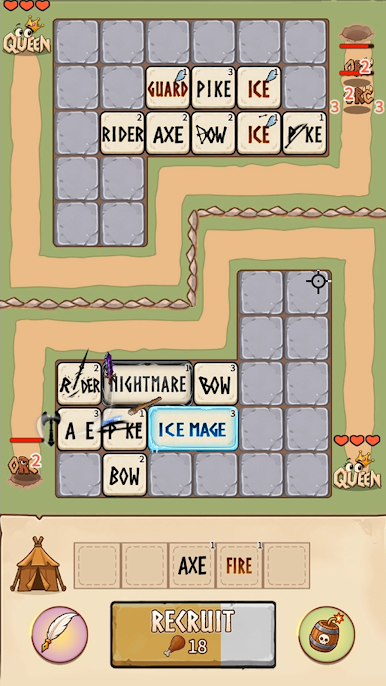
Orcs are hammering the castle gates and the throne’s in serious trouble. Save The Queen is a fast-moving Casual tactics game where you arrange heroes on a grid, merge them into tougher squads, and drop mythic powers at clutch moments. It’s easy to pick up, surprisingly deep once you start theorycrafting, and it feels great on BlueStacks when you want a bigger view of the battlefield.
Game Features
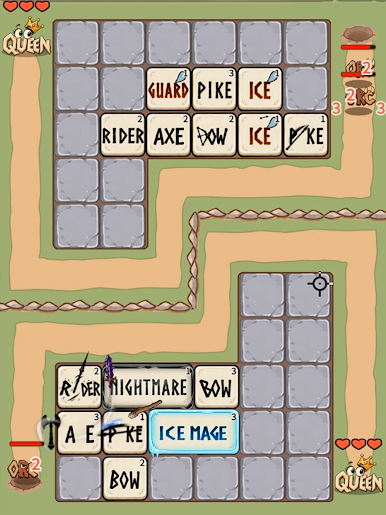
- Smart Grid Strategy: Place bow units in safe lanes, anchor the front with axe and pike bruisers, and send riders to hit where it hurts.
- Merge and Evolve: Combine duplicates to rank up your troops, then upgrade key pieces to build formations that snowball through wave after wave.
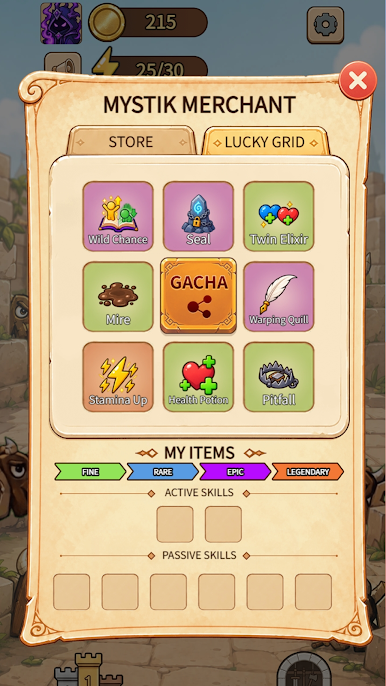
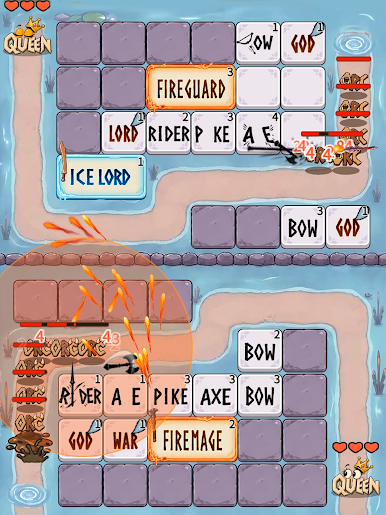
- Call the Gods: Unleash legends like Zeus, Odin, and Loki—plus icy and fiery powerhouses—to trigger explosive skill chains that flip a fight.
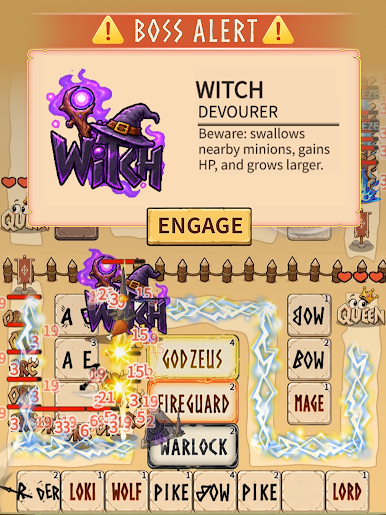
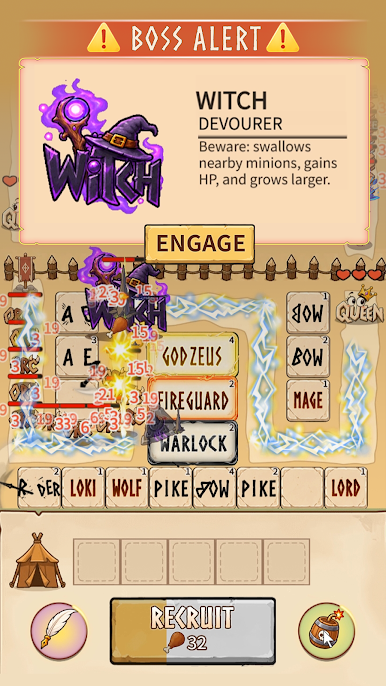
- Bosses With Nasty Tricks: Face monstrosities that eat your units, scramble your lines, revive the fallen, lock your tiles, slow attacks, charm allies, or heal themselves.
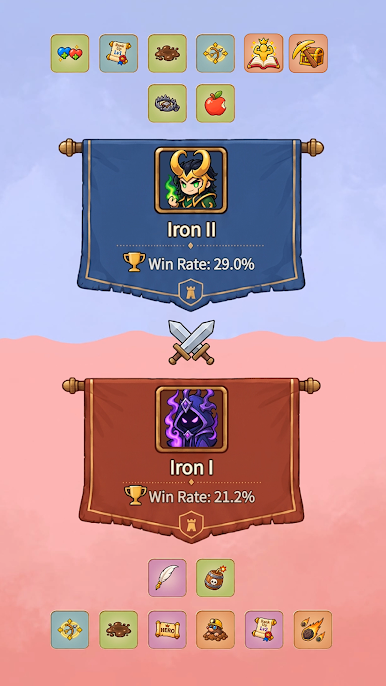
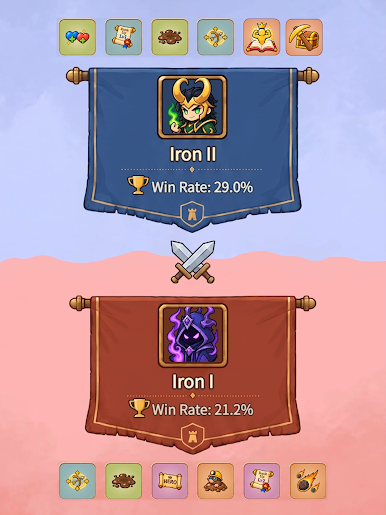
- Competitive Ranks: Battle other defenders, climb through tiers, and prove your setup can hold the throne when the pressure spikes.
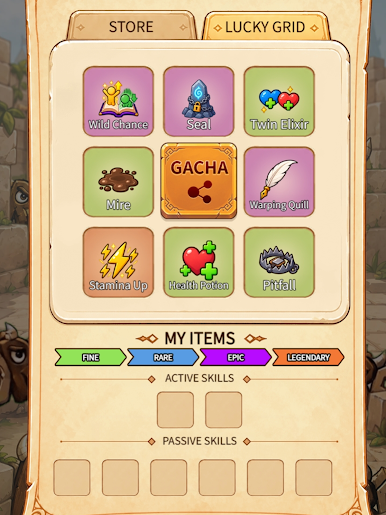
- Build Your Armory: Unlock gear and tweak stats so your squad hits harder, tanks longer, or bursts just in time for the boss.
- Quick To Pick Up, Deep To Master: Simple tap-to-place controls meet resource timing, lane targeting, and counter-picks that reward smart calls.
- Combos That Matter: Mix hero skills and god powers to freeze rushes, burn through shields, or chain stuns for satisfying board-wide swings.
- Eye-Catching Fantasy Flair: Crisp art, flashy ultimates, and meaty hit effects make every hold-the-line moment feel epic.
Ready to top the leaderboard? We bet you do. Let precise controls and sharp visuals optimized on BlueStacks lead you to victory.
Play Save The Queen on PC. It’s easy to get started.
-
Download and install BlueStacks on your PC
-
Complete Google sign-in to access the Play Store, or do it later
-
Look for Save The Queen in the search bar at the top right corner
-
Click to install Save The Queen from the search results
-
Complete Google sign-in (if you skipped step 2) to install Save The Queen
-
Click the Save The Queen icon on the home screen to start playing

