


PartyPal: Drinking Game
Play on PC with BlueStacks – the Android Gaming Platform, trusted by 500M+ gamers.

Page Modified on: Nov 26, 2025
Play PartyPal: Drinking Game on PC
Download now and experience a night like no other with PartyPal.
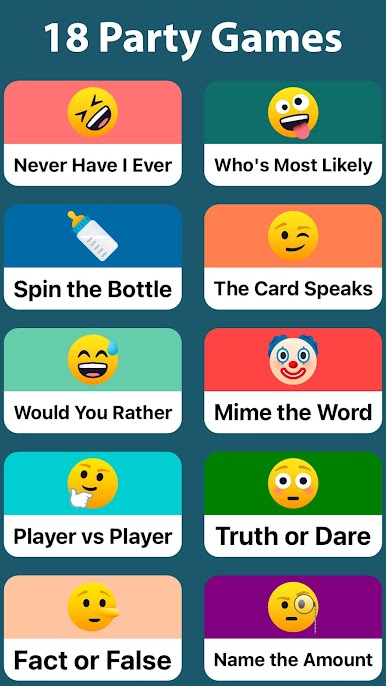
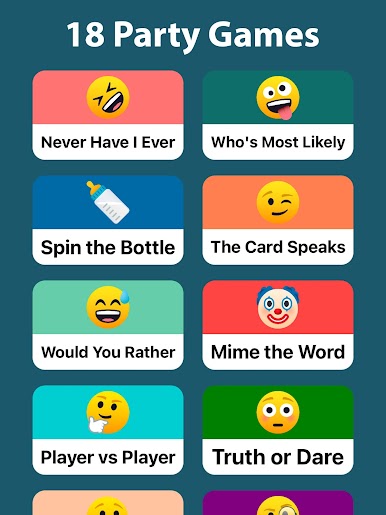
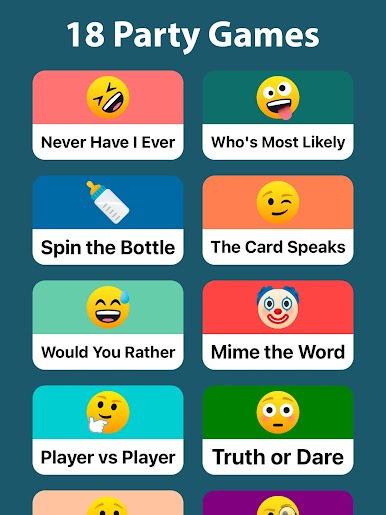
18 DIFFERENT DRINKING GAMES:
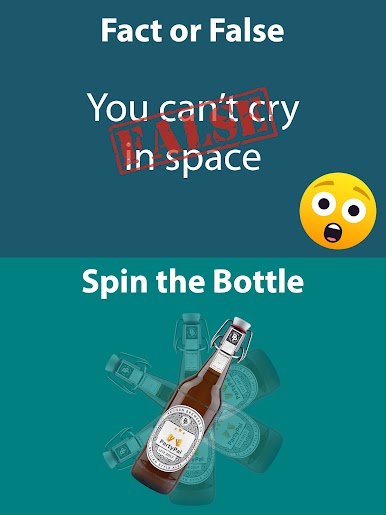
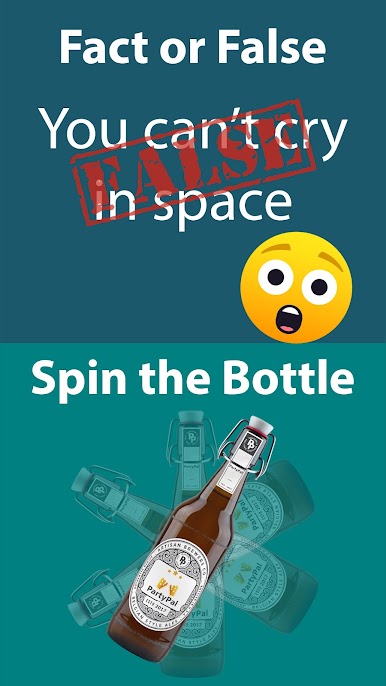
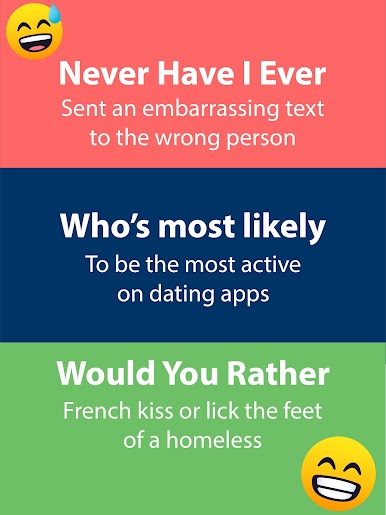
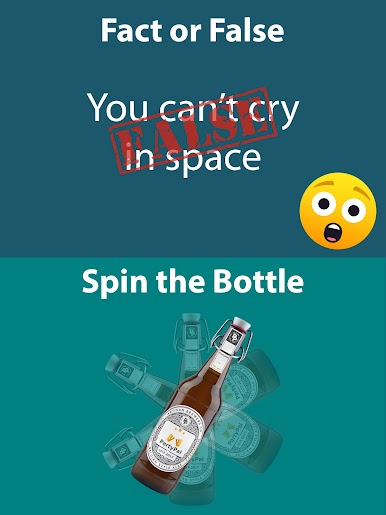
1) Question based games like Never Have I Ever, Who's Most likely, Fact or False, Category etc.
2) Action based games like Truth or Dare, Spin the Bottle, Mime the Word etc.
3) Card games like Ring of Fire, The Dealer, Up or Down etc.
The app also includes a bunch of other exciting party games like "Song Drop" where the group take turns rolling a dice, trying to avoid having the dice when your favorite song drops!
With this app, you will never have a boring night out again! PartyPal includes all the social classic drinking games, your favourites and a bunch of new ones for whatever social occasion and association you and the other participants might have. Compete against friends in a get-together or have a relaxing drink to get the night started. With this app, you have a drinking game that fits whatever mood you're in and whatever event, festivity or celebration you're participating in!
Download the app now and get started!
Play PartyPal: Drinking Game on PC. It’s easy to get started.
-
Download and install BlueStacks on your PC
-
Complete Google sign-in to access the Play Store, or do it later
-
Look for PartyPal: Drinking Game in the search bar at the top right corner
-
Click to install PartyPal: Drinking Game from the search results
-
Complete Google sign-in (if you skipped step 2) to install PartyPal: Drinking Game
-
Click the PartyPal: Drinking Game icon on the home screen to start playing

