


Lucky Bingo:Win Cash
Play on PC with BlueStacks – the Android Gaming Platform, trusted by 500M+ gamers.

Page Modified on: May 15, 2026
Play Lucky Bingo:Win Cash on PC
🎁 Game Features 🎁
Unique Bingo Game, Epic Rewards!
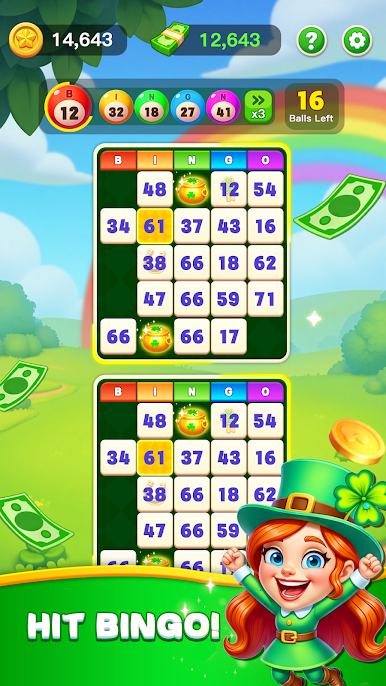
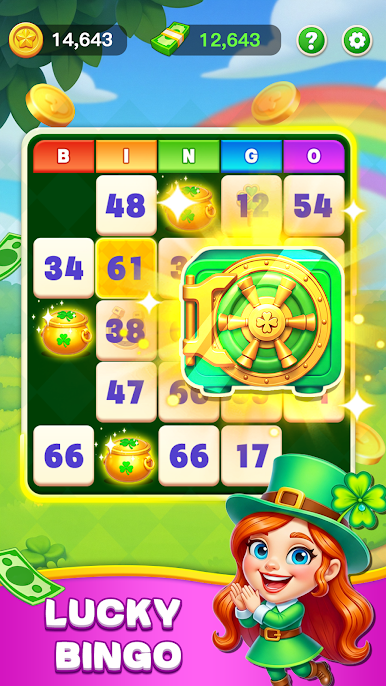
Dive into a distinctive four-leaf clover-themed bingo adventure! Avoid goblin arrests during gameplay, uncover massive rewards, and collect four-leaf clover treasure boxes to achieve Bingo wins and claim huge prizes!
Bingo Real Prizes!
Play bingo and win real rewards! The more cards you play, the greater your chances of winning!
📌 Please Note:
This game is intended for entertainment purposes only for users aged 18 and above.
The game is completely free with no paid features.
This game does not involve real-money gambling. In-game performance does not reflect real gambling outcomes.


Play Lucky Bingo:Win Cash on PC. It’s easy to get started.
-
Download and install BlueStacks on your PC
-
Complete Google sign-in to access the Play Store, or do it later
-
Look for Lucky Bingo:Win Cash in the search bar at the top right corner
-
Click to install Lucky Bingo:Win Cash from the search results
-
Complete Google sign-in (if you skipped step 2) to install Lucky Bingo:Win Cash
-
Click the Lucky Bingo:Win Cash icon on the home screen to start playing

