


Cipher Vault
Play on PC with BlueStacks – the Android Gaming Platform, trusted by 500M+ gamers.

Page Modified on: Sep 25, 2026
Play Cipher Vault on PC
No ads. The puzzles stay free.
HOW TO PLAY
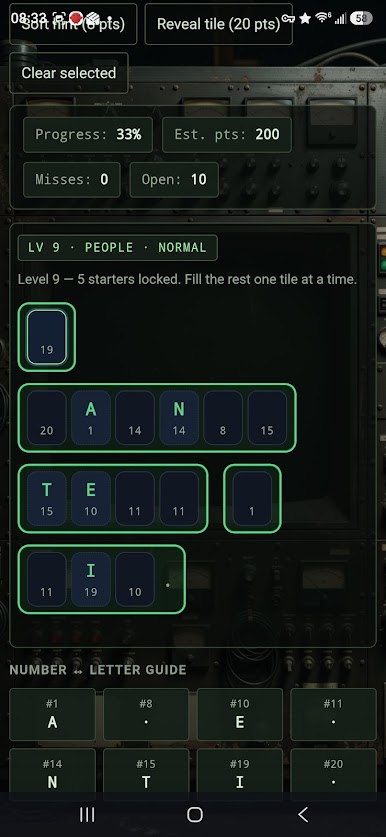
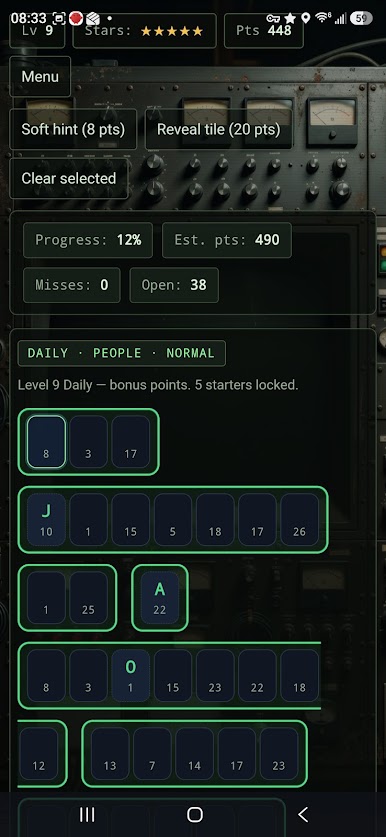
Same number = same letter. You start with points and a few open tiles. Guess letters, keep your stars, and crack the quote.
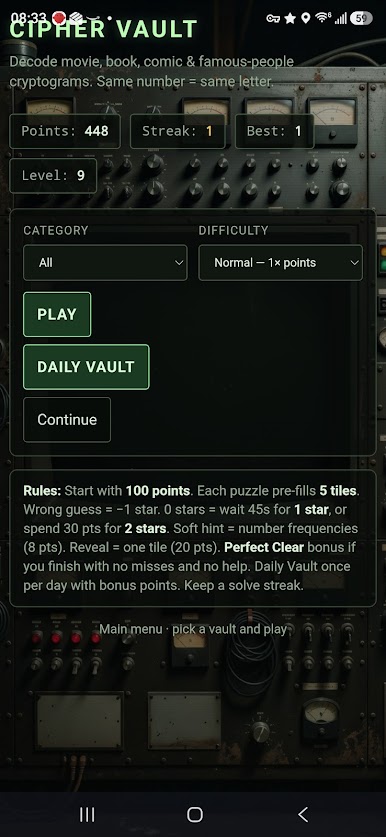
• Categories: movies, books, comics, famous people, or mixed
• Difficulty: Easy, Normal, and Hard
• Daily Vault once a day, with bonus points and a solve streak
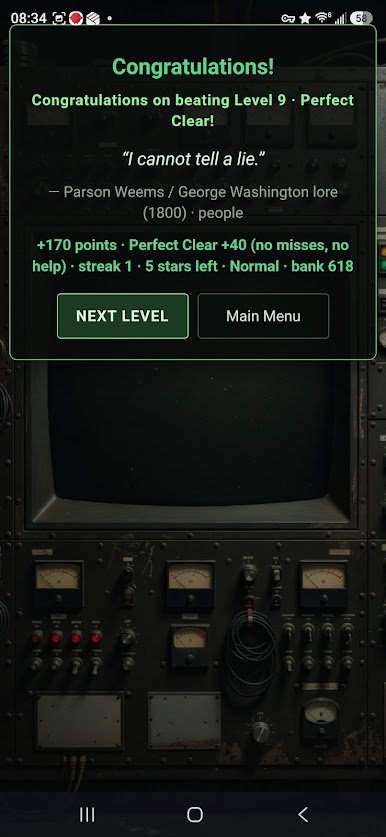
• Perfect Clear bonus if you finish with no misses and no help
• Optional hints: letter frequencies, or reveal one tile
• Out of stars? Wait a short cooldown, or spend points to continue
OPTIONAL SUPPORT
Nothing in the vault is locked behind a paywall. Vault Desk is optional if you want to say thanks or buy extra points for hints.
Publisher: Winchester Software
Play Cipher Vault on PC. It’s easy to get started.
-
Download and install BlueStacks on your PC
-
Complete Google sign-in to access the Play Store, or do it later
-
Look for Cipher Vault in the search bar at the top right corner
-
Click to install Cipher Vault from the search results
-
Complete Google sign-in (if you skipped step 2) to install Cipher Vault
-
Click the Cipher Vault icon on the home screen to start playing

