


Lotus Scapes: Pairing Match
Play on PC with BlueStacks – the Android Gaming Platform, trusted by 500M+ gamers.

Page Modified on: Sep 10, 2026
Play Lotus Scapes: Pairing Match on PC or Mac
Bring your A-game to Lotus Scapes: Pairing Match, the Puzzle game sensation from WinPlus Games. Give your gameplay the much-needed boost with precise game controls, high FPS graphics, and top-tier features on your PC or Mac with BlueStacks.
About the Game
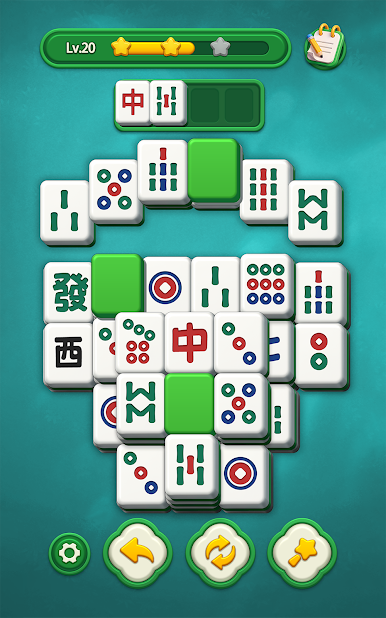
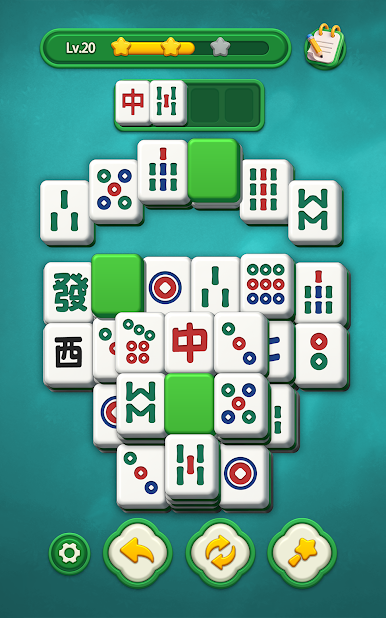
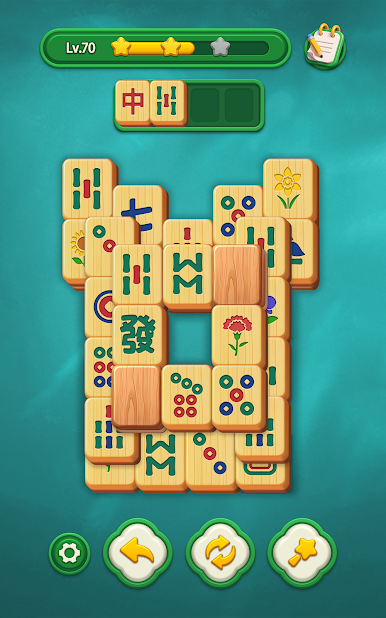
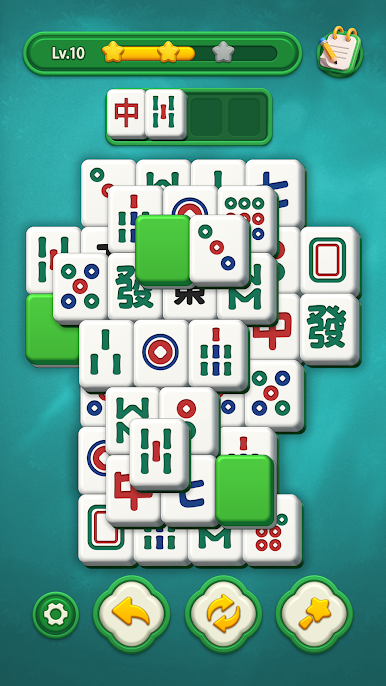
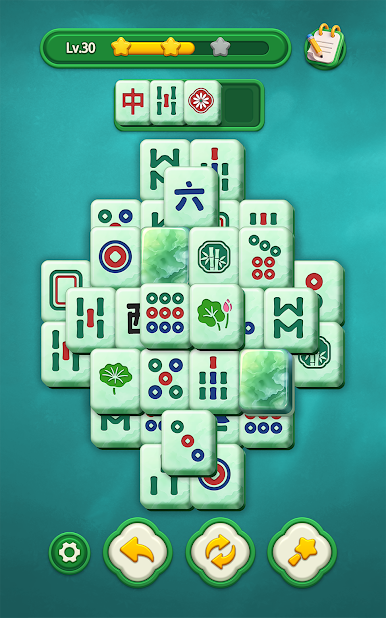
Lotus Scapes: Pairing Match is a calm Puzzle experience built around pairing identical tiles and clearing the board at your own pace. It’s for those moments when you want a quiet brain-teaser that keeps your hands busy and your head clear—simple rules that reward a little planning. Prefer a larger display? It runs smoothly on BlueStacks, too.
Game Features
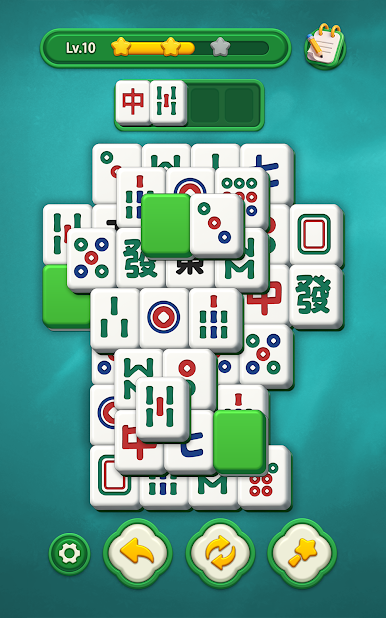
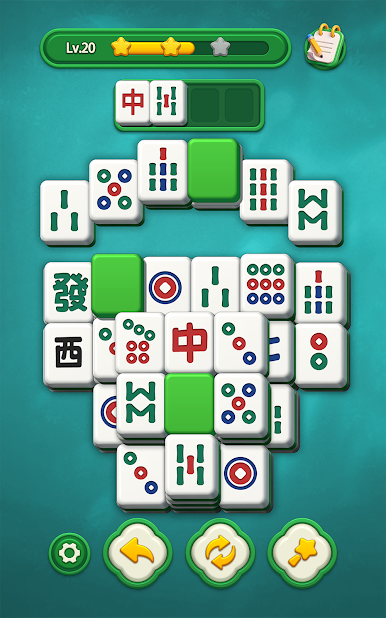
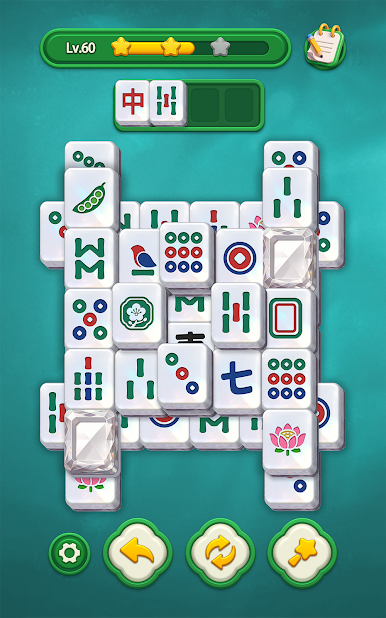
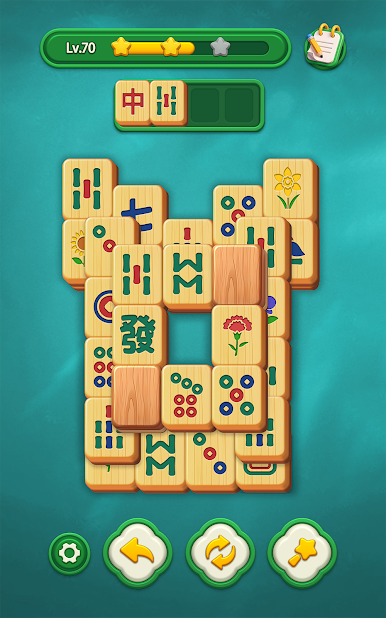
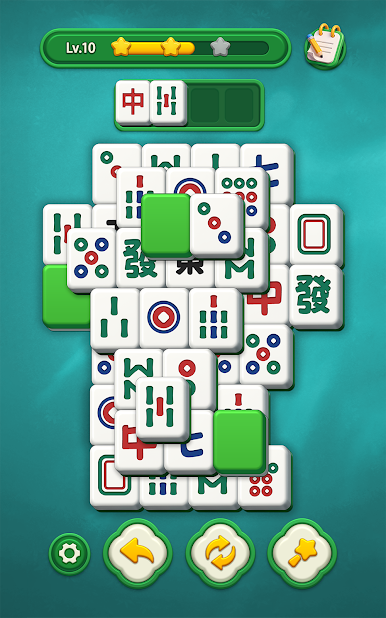
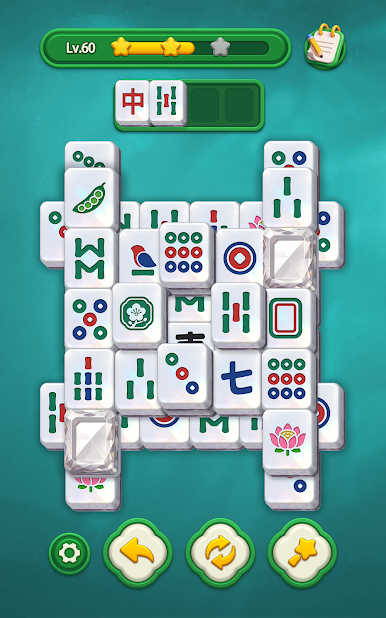
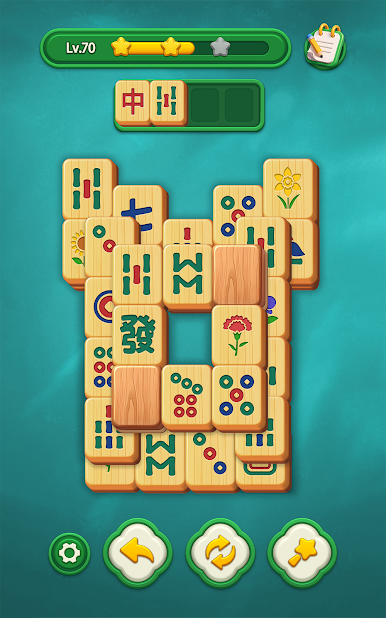
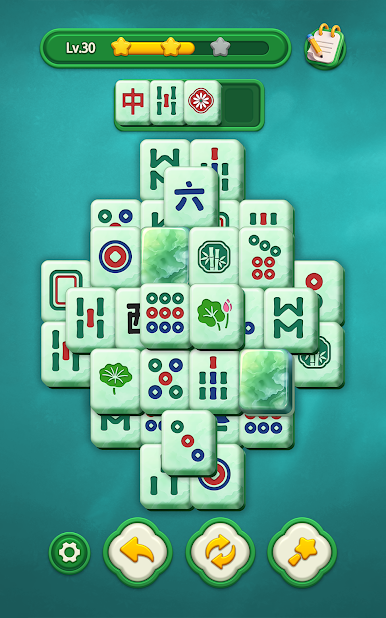
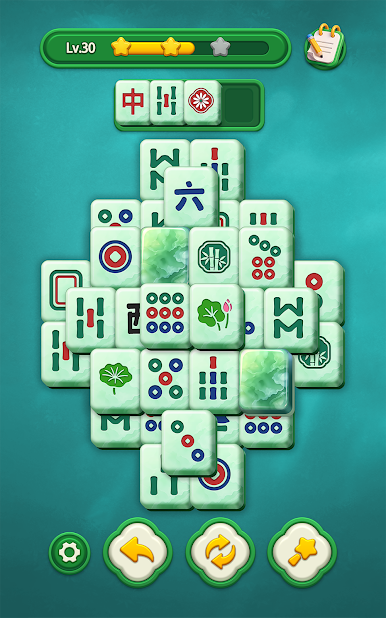
- Gentle matching mechanics: Select two open, identical tiles to remove them and gradually open up the board.
- Thoughtful decisions: Look a step ahead to free covered pieces and avoid getting stuck as new options appear.
- Unhurried pacing: No countdowns or pressure systems—take your time, breathe, and move when you’re ready.
- Clean, readable visuals: Large, high-contrast tiles and a tidy layout make every symbol easy to see at a glance.
- Helpful assists: Use Undo to take back a move or Shuffle to refresh the layout when a pairing path dries up.
- Works offline: Play the full game without an internet connection, whether you’ve got a quick break or a longer session.
- Focused design: It’s all about clear-the-board pairing with no side modes, distractions, or grind getting in the way.
- Nice on BlueStacks: Enjoy smooth controls and a comfy, bigger-screen view that keeps the laid-back vibe intact.
Get ready for a buttery smooth, high-performance gaming action only on BlueStacks.
Play Lotus Scapes: Pairing Match on PC. It’s easy to get started.
-
Download and install BlueStacks on your PC
-
Complete Google sign-in to access the Play Store, or do it later
-
Look for Lotus Scapes: Pairing Match in the search bar at the top right corner
-
Click to install Lotus Scapes: Pairing Match from the search results
-
Complete Google sign-in (if you skipped step 2) to install Lotus Scapes: Pairing Match
-
Click the Lotus Scapes: Pairing Match icon on the home screen to start playing

