


Smash Words
Play on PC with BlueStacks – the Android Gaming Platform, trusted by 500M+ gamers.

Page Modified on: Sep 8, 2026
Play Smash Words on PC
________________________________________
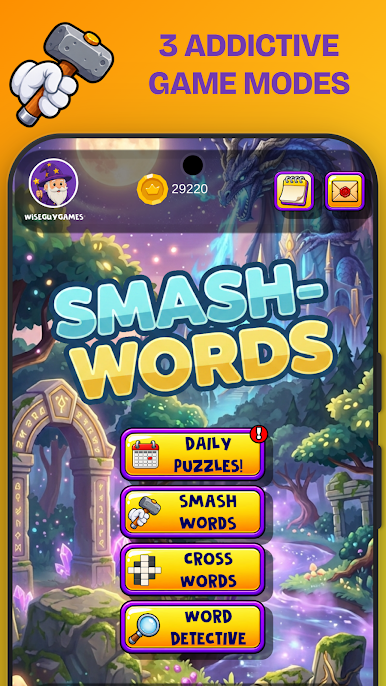
FEATURE MODE SMASH WORDS
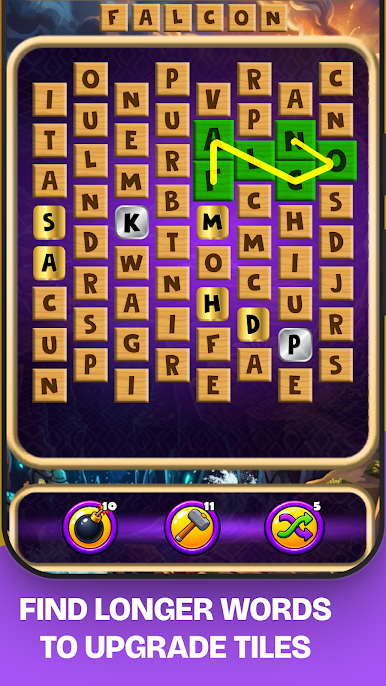
• A Race Against the Clock: You have 60 seconds to find as many words as possible on a collapsing grid. Every word adds precious seconds to your timer. Longer words = more time added.
• Tile Upgrades: Spelling longer words will upgrade existing tiles. Spelling 4-letter words evolves a standard tile to a Silver tile (adding +1.5x to your multiplier), while a 7-letter word will evolve your tile into a Rainbow (adding a MASSIVE +5x multiplier).
• Power Ups: Use Hammers to smash single letters out of your way, drop bombs to blast away unusable clusters, or mix your board up entirely with a shuffle.
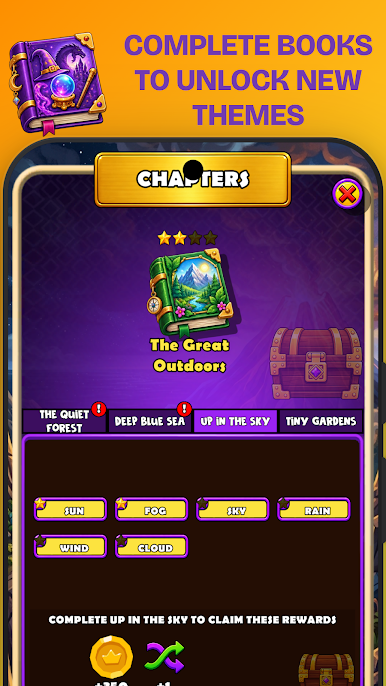
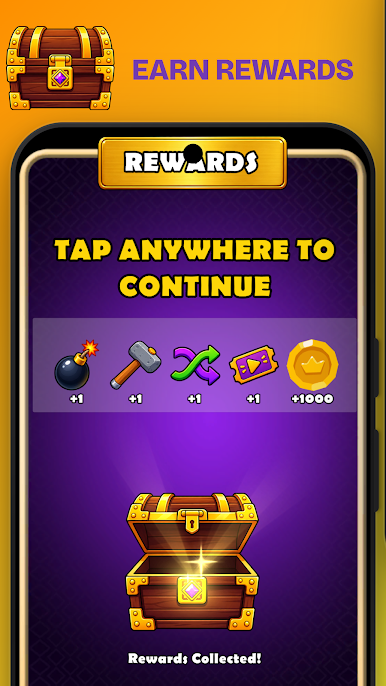
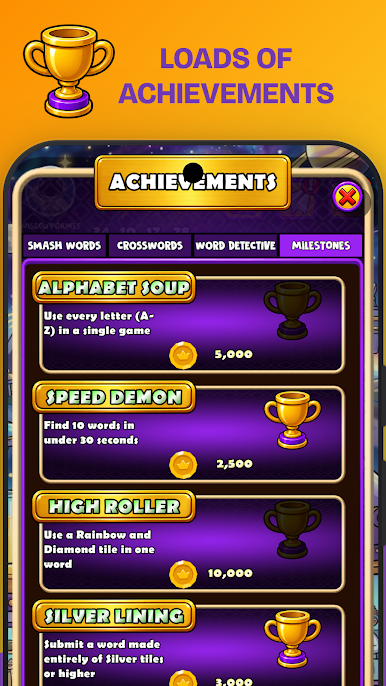
• The Lexicon: Replay value is more than just the daily challenges. The Lexicon has you searching for specific words throughout your game. The collection has 12 books, with 4 chapters each. Each book will increase in difficulty, but you are rewarded with a brand-new theme for each book you successfully complete!
Social Features:
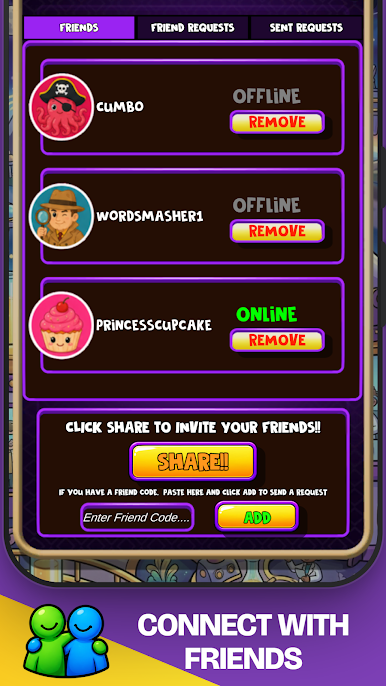
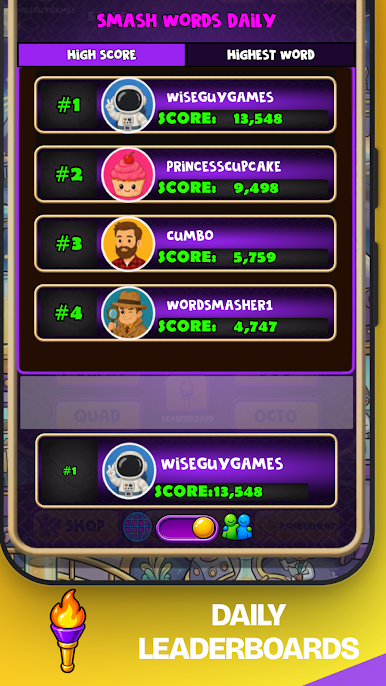
• Daily Leaderboards: Climb the daily brackets for overall high scores, or the single highest scoring word. Switch instantly between your global ranking or just your friends.
• Public Profile: Tap any player’s avatar to instantly see their accolades. Check out the pie chart with their average word length, their highest word score, longest round and more!
• Item Request: Running low on items? Send a help request out to your friends. They can send you bombs, hammers, or shuffles!
________________________________________
ABOUT WISE GUY GAMES
Smash Words is proudly developed by Wise Guy Games. We are an independent studio dedicated to crafting clever, high-quality puzzle games that challenge your brain.
Have feedback or found a bug? Reach out to us directly or follow Wise Guy Games online to stay updated on new levels and features!

Play Smash Words on PC. It’s easy to get started.
-
Download and install BlueStacks on your PC
-
Complete Google sign-in to access the Play Store, or do it later
-
Look for Smash Words in the search bar at the top right corner
-
Click to install Smash Words from the search results
-
Complete Google sign-in (if you skipped step 2) to install Smash Words
-
Click the Smash Words icon on the home screen to start playing

