


Geulgram - Text on Photo
Play on PC with BlueStacks – the Android Gaming Platform, trusted by 500M+ gamers.

Page Modified on: Mar 9, 2025
Run Geulgram - Text on Photo on PC or Mac
Upgrade your experience. Try Geulgram – Text on Photo, the fantastic Photography app from withwho, from the comfort of your laptop, PC, or Mac, only on BlueStacks.
About the App
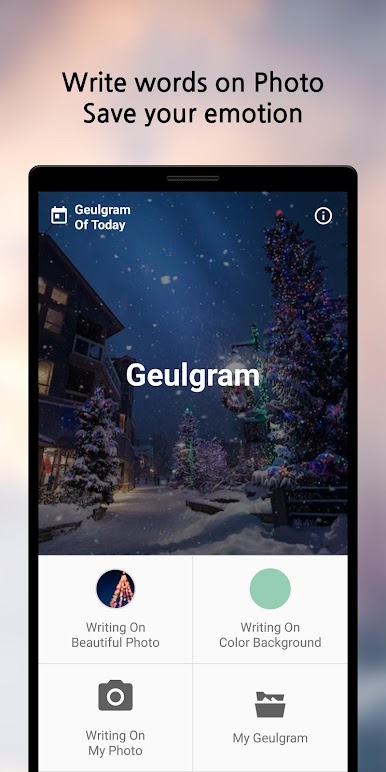
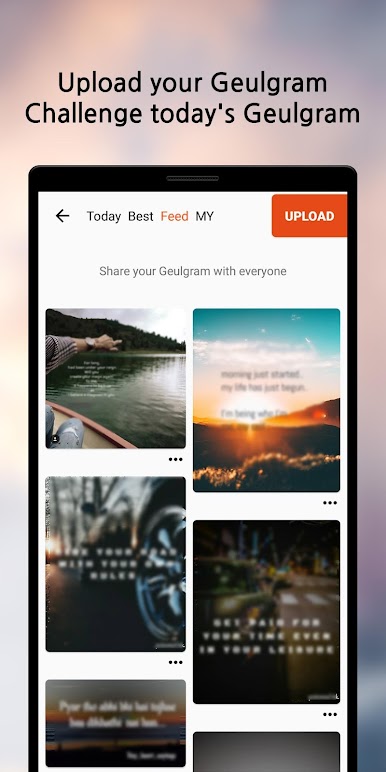
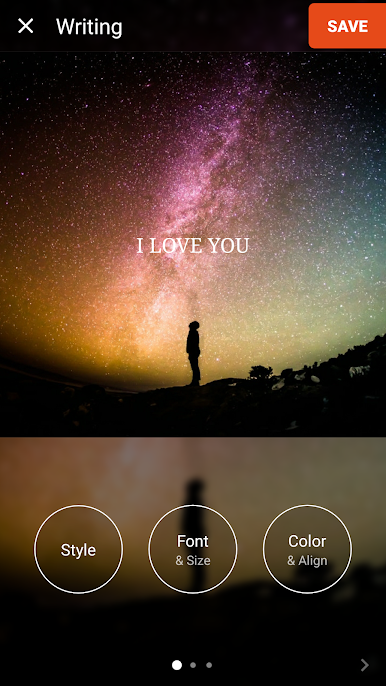
Geulgram – Text on Photo by withwho is a cool app for adding text to images, perfect for photography enthusiasts. Whether you’re crafting a captivating quote, a heartfelt message, or a cheerful greeting, this app offers everything you need to give your photos that extra flair. You’ll love exploring the creative possibilities as you mix text with your chosen images.
App Features
Beautiful Backgrounds:
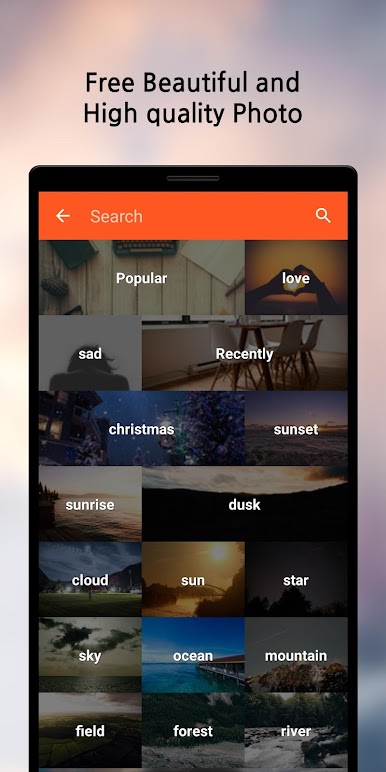
Discover high-quality images to complement your text, offering the perfect backdrop to express your thoughts. Or, simply use your own photos to make them uniquely yours.
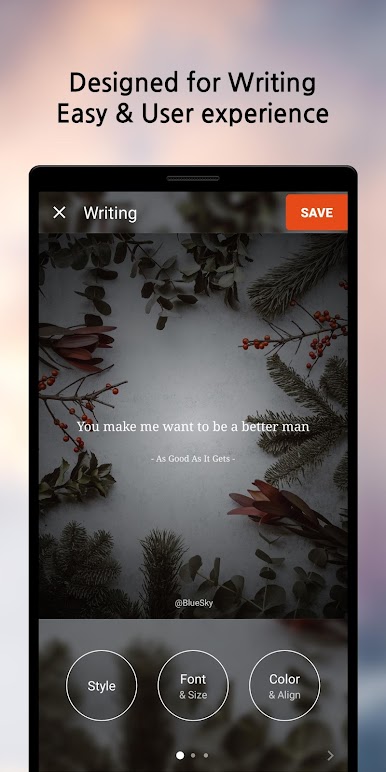
Sleek Design & Experience:
Geulgram is crafted with a user-friendly design, ensuring a seamless and enjoyable experience as you play with different photo-text combinations.
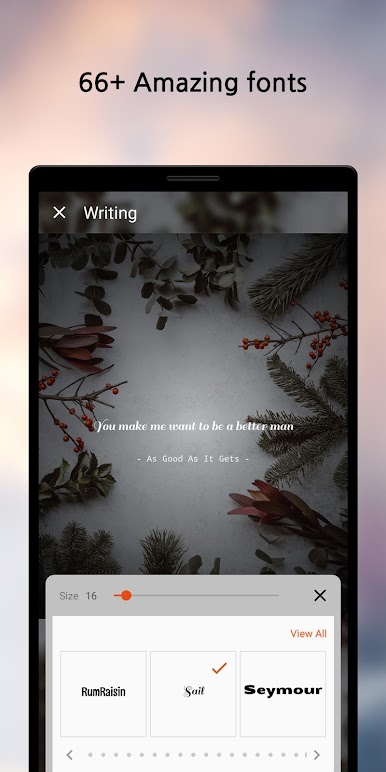
Free Fonts Galore:
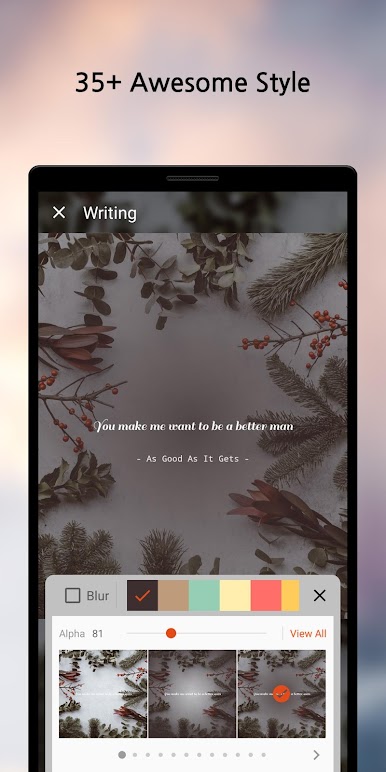
Access a wide variety of fonts in multiple languages, all free of any hassle, so you can truly personalize your captions.
Signature & Date Styles:
Why not add a personal touch? Free from watermarks, you can add your own signature and choose from various date text styles.
Remember, you can also enjoy Geulgram – Text on Photo on your PC with BlueStacks for a smooth experience!
Ready to experience Geulgram – Text on Photo on a bigger screen, in all its glory? Download BlueStacks now.
Play Geulgram - Text on Photo on PC. It’s easy to get started.
-
Download and install BlueStacks on your PC
-
Complete Google sign-in to access the Play Store, or do it later
-
Look for Geulgram - Text on Photo in the search bar at the top right corner
-
Click to install Geulgram - Text on Photo from the search results
-
Complete Google sign-in (if you skipped step 2) to install Geulgram - Text on Photo
-
Click the Geulgram - Text on Photo icon on the home screen to start playing

