Moneyland

Moneyland

Casual | Rollic Games

Play on PC with BlueStacks – the Android Gaming Platform, trusted by 500M+ gamers.

Page Modified on: Mar 13, 2026

Main Moneyland on PC

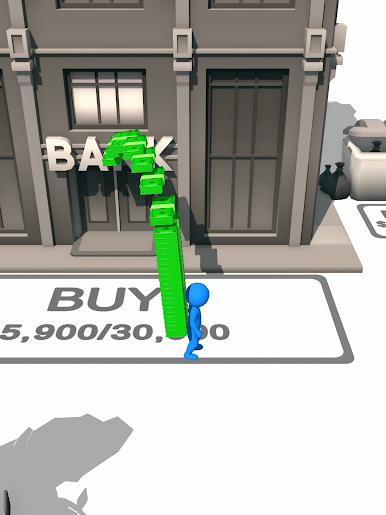
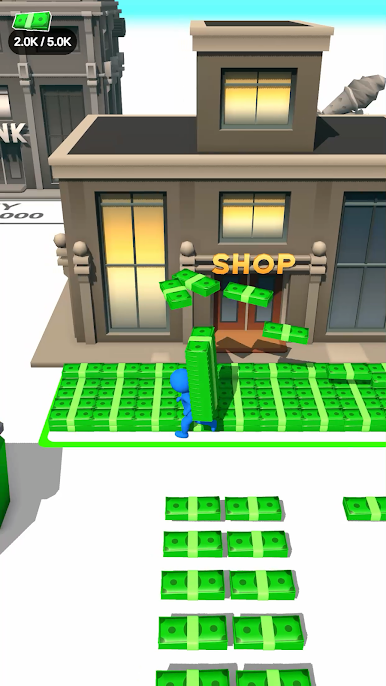
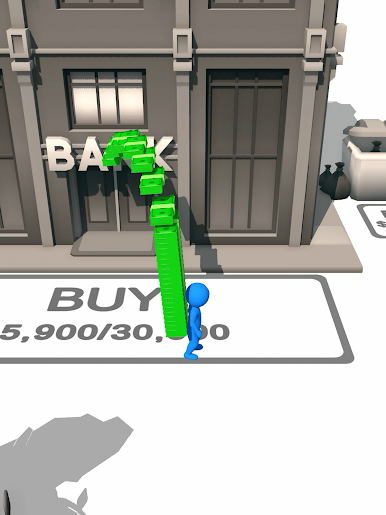
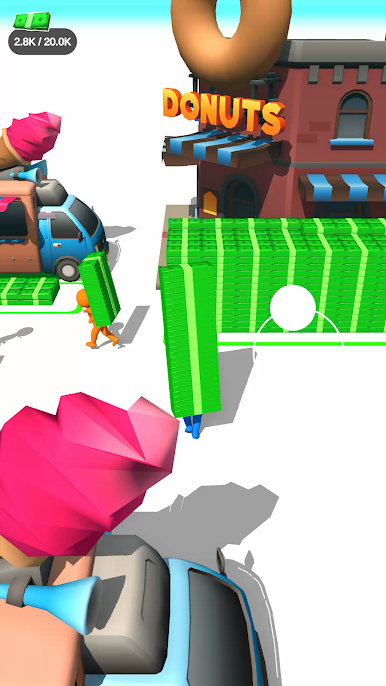
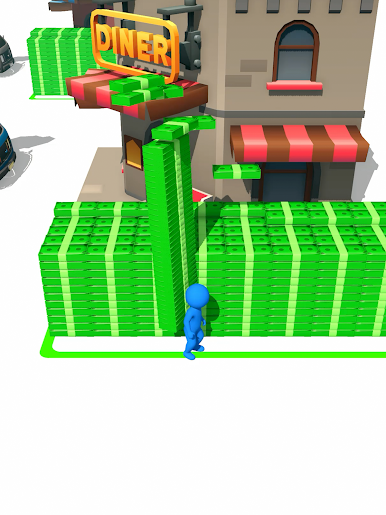
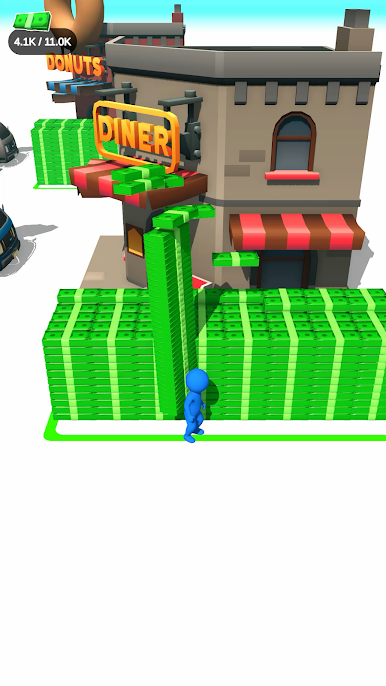
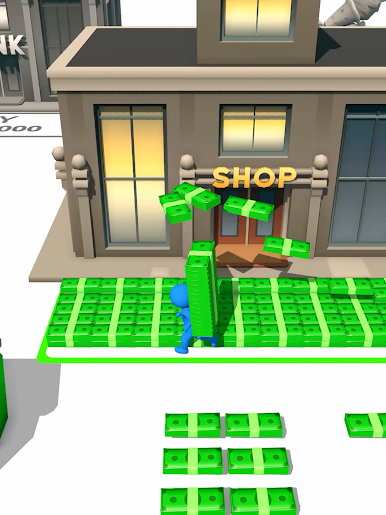
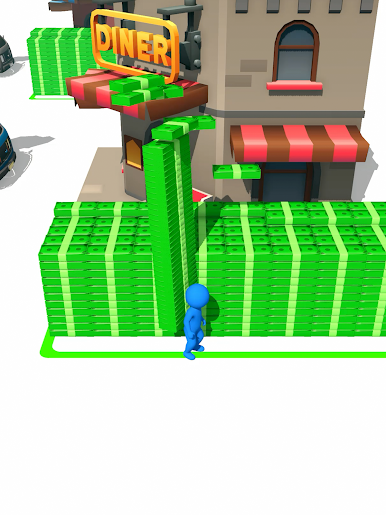
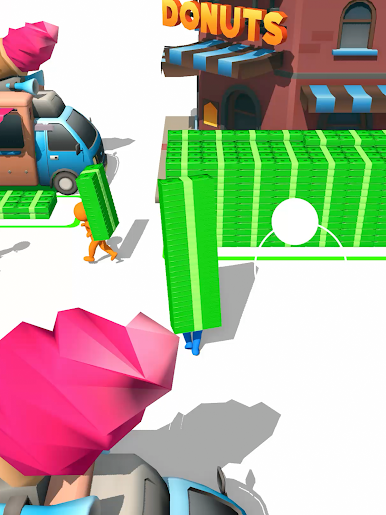
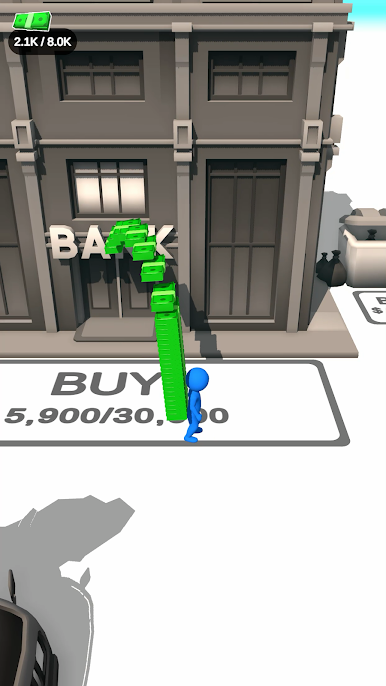
The rules are simple! You are an aspiring investor in a newly building town who is ready for a city building game! You will start by collecting your money, and purchase your first investment by unlocking a venue. Shops, banks, restaurants and many money idle spots to invest and to help you collect even more money! Are you a fan of idle games? If you love building games, you will love Moneyland! Moneyland is a thrilling tycoon game and one of the best money games for kids! The more the city expands, the harder it will be to continue your money rush. But don’t worry, just get yourself a bike and rush to continue your invest game. Complete your money investment run to explore new buildings to invest in! Become the owner of the city!

Play Moneyland on PC. It’s easy to get started.

  • Download and install BlueStacks on your PC

  • Complete Google sign-in to access the Play Store, or do it later

  • Look for Moneyland in the search bar at the top right corner

  • Click to install Moneyland from the search results

  • Complete Google sign-in (if you skipped step 2) to install Moneyland

  • Click the Moneyland icon on the home screen to start playing

Watch Video