


Wiz Player
Play on PC with BlueStacks – the Android Gaming Platform, trusted by 500M+ gamers.

Page Modified on: Oct 26, 2025
Main Wiz Player on PC
Delving deeper into Wiz Player | Video Player, the app's versatility shines through its grid or list view organization of channels, adapting to user preferences seamlessly. The user-friendly interface ensures effortless navigation to find desired shows, movies, and channels. As you indulge in content, the background playback feature enables multitasking, letting you explore other apps without interrupting your viewing experience.
A standout attribute lies in the app's capability to support FG code, Xtream, and M3U URLs, providing access to a vast array of global content. Whether you opt for the smooth playback of SD, the clarity of HD, the sharpness of FHD, or the immersive experience of 4k quality, Wiz Player ensures a tailored viewing experience.
With its commitment to uninterrupted streaming, this IPTV player stands out for its reliability, making it a go-to choice for those who prioritize seamless content consumption. Wiz Player | Video Player redefines the boundaries of mobile entertainment by seamlessly integrating social interactions, content sharing, and high-quality streaming, establishing itself as a comprehensive and user-centric lifestyle application.
As far as we know a link reader does not directly infringe copyright because no copying is made on the app's servers, so this is not a valid reason to send a DMCA notice. To remove this content from the web, the content owner must contact the host who actually hosts the content (not the people responsible for this application).
At Drama Live, we are prepared to ban any server address if we receive a complaint that it is serving illegal content to wizgan2013@gmail.com
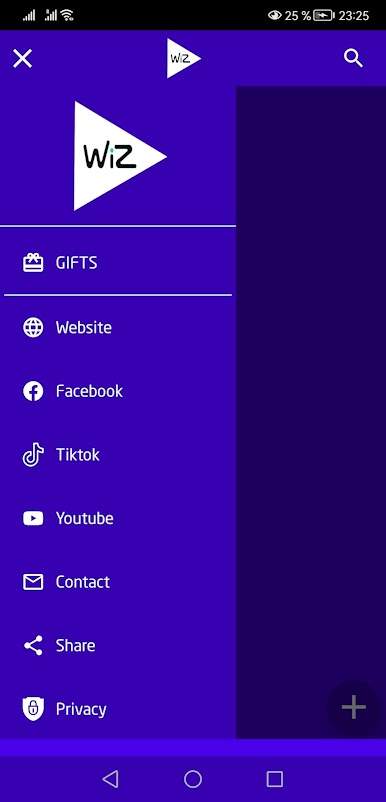
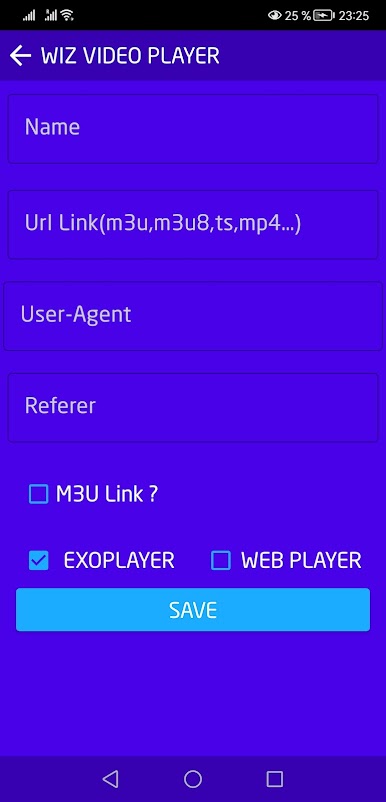
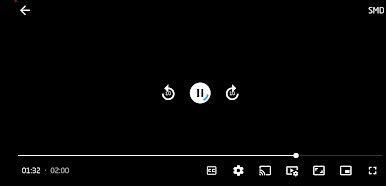
Play Wiz Player on PC. It’s easy to get started.
-
Download and install BlueStacks on your PC
-
Complete Google sign-in to access the Play Store, or do it later
-
Look for Wiz Player in the search bar at the top right corner
-
Click to install Wiz Player from the search results
-
Complete Google sign-in (if you skipped step 2) to install Wiz Player
-
Click the Wiz Player icon on the home screen to start playing

