


三國無間
Play on PC with BlueStacks – the Android Gaming Platform, trusted by 500M+ gamers.

Page Modified on: Jan 4, 2023
Overview
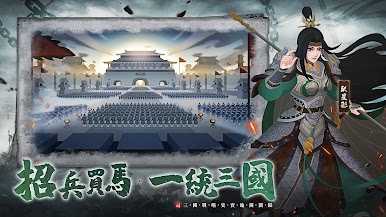
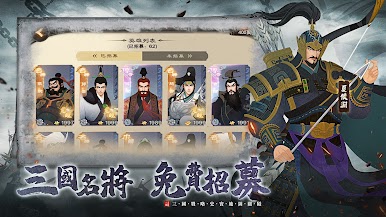
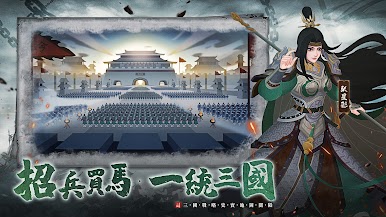
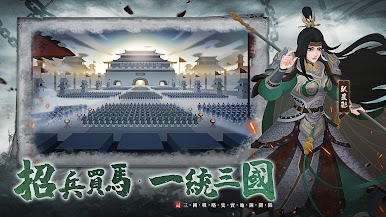
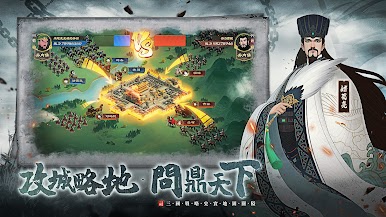
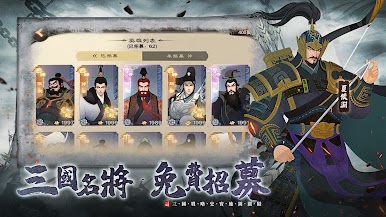
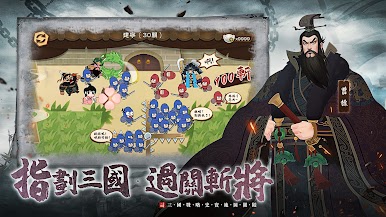
[Meticulous painting scrolls, the beauty of ancient style] The simulation setting of the large map and landform, the weather changes in four seasons, creating a real on-the-spot feeling. Hundreds of generals have super-fine pictures, delicate and realistic, and unique.
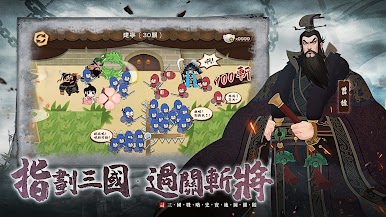
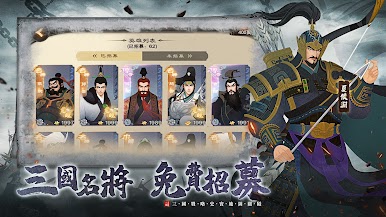
[Rich gameplay, multiplayer interaction] Recruit generals across the battlefield, various famous generals are ever-changing, and the battle formation changes at any time. Countless famous generals showed their fate on the battlefield, used fate to soar their combat power, multi-directional hero training routes, and competed with other heroes.
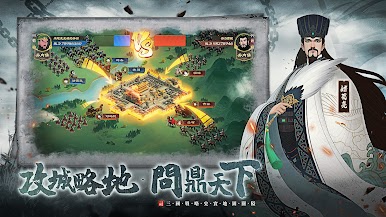
[Famous historical generals, free training] Calling friends and leading partners, building a country, BOSS battles, soldiers under the city, team dungeons, multiplayer battles, heroes side by side, siege cities and lands, join verticals and horizontals, and achieve the hegemony of the Three Kingdoms on an unparalleled journey.
[Conquering from the south and the north, sieging the city and looting the land] Innovative national warfare gameplay, strategic layout, charging into the battle, imposing and magnificent, the scene is brilliant. With the development of the game, you will gradually appreciate the ins and outs of the situation of the Three Kingdoms, feel the majestic atmosphere of the ancient battlefield of the Three Kingdoms, and experience the real bloody battle scenes.



Play 三國無間 on PC. It’s easy to get started.
-
Download and install BlueStacks on your PC
-
Complete Google sign-in to access the Play Store, or do it later
-
Look for 三國無間 in the search bar at the top right corner
-
Click to install 三國無間 from the search results
-
Complete Google sign-in (if you skipped step 2) to install 三國無間
-
Click the 三國無間 icon on the home screen to start playing

