


WobblePals: Stack Puzzle
Play on PC with BlueStacks – the Android Gaming Platform, trusted by 500M+ gamers.

Page Modified on: Oct 28, 2026
Play WobblePals: Stack Puzzle on PC
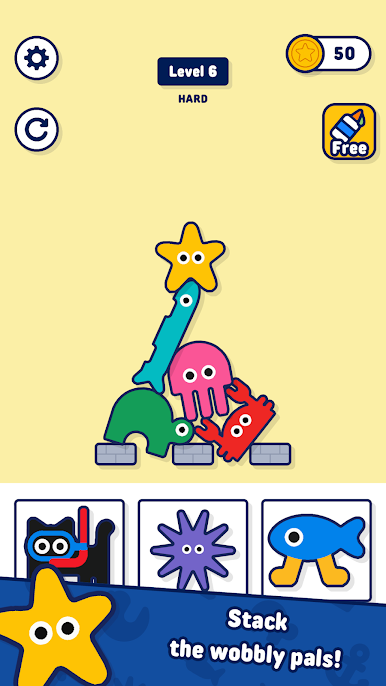
Drag the pals onto the platform and build a tower that does not fall. Every pal has its own shape: fit the bumps into the dips, balance the long ones, hold the round ones in place.
A new pal starts light and gets heavy in a moment — if the tower starts to wobble, tap the pal to take it back before it falls!
• Hundreds of handmade levels
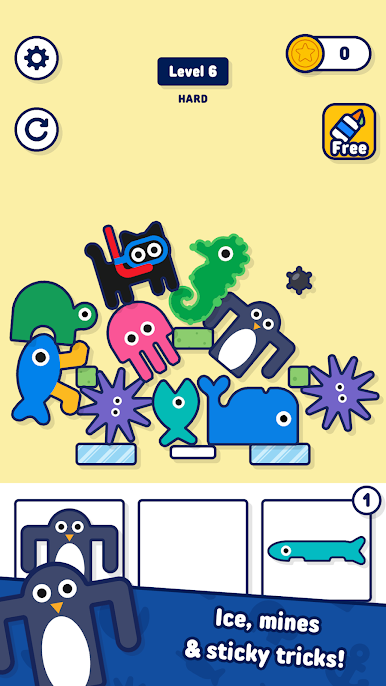
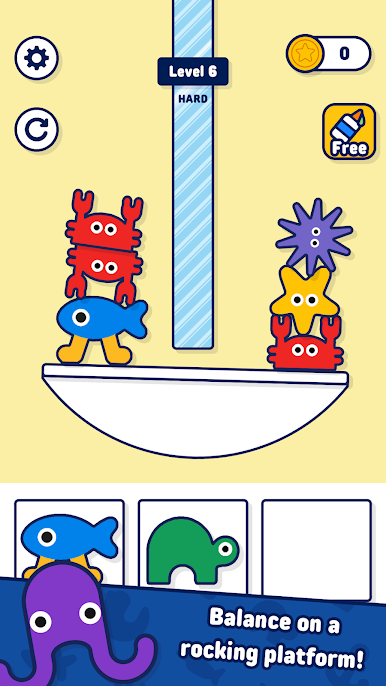
• New pals and new blocks as you go: rock, ice, sticky patches, crumbling blocks, mines and a rocking platform
• Bonus levels: build up to the stars for extra coins
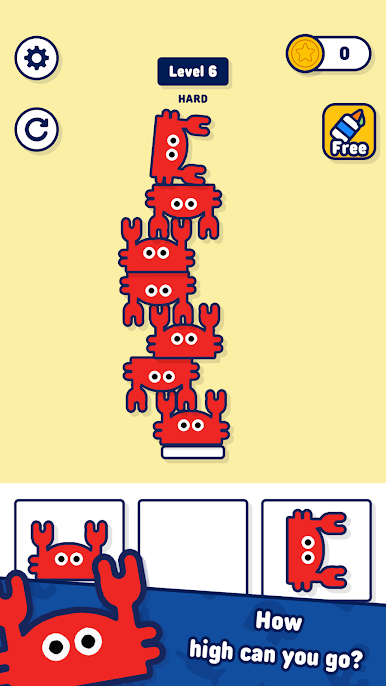
• Endless mode: how high can your tower go?
• Simple to play with one finger, tricky to master
How high can you stack?
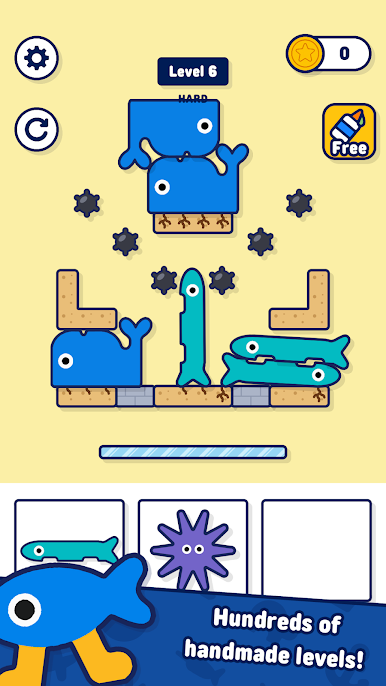
Play WobblePals: Stack Puzzle on PC. It’s easy to get started.
-
Download and install BlueStacks on your PC
-
Complete Google sign-in to access the Play Store, or do it later
-
Look for WobblePals: Stack Puzzle in the search bar at the top right corner
-
Click to install WobblePals: Stack Puzzle from the search results
-
Complete Google sign-in (if you skipped step 2) to install WobblePals: Stack Puzzle
-
Click the WobblePals: Stack Puzzle icon on the home screen to start playing

