


Cat Leo Run - Talking Cat Run
Play on PC with BlueStacks – the Android Gaming Platform, trusted by 500M+ gamers.

Page Modified on: Dec 19, 2024
Run Cat Leo Run - Talking Cat Leo vs. Dog on PC or Mac
Why limit yourself to your small screen on the phone? Run Cat Leo Run – Talking Cat Leo vs. Dog, an app by Wonderful Games AG, best experienced on your PC or Mac with BlueStacks, the world’s #1 Android emulator.
About the App
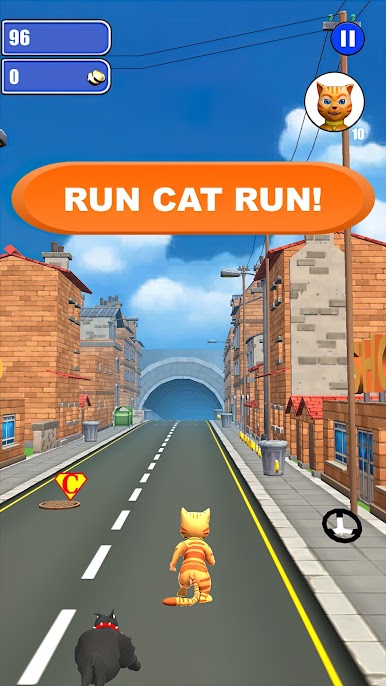
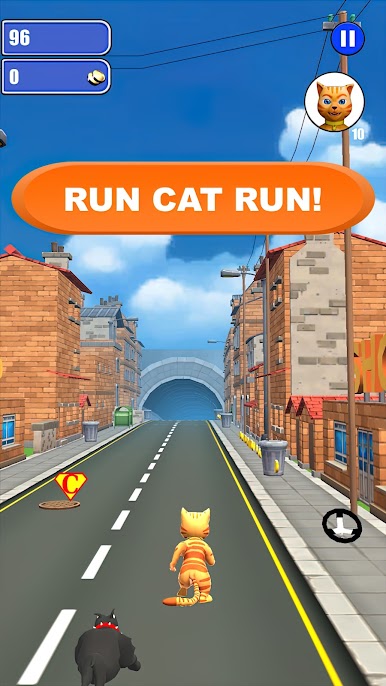
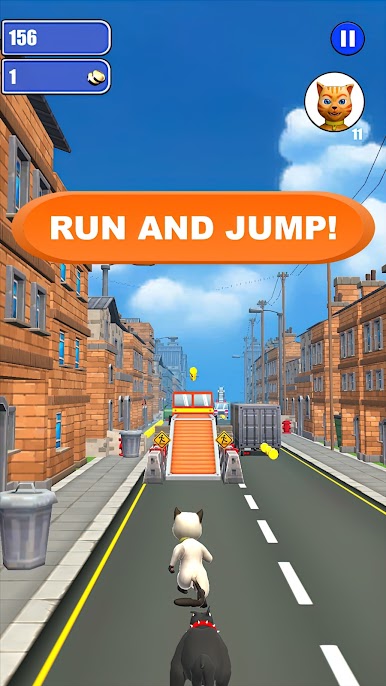
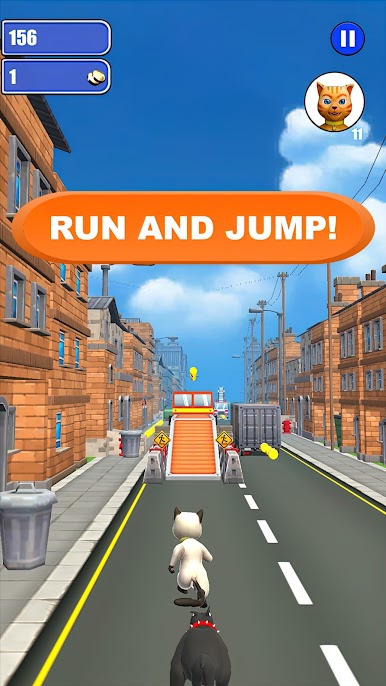
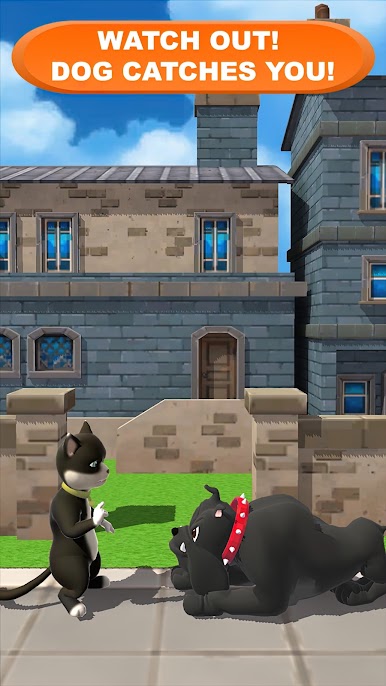
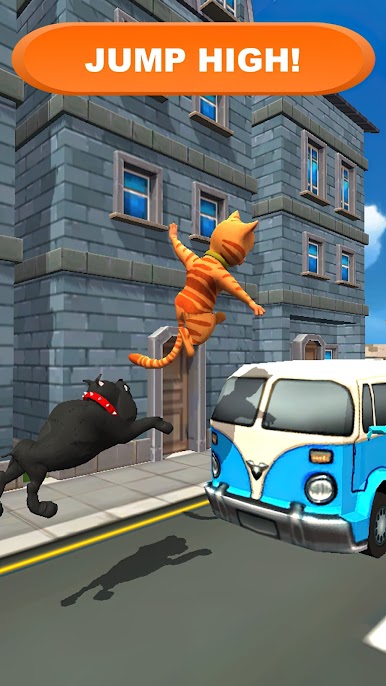
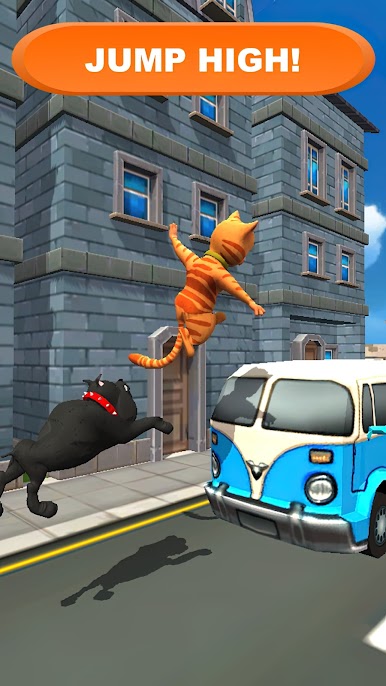
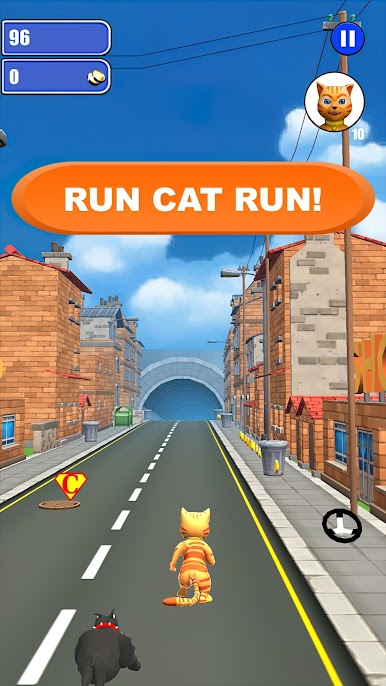
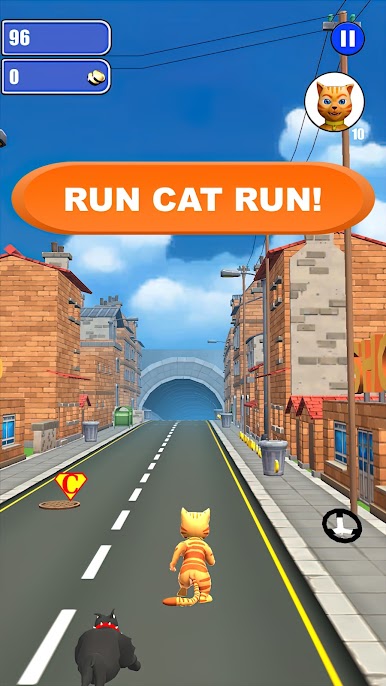
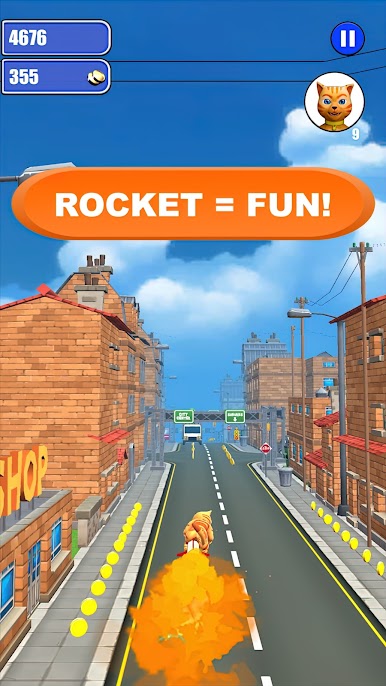
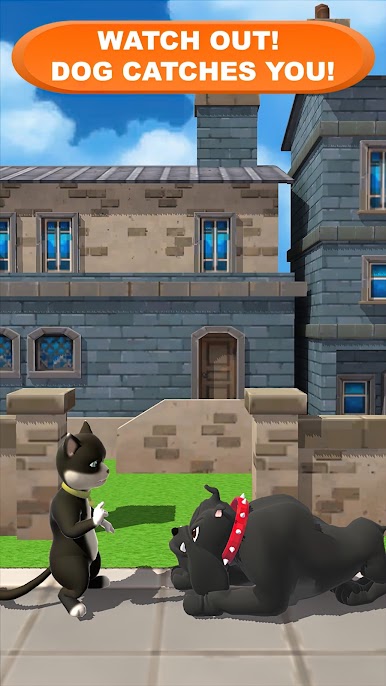
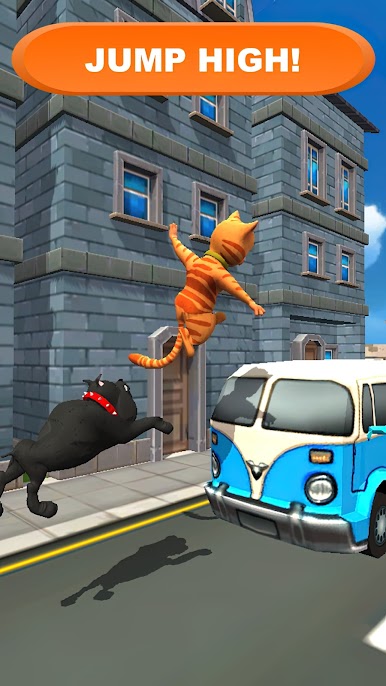
Ready for some paws-itively wild fun? Cat Leo Run – Talking Cat Leo vs. Dog brings you right into the middle of an energetic chase with Leo Catomy, a mischievous feline who constantly gets into things he probably shouldn’t. You’ll be zipping through busy cities, weaving between obstacles, picking up cool power-ups, and trying to keep one step ahead of a not-so-happy dog. The vibe is light, playful, and non-stop—perfect if you’re a fan of quirky Entertainment or just looking for a lighthearted gaming escape.
App Features
-
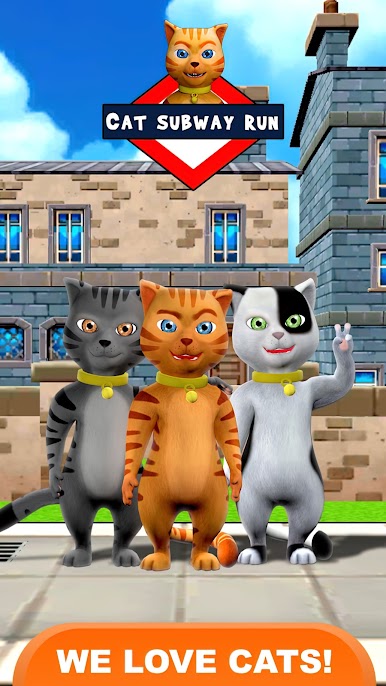
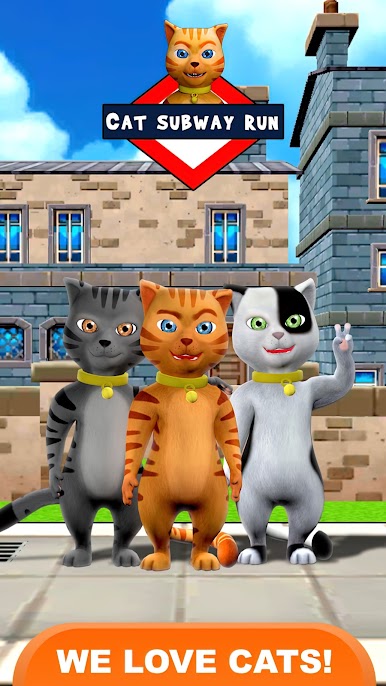
Pick Your Cat Crew
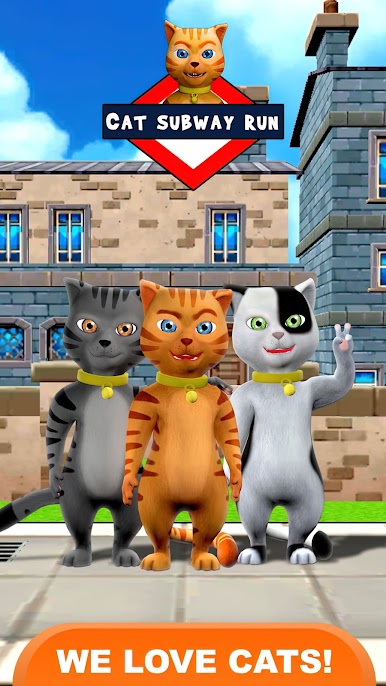
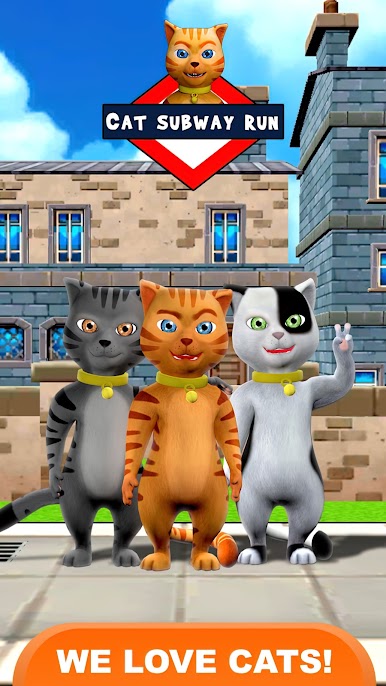
Choose from nine adorable cat characters, including favorites like Leo and Lea from Talking Cat Leo and Cat Theme Park. Each one has their own charm—pick a new furry friend whenever you feel like a switch-up! -
Diverse Running Modes
Flip between two styles of play: blast through unique levels for a quick challenge or try out the endless run mode for that classic non-stop thrill. -
Colorful Worlds
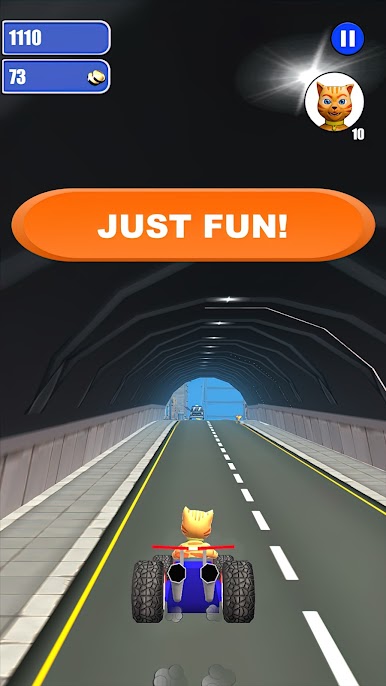
Explore bright cartoon landscapes as you run across bridges, through towns, and between wild city traffic. Plenty to see while you dash (and stumble). -
Wild Power-Ups
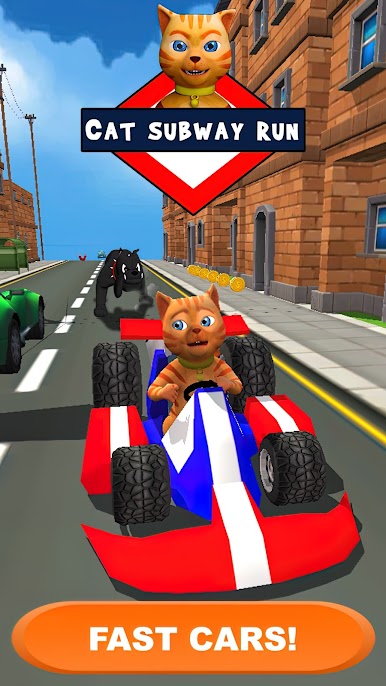
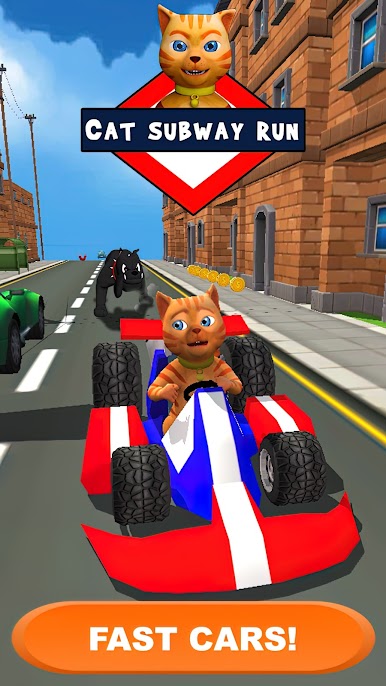
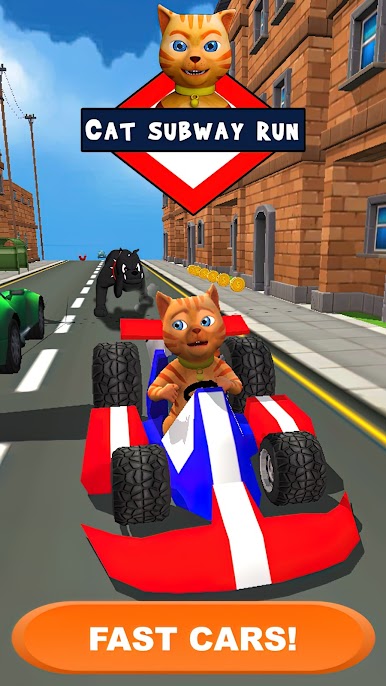
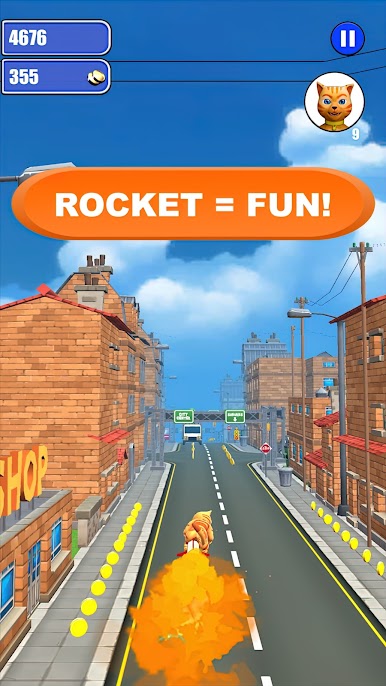
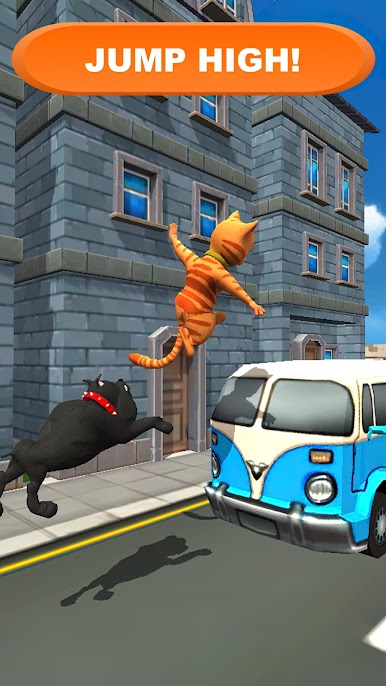
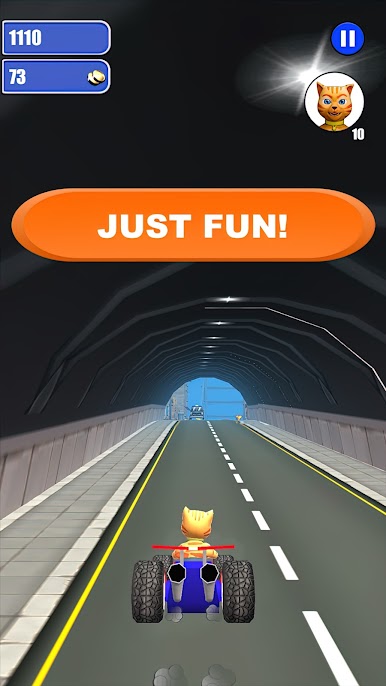
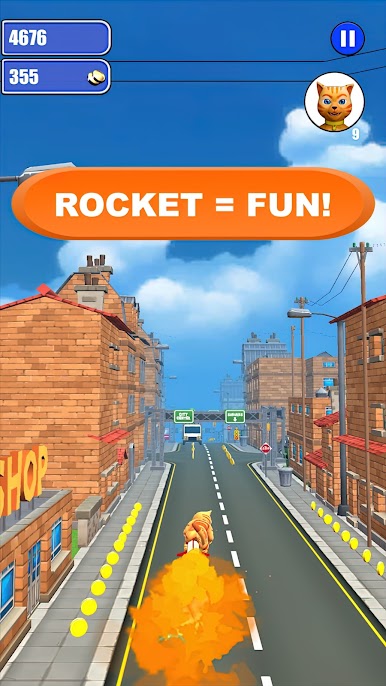
Grab all sorts of power-ups on your route: magnetize coins straight to your paws, hitch a ride on a speedy go-kart, rocket your way past obstacles, or slip on spring sneakers for huge leaps. Each adds a twist to your run! -
Challenging Obstacles
It’s not just about running fast—you’ll have to dodge cars, trucks, sneaky thieves like Tom (who tries to steal your coins!), and even a dancing girl. Split-second swipes are your best friend. -
Upgrade & Customize
Use collected coins to unlock new cats, soup up your power-ups, or even swap out your kart for sportier rides when you want a little extra flair. -
Fun Sounds & Music
The upbeat music and quirky effects keep every run feeling fresh and entertaining, adding another layer of fun to the chase. -
Easy Touch Controls
Swipe and tap to jump, slide, switch lanes, and activate special abilities. The controls are simple, so you can focus on the action. -
BlueStacks Friendly
Cat Leo Run – Talking Cat Leo vs. Dog plays smoothly on BlueStacks, letting you take the fun to a bigger screen whenever the urge strikes.
BlueStacks gives you the much-needed freedom to experience your favorite apps on a bigger screen. Get it now.

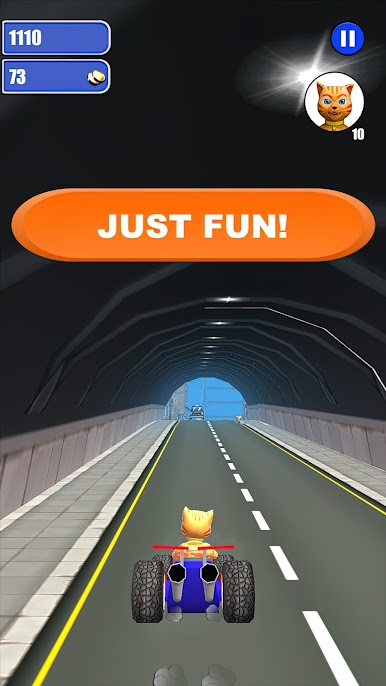
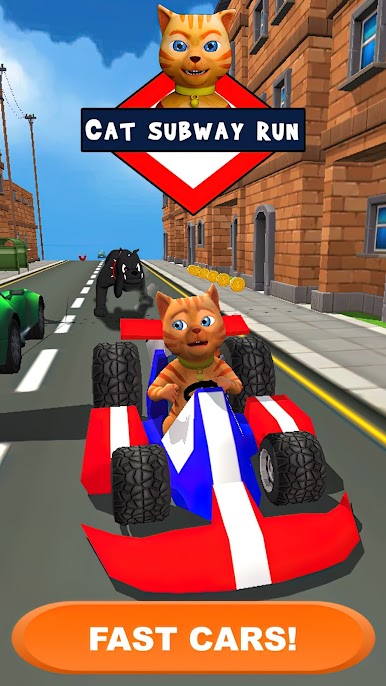
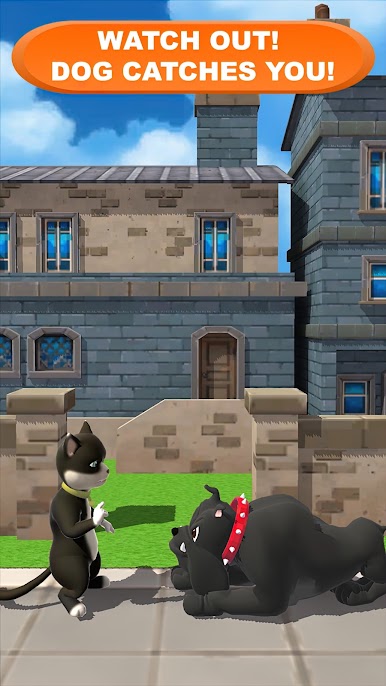
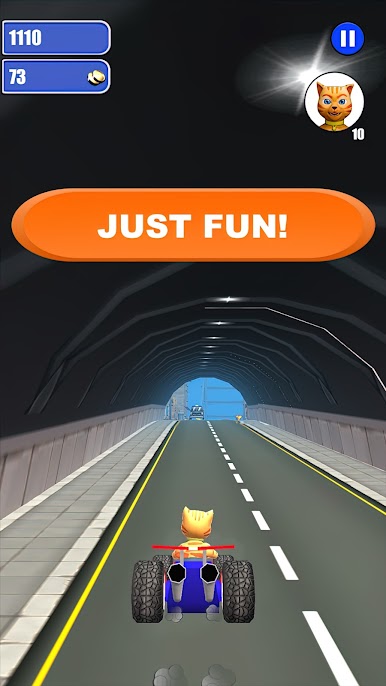
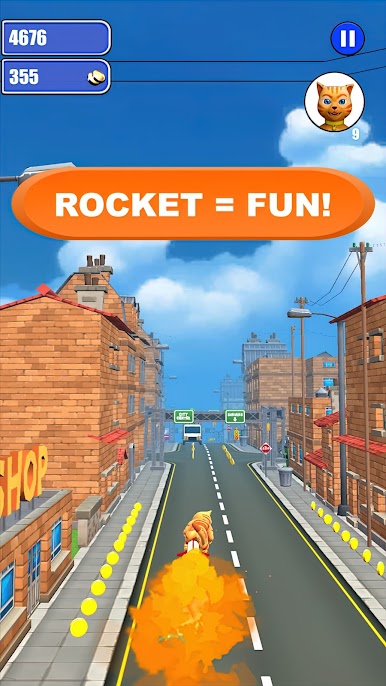
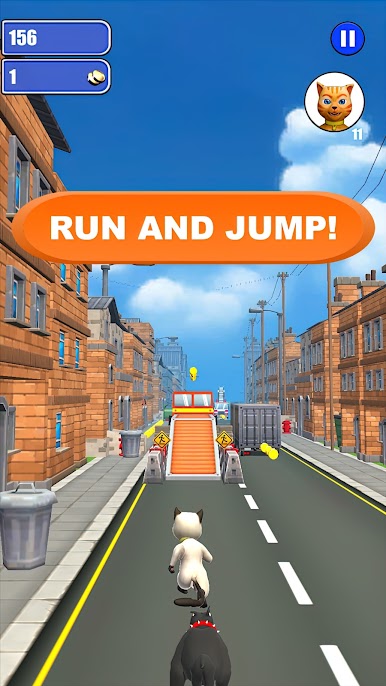
Play Cat Leo Run - Talking Cat Run on PC. It’s easy to get started.
-
Download and install BlueStacks on your PC
-
Complete Google sign-in to access the Play Store, or do it later
-
Look for Cat Leo Run - Talking Cat Run in the search bar at the top right corner
-
Click to install Cat Leo Run - Talking Cat Run from the search results
-
Complete Google sign-in (if you skipped step 2) to install Cat Leo Run - Talking Cat Run
-
Click the Cat Leo Run - Talking Cat Run icon on the home screen to start playing

