

Wood Block Jam
Play on PC with BlueStacks – the Android Gaming Platform, trusted by 500M+ gamers.

Page Modified on: Nov 13, 2025
Play Wood Block Jam on PC or Mac
Join millions to experience Wood Block Jam, an exciting Puzzle game from KEEGO!. With BlueStacks App Player, you are always a step ahead of your opponent, ready to outplay them with faster gameplay and better control with the mouse and keyboard on your PC or Mac.
About the Game
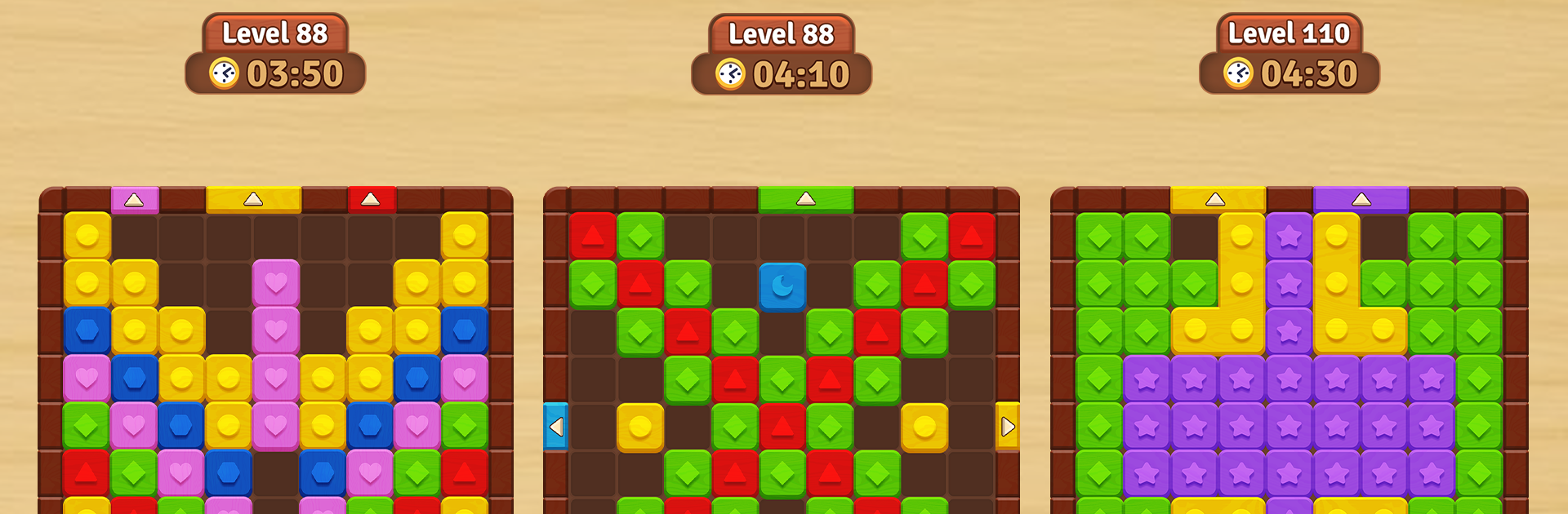
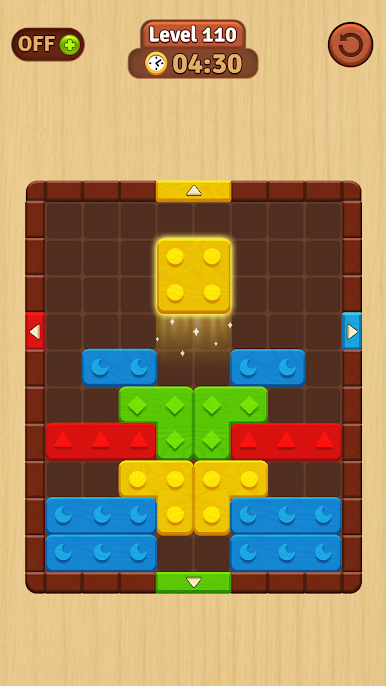
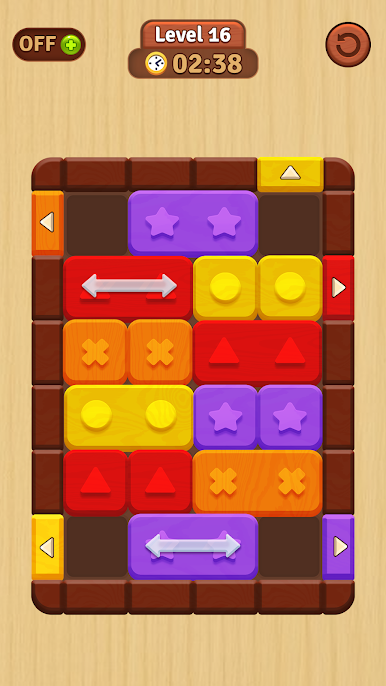
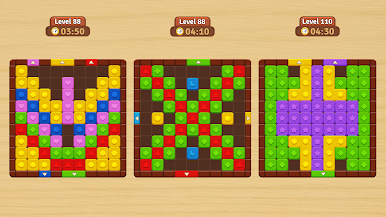
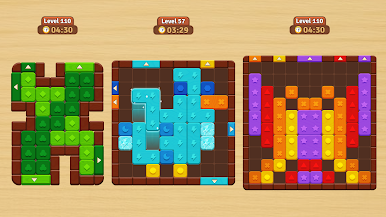
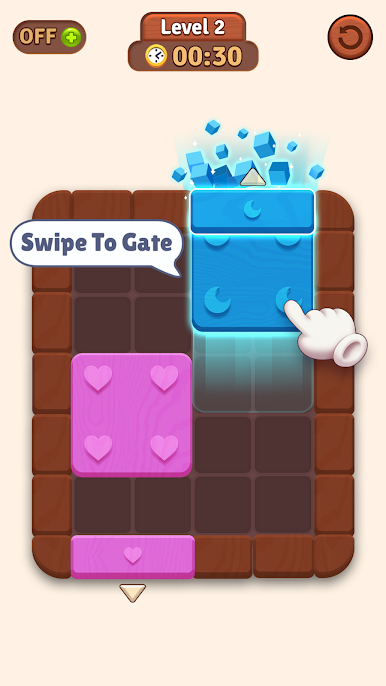
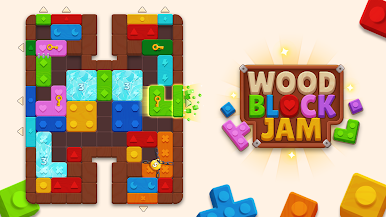
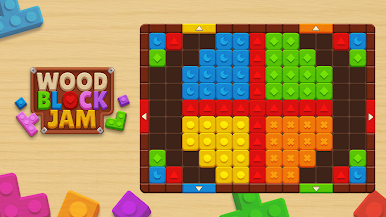
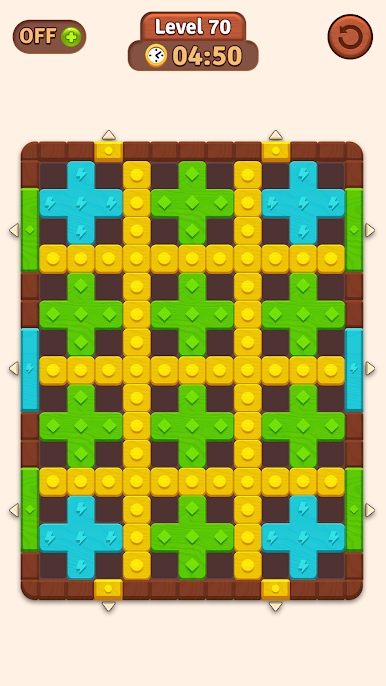
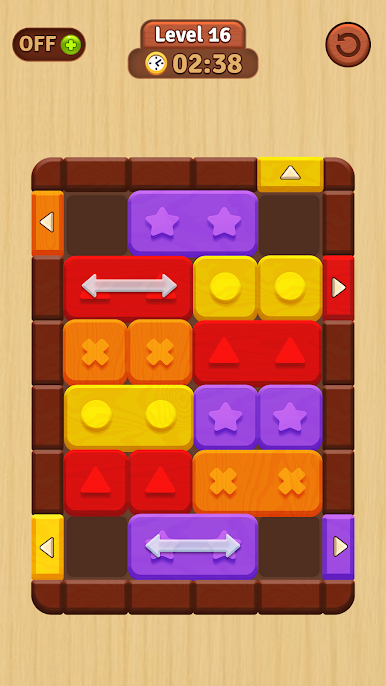
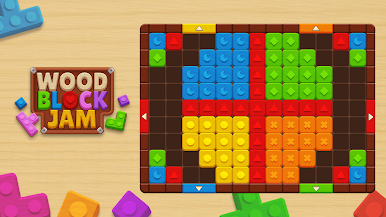
Looking for a puzzle game that’s a bit more satisfying than just matching colors? Wood Block Jam from KEEGO! might be exactly what you’re after. It’s all about moving colored blocks across the board, squeezing them through obstacles, and making every move count. Each level throws new twists your way, so don’t expect things to get boring anytime soon.
Game Features
-
Fresh Puzzles Every Time
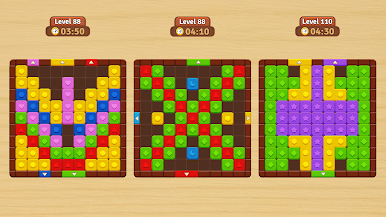
You’ll get hundreds of different boards to play through, from super chill layouts to serious brain teasers. It’s not just about swiping — you’ll need to think ahead. -
Simple but Satisfying Controls
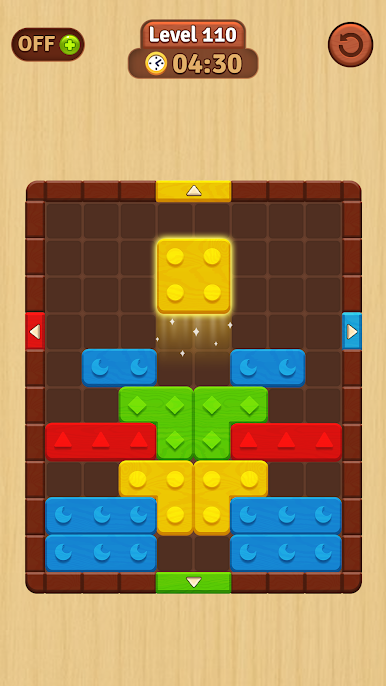
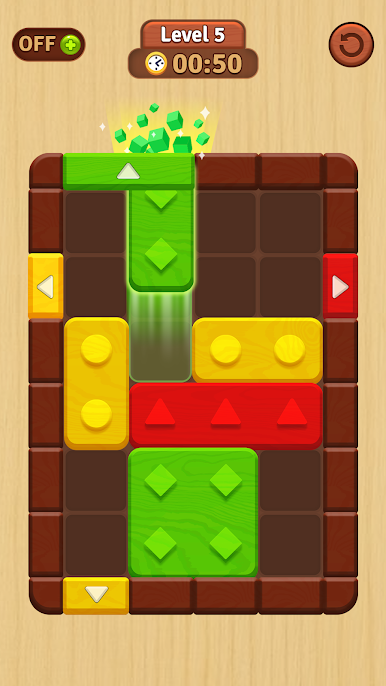
Just swipe to slide each block. Easy, right? But getting each one to its matching door with as few moves as possible… well, that’s where things get tricky. -
Clever Obstacles & Special Blocks
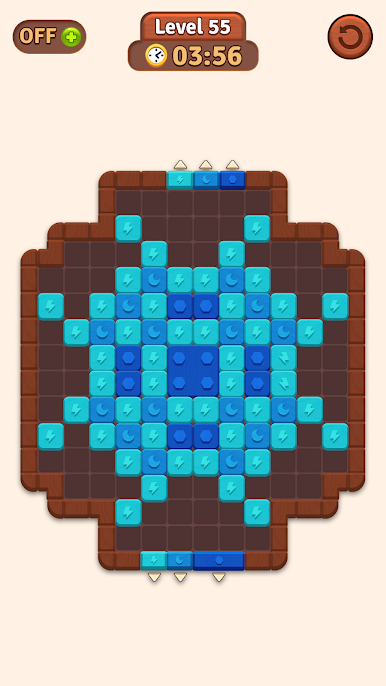
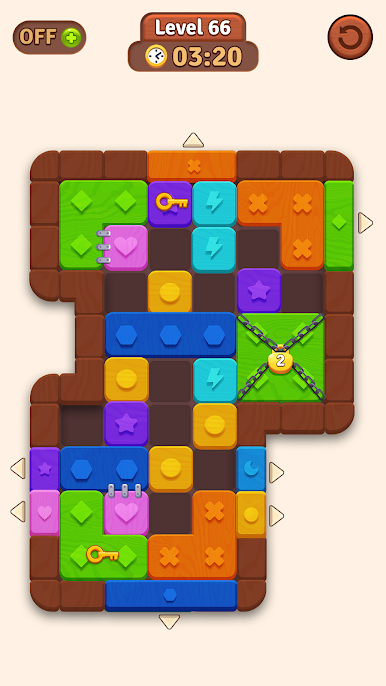
Ever dealt with a freeze block or had to unlock a path first? Special mechanics like arrow blocks, lock blocks, and freeze blocks pop up as you go, so you never really know what’s coming next. -
Vibrant Look & Smooth Animations
Each puzzle is laid out with bright colors and neat little details that make everything pop. Watching the blocks glide into place is surprisingly gratifying. -
Progress That Feels Rewarding
There’s always that “one more level” feeling. As you clear tougher puzzles, you’ll see your skills sharpen, and if you’re playing on BlueStacks the visuals look extra crisp.
Wood Block Jam delivers a quick hit of puzzle goodness whenever you need it — the kind of game that’s easy to get hooked on.
Get ready for a buttery smooth, high-performance gaming action only on BlueStacks.

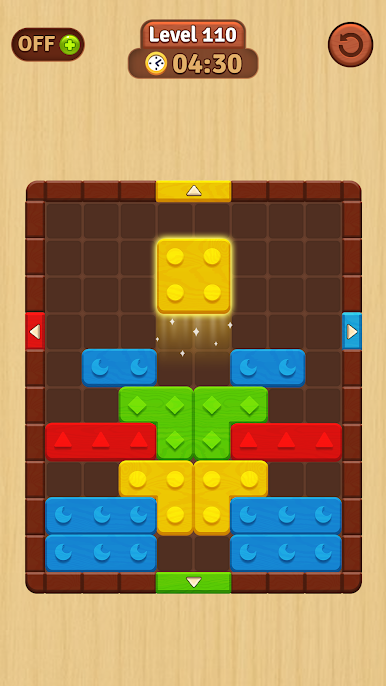
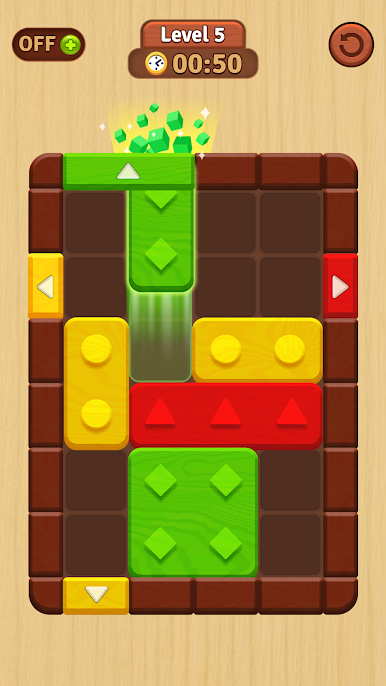
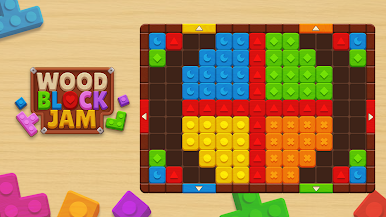
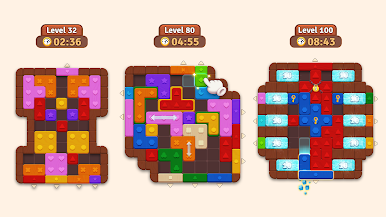
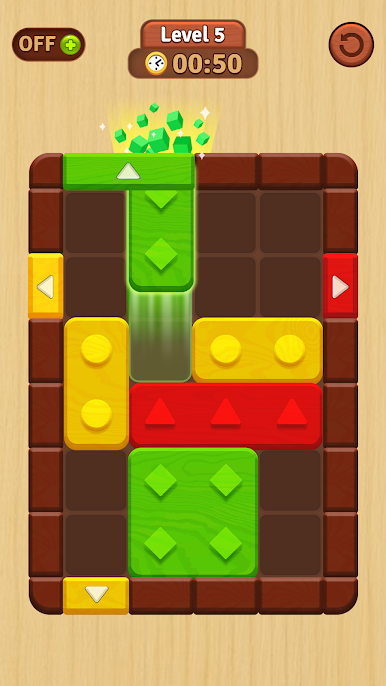
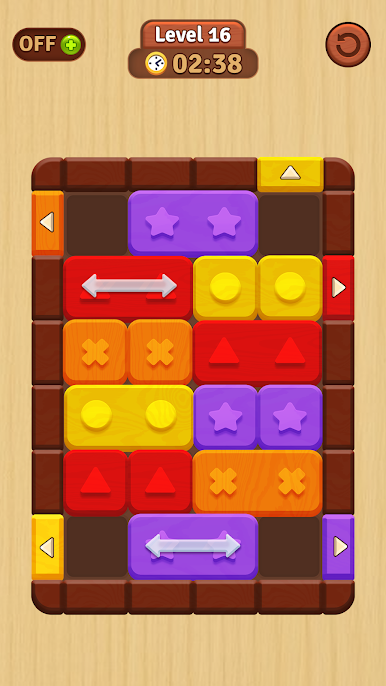
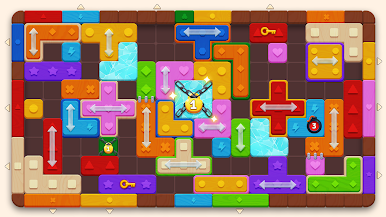
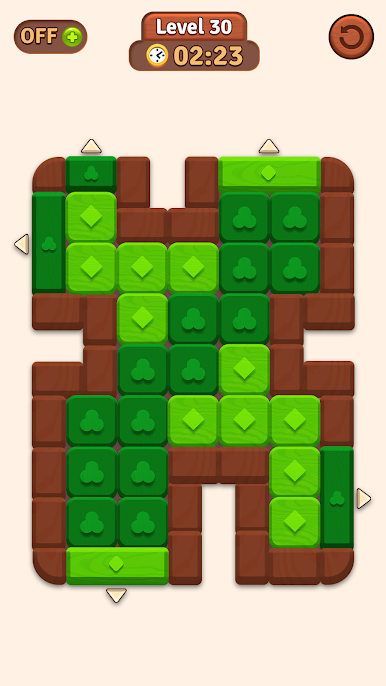
Play Wood Block Jam on PC. It’s easy to get started.
-
Download and install BlueStacks on your PC
-
Complete Google sign-in to access the Play Store, or do it later
-
Look for Wood Block Jam in the search bar at the top right corner
-
Click to install Wood Block Jam from the search results
-
Complete Google sign-in (if you skipped step 2) to install Wood Block Jam
-
Click the Wood Block Jam icon on the home screen to start playing

