


Word Hunt
Play on PC with BlueStacks – the Android Gaming Platform, trusted by 500M+ gamers.

Page Modified on: Sep 7, 2026
Play Word Hunt on PC
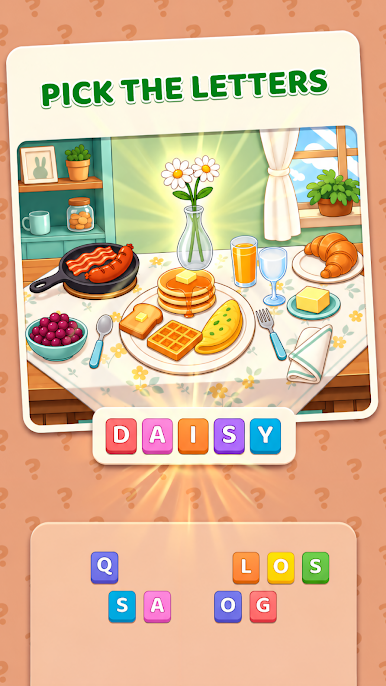
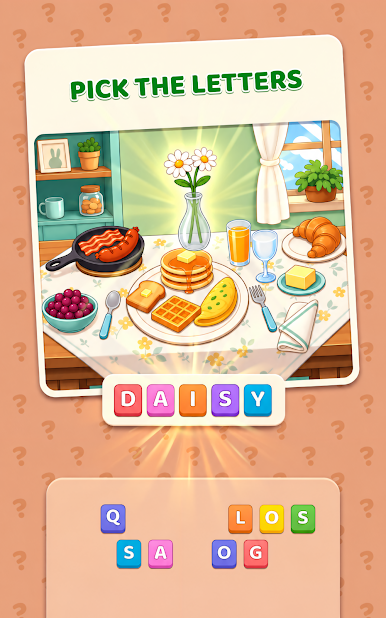
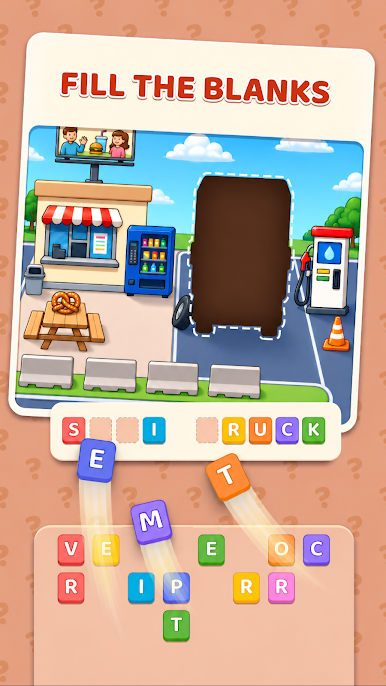
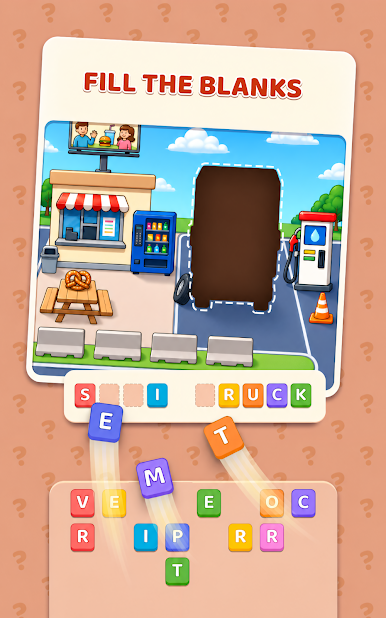
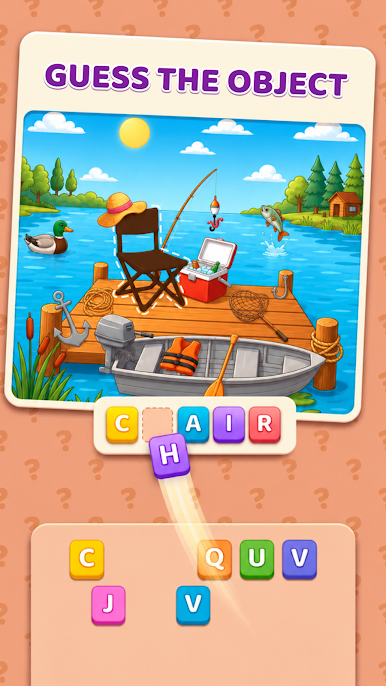
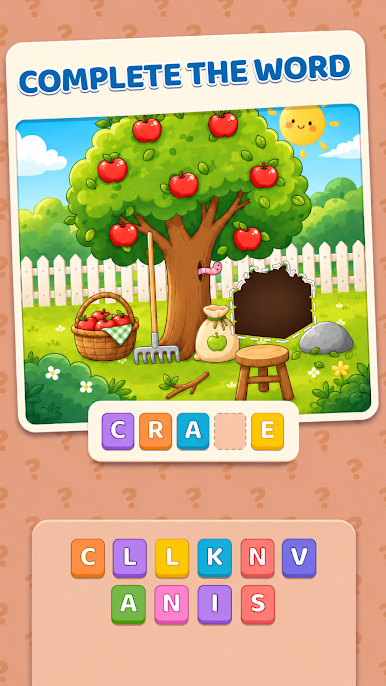
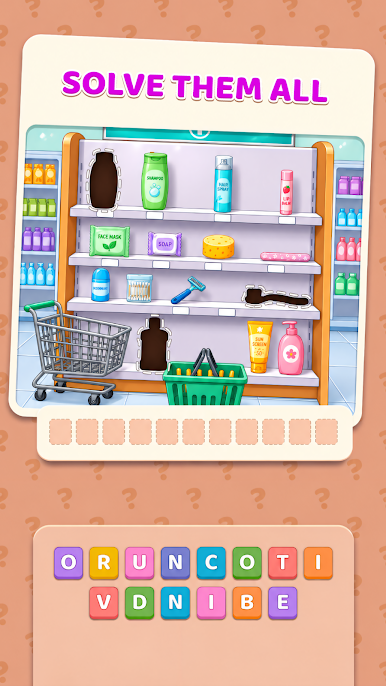
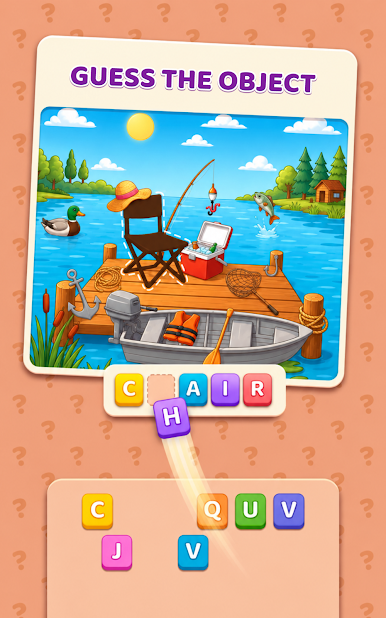
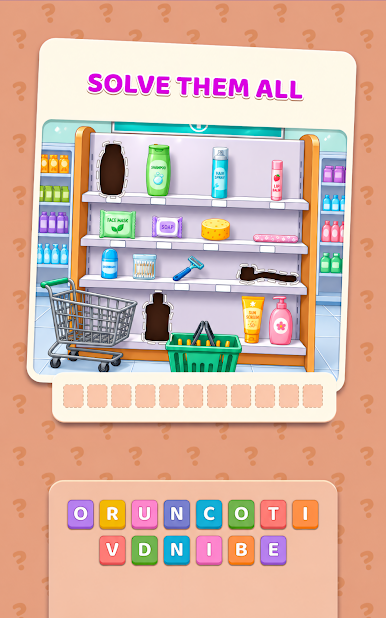
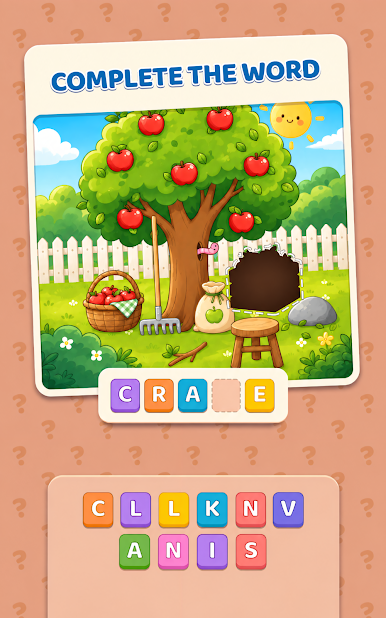
Each level starts with a colorful scene hidden behind object silhouettes. Guess what each object is, spell its name with the given letters, and watch silhouettes turn into vivid illustrations - until the full picture comes to life.
How to Play
- Look at the silhouette
- Pick the right letters to spell its name
- Complete the word to reveal the object in full color
- Uncover every object to finish the picture
Features
- Unique mix of word game and hidden-picture reveal
- Hundreds of handcrafted puzzles
- Relaxing, no-timer, stress-free gameplay
- Beautiful illustrated scenes
- Fun vocabulary and spelling challenges
- Easy to learn, satisfying to master
- Delightful reveal animations for every answer
Whether you love word games, hidden object puzzles, or calm brain teasers, Word Hunt Logic keeps you coming back - one word at a time.
Download Word Hunt today and reveal stunning pictures, word by word!
Play Word Hunt on PC. It’s easy to get started.
-
Download and install BlueStacks on your PC
-
Complete Google sign-in to access the Play Store, or do it later
-
Look for Word Hunt in the search bar at the top right corner
-
Click to install Word Hunt from the search results
-
Complete Google sign-in (if you skipped step 2) to install Word Hunt
-
Click the Word Hunt icon on the home screen to start playing

